Step 1
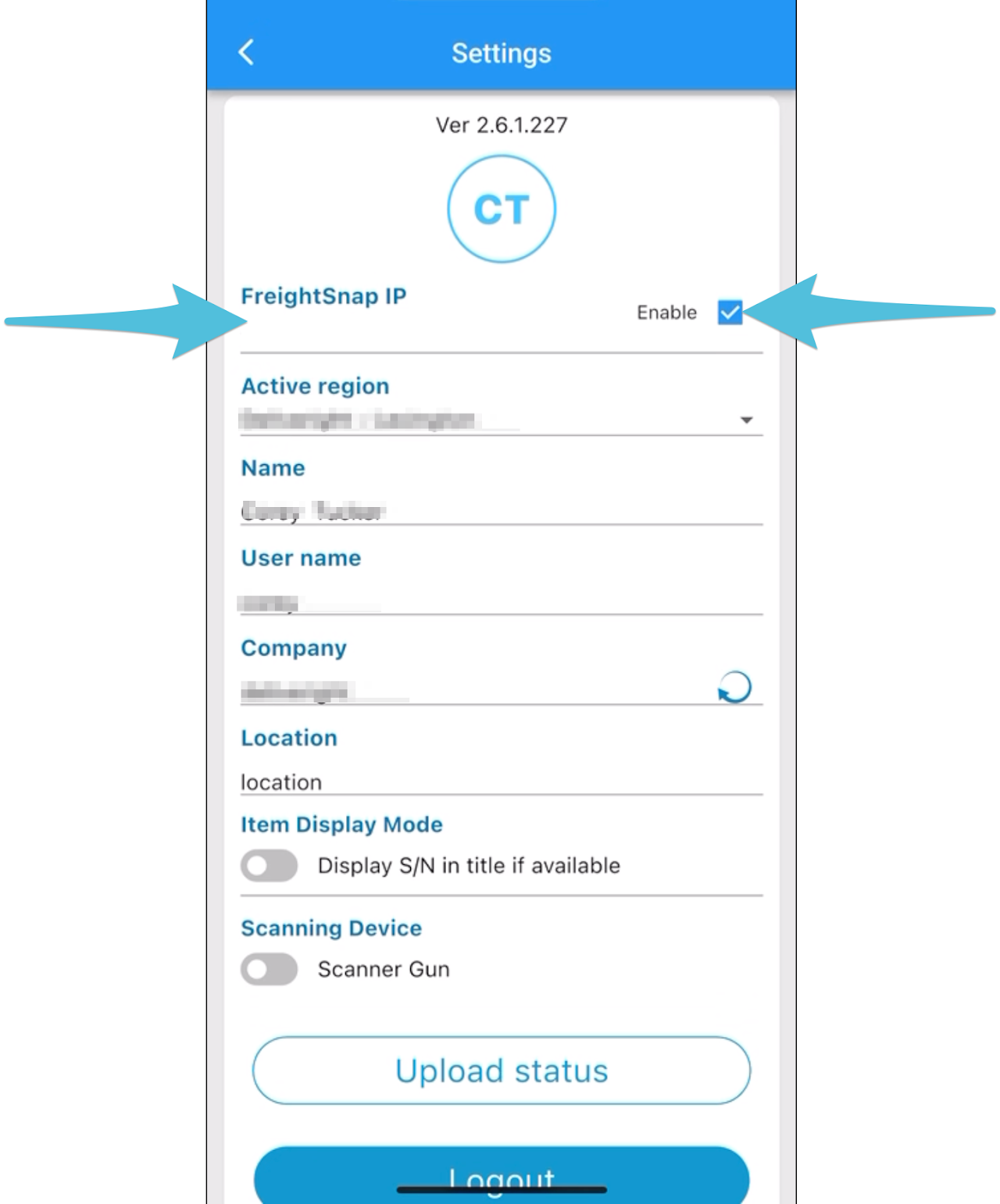
Enter the FreightSnap IP address and make sure the checkbox for FreightSnap is selected.
Step 2
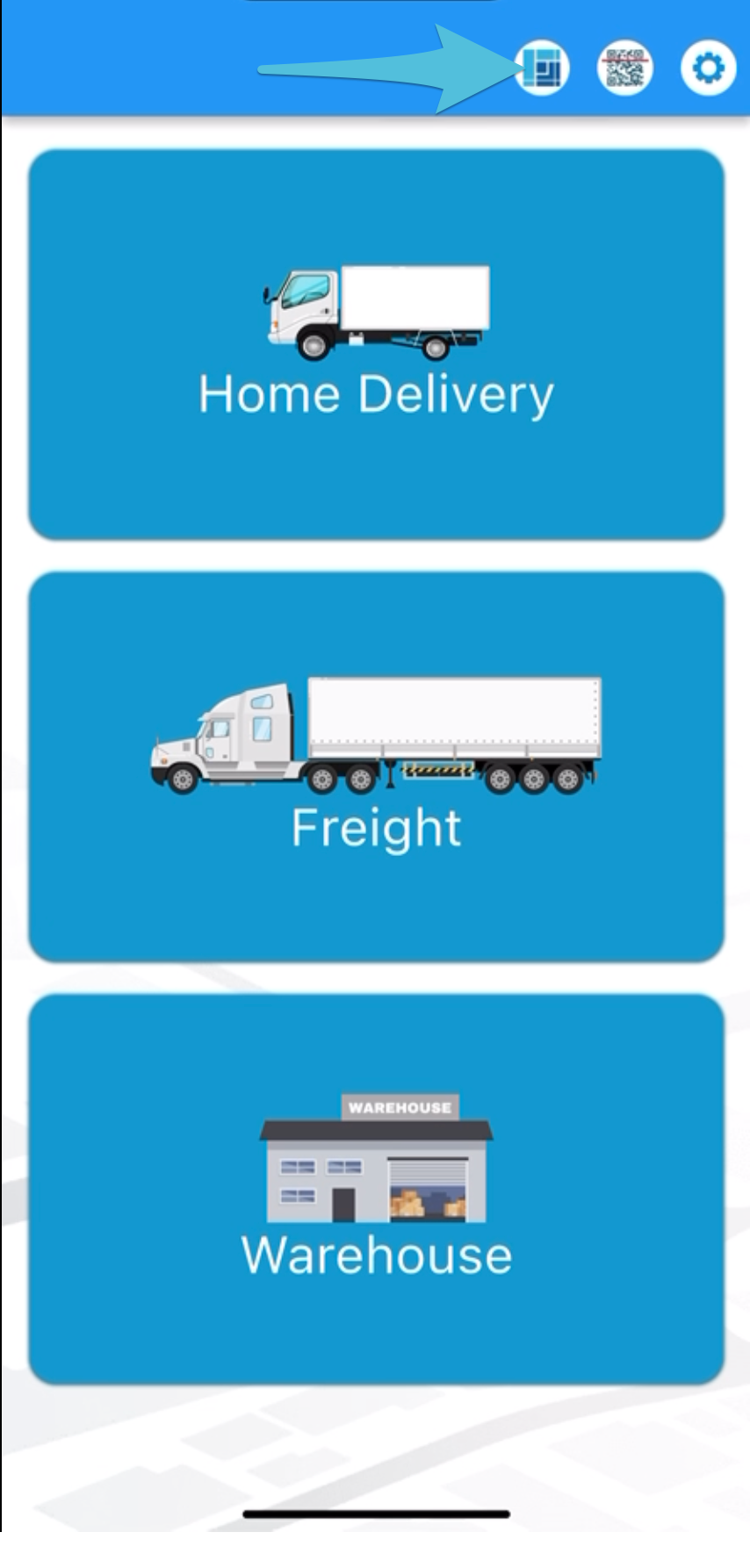
Tap the FreightSnap icon
Step 3
Adjust the quantity based on the number of pieces contained in each box, then scan the label(s).
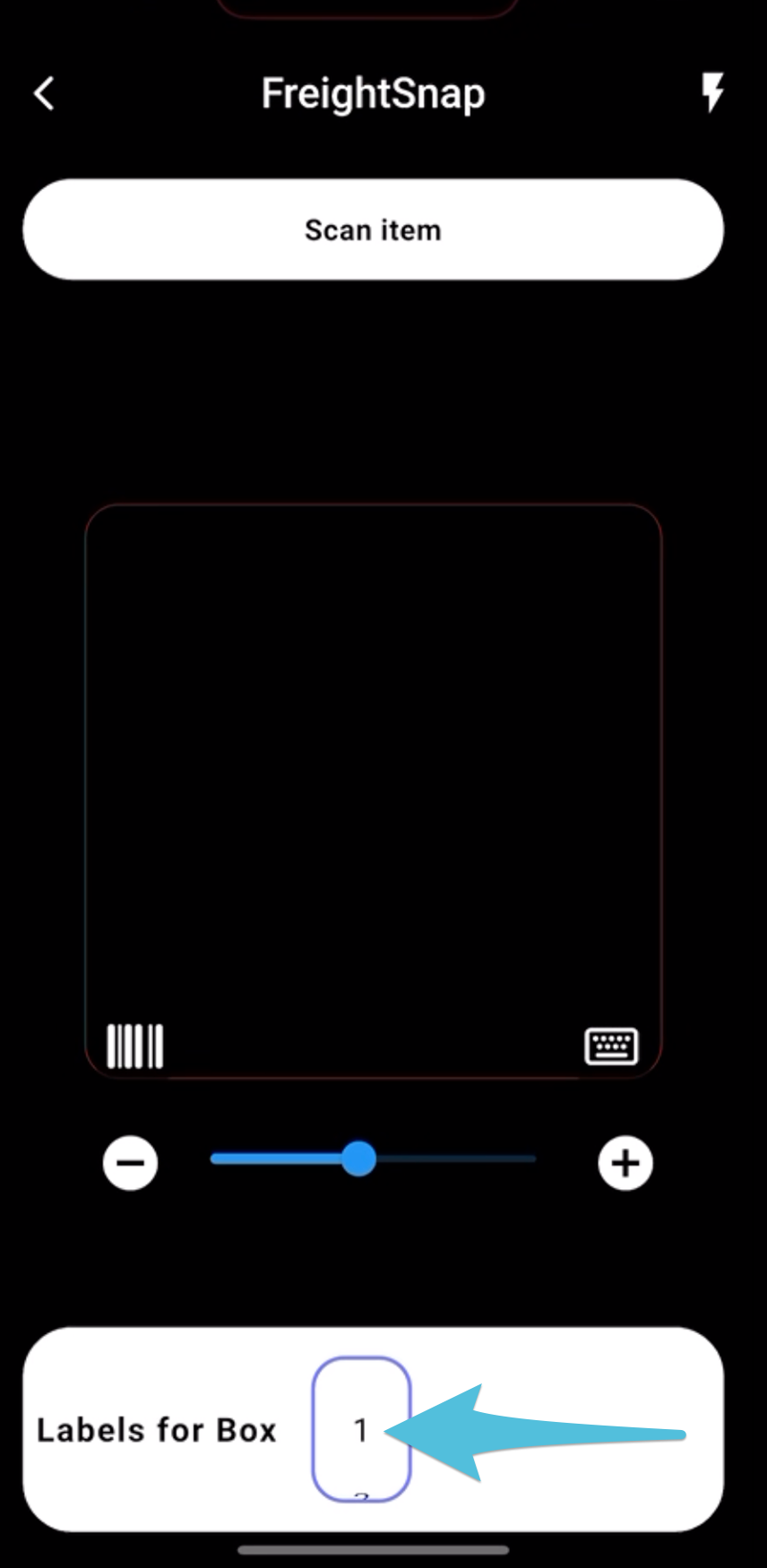
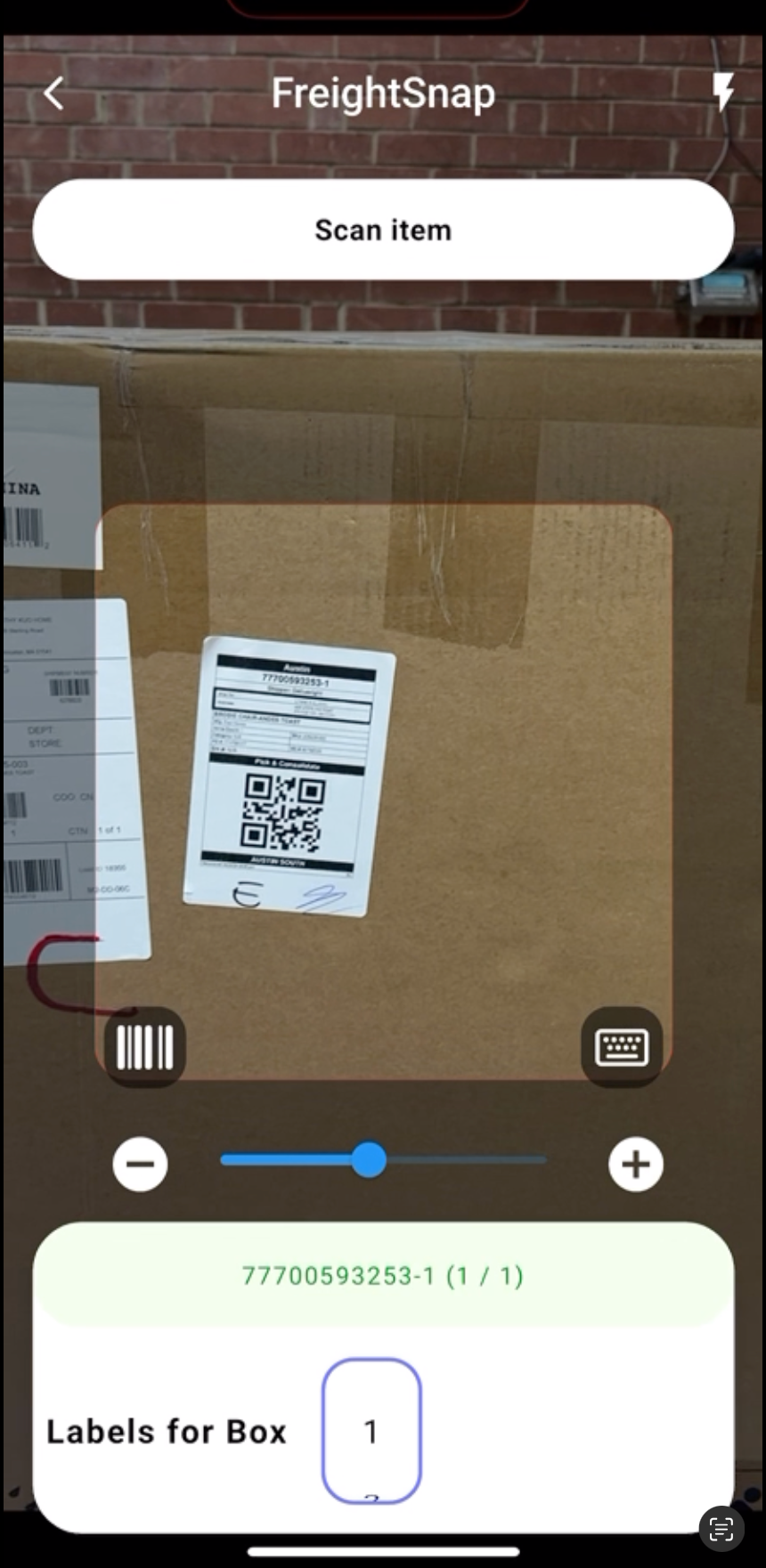
This is the display on the app when a box contains multiple items.
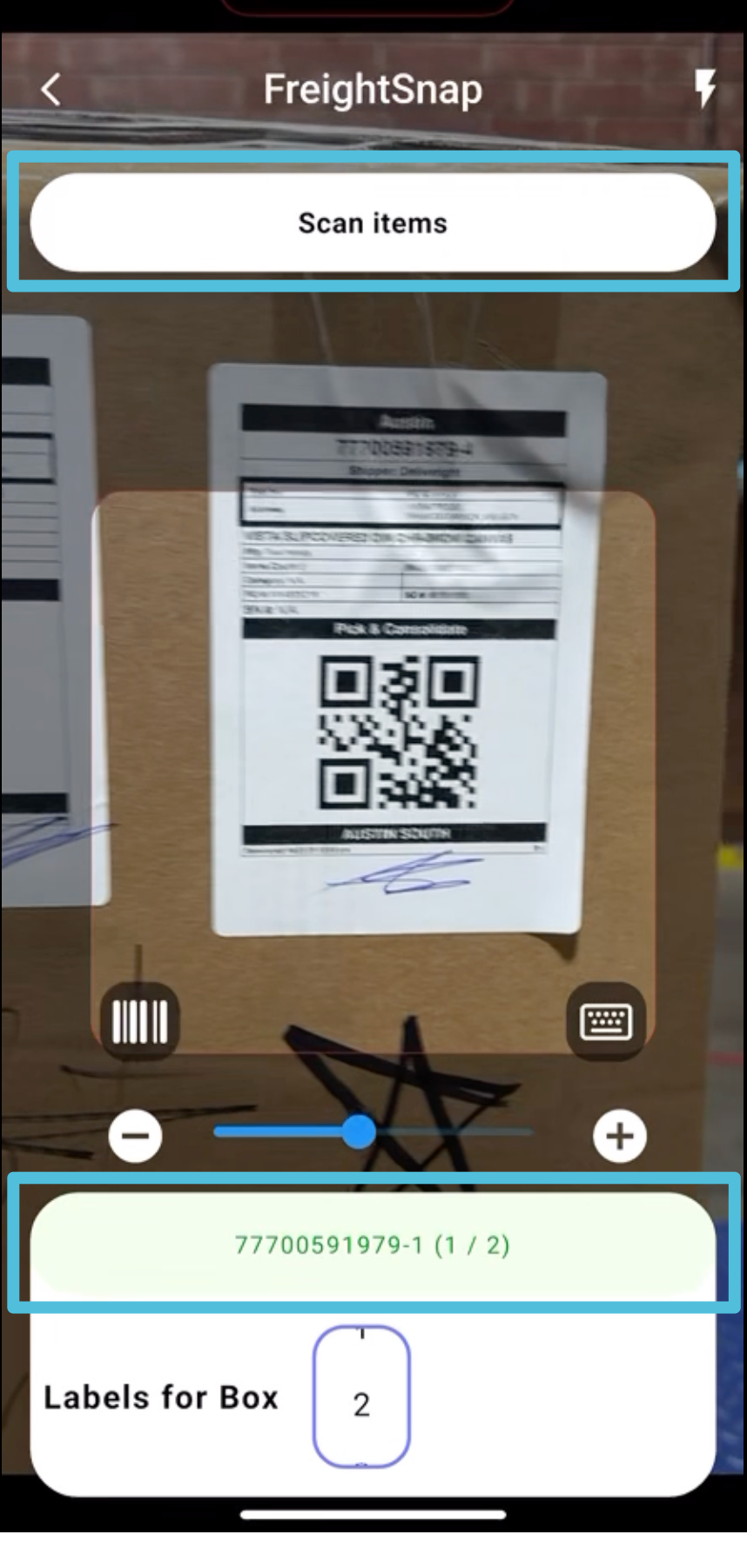
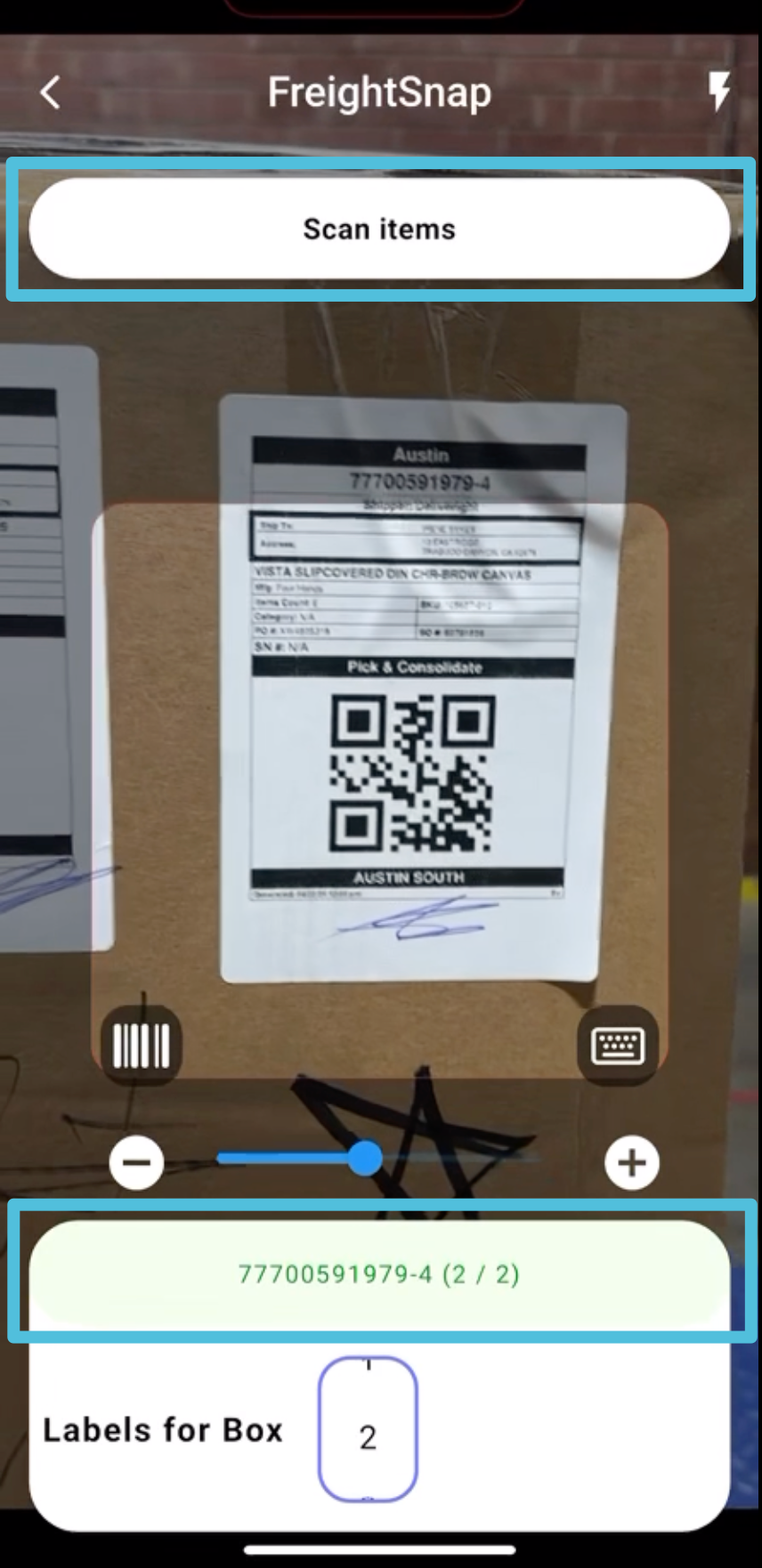
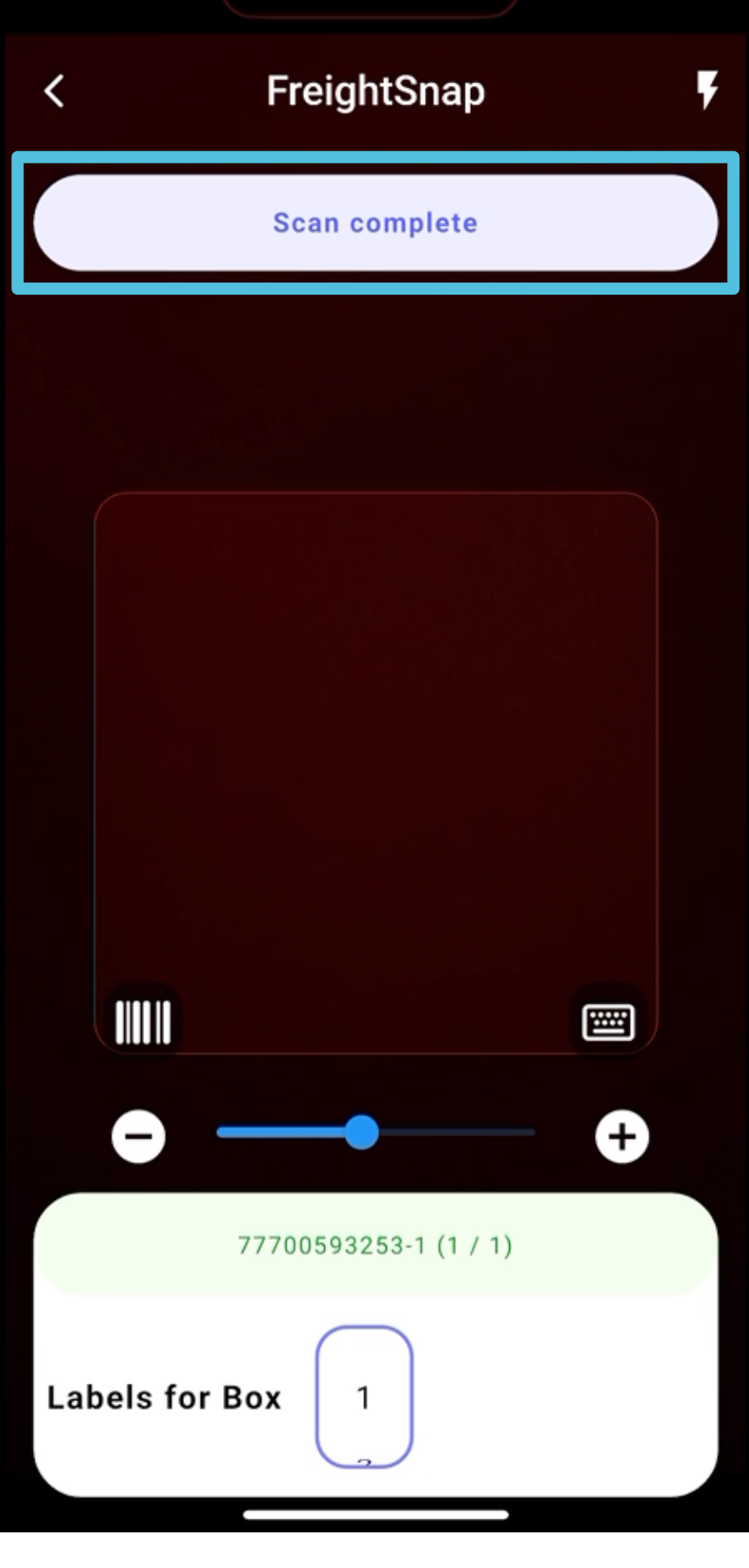
Once scanning is complete, a prompt will appear on the app indicating Scan Complete.
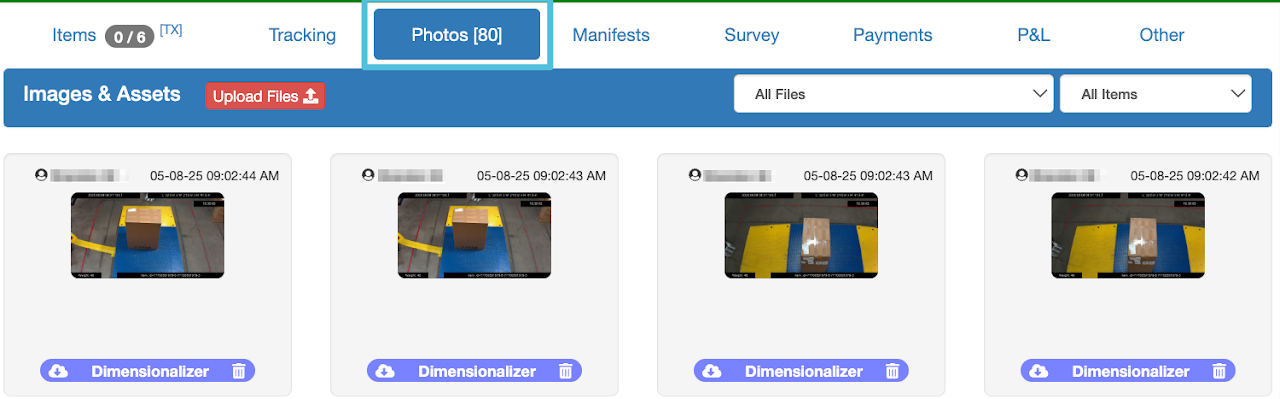
Any changes or updates made by FreightSnap can be viewed in the item tracking details. You will also see that photos are automatically uploaded by FreightSnap which can be accessed under the Photos tab.
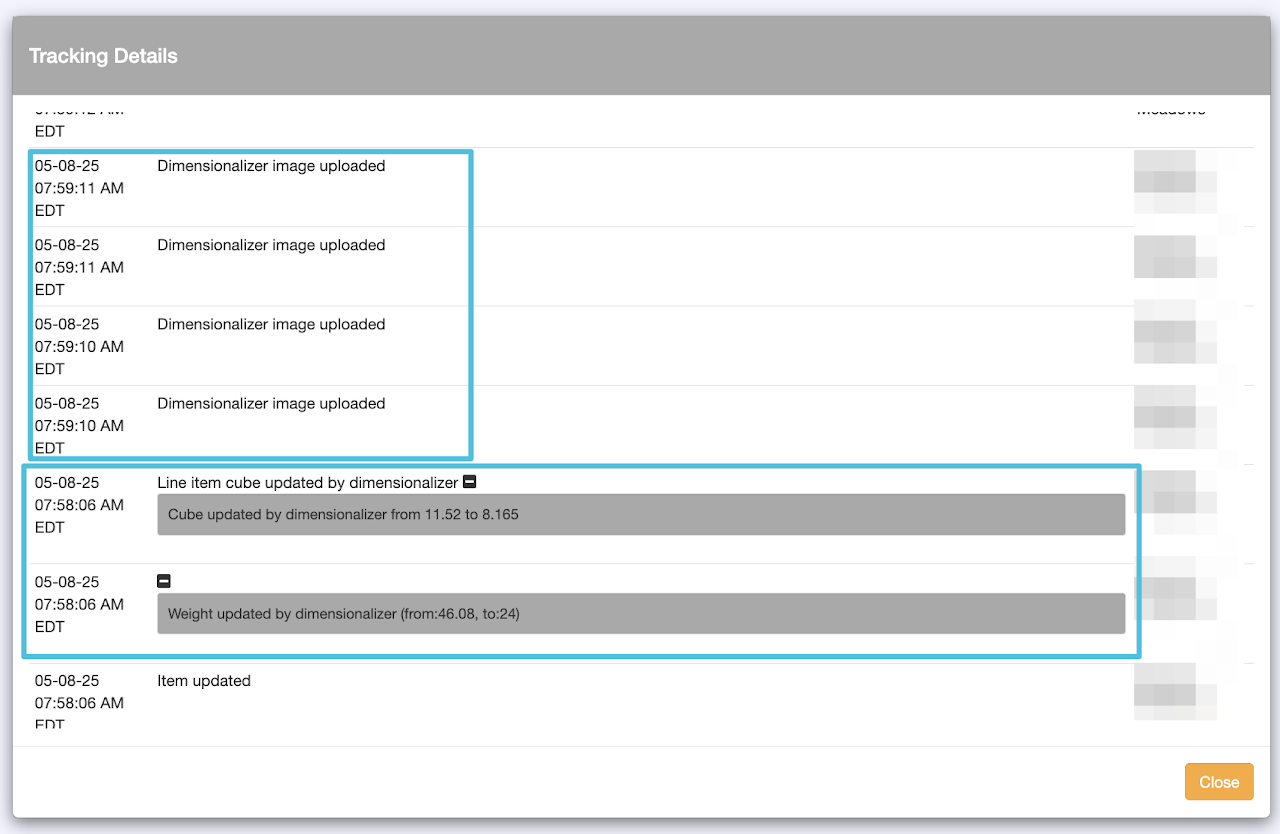
Uploaded photos by FreightSnap