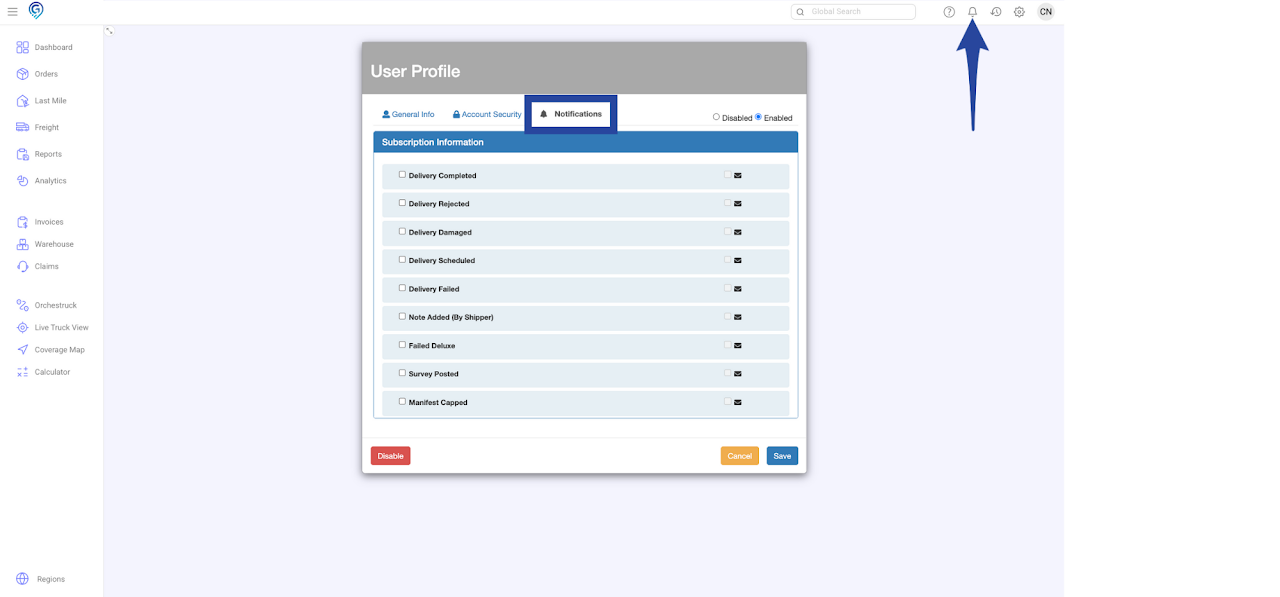
Step 1
Click on the gear icon then select Shippers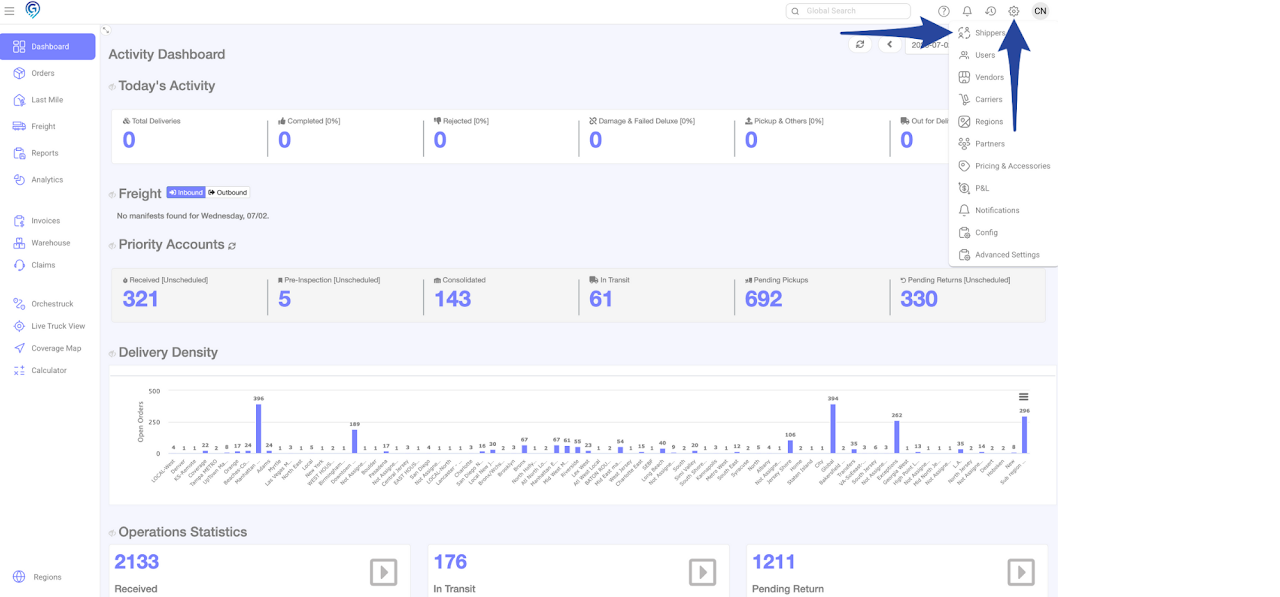
Step 2
Select an Account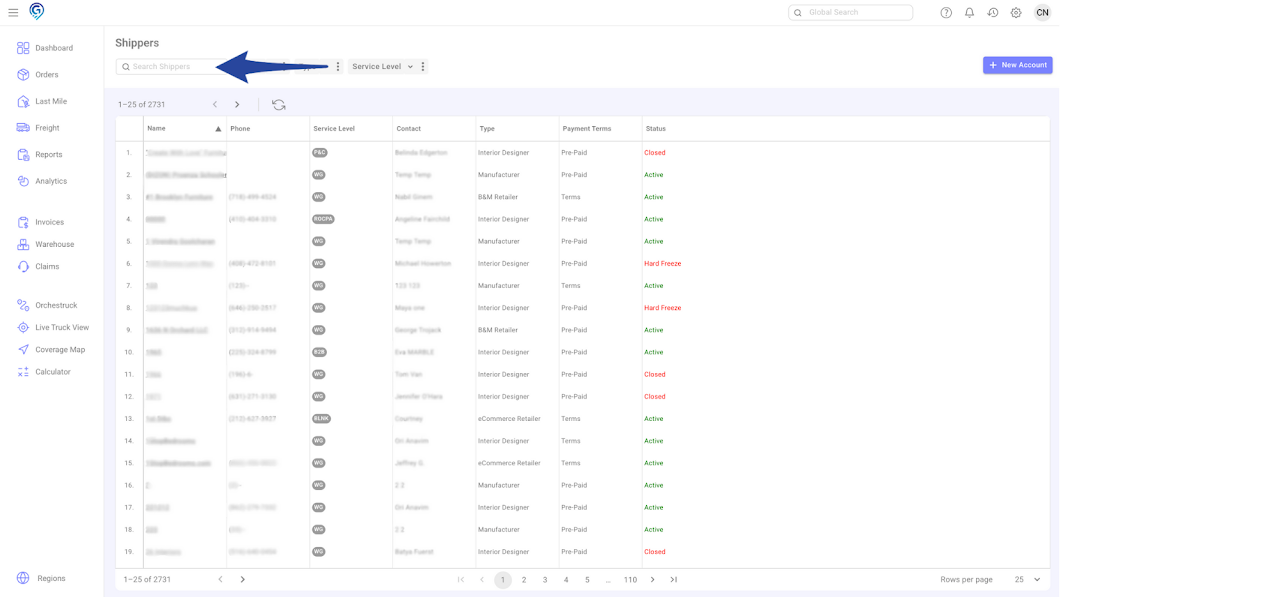
Step 3
In Users tab, click + New User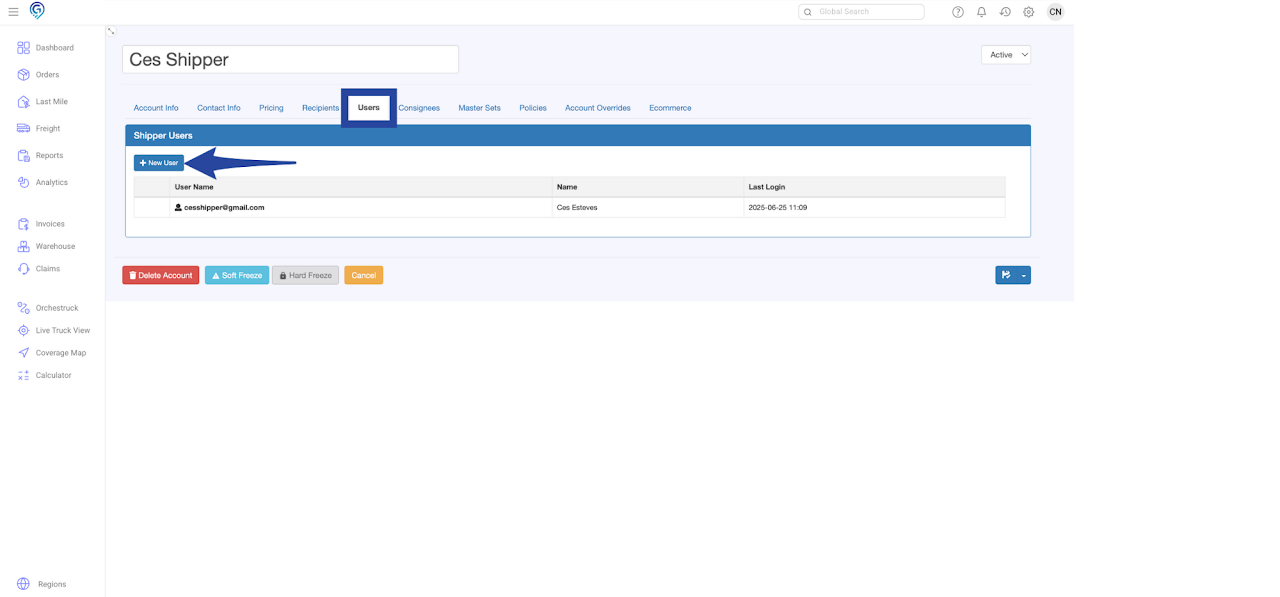
Step 4
Enter details in User Information – User Name, Email, First Name and Last Name (Phone Number is optional). Click Save.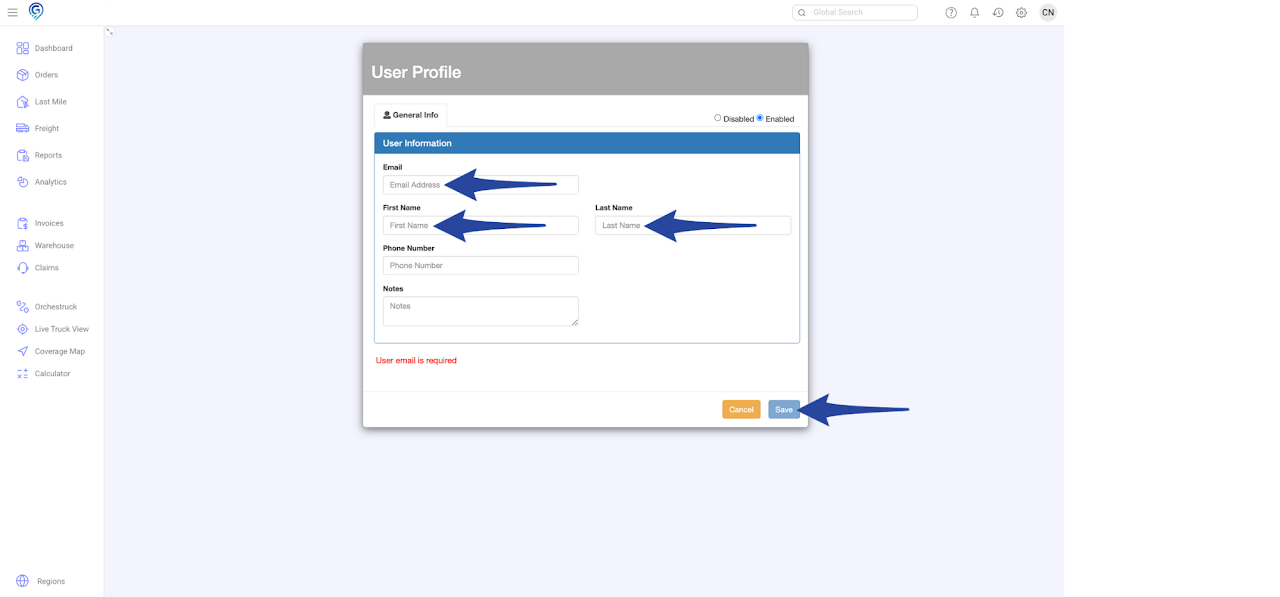 You may tailor the subscription depending on the user’s role by ticking the box/es on the left-hand side.
Notifications will be received or viewed through the Notification Bell.
You may tailor the subscription depending on the user’s role by ticking the box/es on the left-hand side.
Notifications will be received or viewed through the Notification Bell.