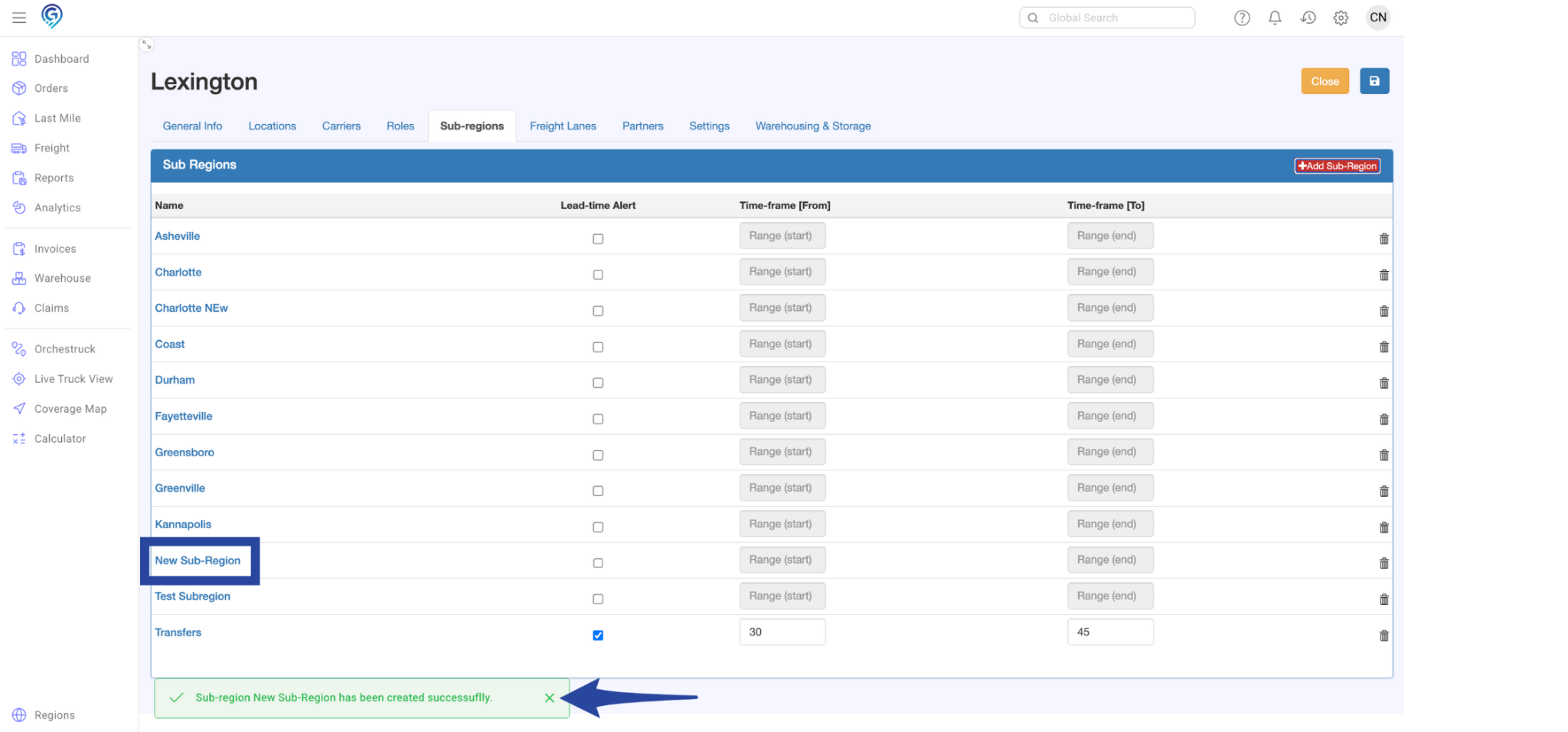
Step 1:
Click the gear icon on your dashboard then select Regions from the menu
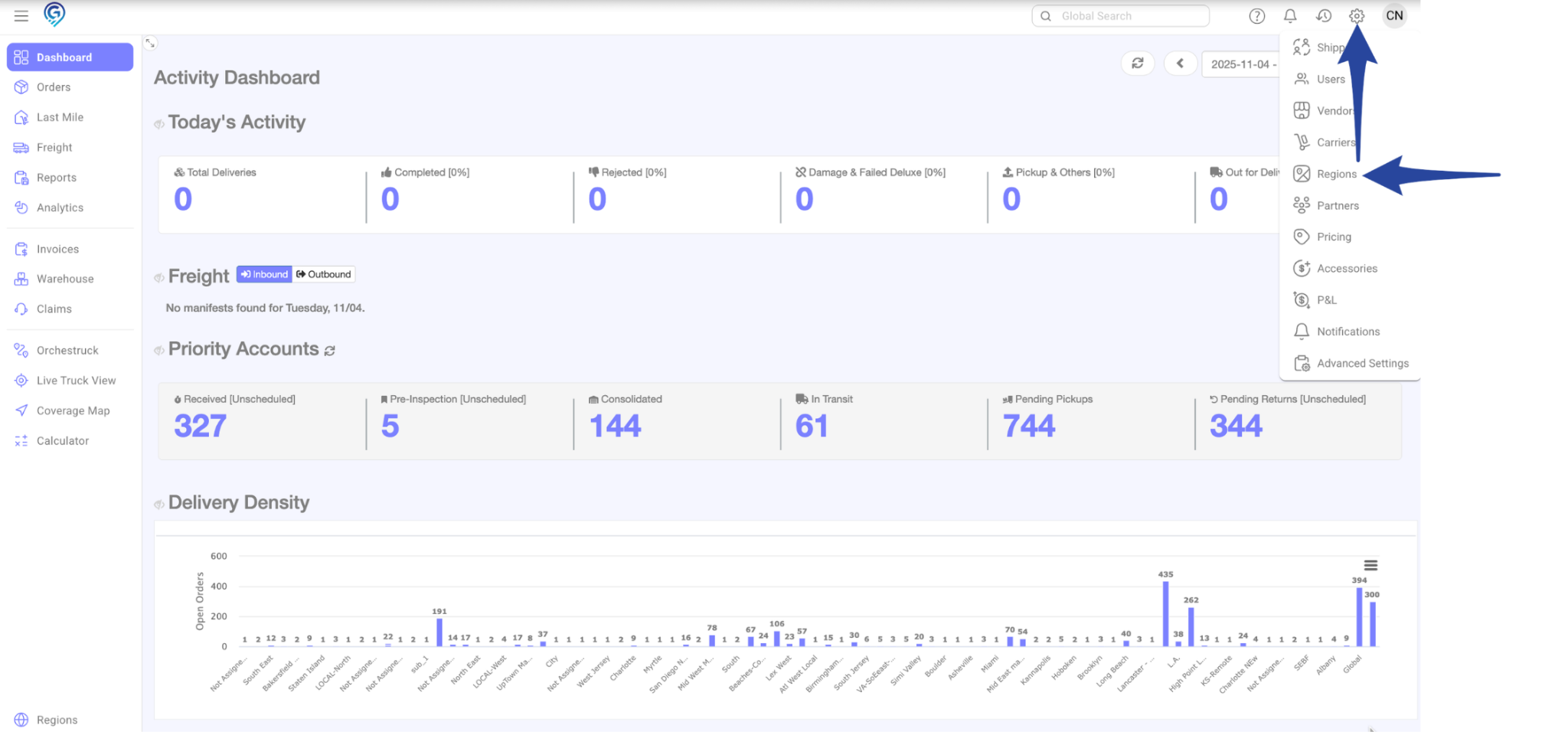
Step 2:
From the list of available regions, select the region where you want to add a sub-region.
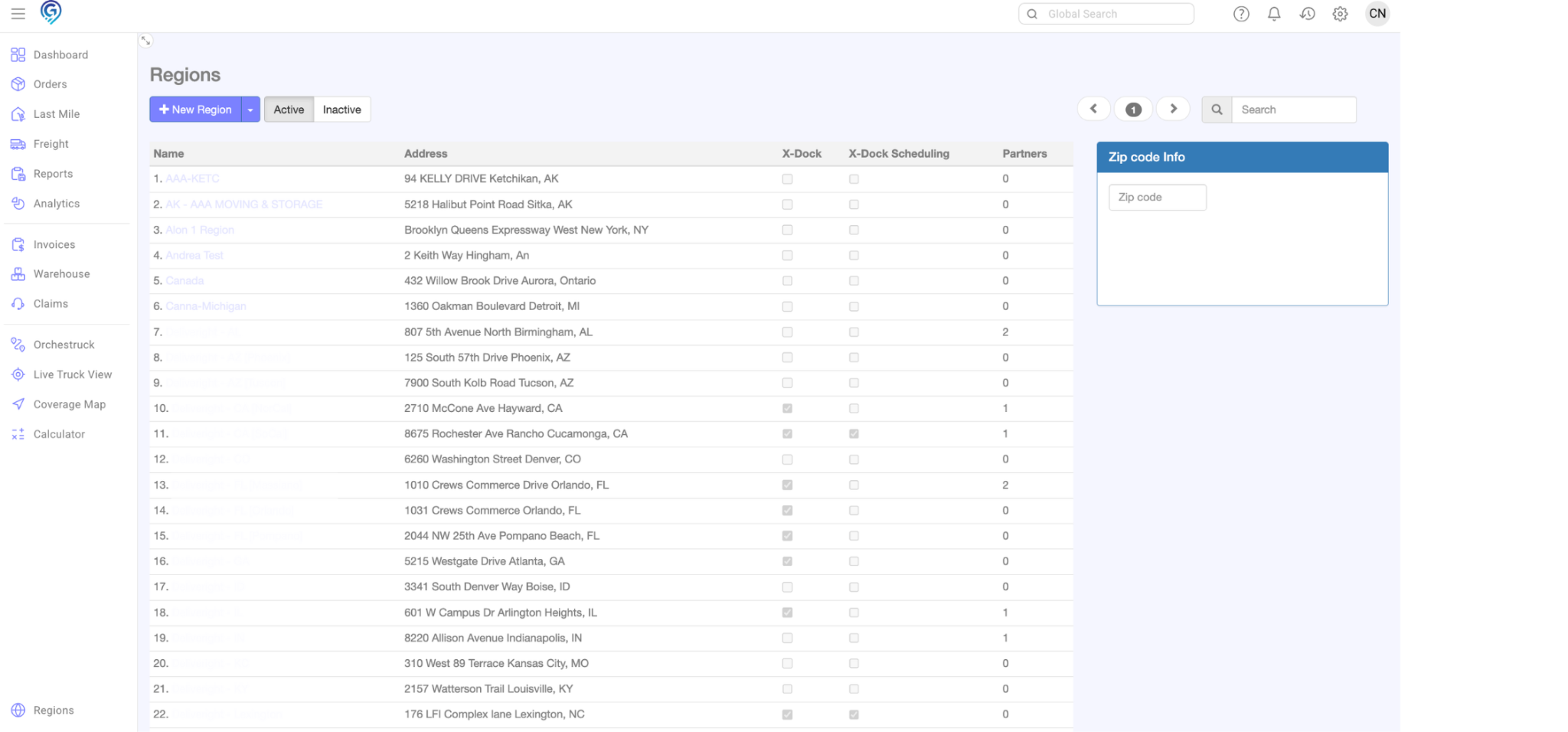
Step 3:
Once inside the selected region, navigate to the Sub-Regions tab then click the +Add Sub-Region button
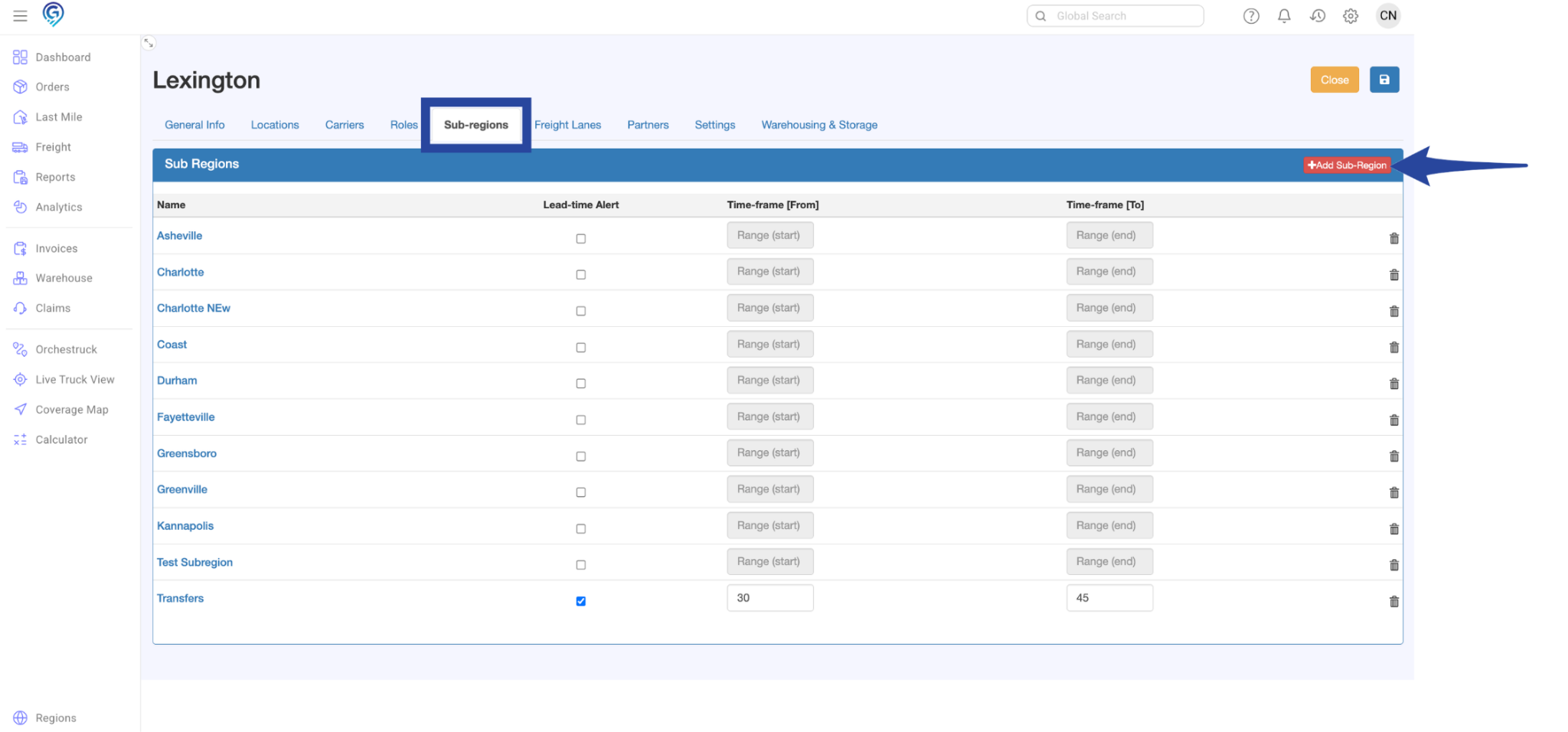
Step 4:
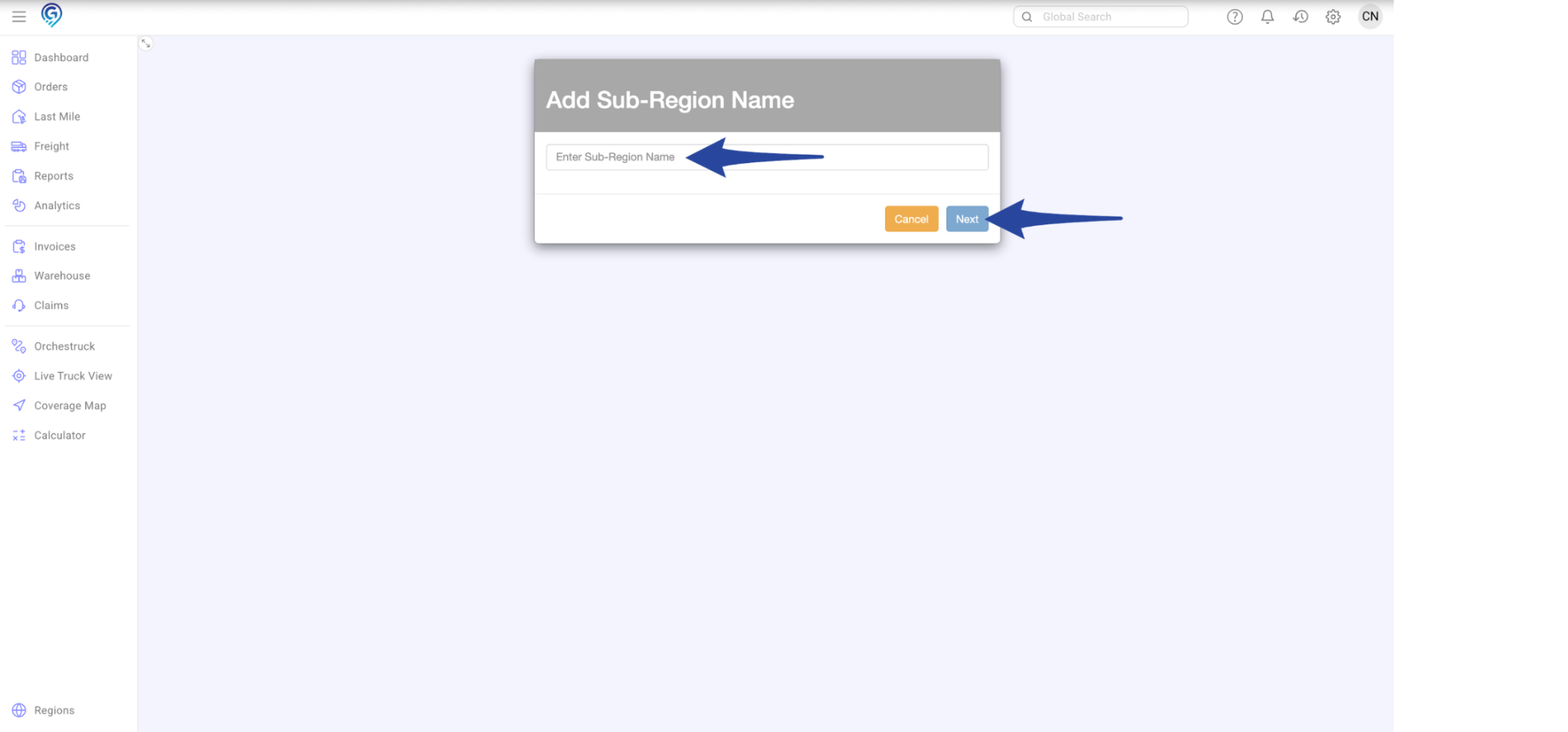
Type the name of the sub-region then click Next to proceed
This is a confirmation that the sub-region has been successfully created.