Help Center Menu
Claims - Grasshopper Labs Help Center
Scheduling Delivery Flow
Enable customers to schedule deliveries through email and SMS.
Roles: Scheduling Delivery Flow

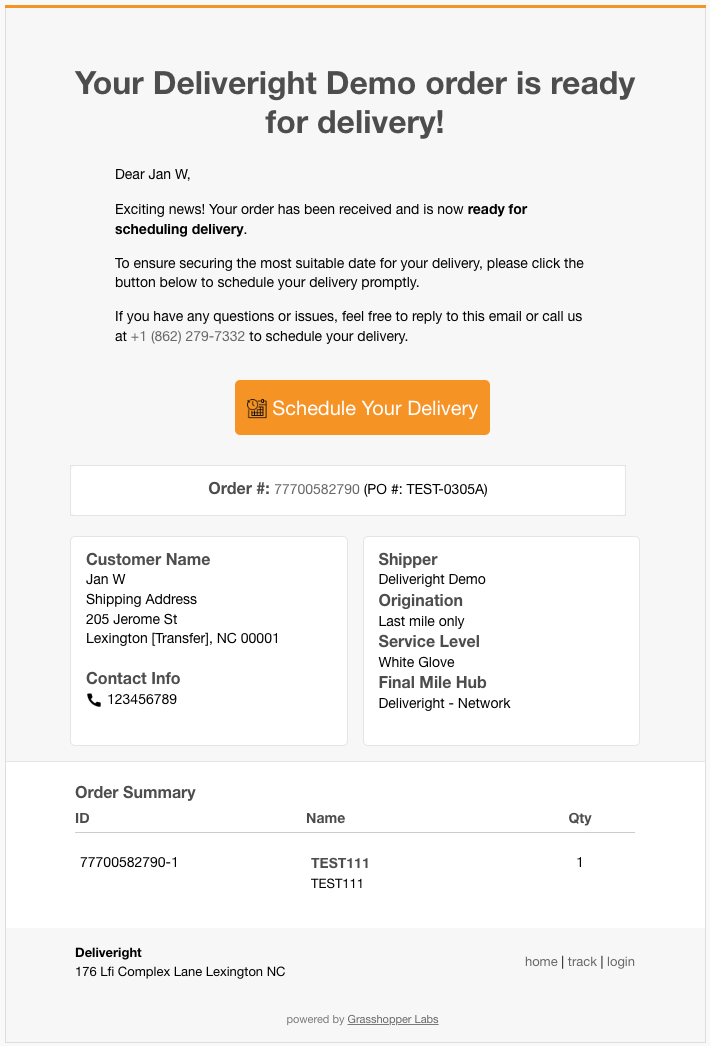
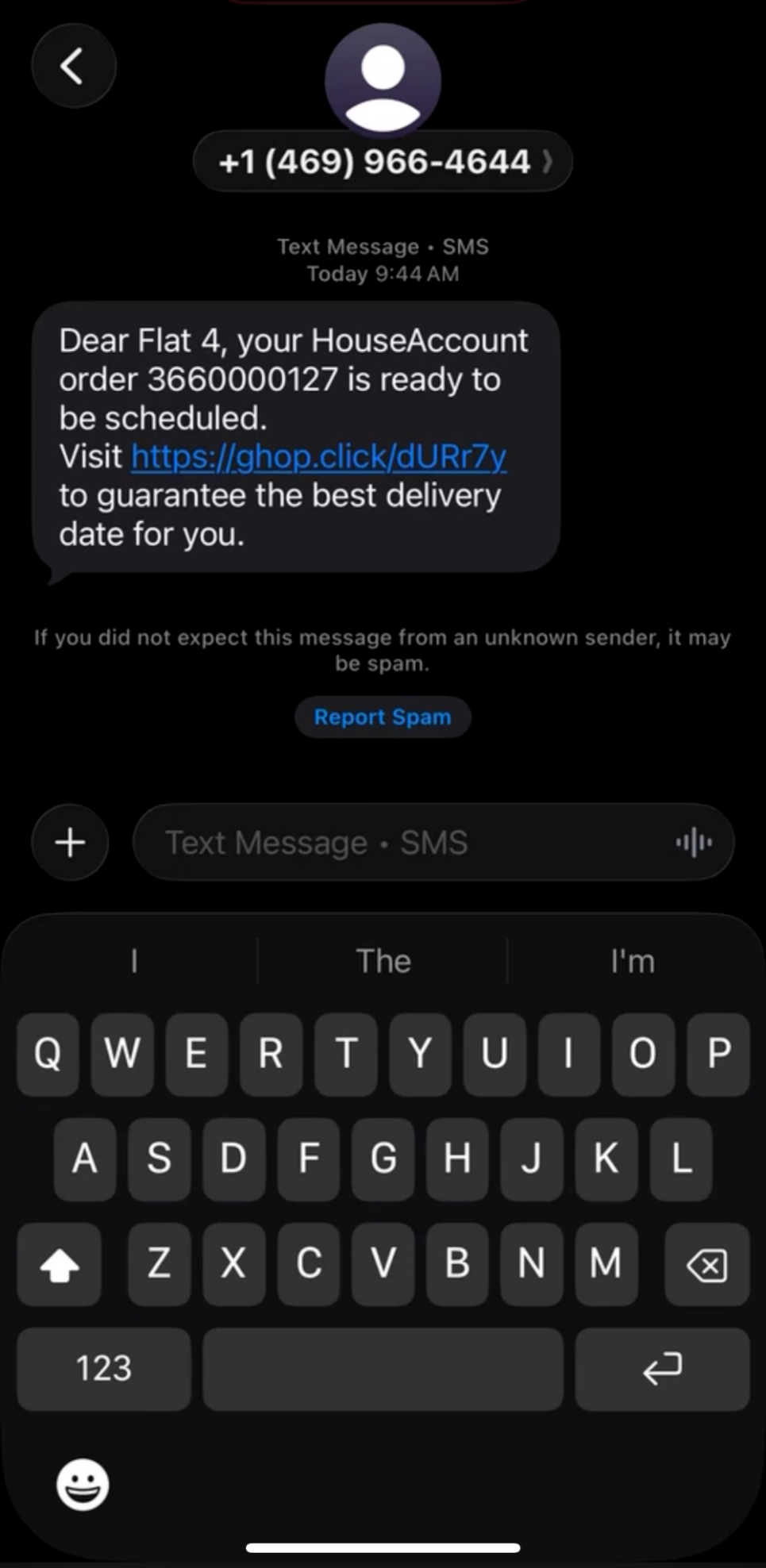
Customer Facing Scheduling Email and SMS
Scheduling Delivery Flow


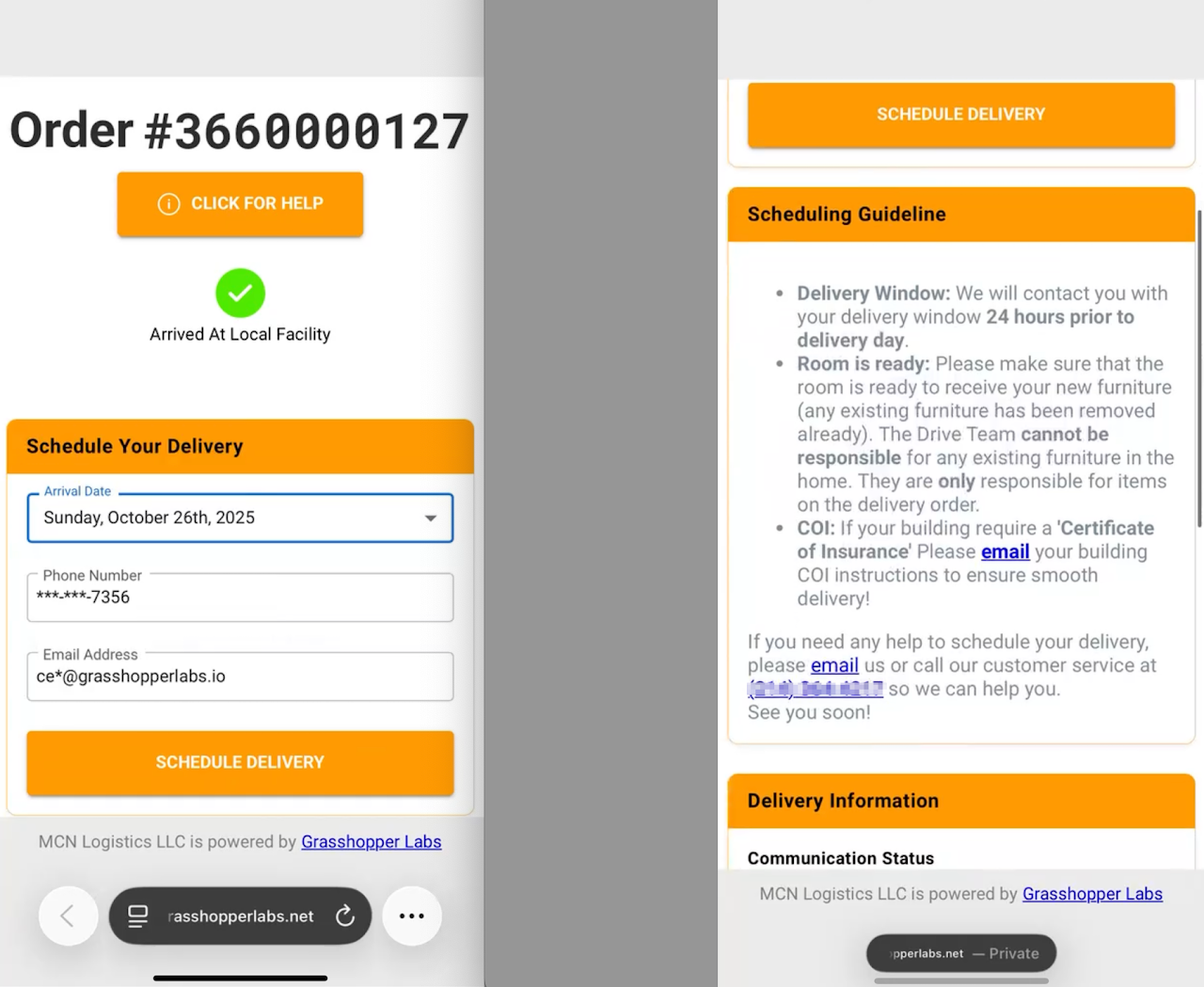
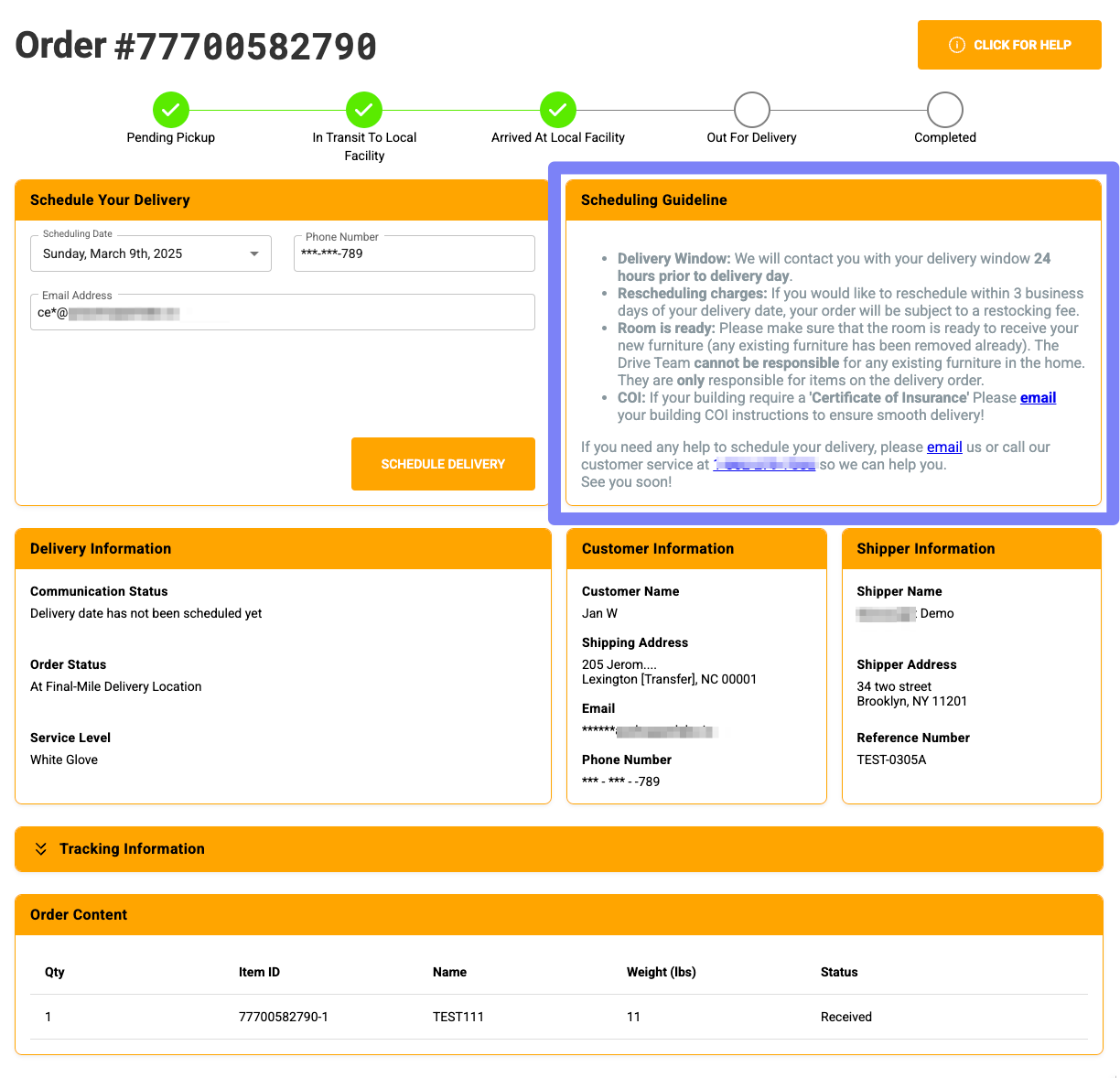
Once the customer clicks Schedule Your Delivery, they will be directed to a new page that outlines the Scheduling Guidelines

Email View
Scheduling Delivery Flow


SMS View

Scheduling Delivery Flow


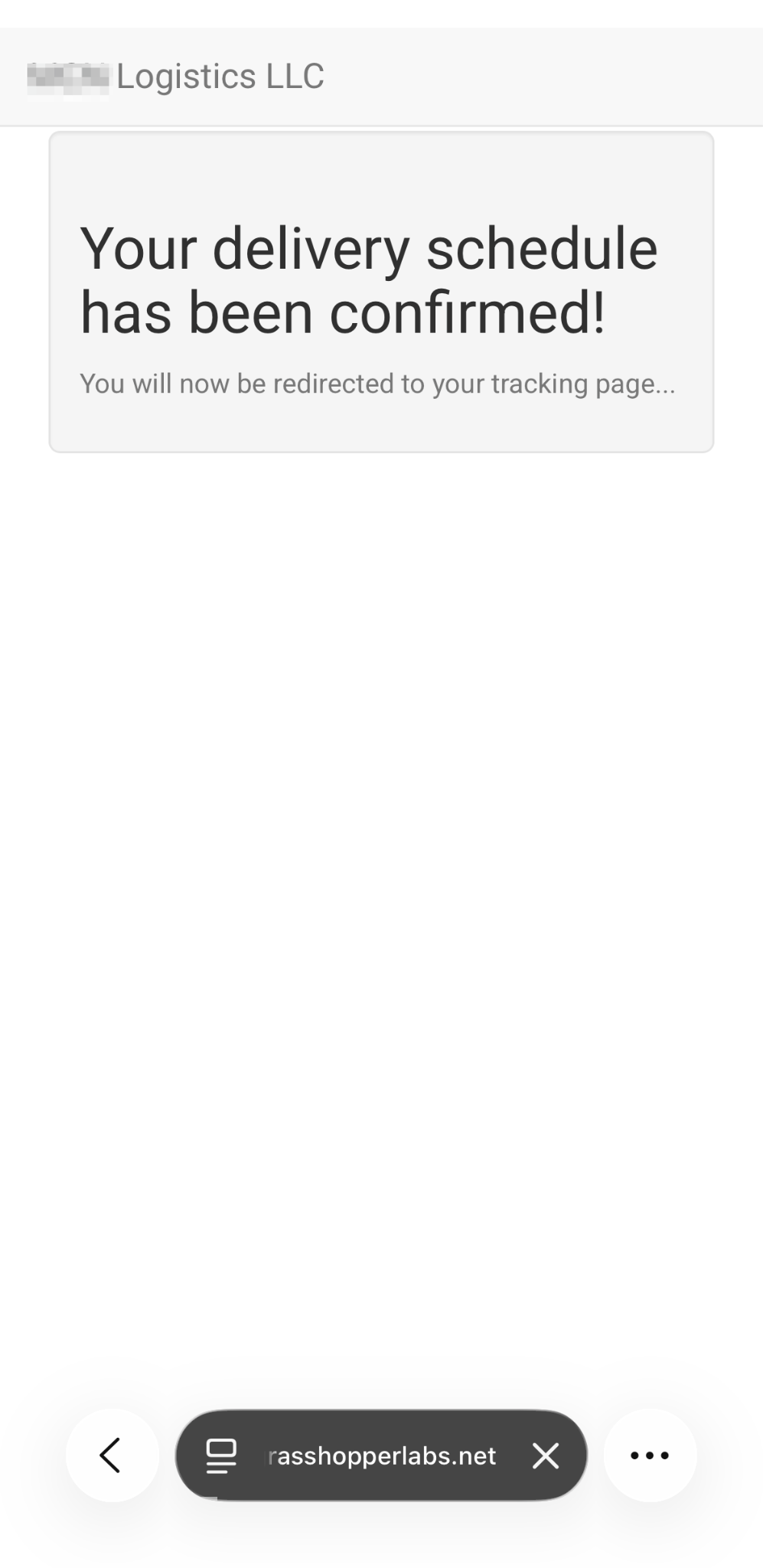
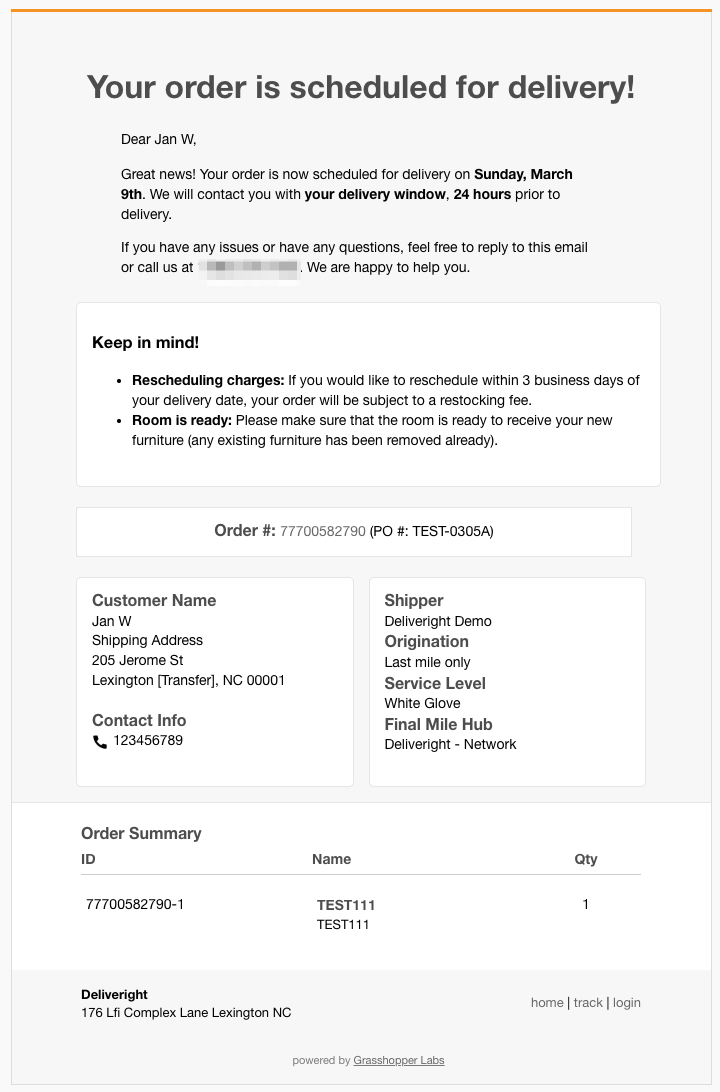
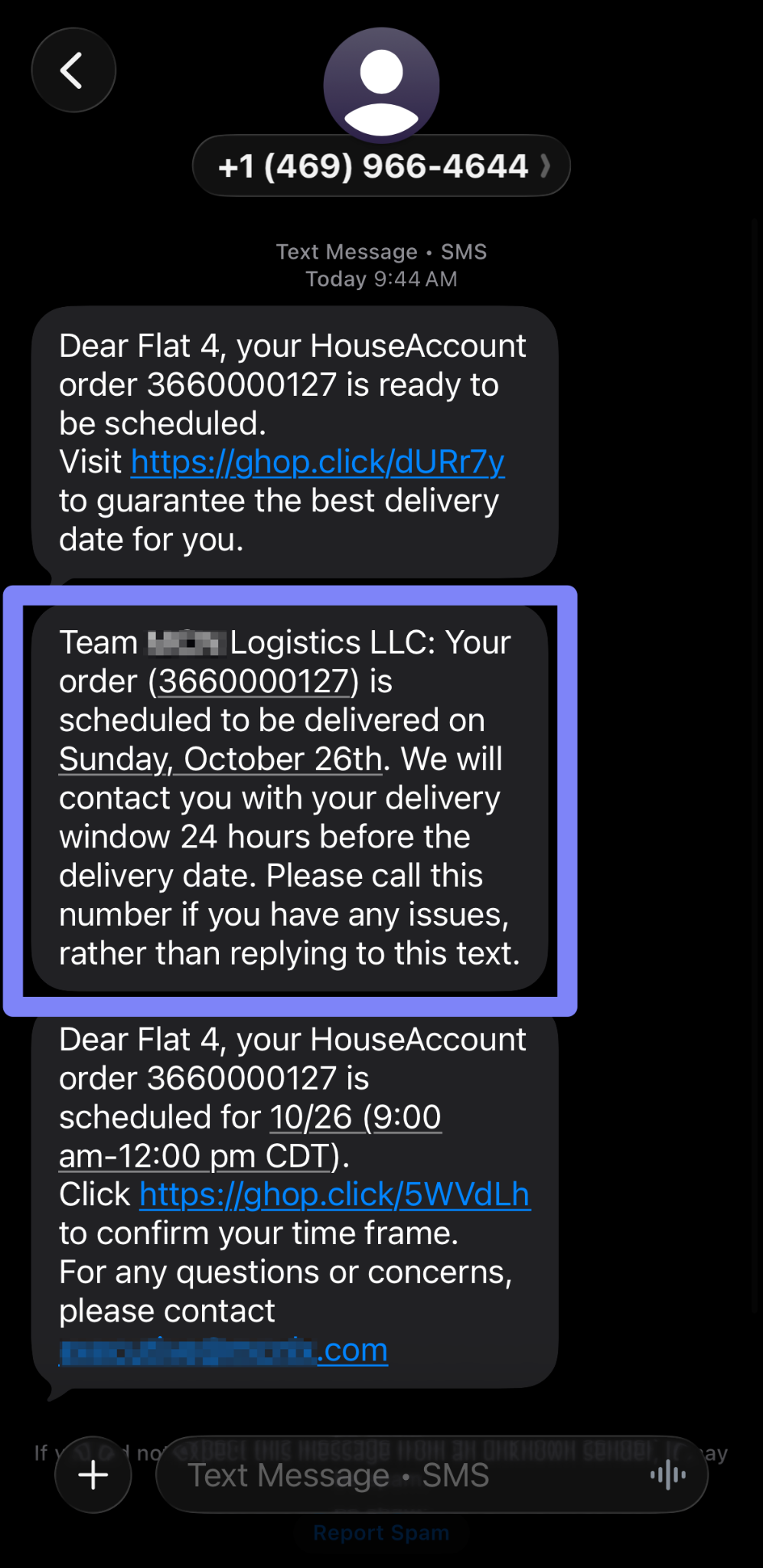
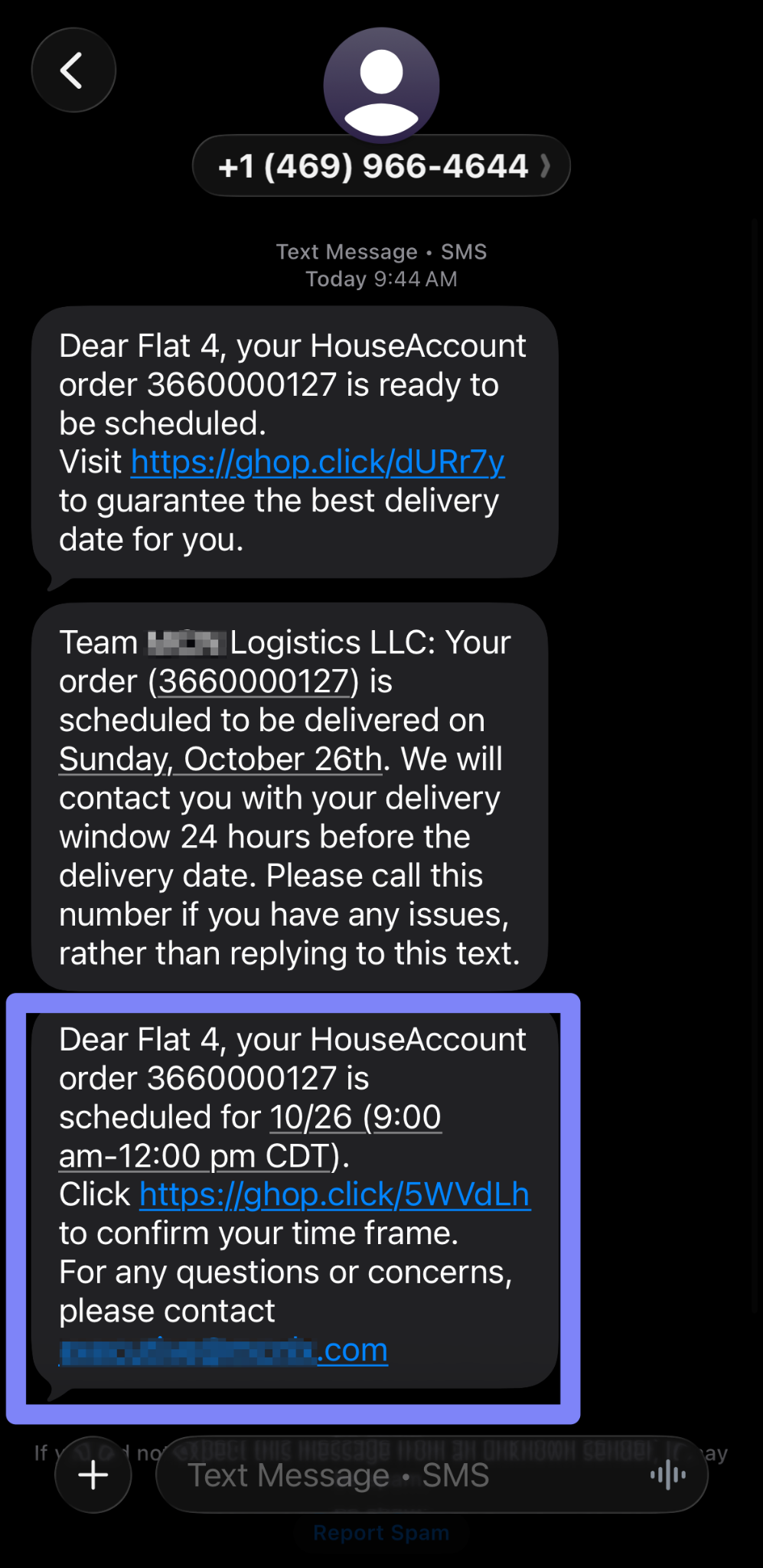
When the customer schedules their delivery, they will receive the following confirmation – Email and SMS
Scheduling Delivery Flow


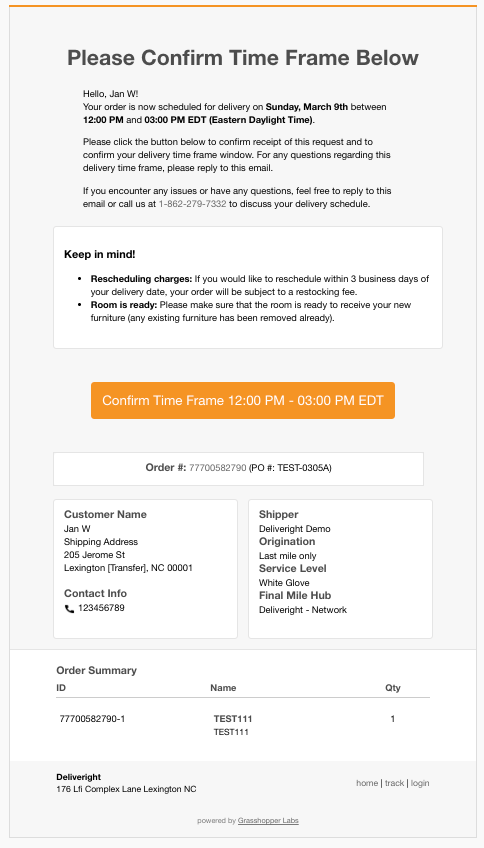
The customer then receives an email or SMS to confirm the delivery time frame (provided 24 hours before delivery)
Scheduling Delivery Flow


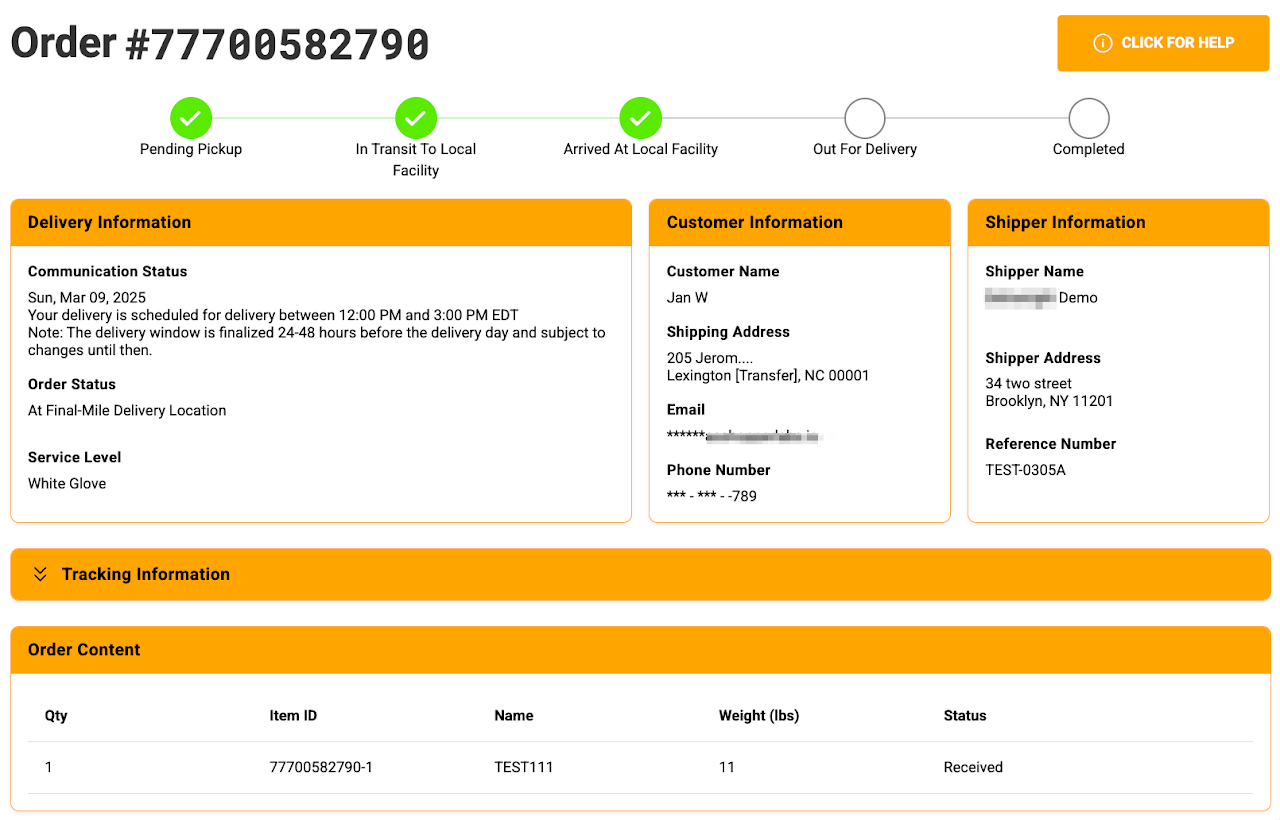
Below is the landing page when they clicked the Confirm Time Frame – Email and SMS
Scheduling Delivery Flow


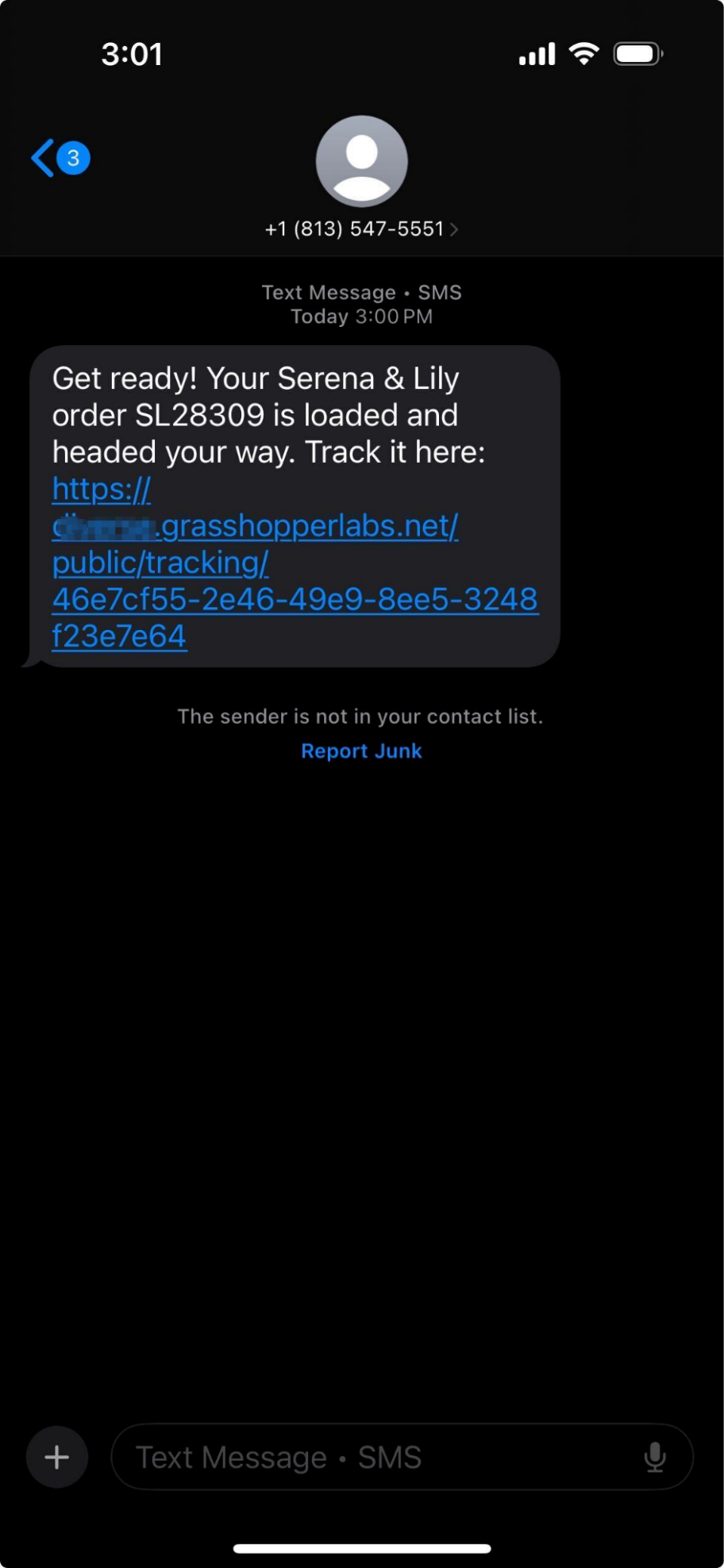
Out For Delivery SMS notification to the customer
Scheduling Delivery Flow


Was this article helpful?

Still stuck? Submit a ticket. and someone on the team will get back to you.