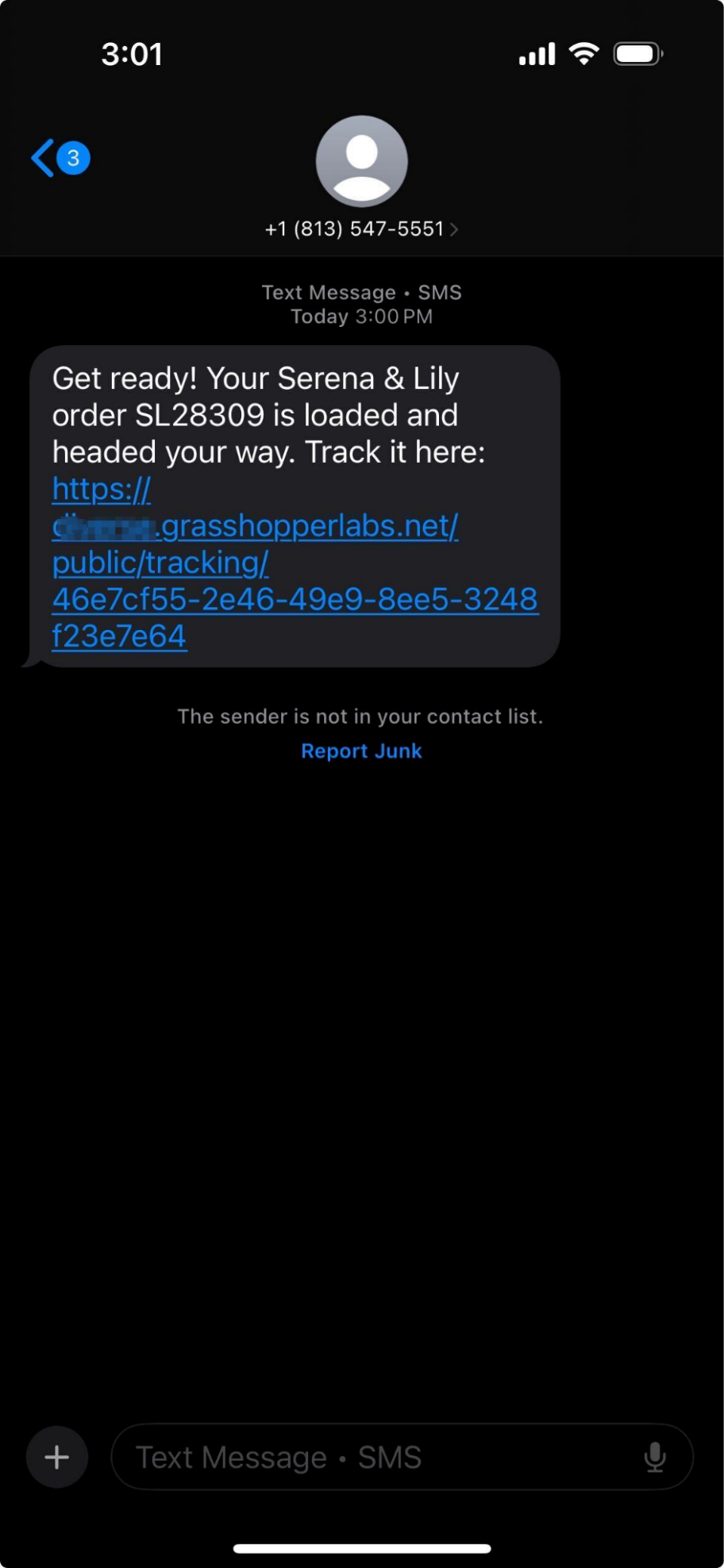
Customer Facing Scheduling Email and SMS
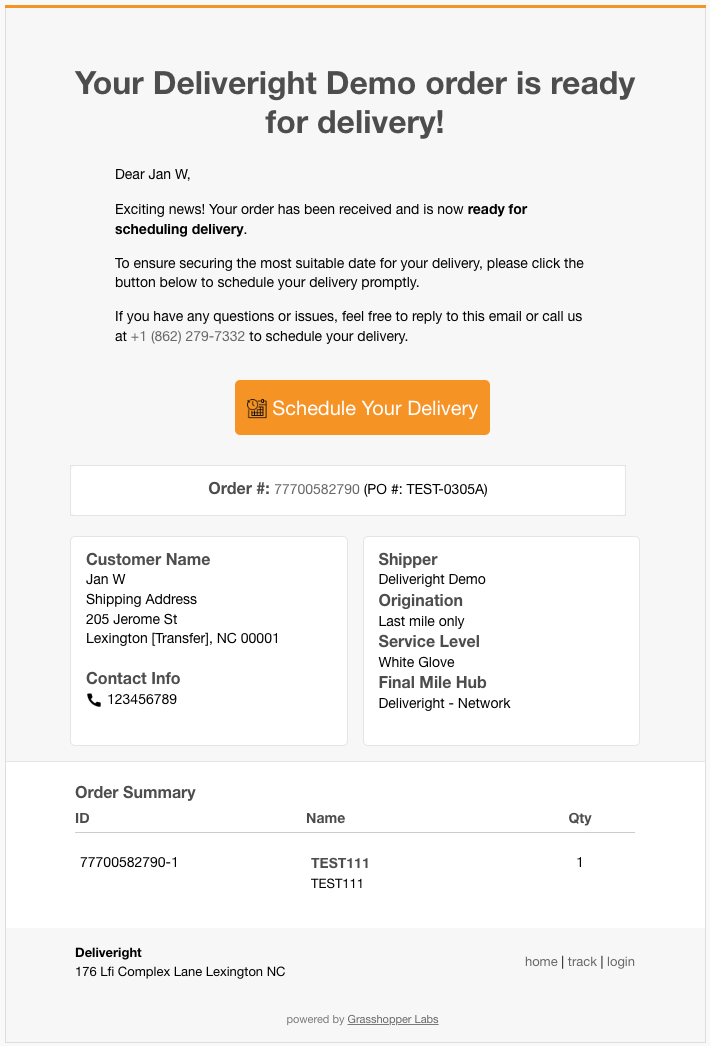
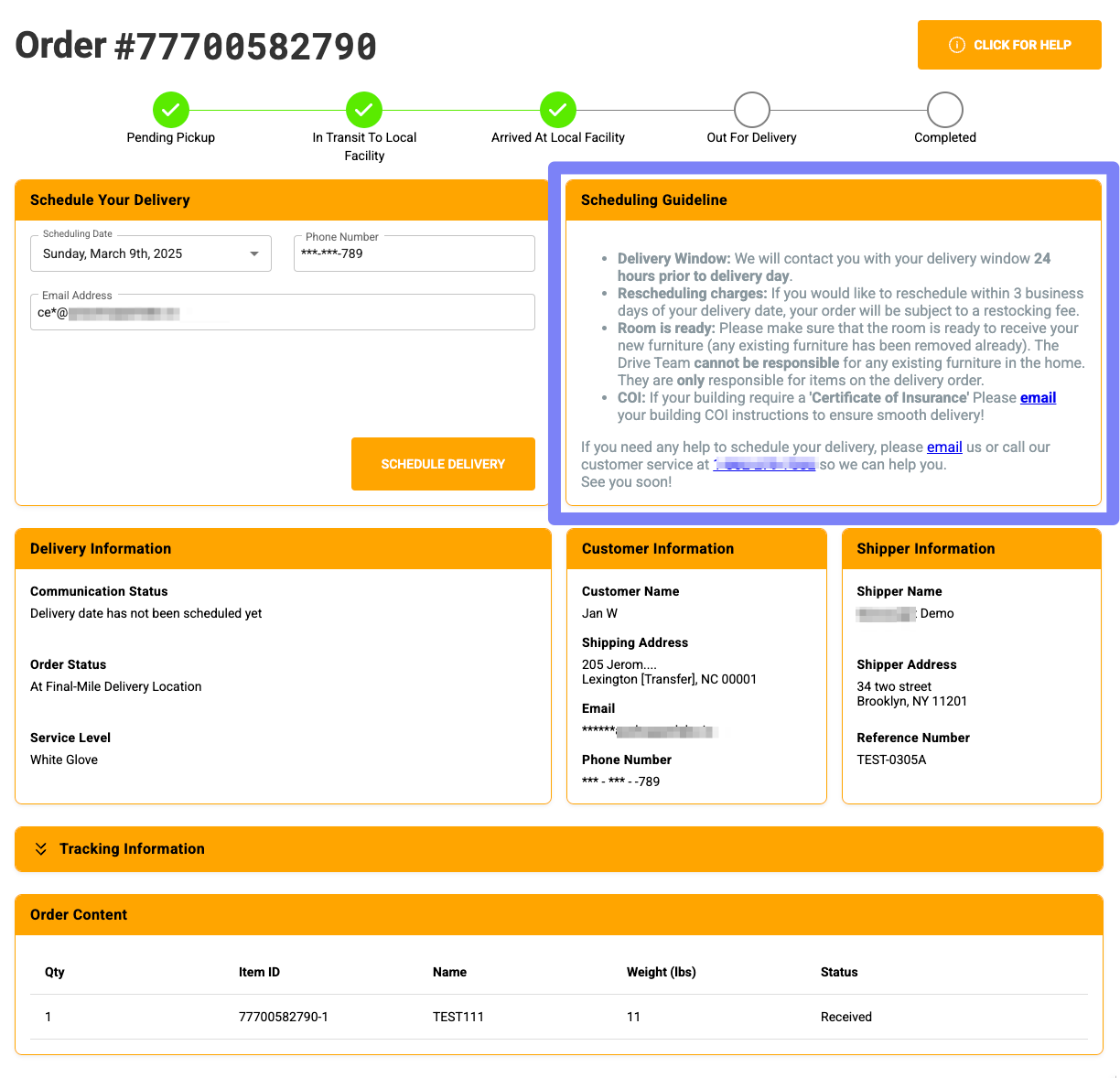
Once the customer clicks Schedule Your Delivery, they will be directed to a new page that outlines the Scheduling Guidelines
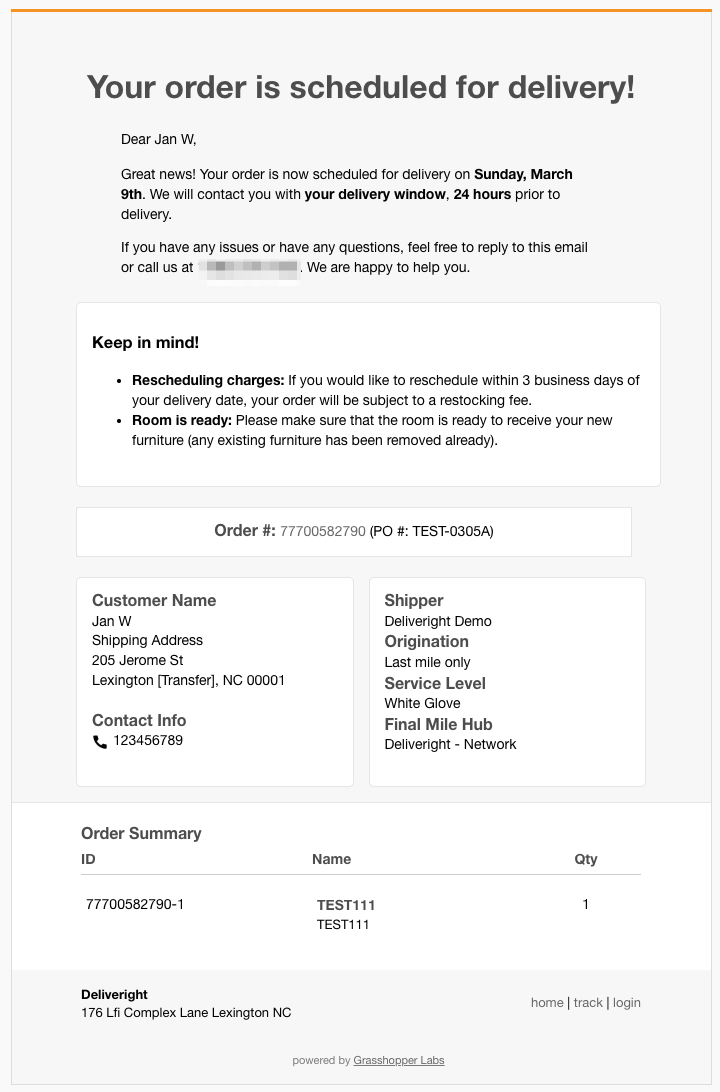
Email View
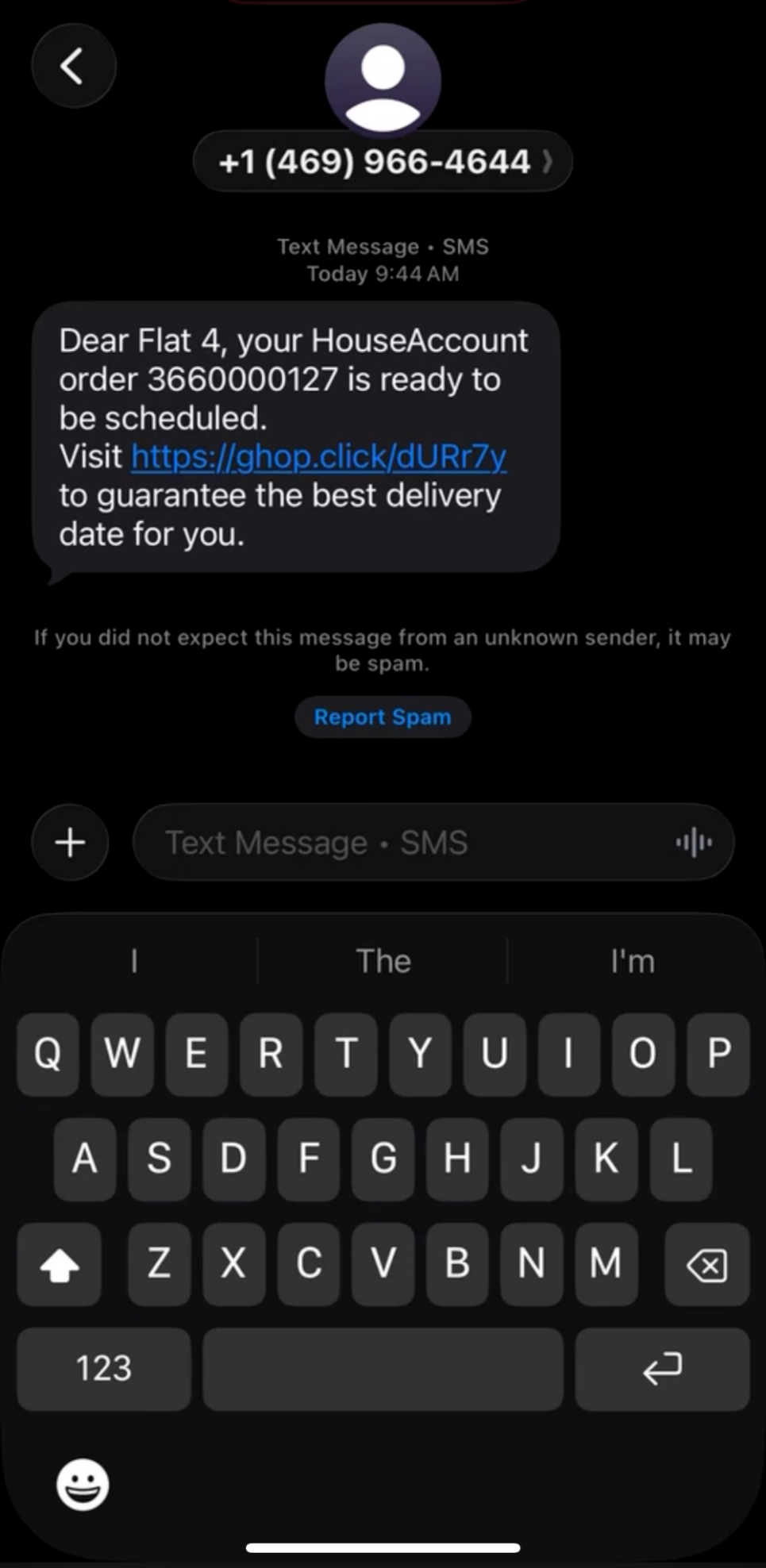
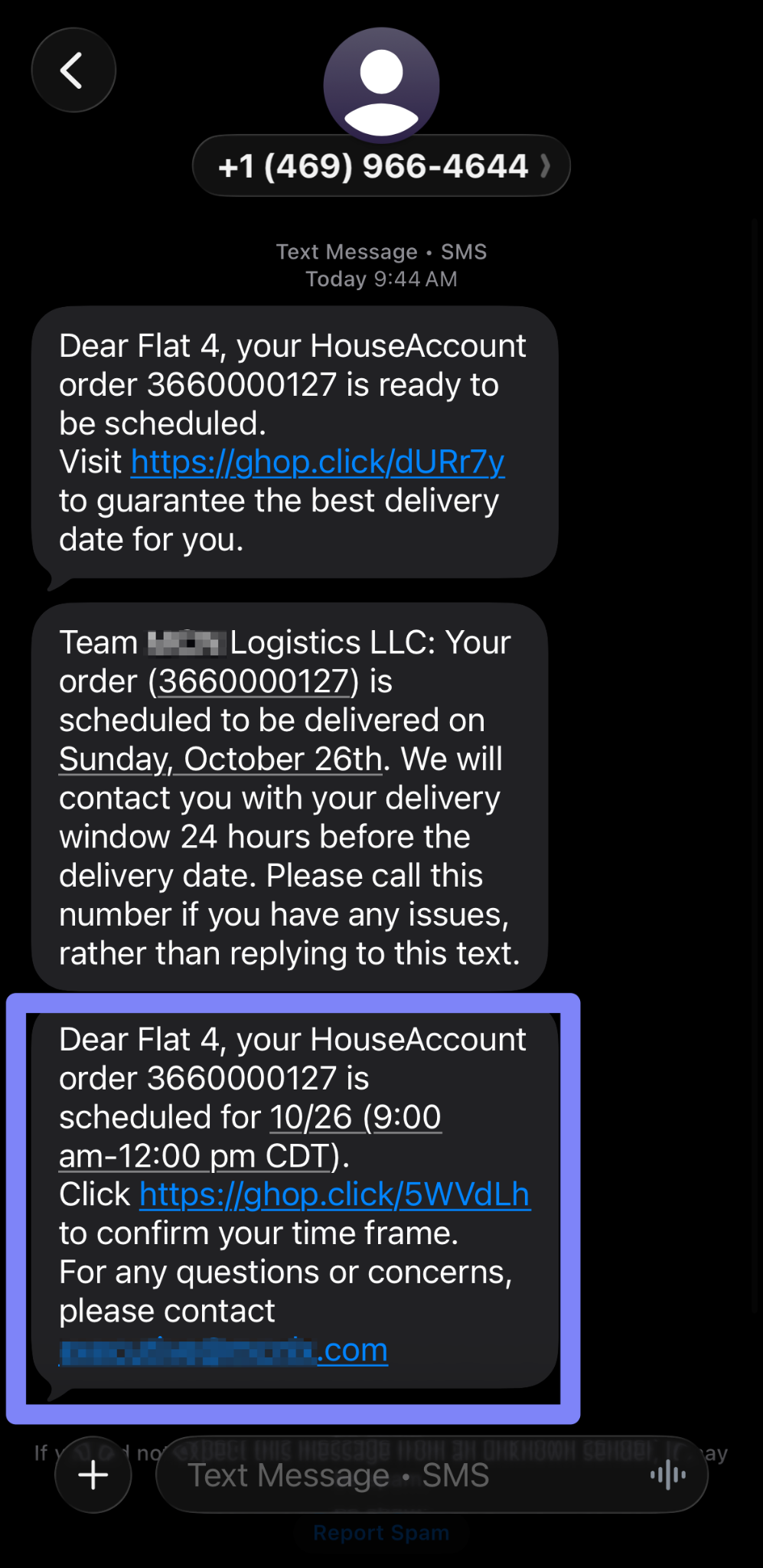
SMS View
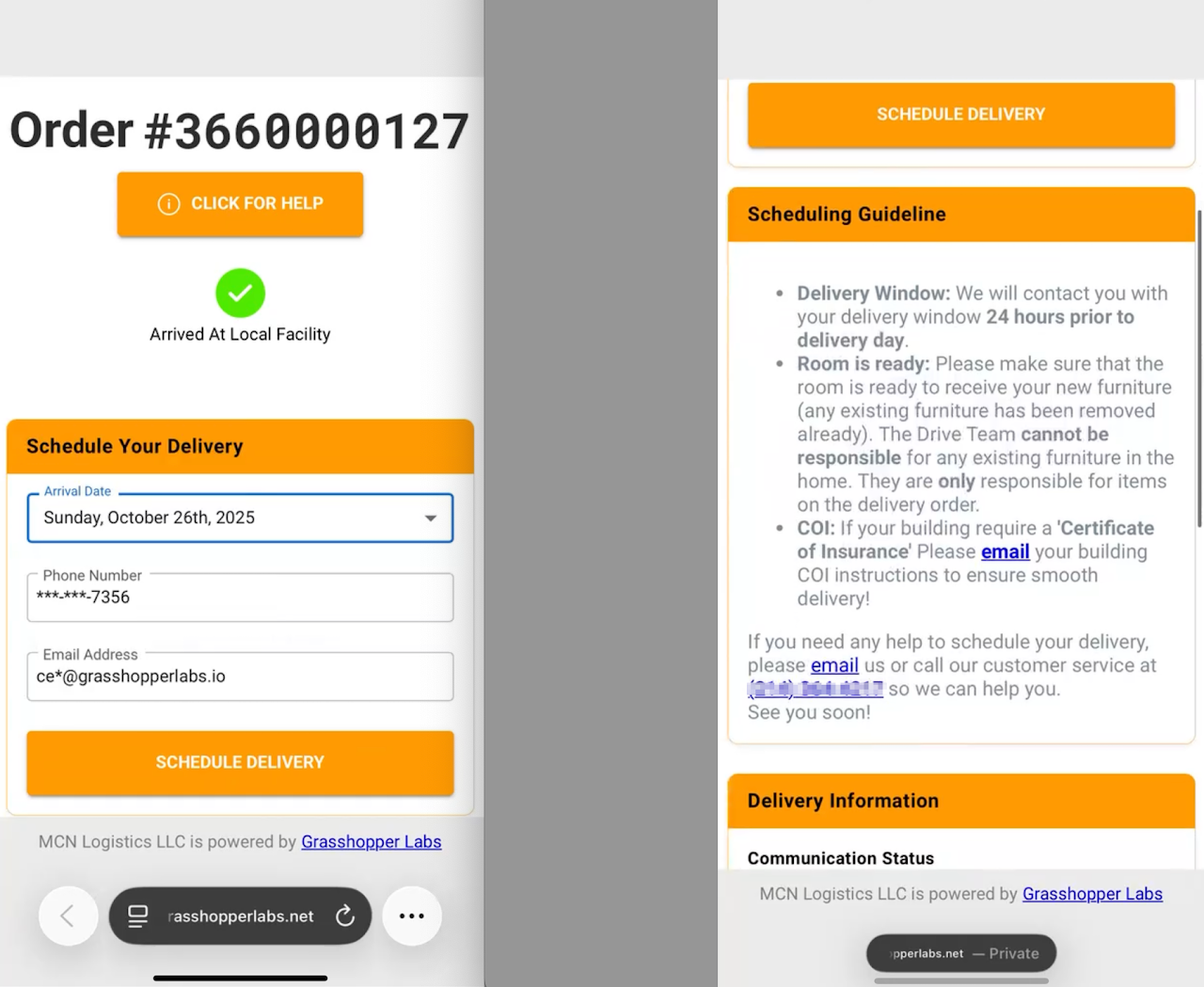
When the customer schedules their delivery, they will receive the following confirmation – Email and SMS
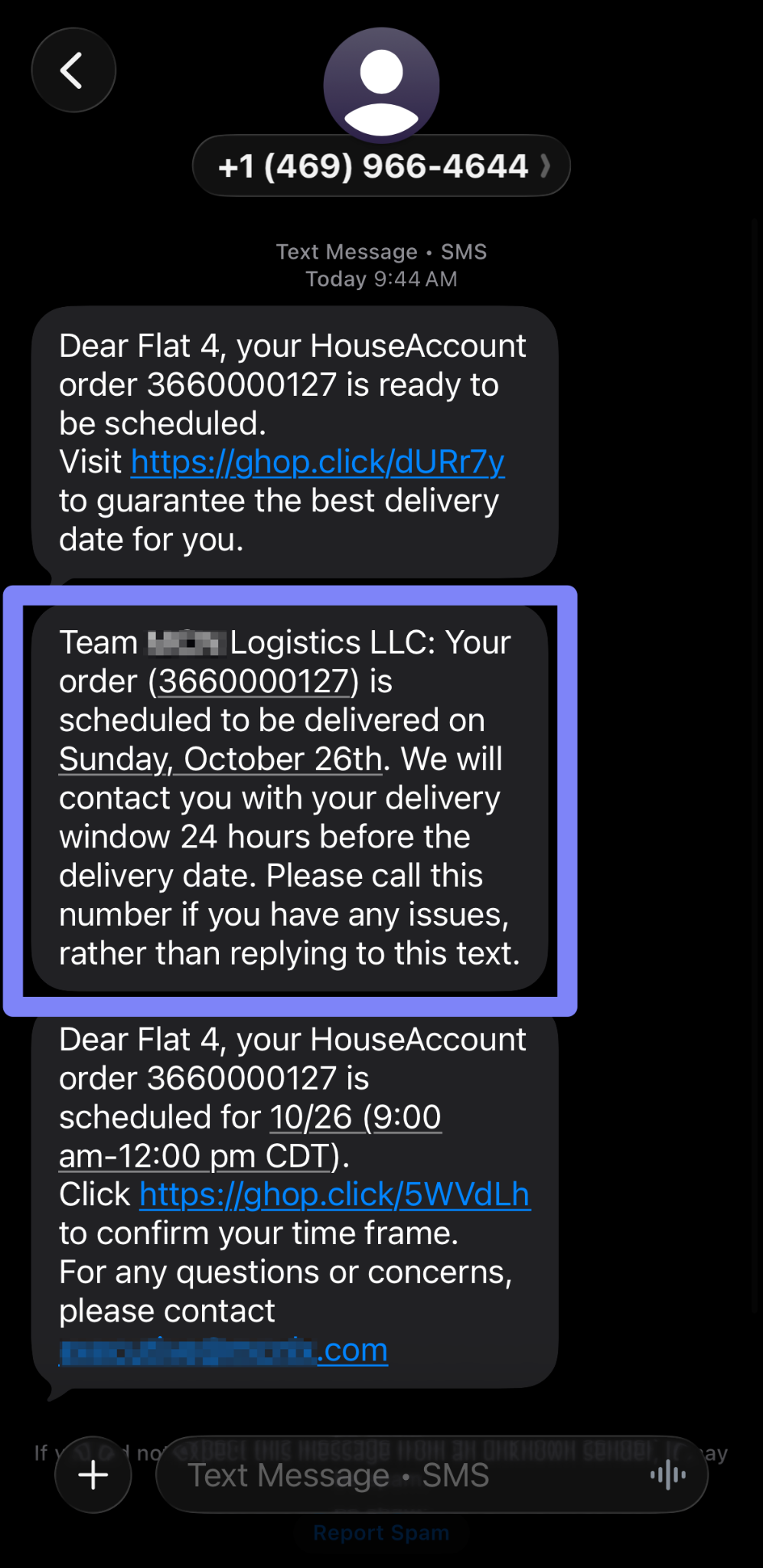
The customer then receives an email or SMS to confirm the delivery time frame (provided 24 hours before delivery)
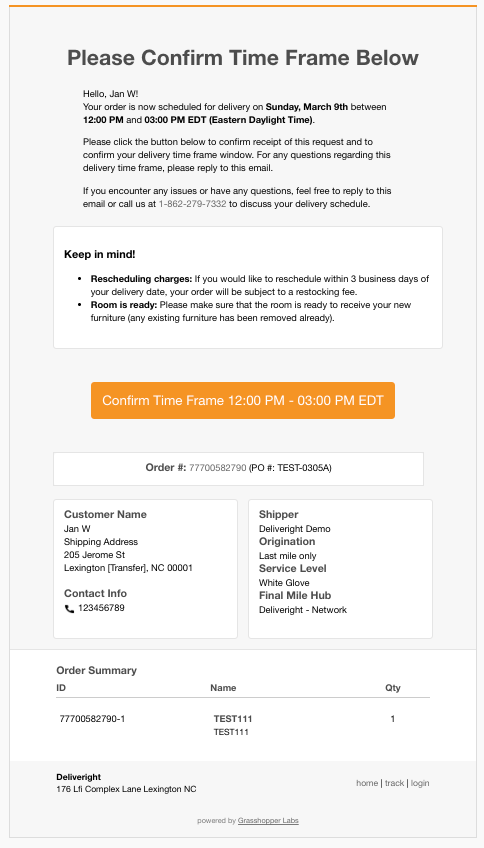
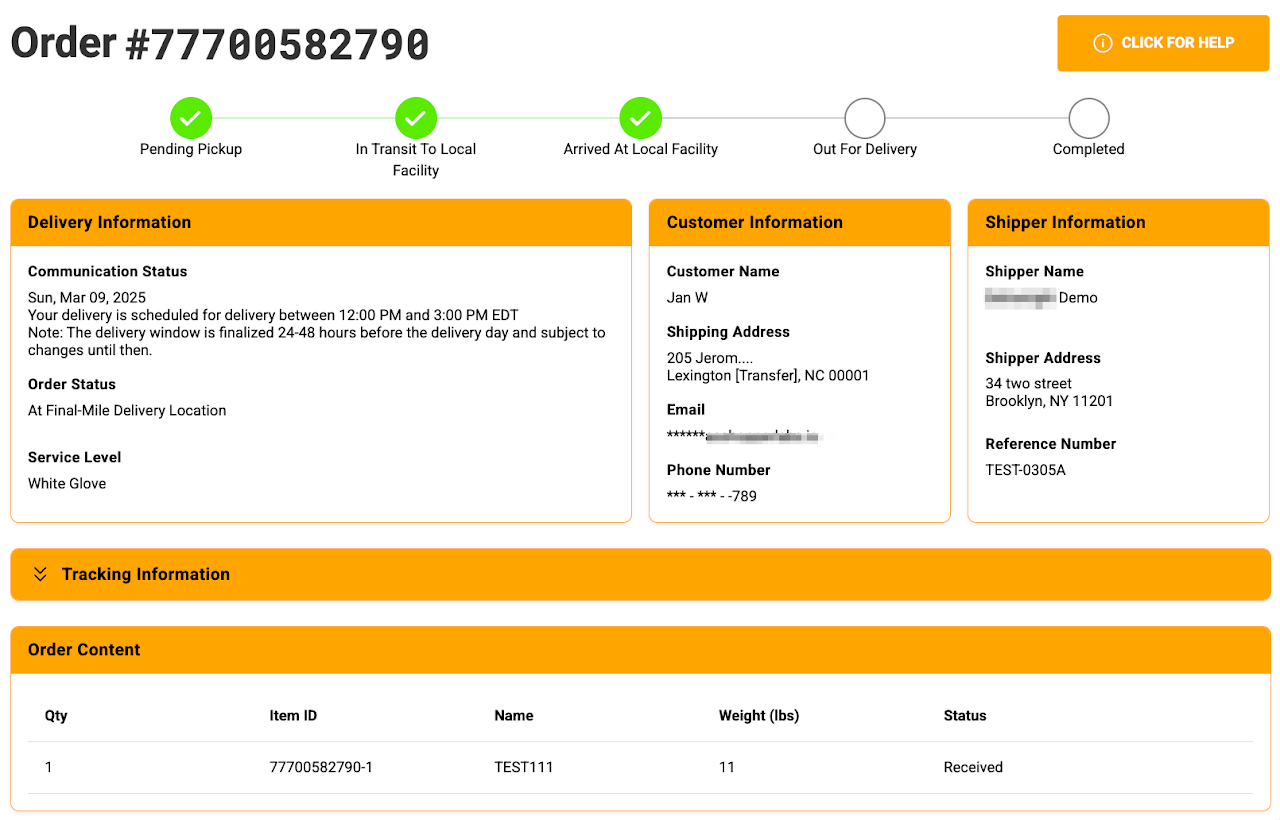
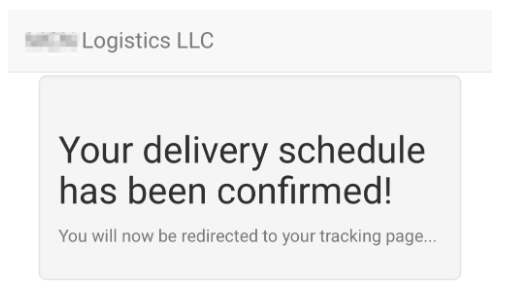
Below is the landing page when they clicked the Confirm Time Frame – Email and SMS
Out For Delivery SMS notification to the customer