Step 1
Enter the Purchase Order Number or Grasshopper Order ID then click the order number

Step 2
Select the edit (pencil) icon

Step 3
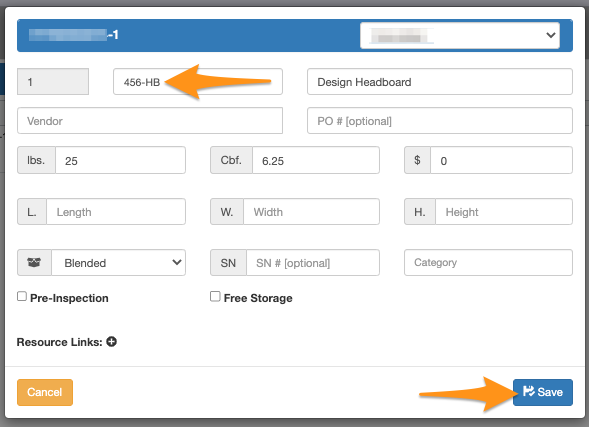
Edit the SKU and click Save.

Enter the Purchase Order Number or Grasshopper Order ID then click the order number
Select the edit (pencil) icon
Edit the SKU and click Save.