Step 1
Enter the Purchase Order Number or Grasshopper Order ID, click the order number.

Step 2
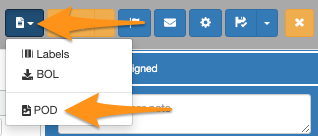
Click the dropdown menu on the page icon and select POD
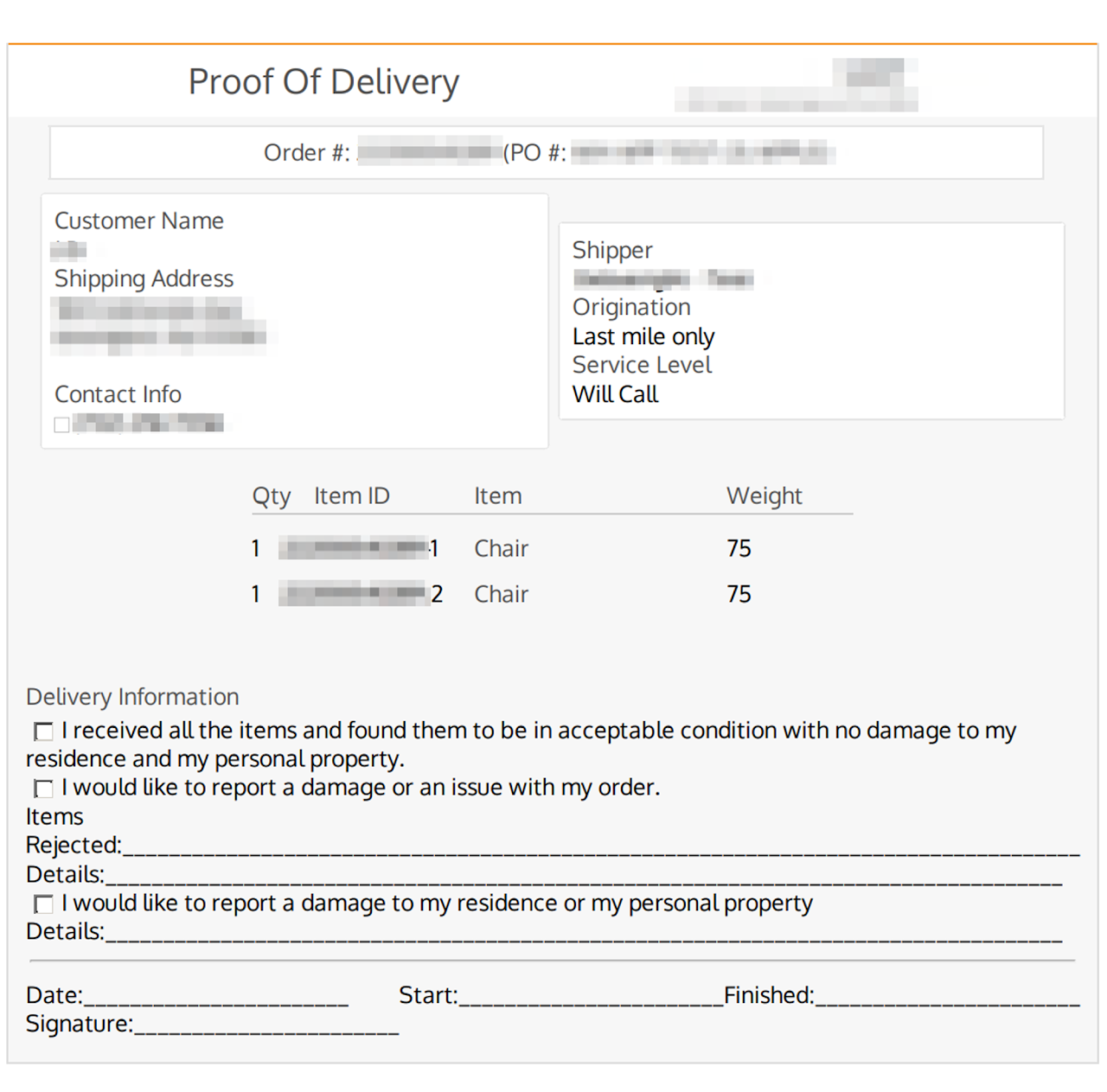
Downloaded POD (not signed)
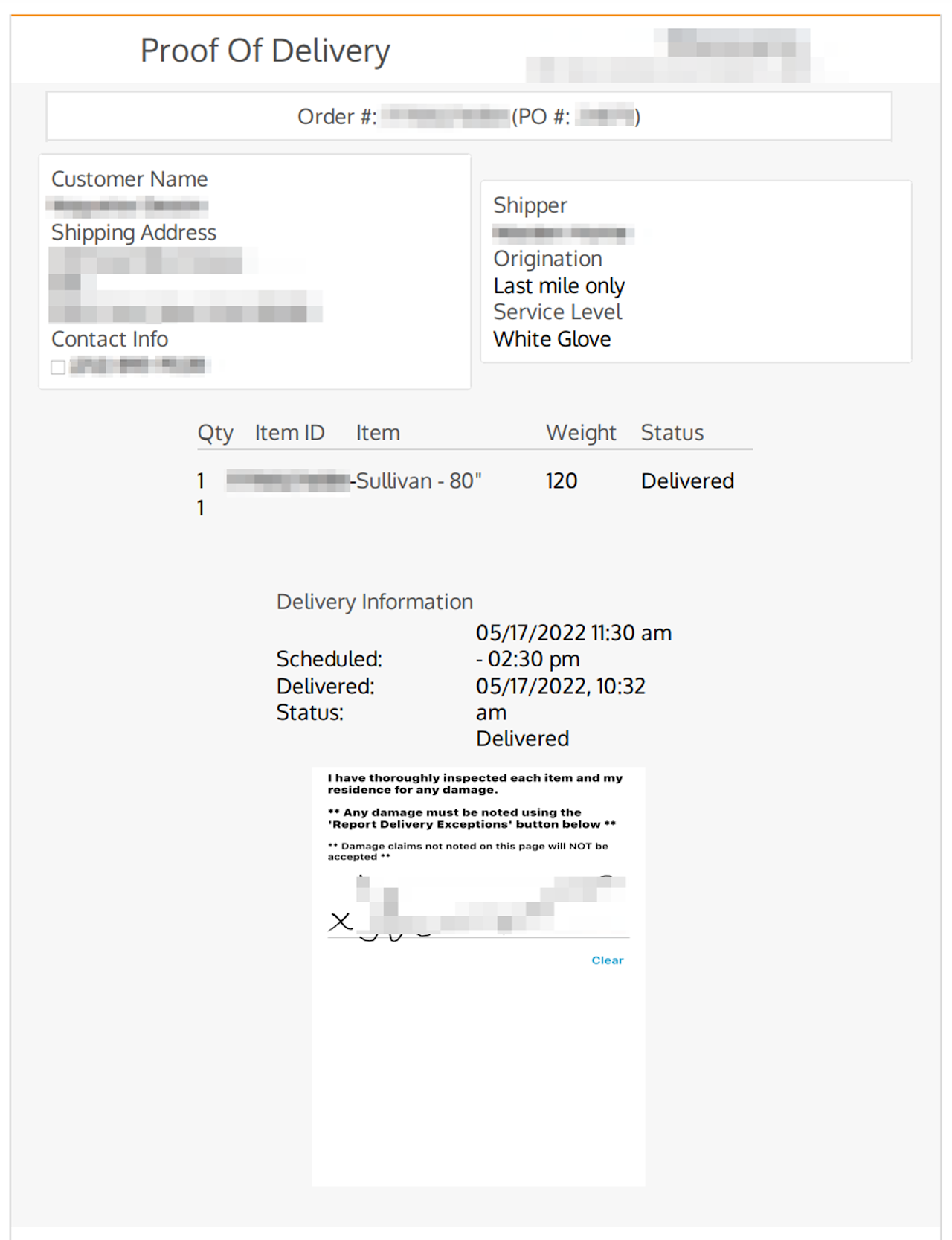
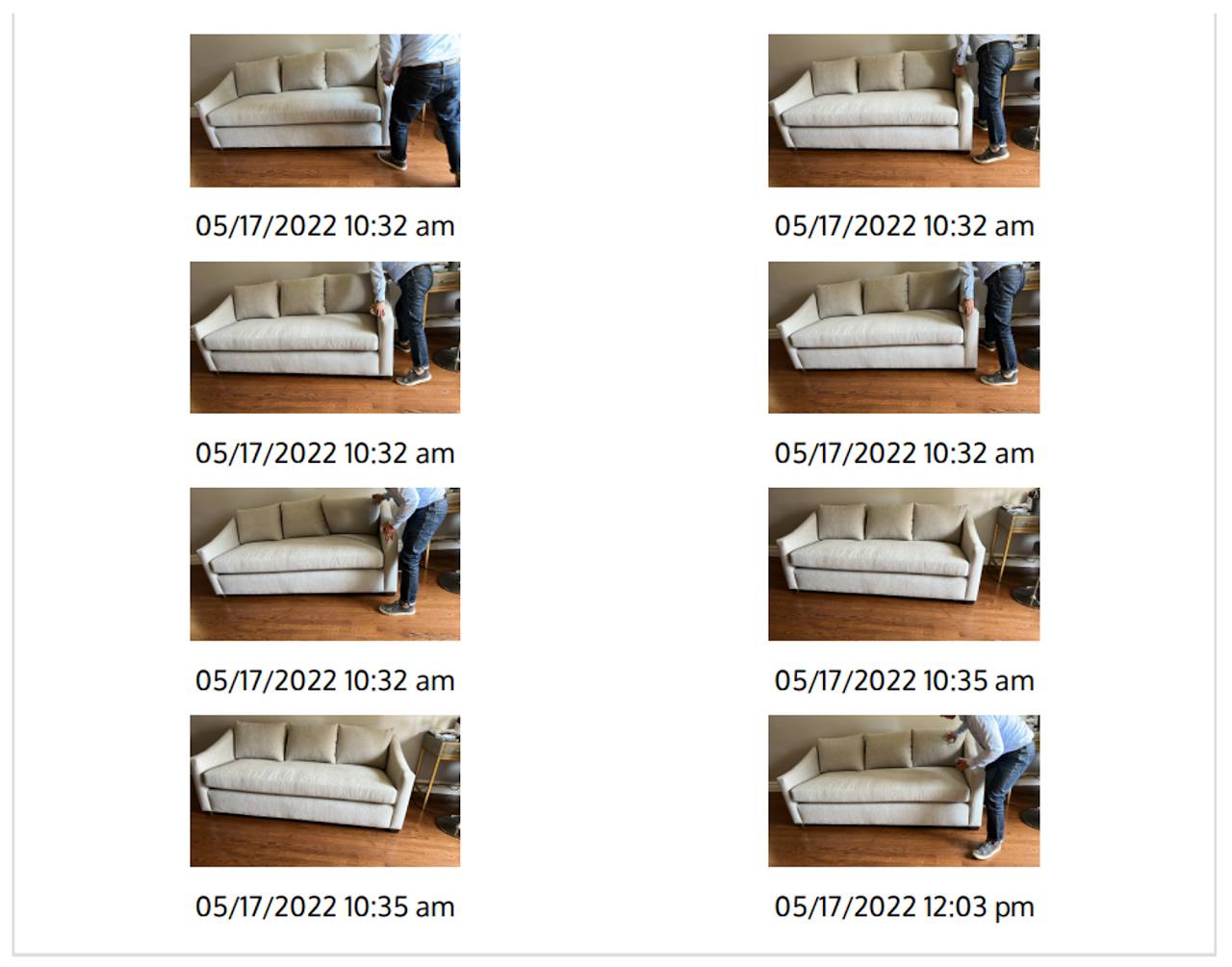
Downloaded POD (completed order, with signature)

Enter the Purchase Order Number or Grasshopper Order ID, click the order number.
Click the dropdown menu on the page icon and select POD
Downloaded POD (not signed)
Downloaded POD (completed order, with signature)