Step 1
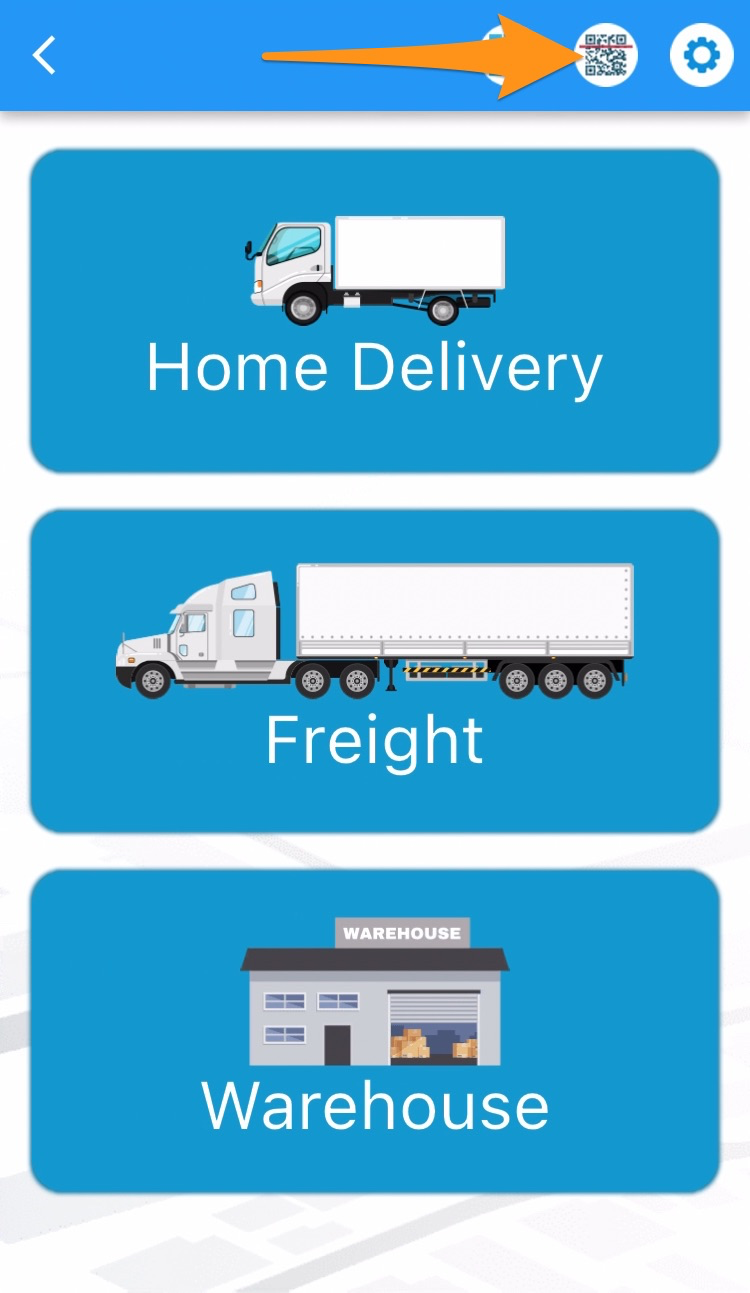
Open the Warehouse Mobile App and tap on the QR / Search Button
Step 2
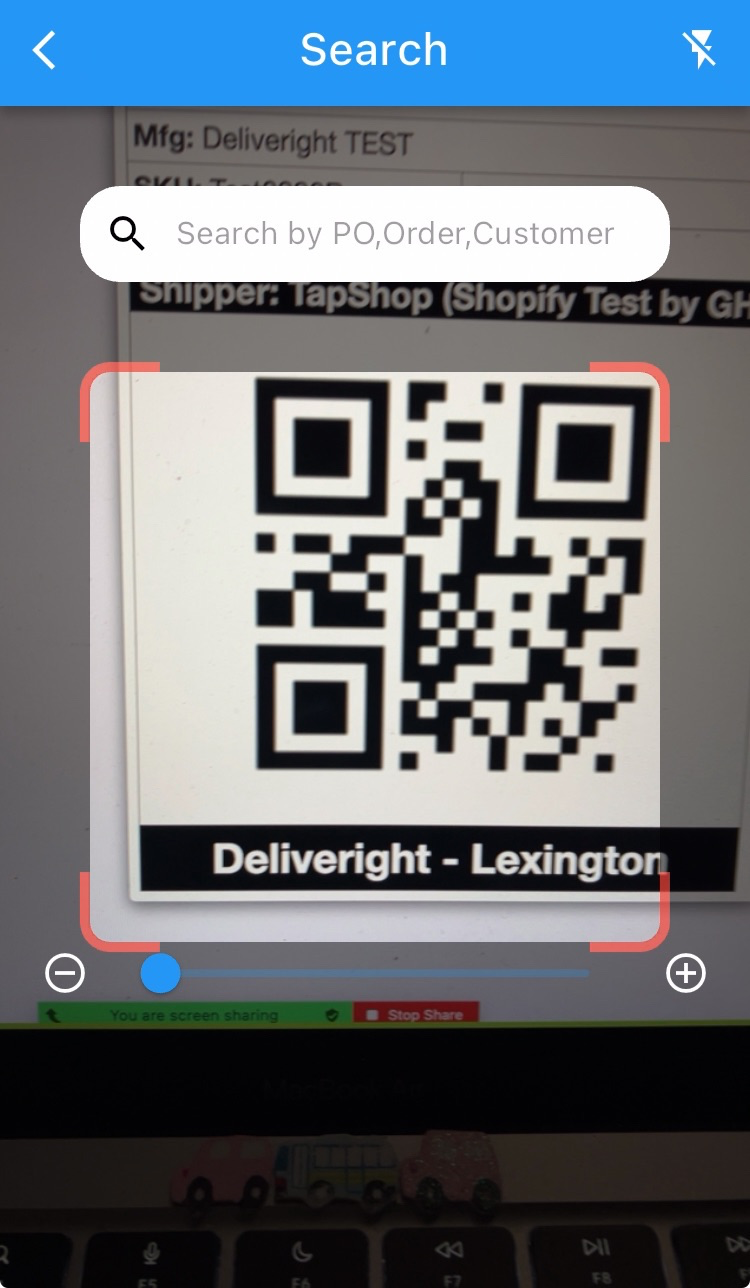
Scan the label of the item
Step 3
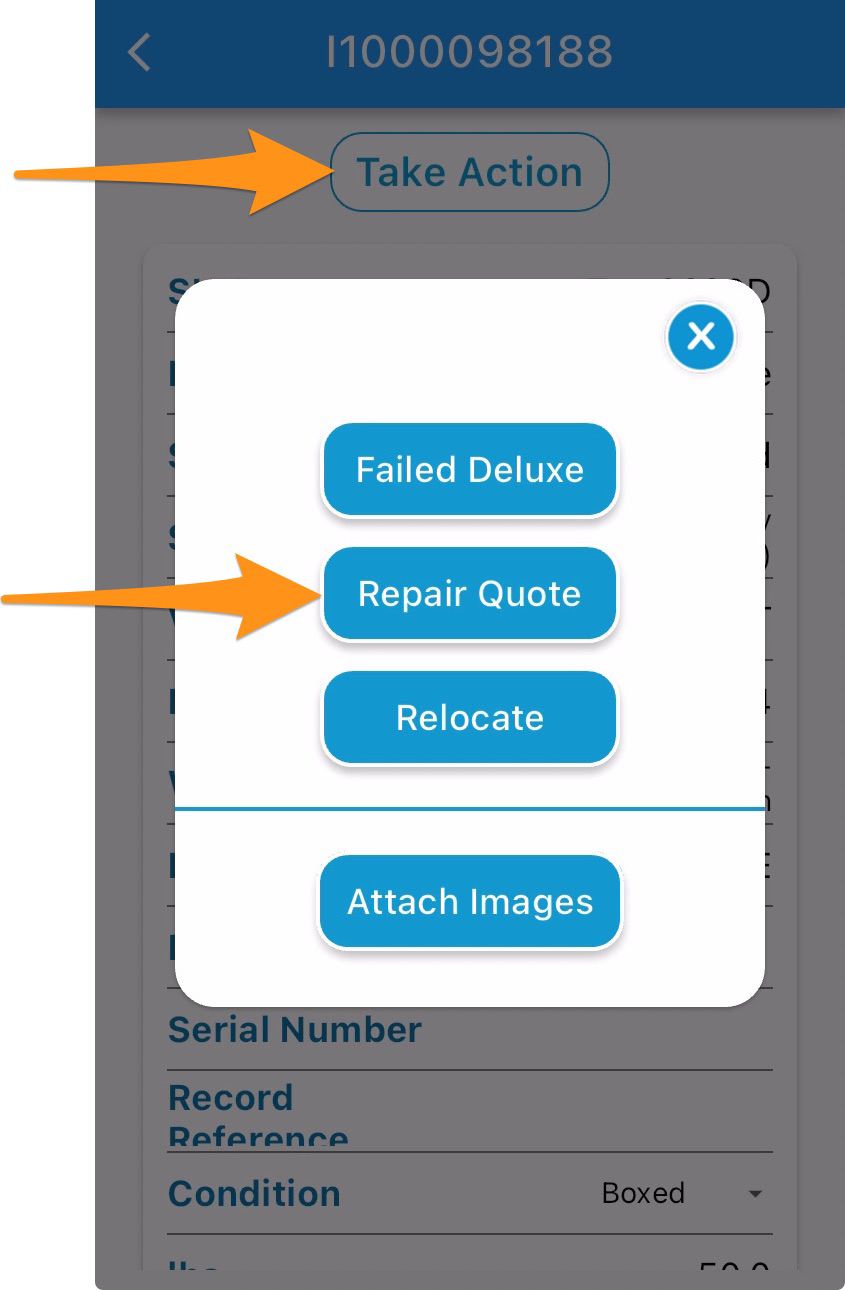
Tap on Take Action and Repair Quote
Step 4
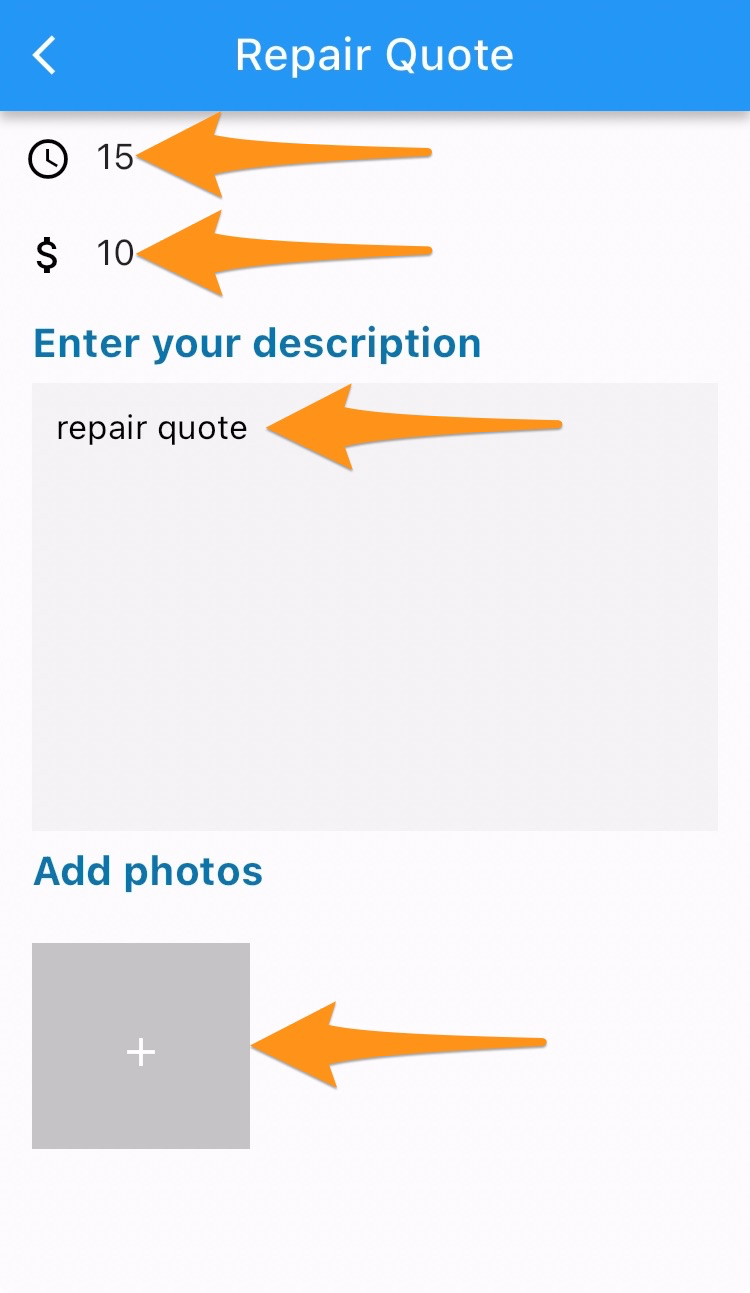
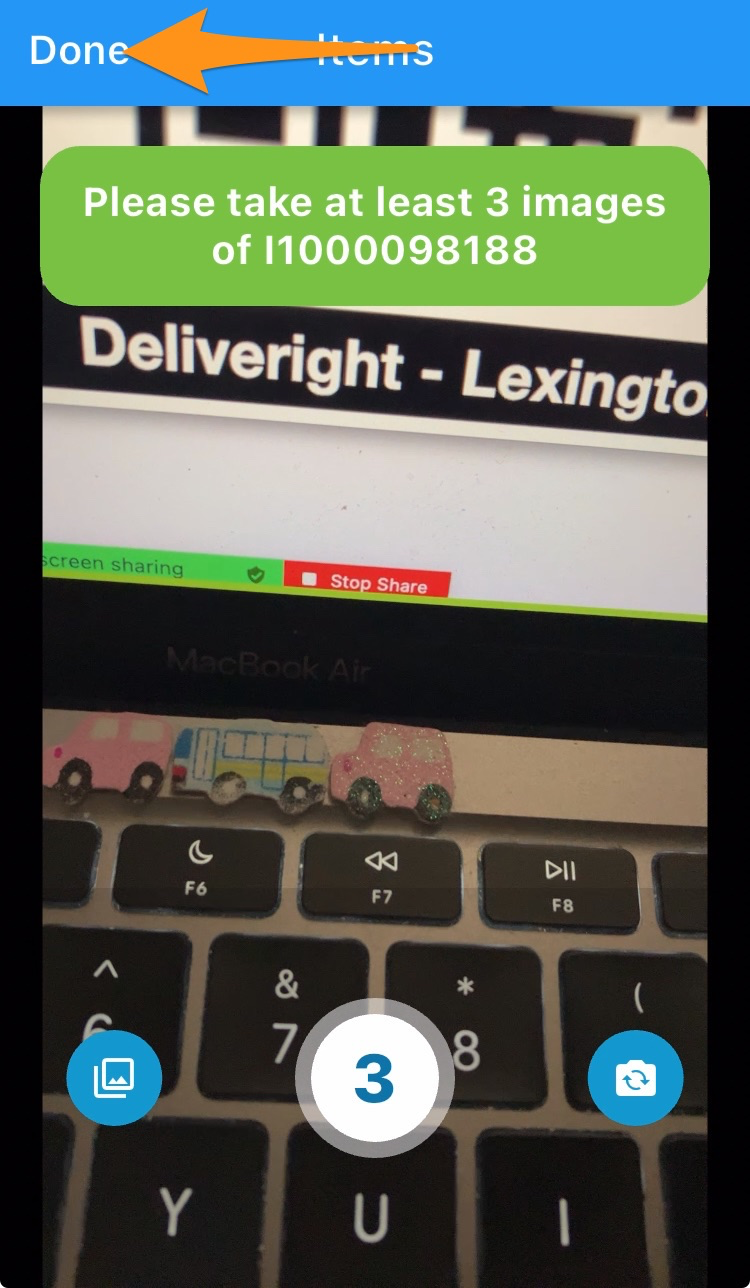
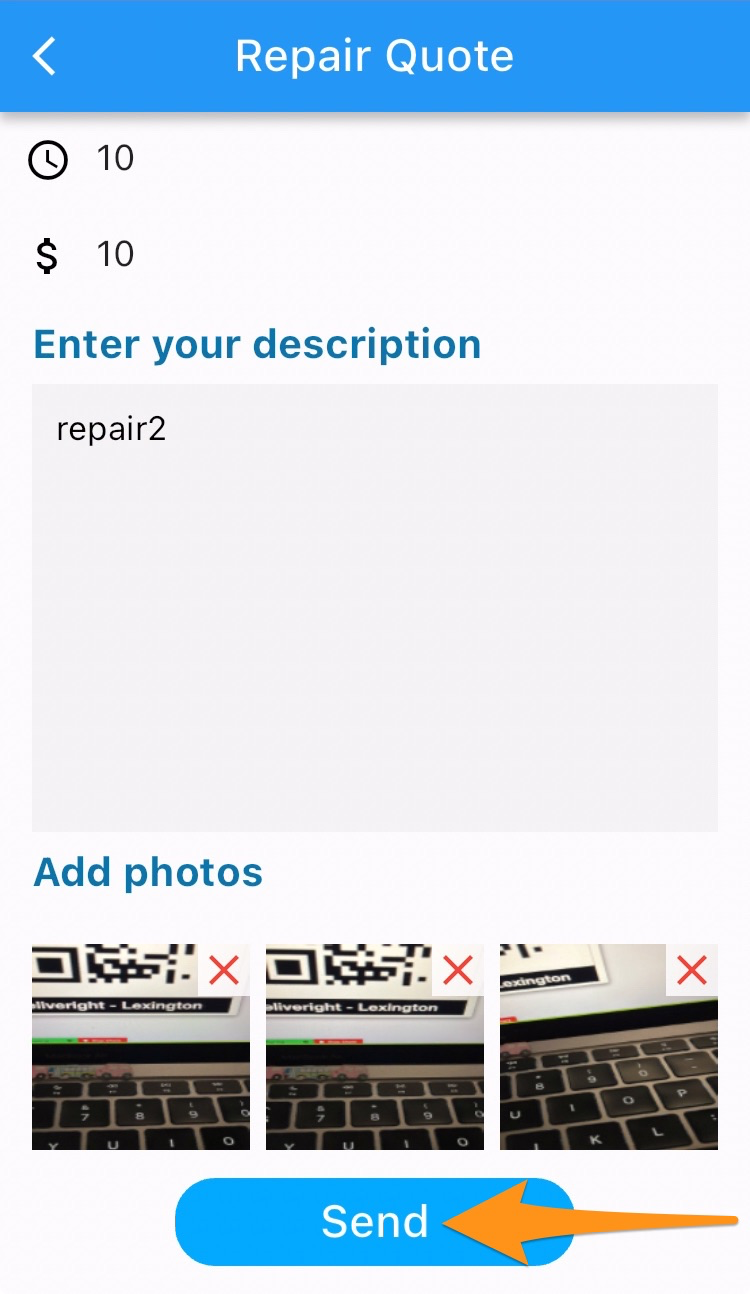
Enter the total time of repair, total cost, detailed description, upload photos (at least 3) then tap on Done and Send.
Photos must include the damaged products (zoomed in and out), original packaging and manufacturer labels
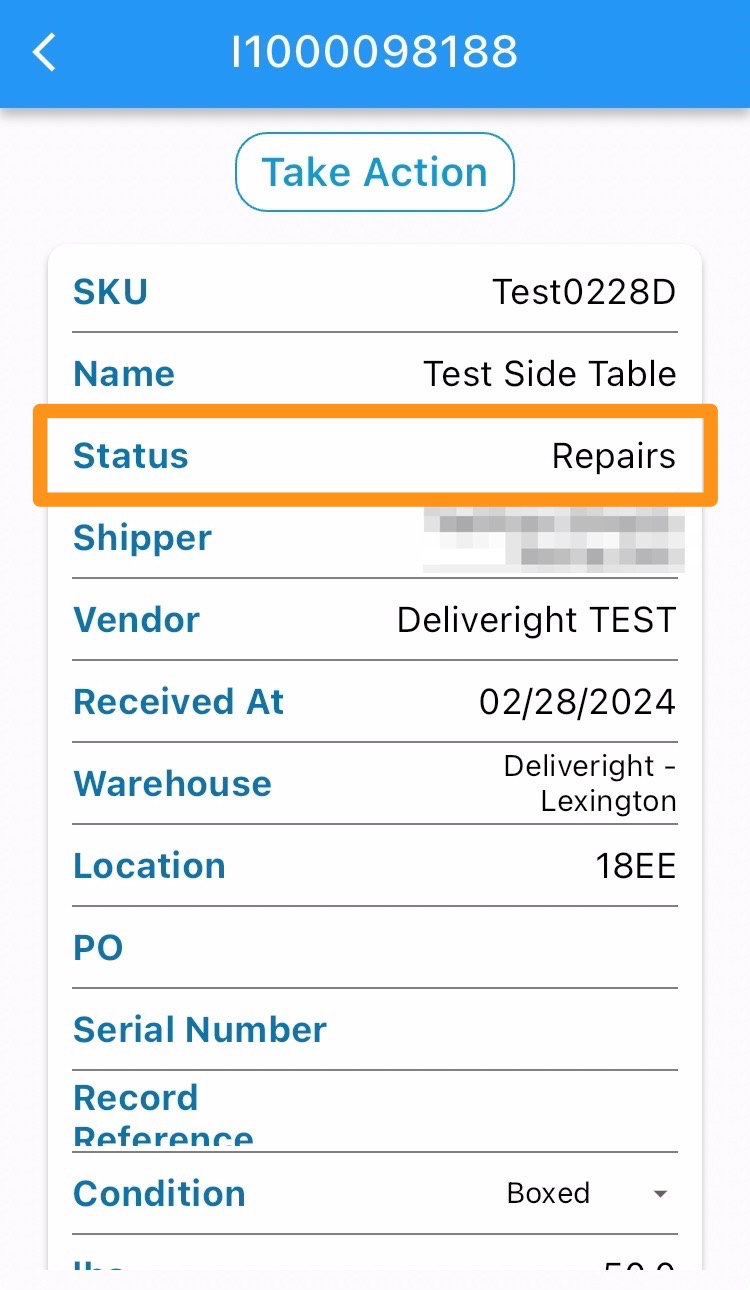
Inventory Item status has been updated to Repairs (Inspection)