Step 1
Choose Home Delivery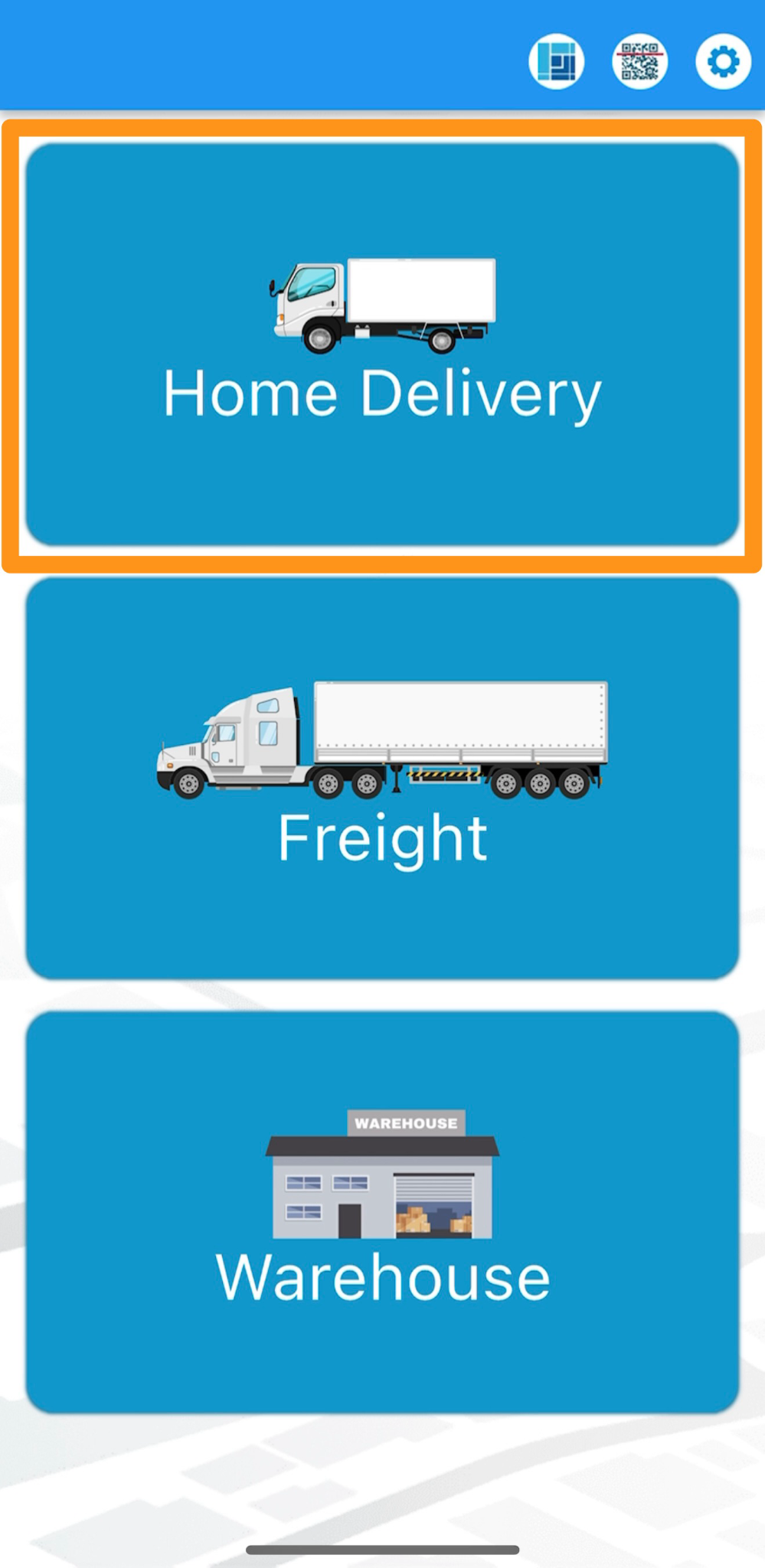
Step 2
Select a Home Delivery Manifest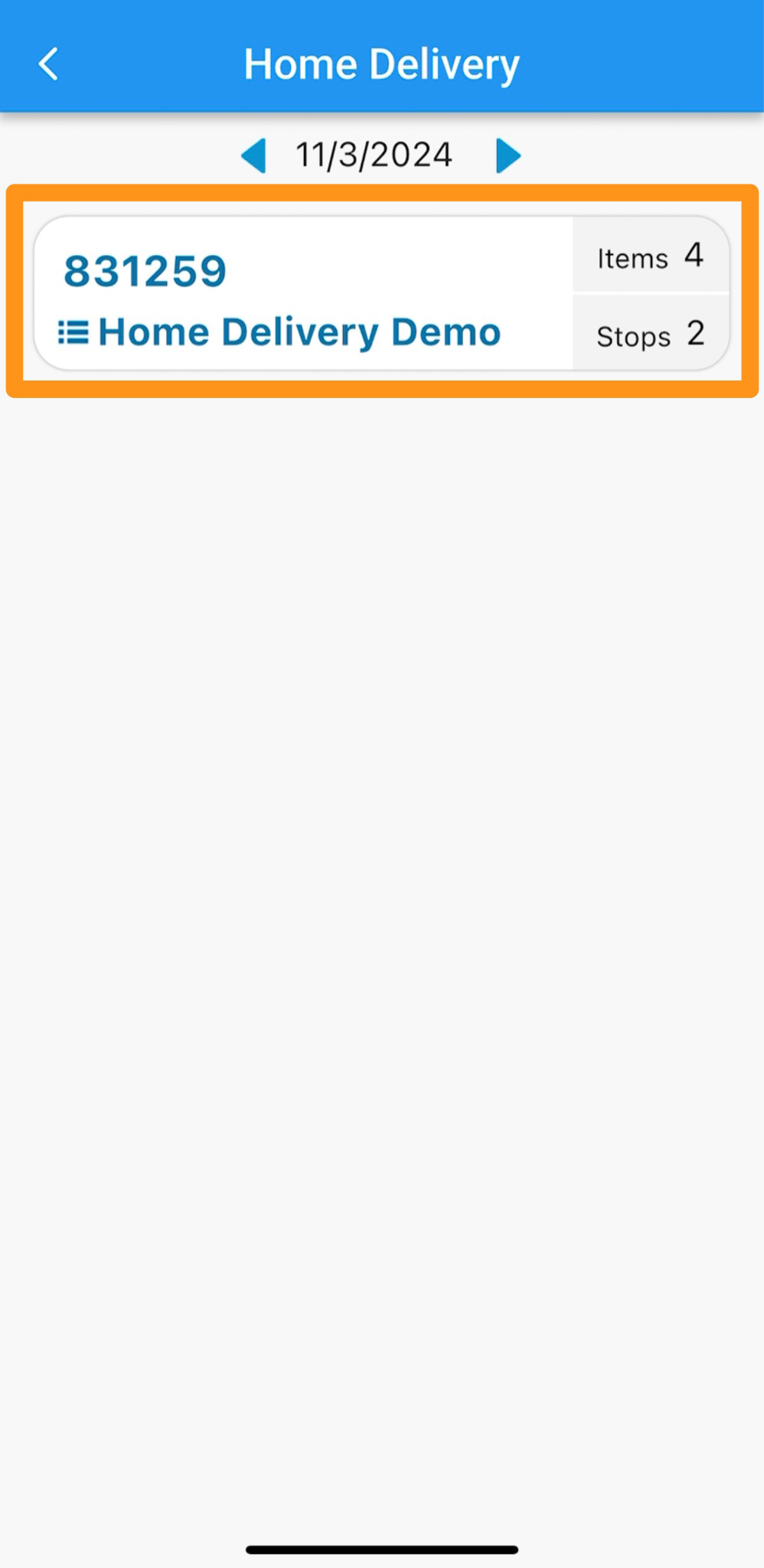
Step 3
Tap Take Action then choose Verify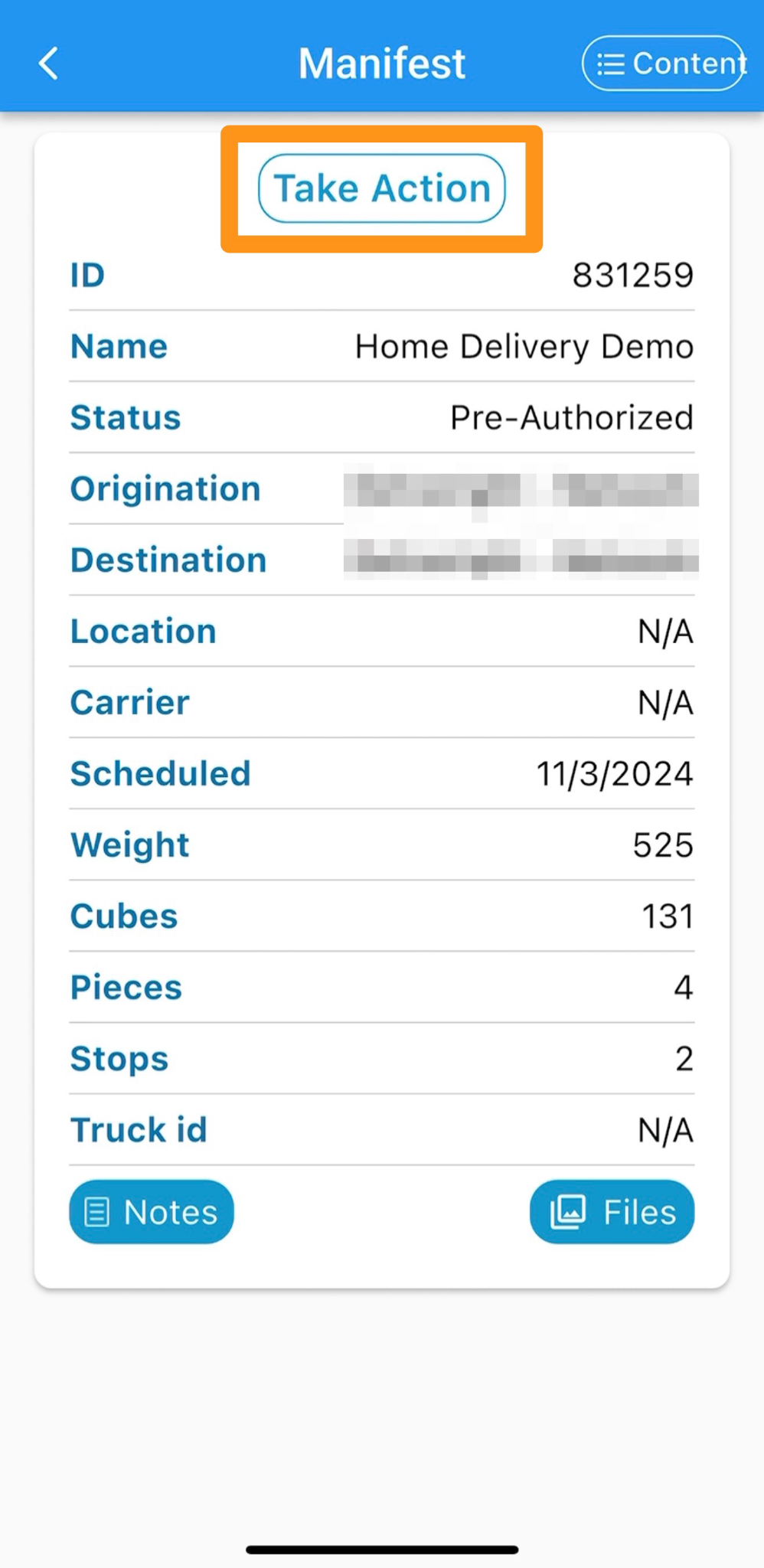
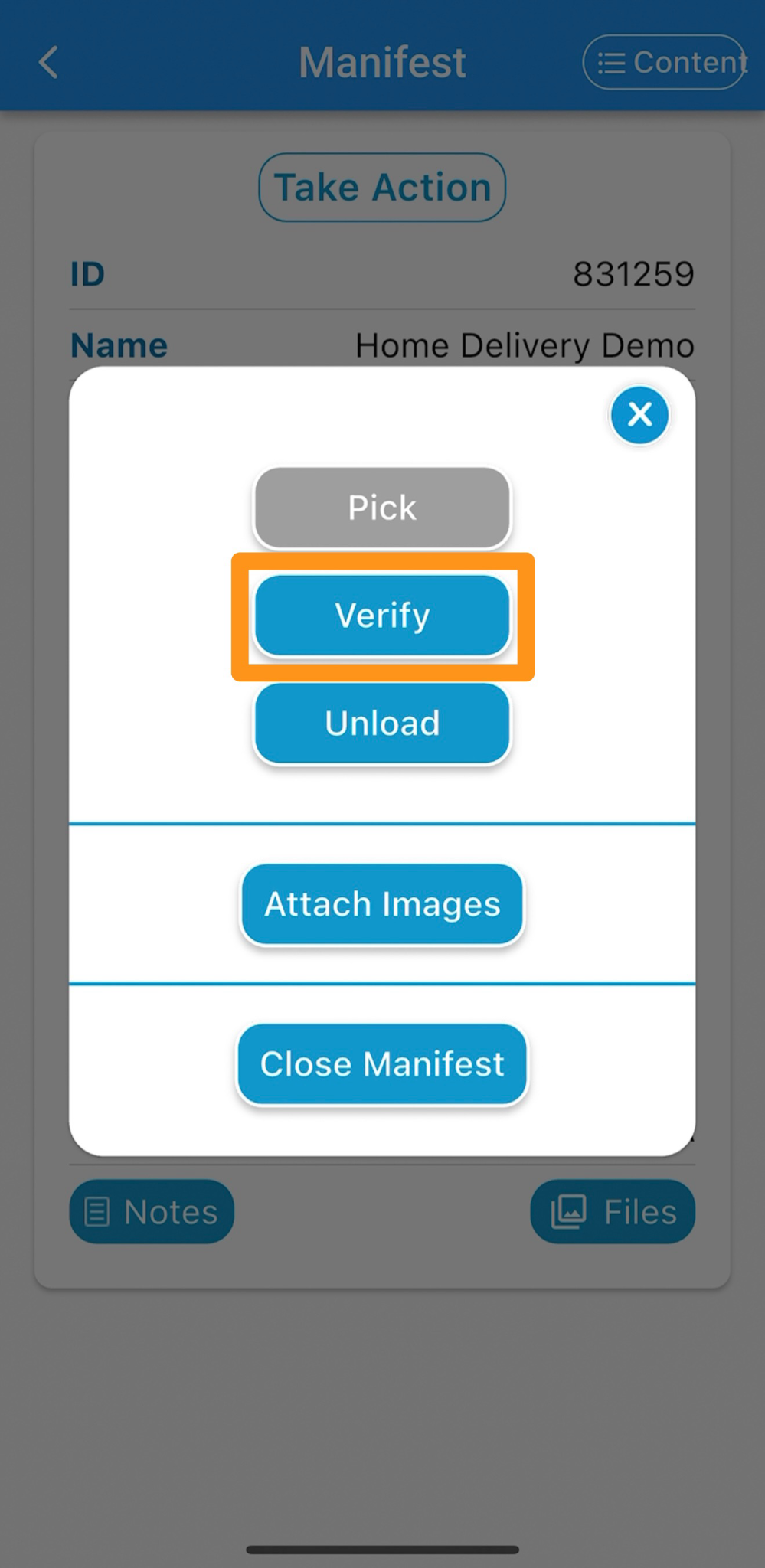
Step 4
Scan all items that were picked until the app displays Verify Complete.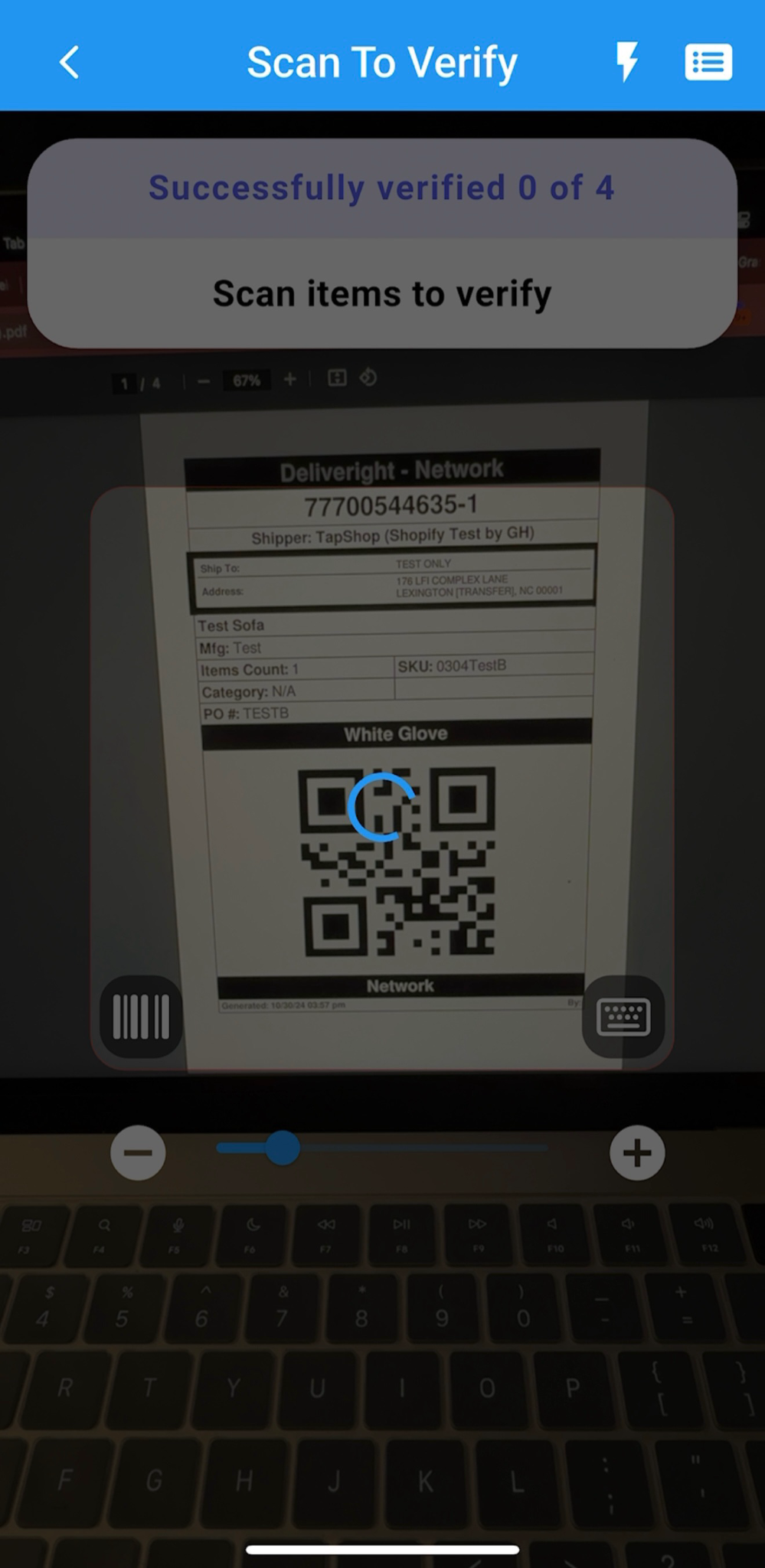
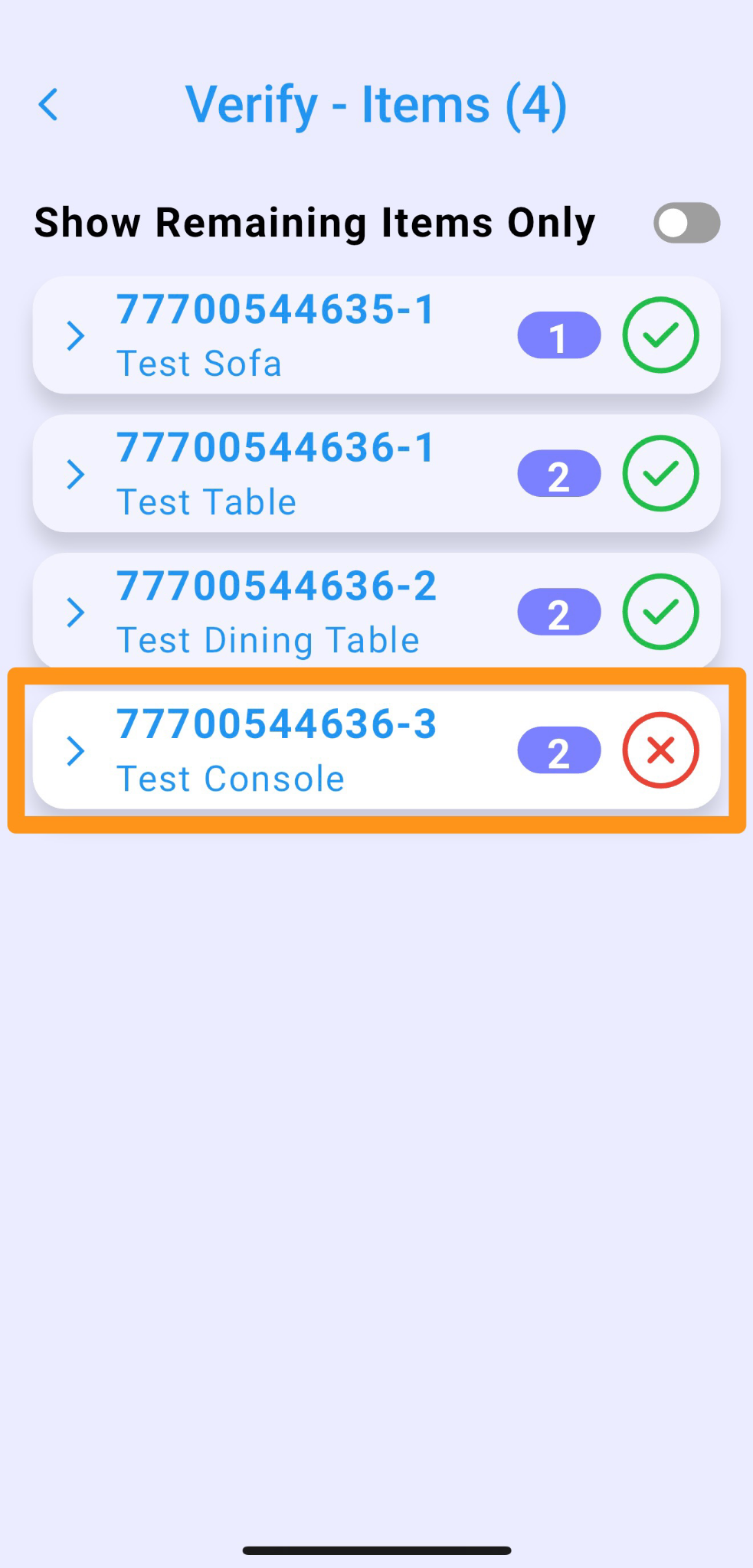
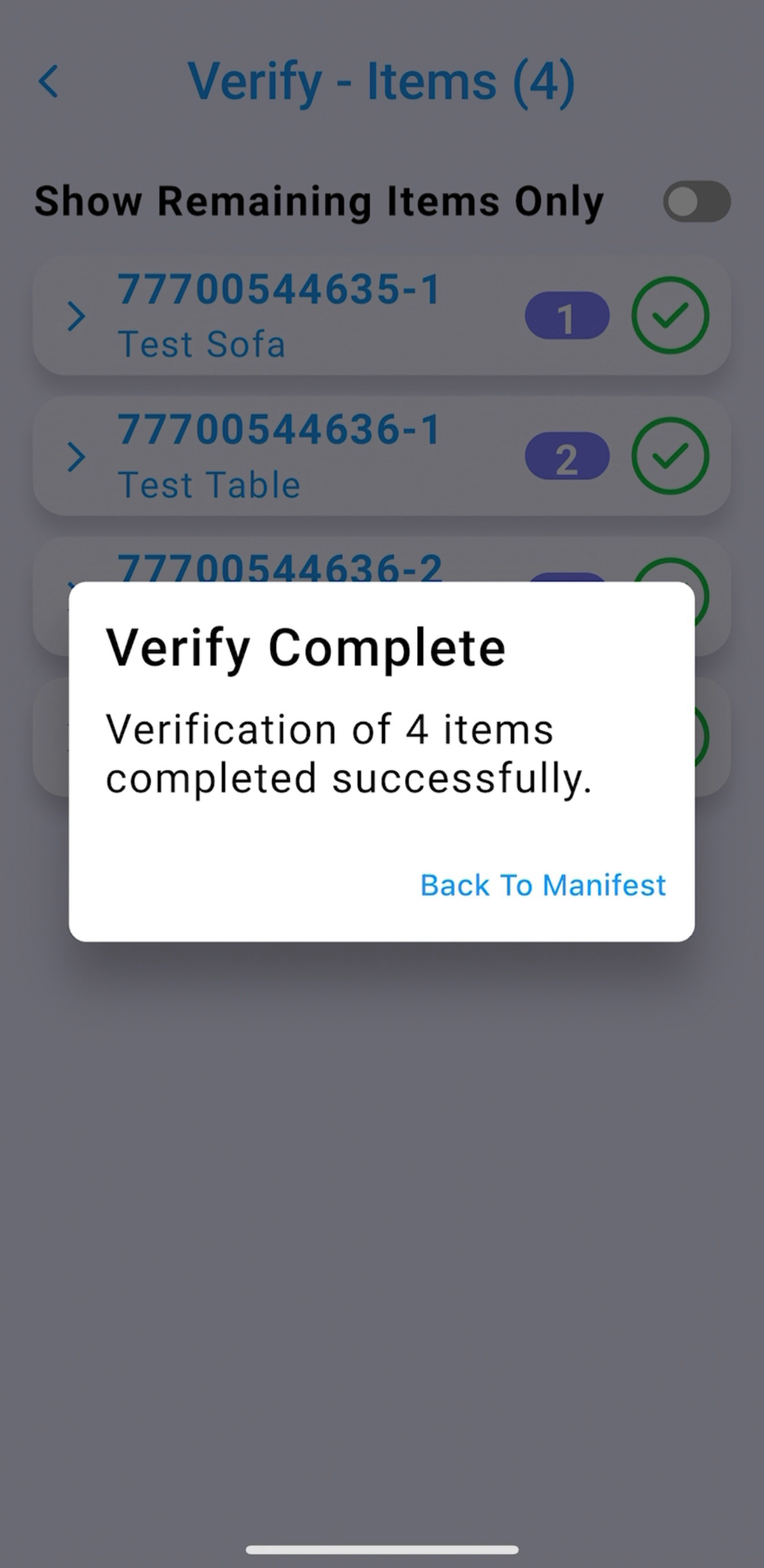 If an item has been missed or hasn’t been verified yet, click the items list box in the top right corner. This will display all items that still need to be verified.
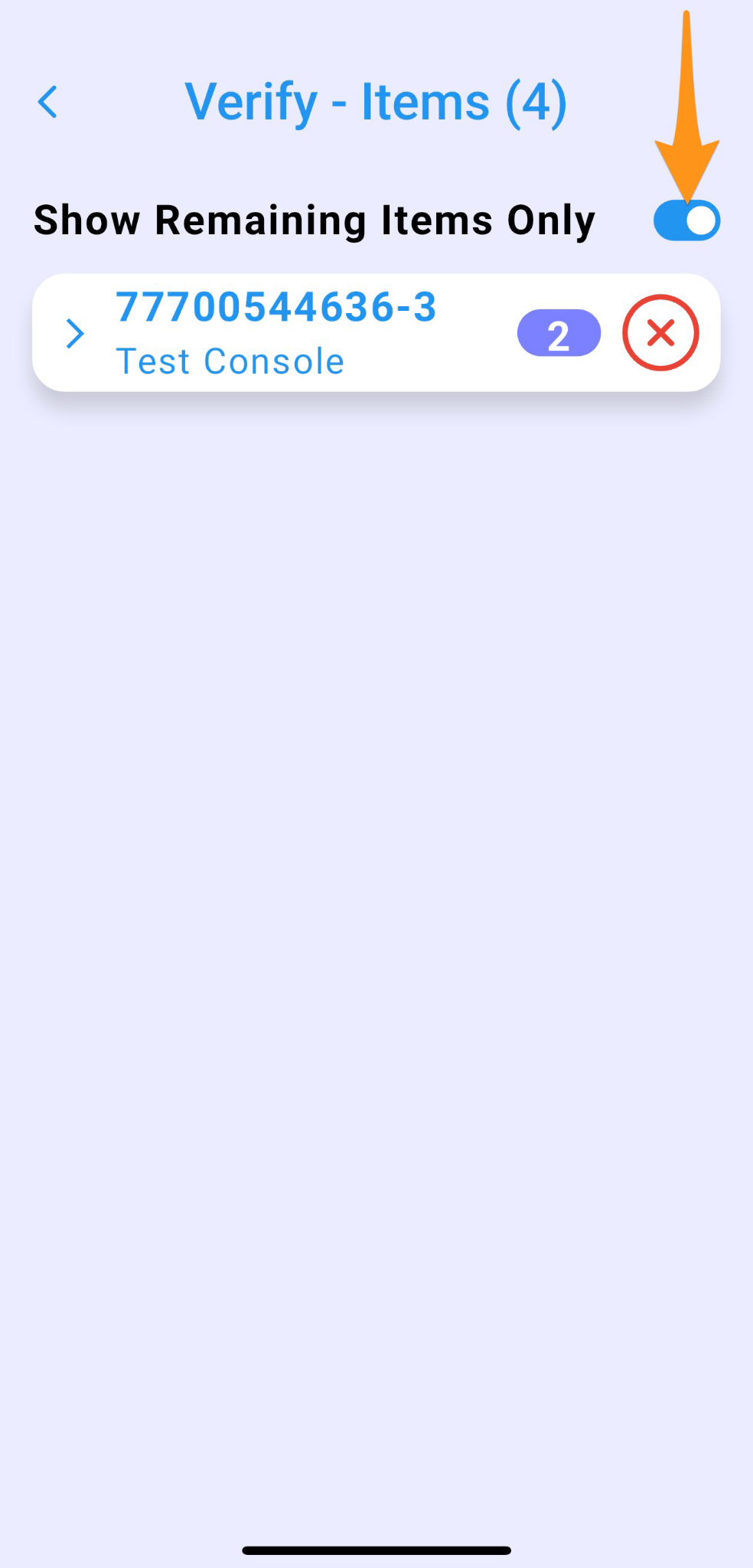
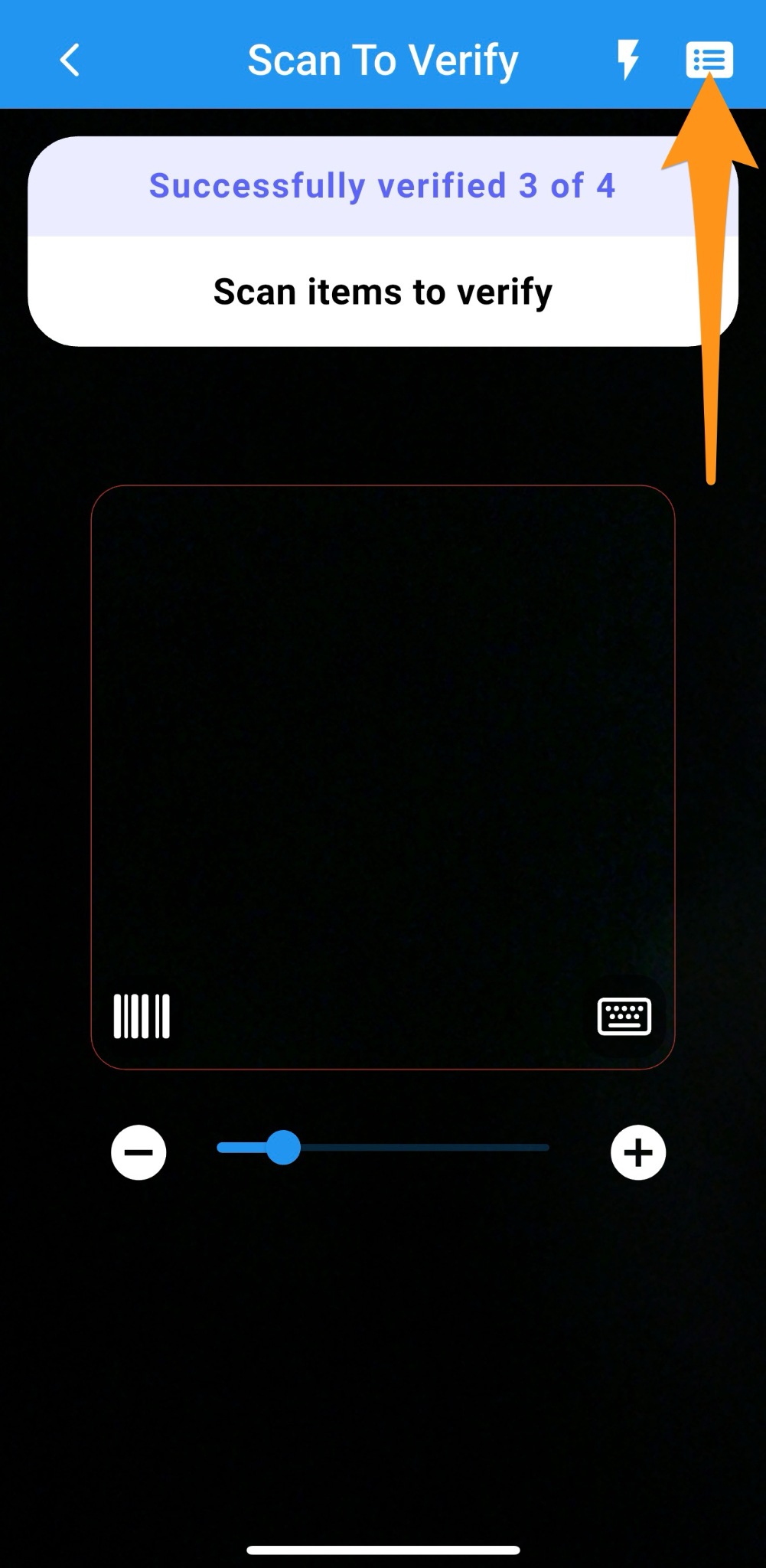 Here’s what the screen will look like when there are items that haven’t been verified. Items that haven’t been verified will have an “X” next to them. You can toggle the view to show only the items that haven’t been verified, or display all items, depending on your preference.