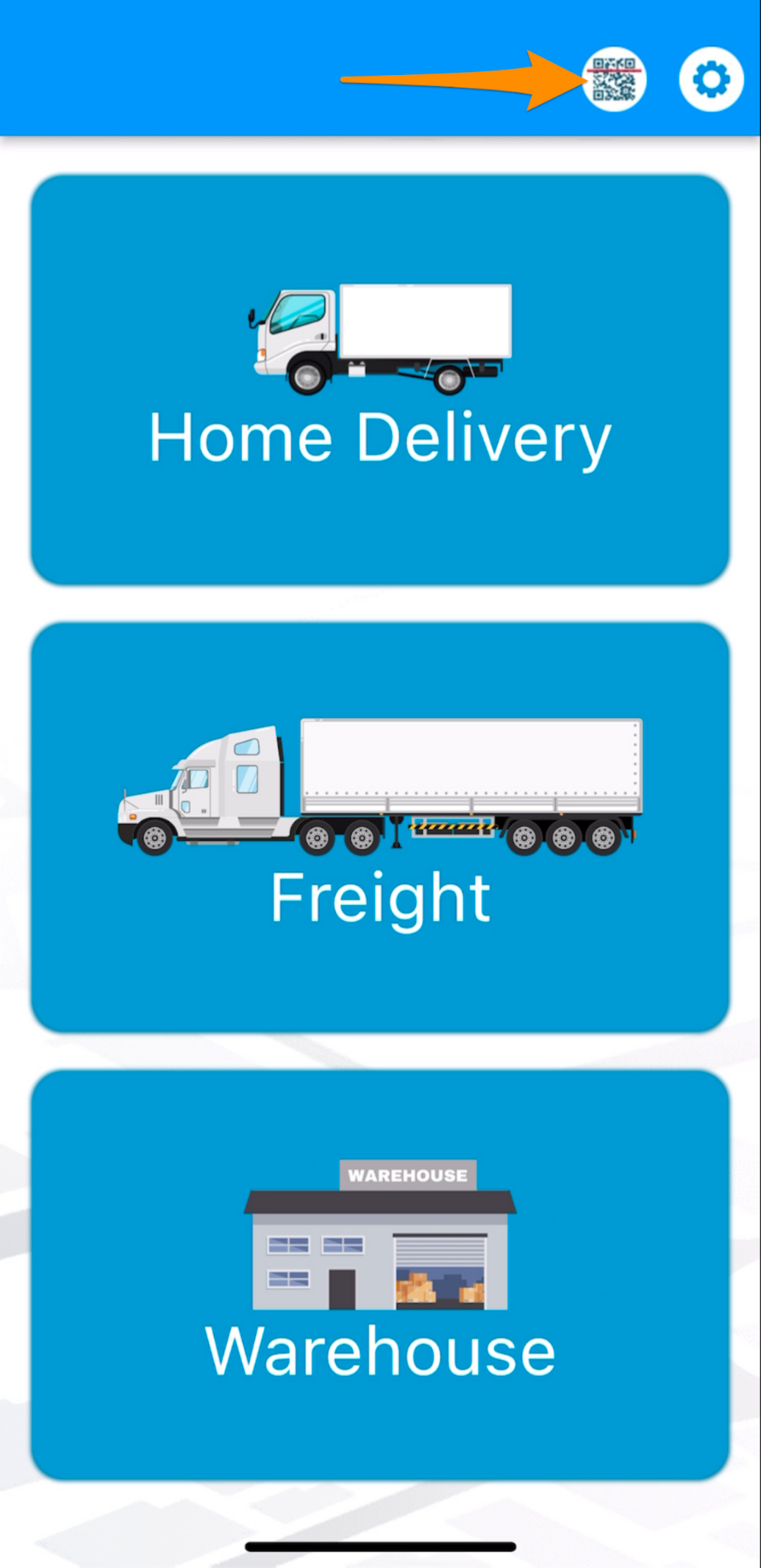
Step 1
Open the Warehouse Mobile App and tap on the QR / Search Button
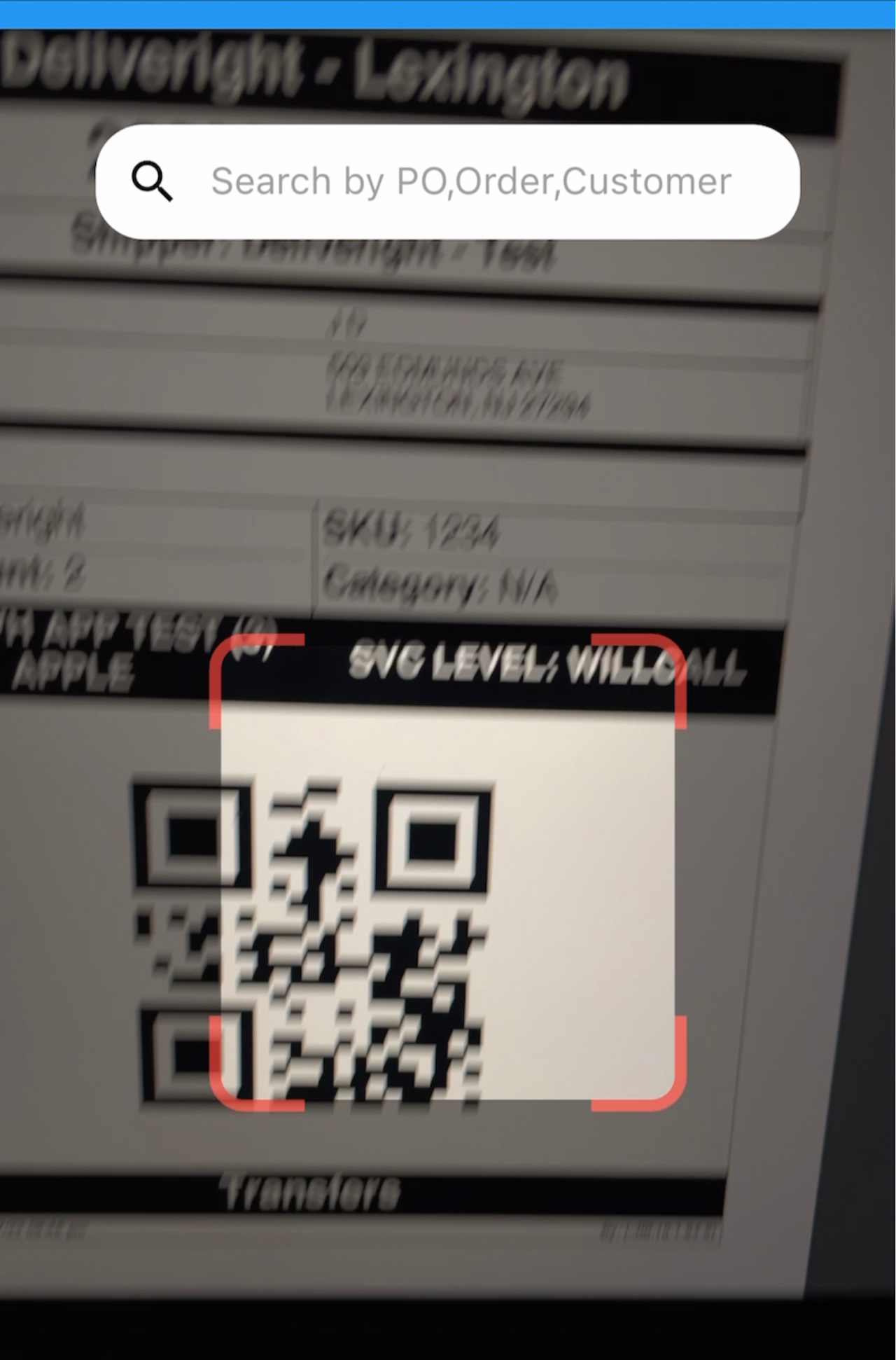
Step 2
Scan the label/s of the item/s or order
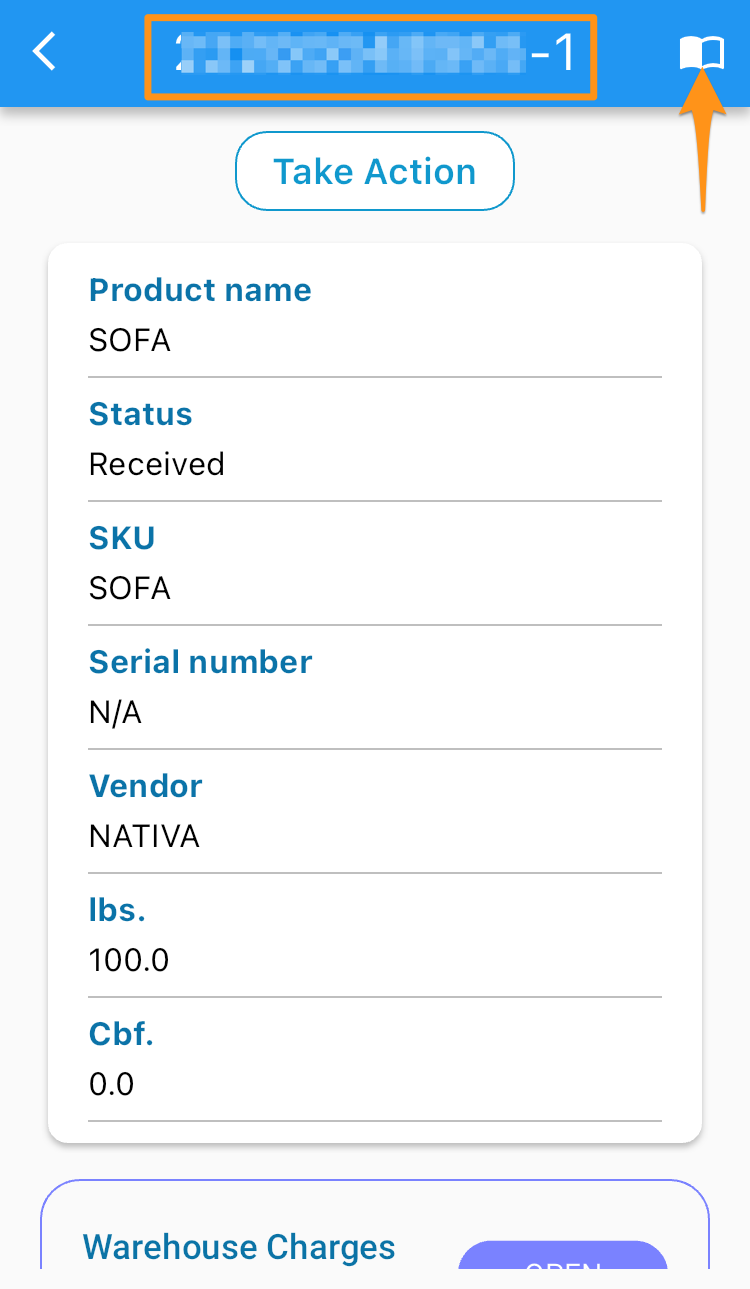
Step 3
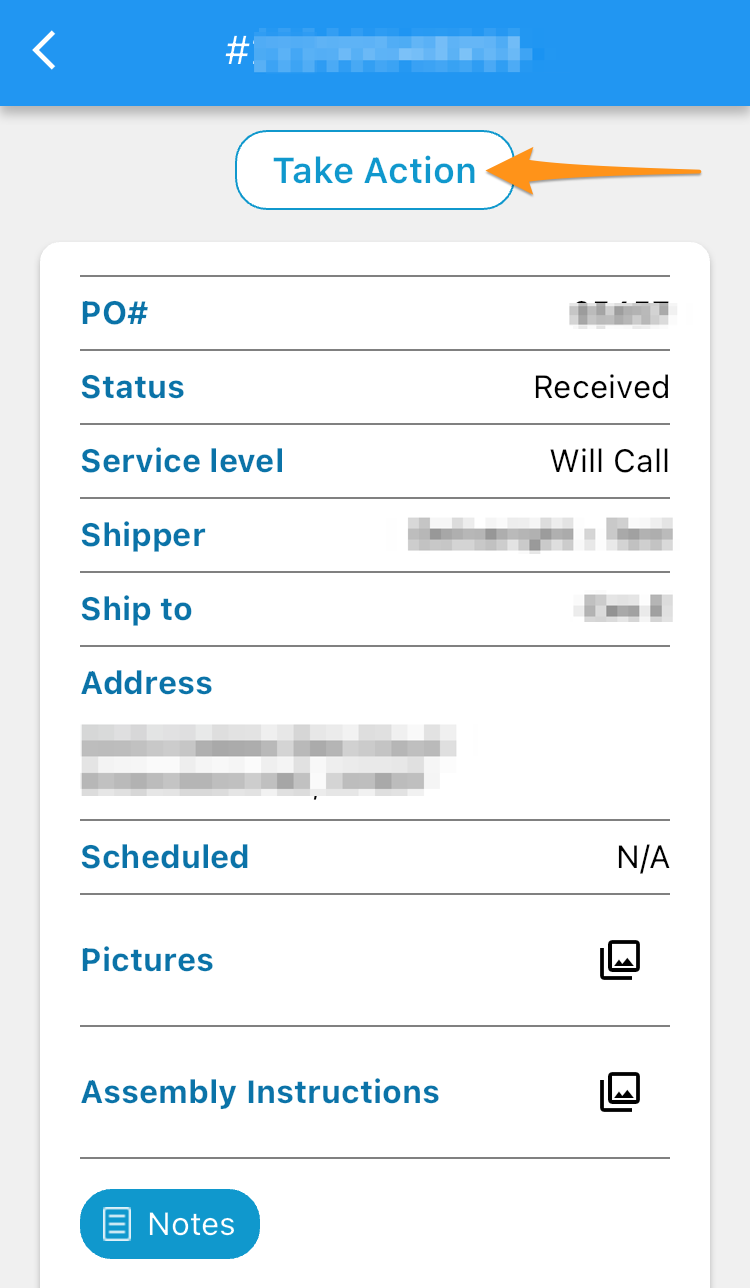
Tap on the upper right corner to lead you to the order screen and select Take Action
Step 4
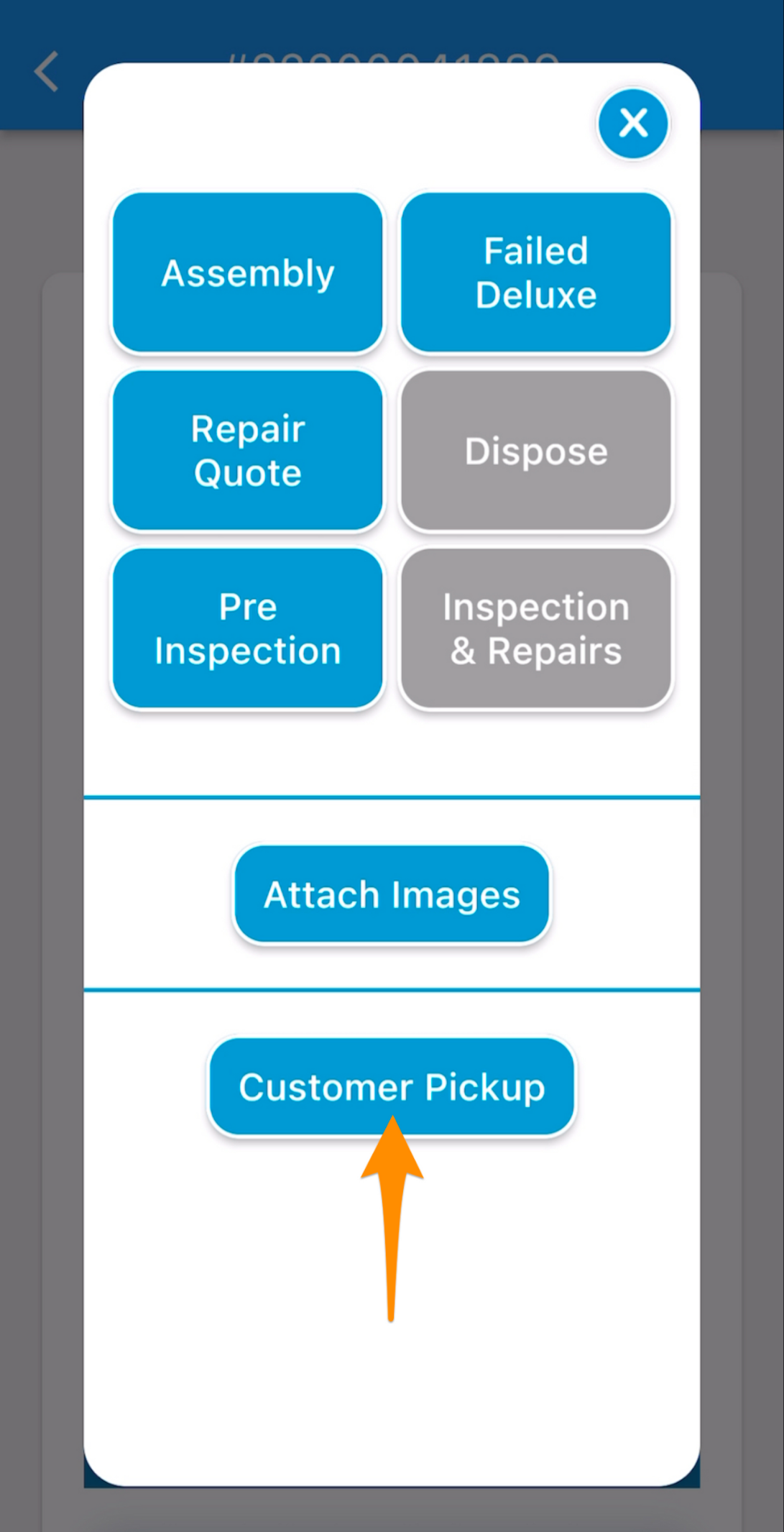
Select Customer Pick Up
Step 5
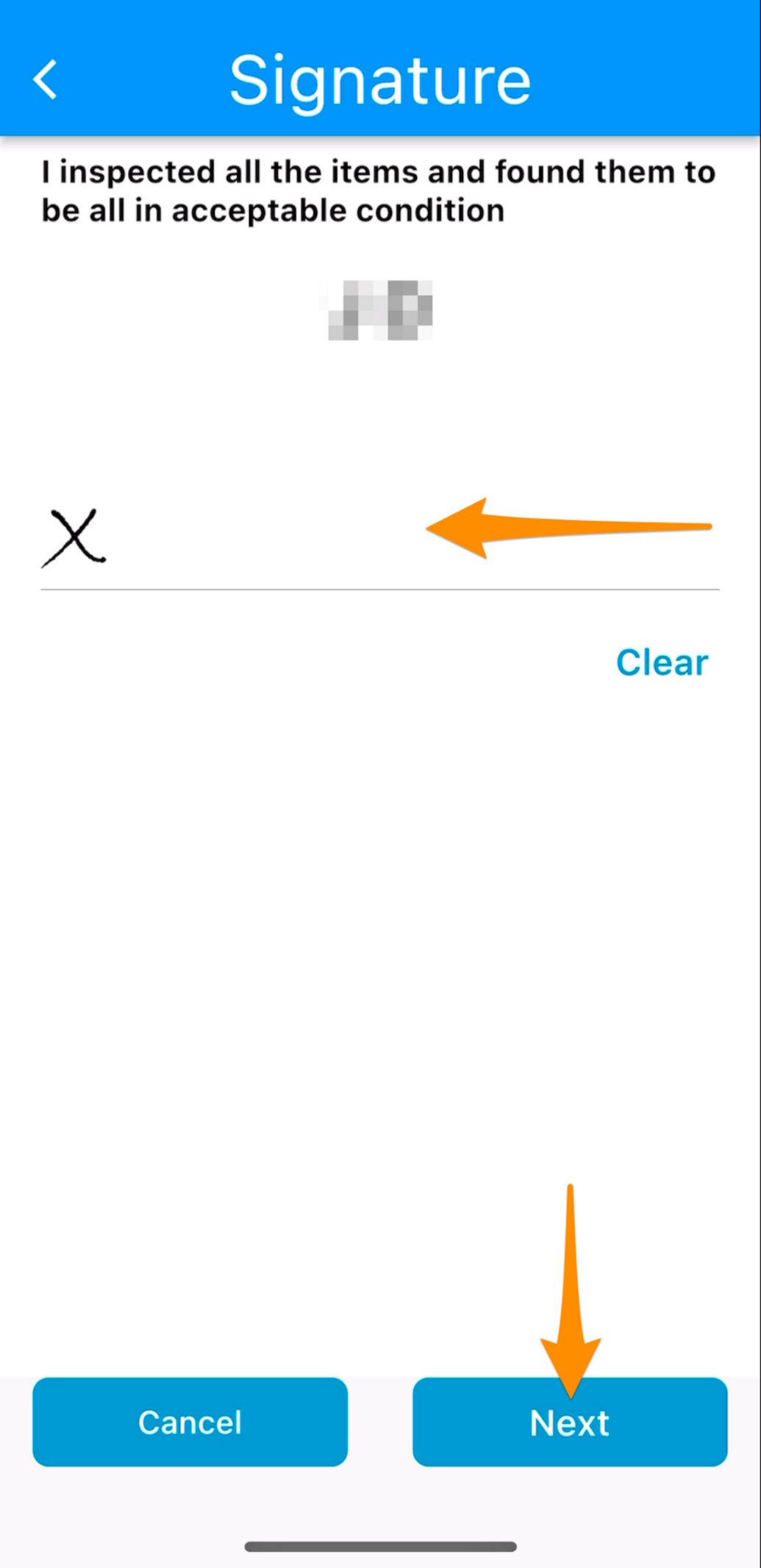
Obtain signature from the customer (or representative) then tap on Next
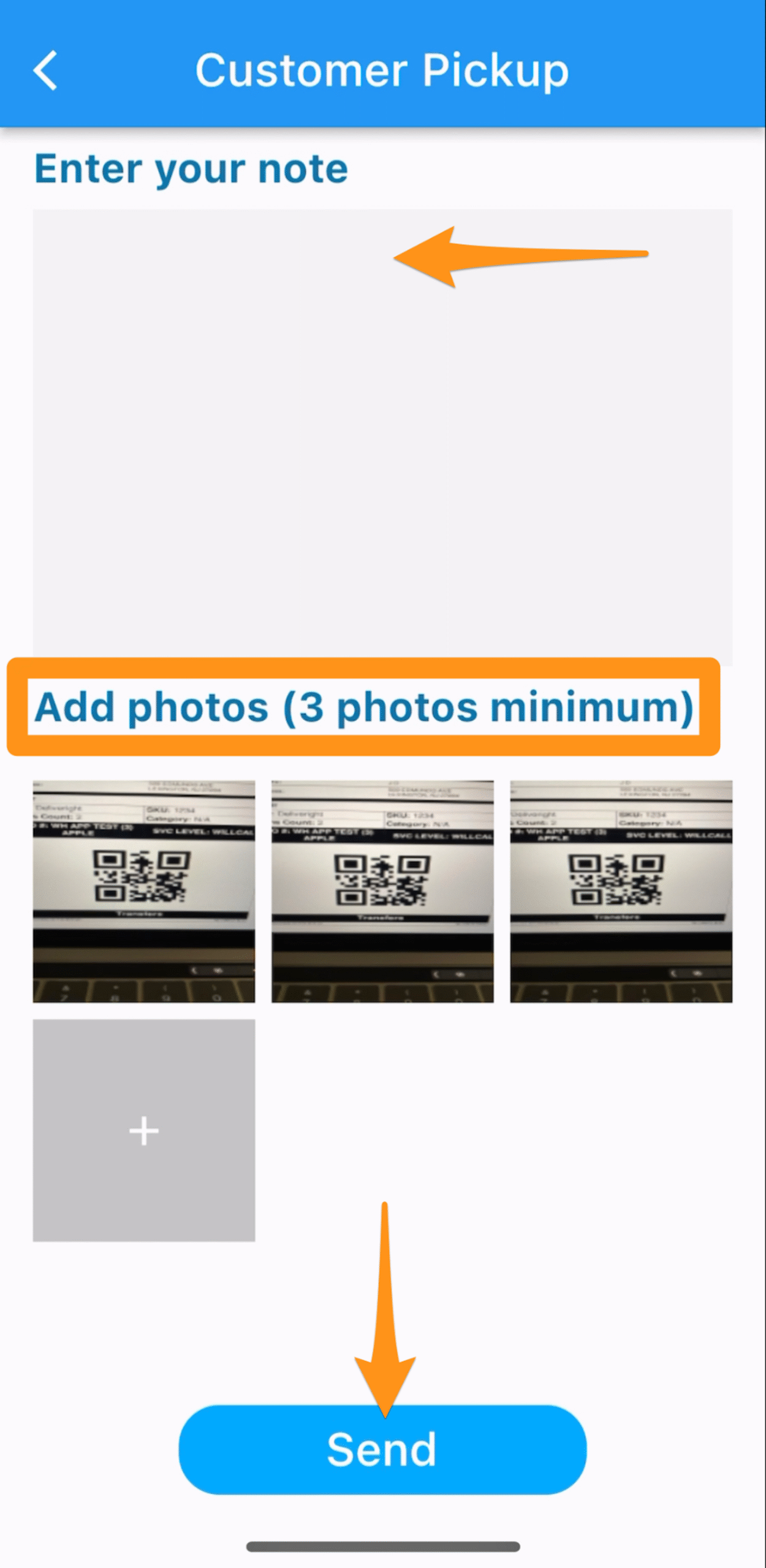
Enter note, Add photos of at least 3 then Send
Warehouse Team to ensure that photos of merchandise being loaded in the vehicle are taken as proof that it has left the warehouse in good condition
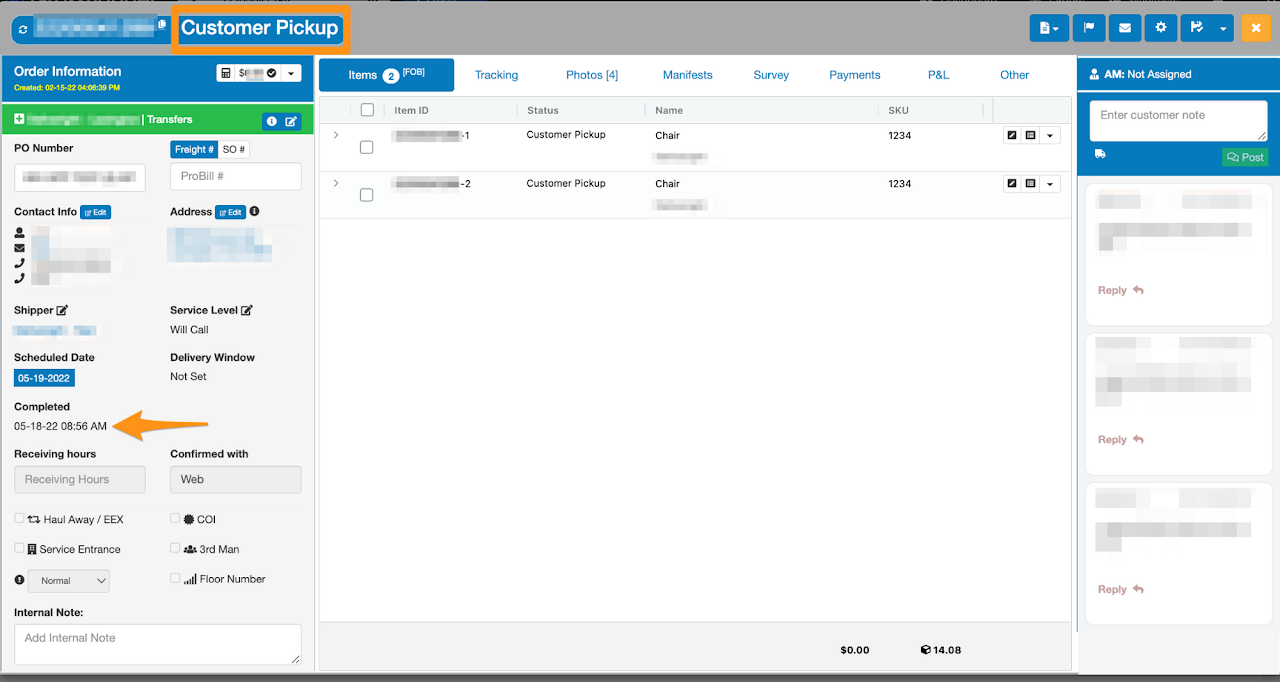
Order has been closed as Customer Pick Up