
Step 1
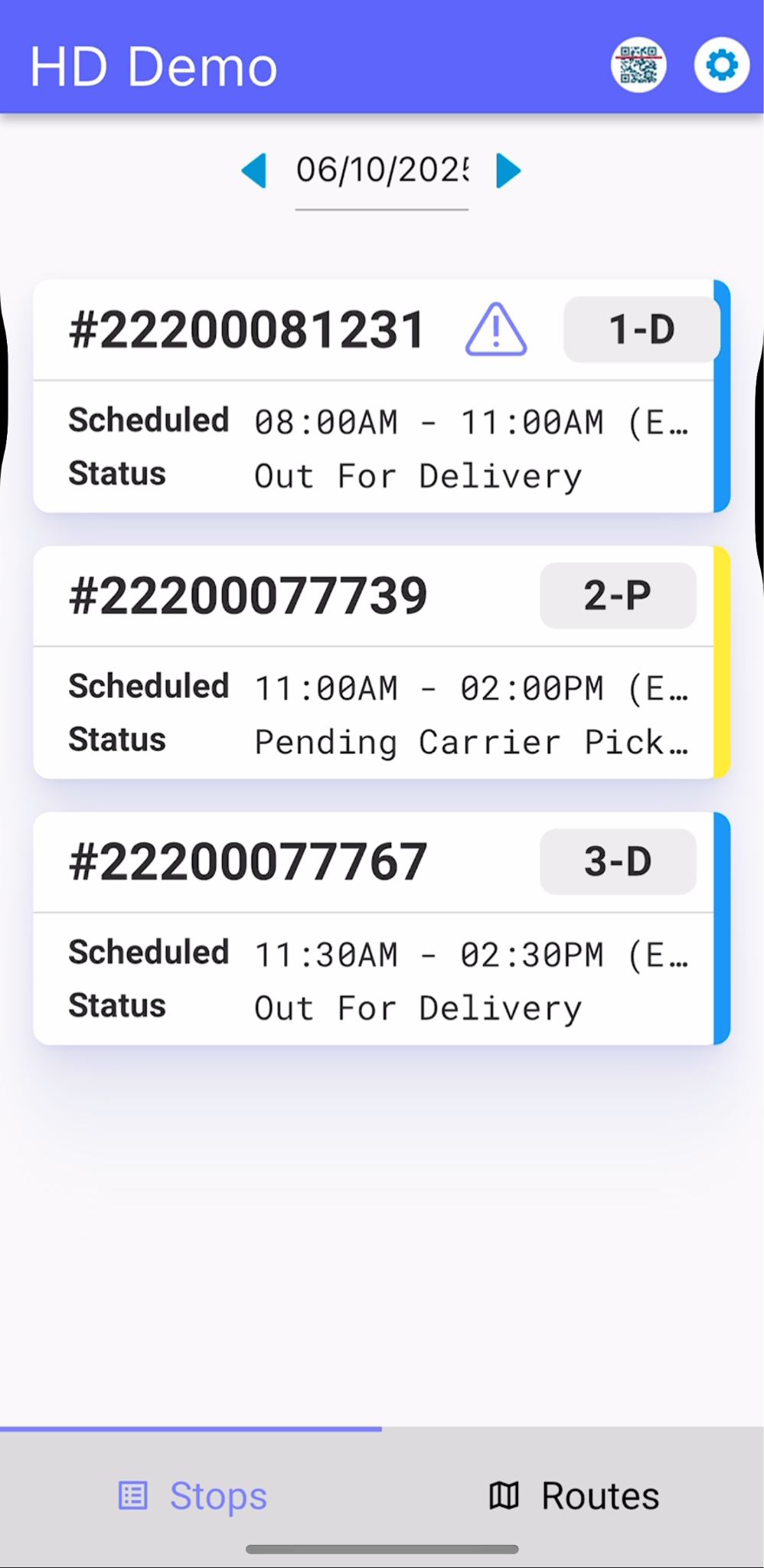
Choose the stop or order to be completed
Step 2
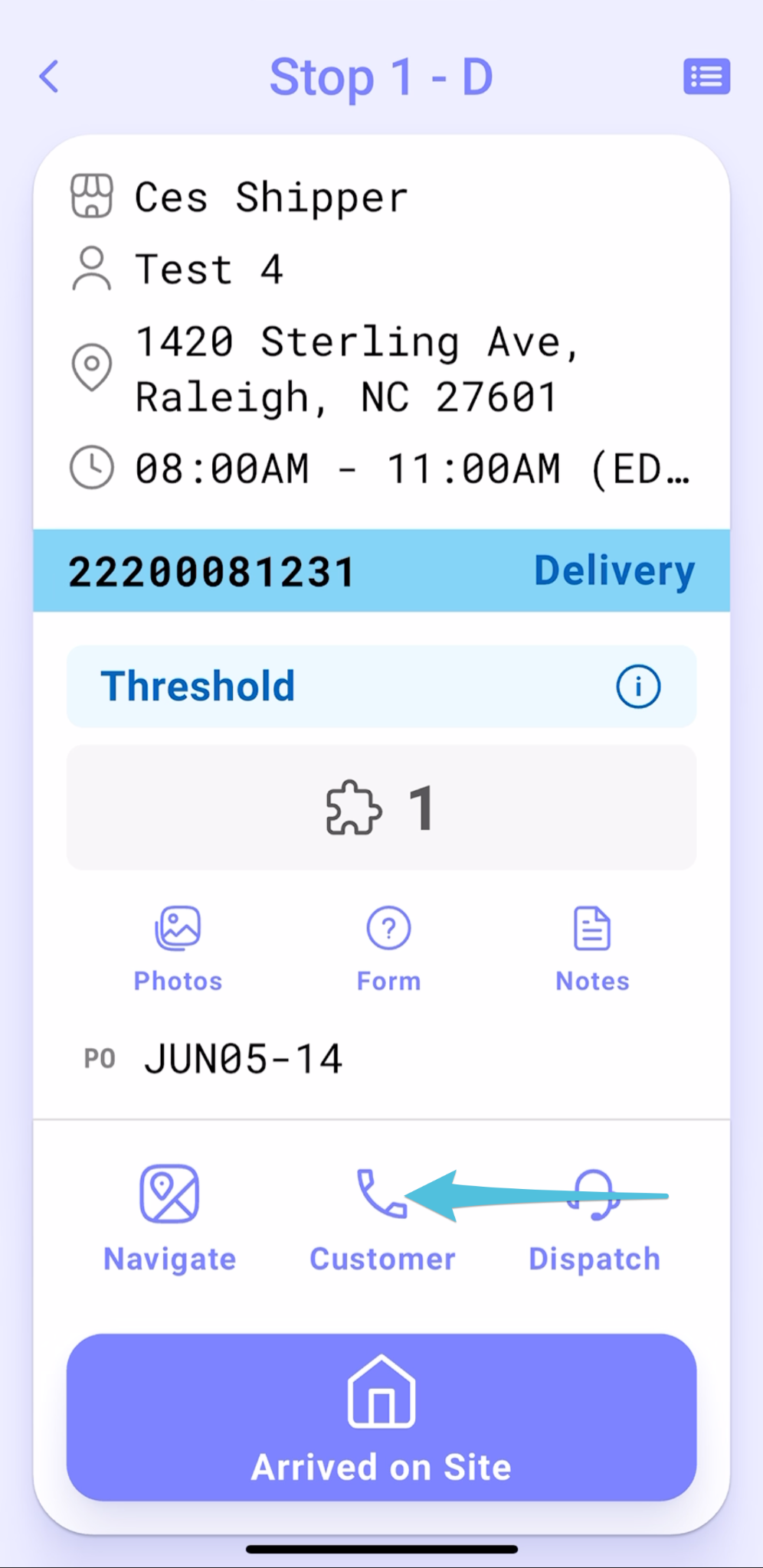
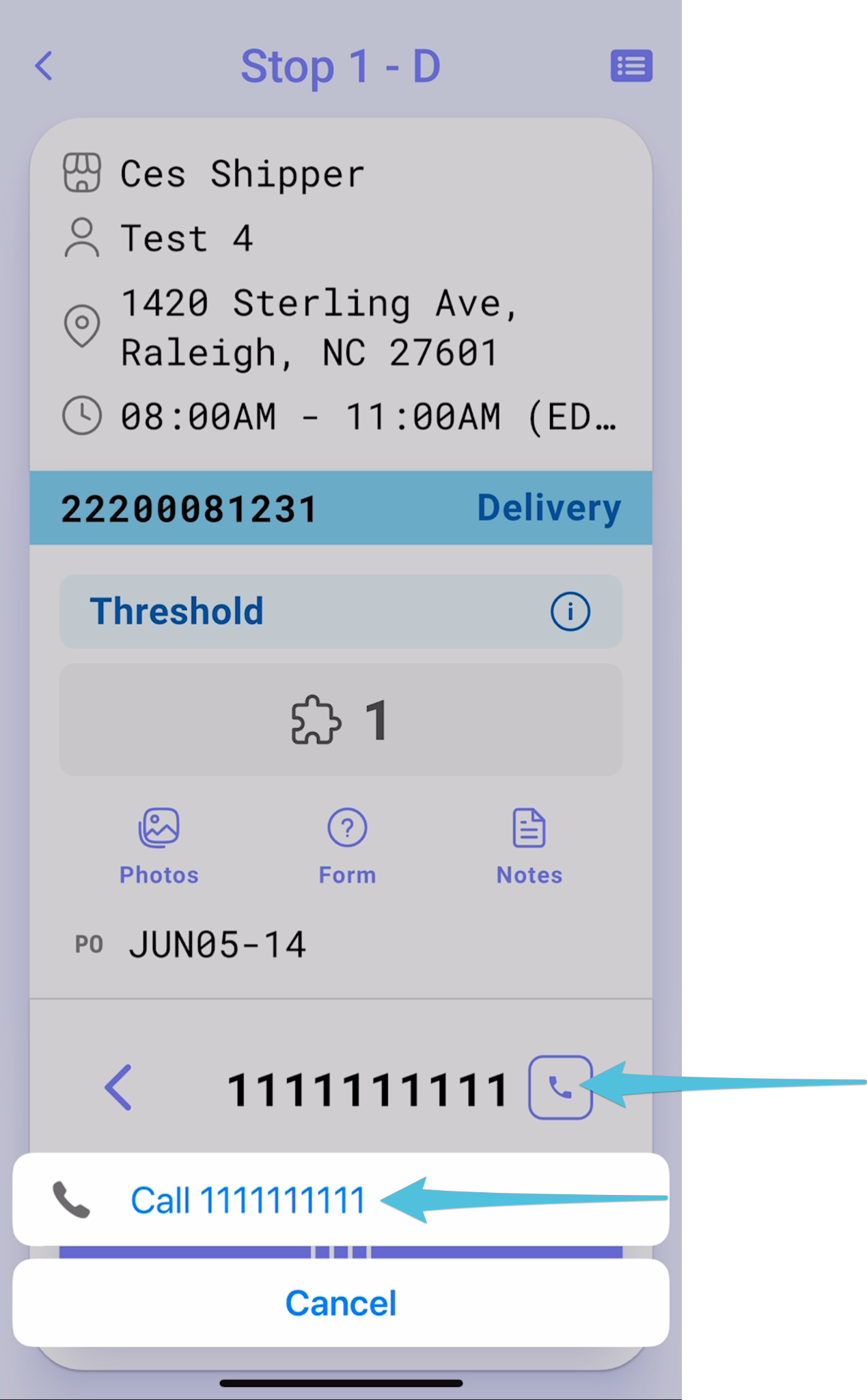
Tap on Customer Phone icon then the contact number to make a Pre-call
Step 3
Tap Arrived on Site then select Consignee Available
Step 3
Tap Waiver
Step 4
Read carefully and sign. Then tap Next to proceed.
Step 5
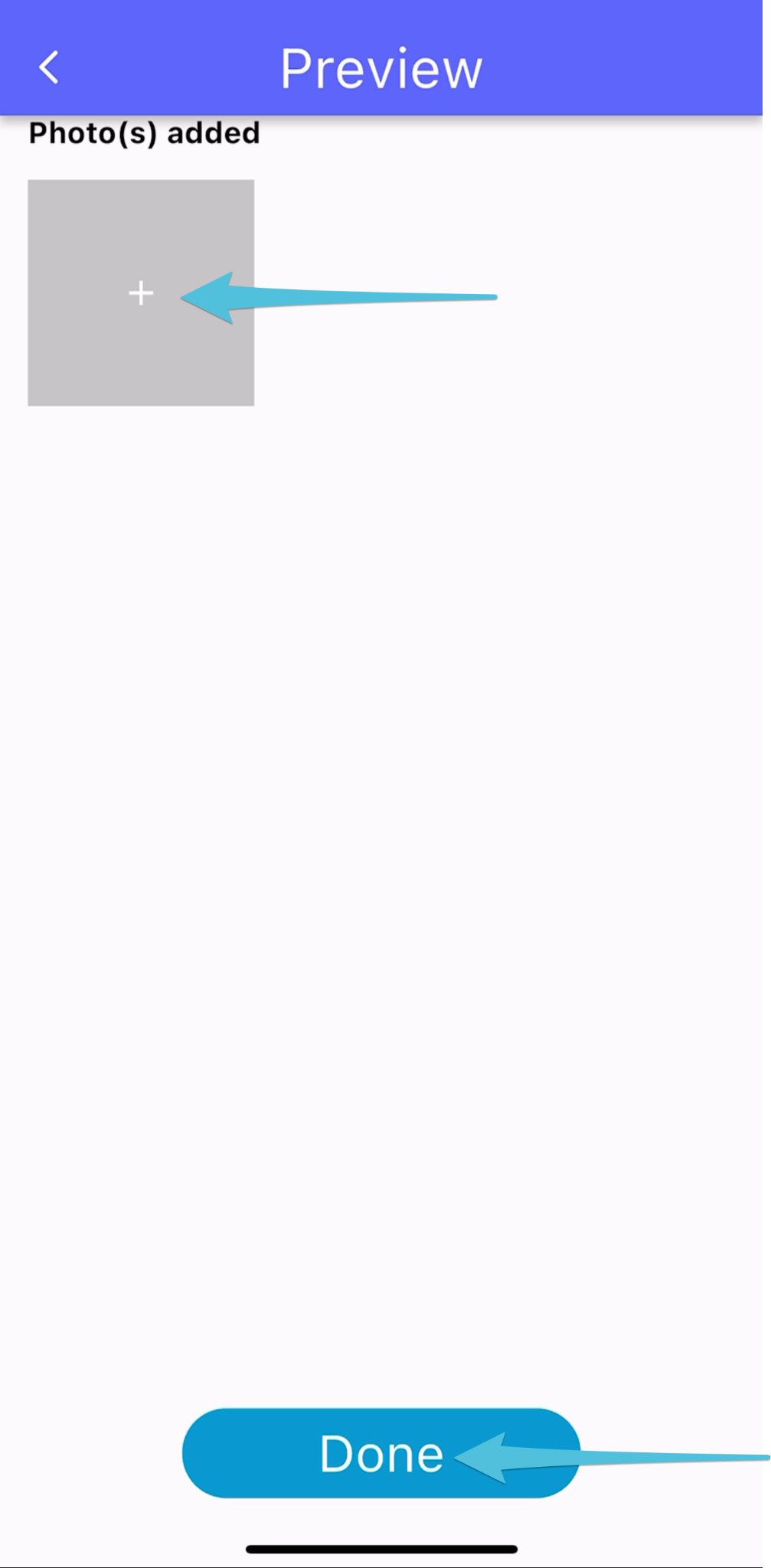
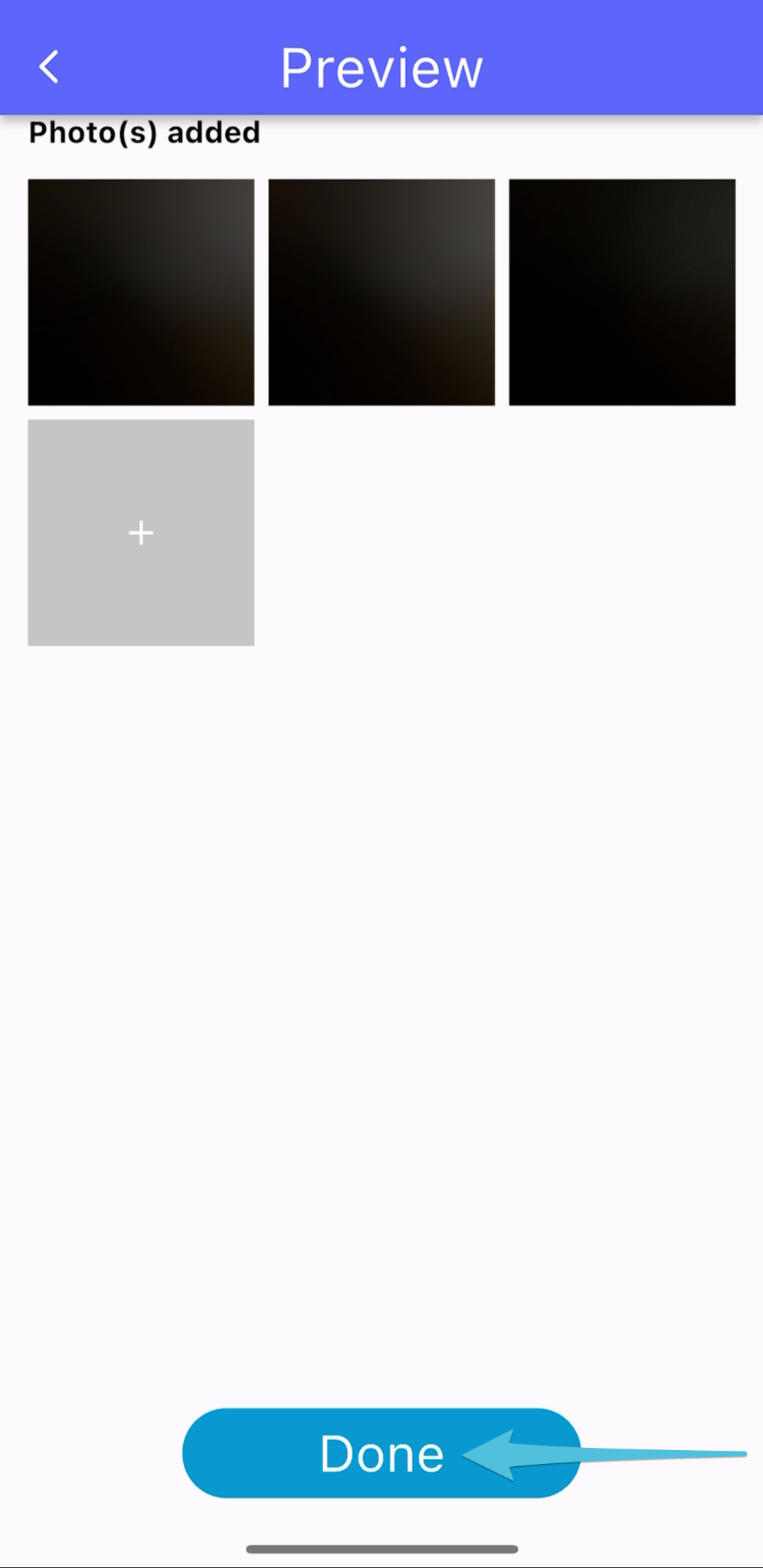
Take at least 3 photos then tap Done.
Step 6
Tap Delivery
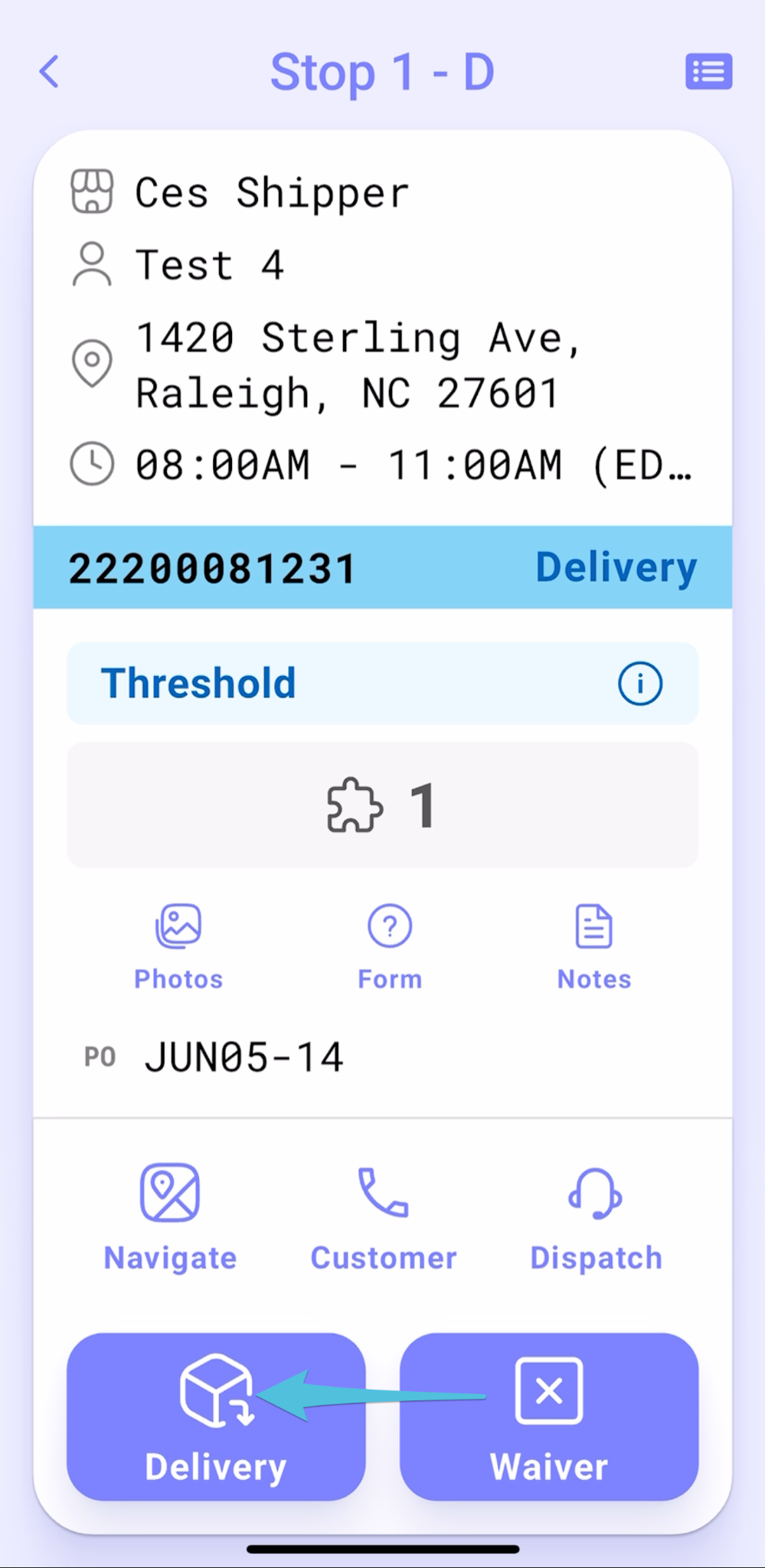
Proceed to finish the stop by selecting either Accepted by the Consignee or Reject, depending on the outcome.
Refer to the following links for detailed instructions: