Step 1
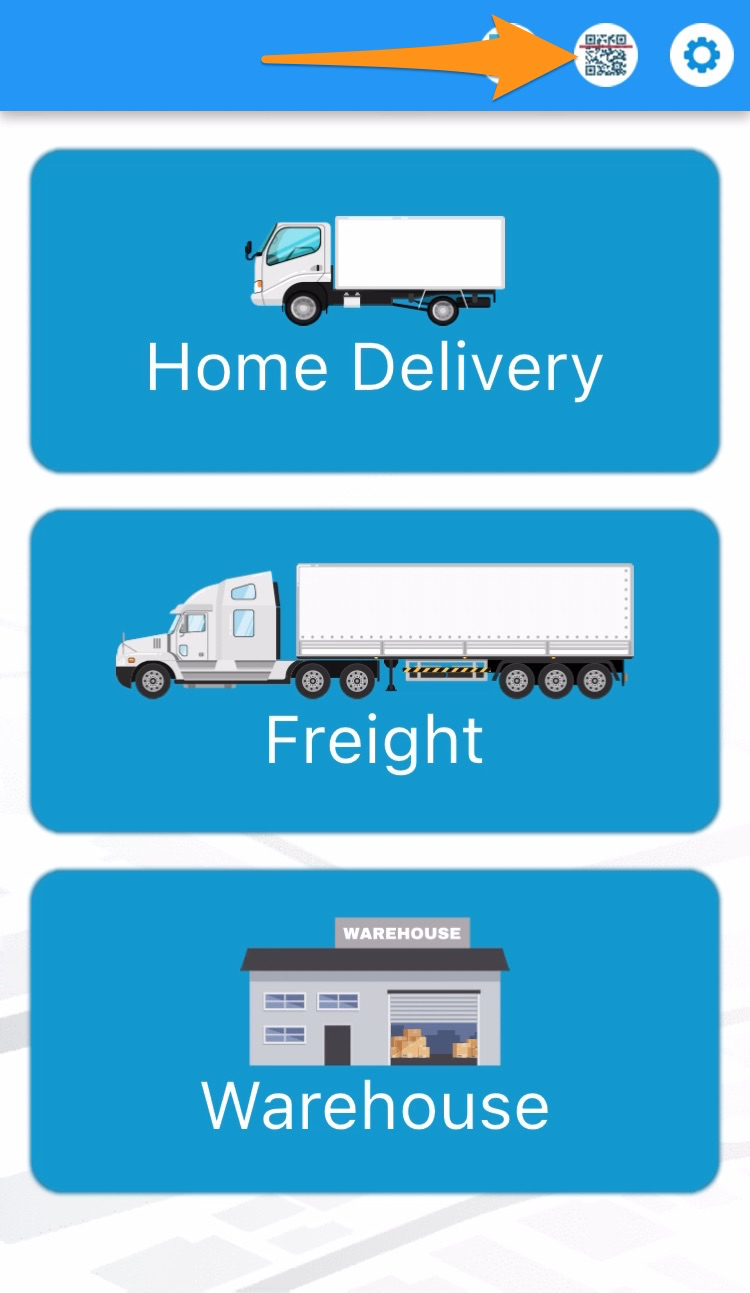
Open the Warehouse Mobile App and tap on the QR / Search Button
Step 2
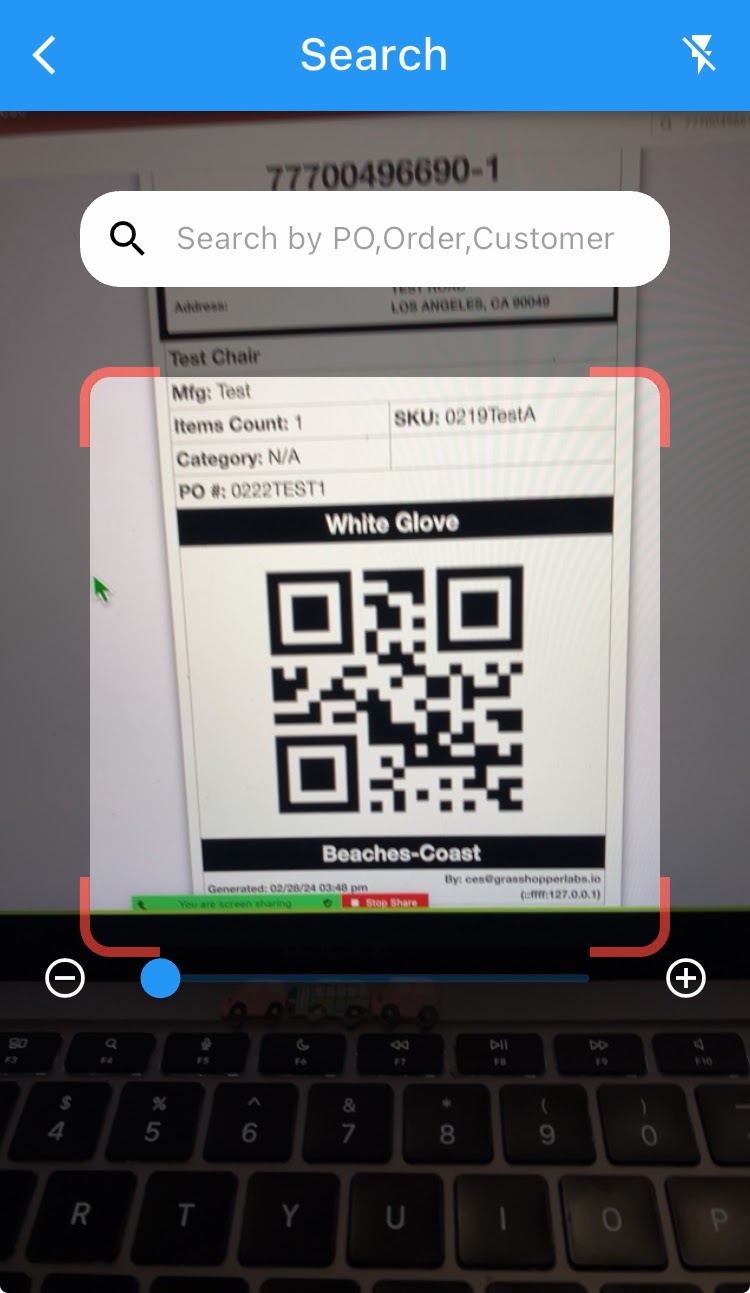
Scan the label of the item
Step 3
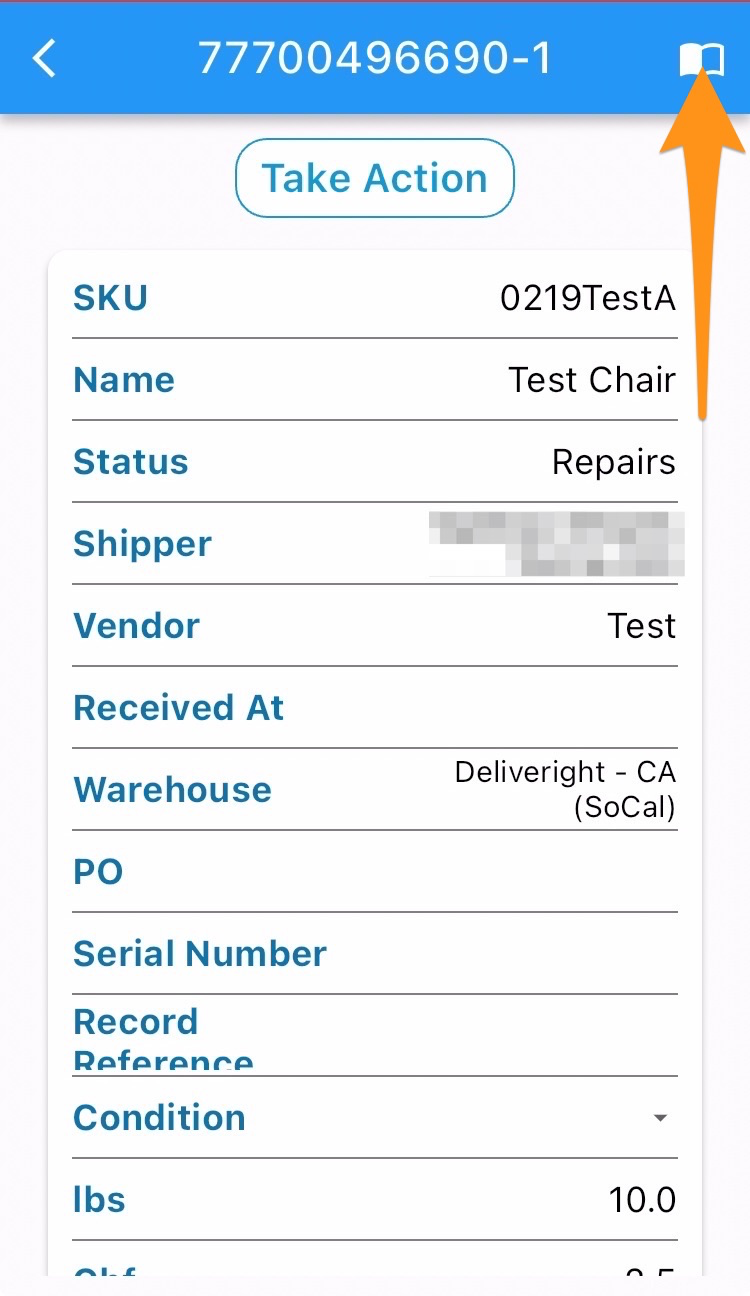
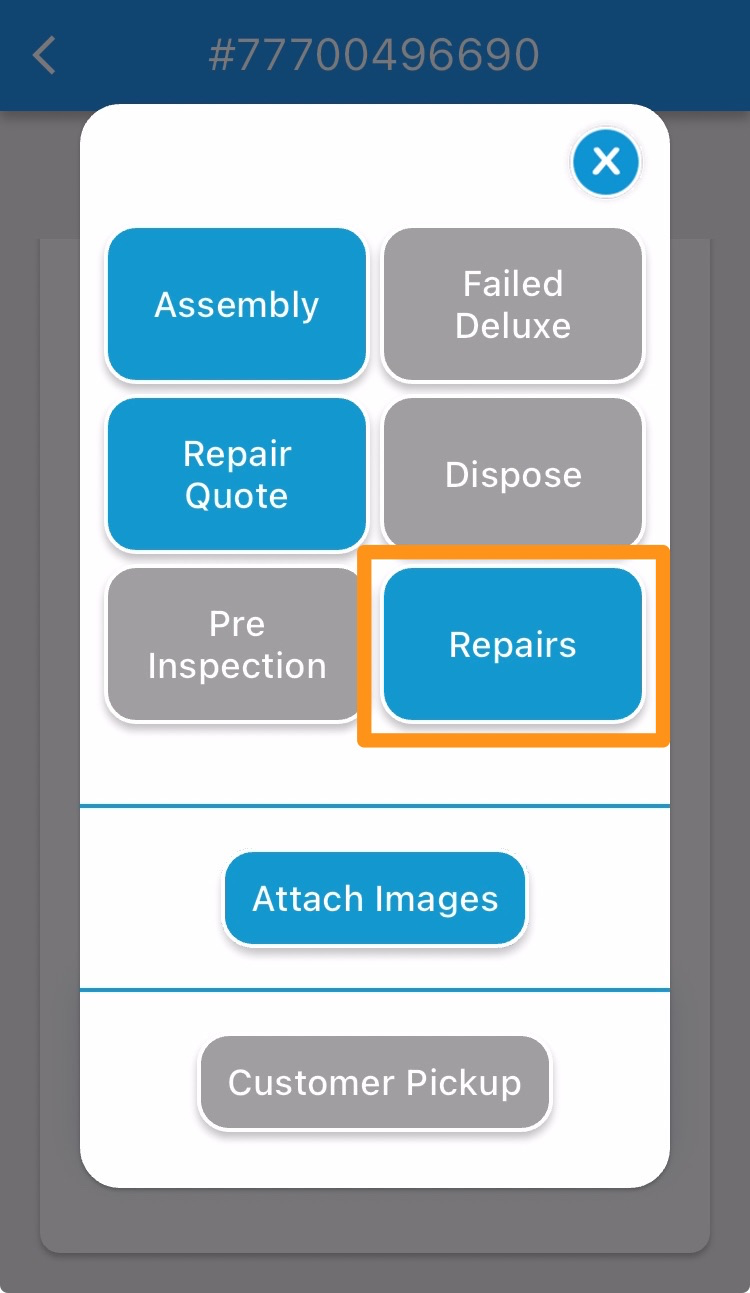
Click the Menu icon and select Repairs
Step 4
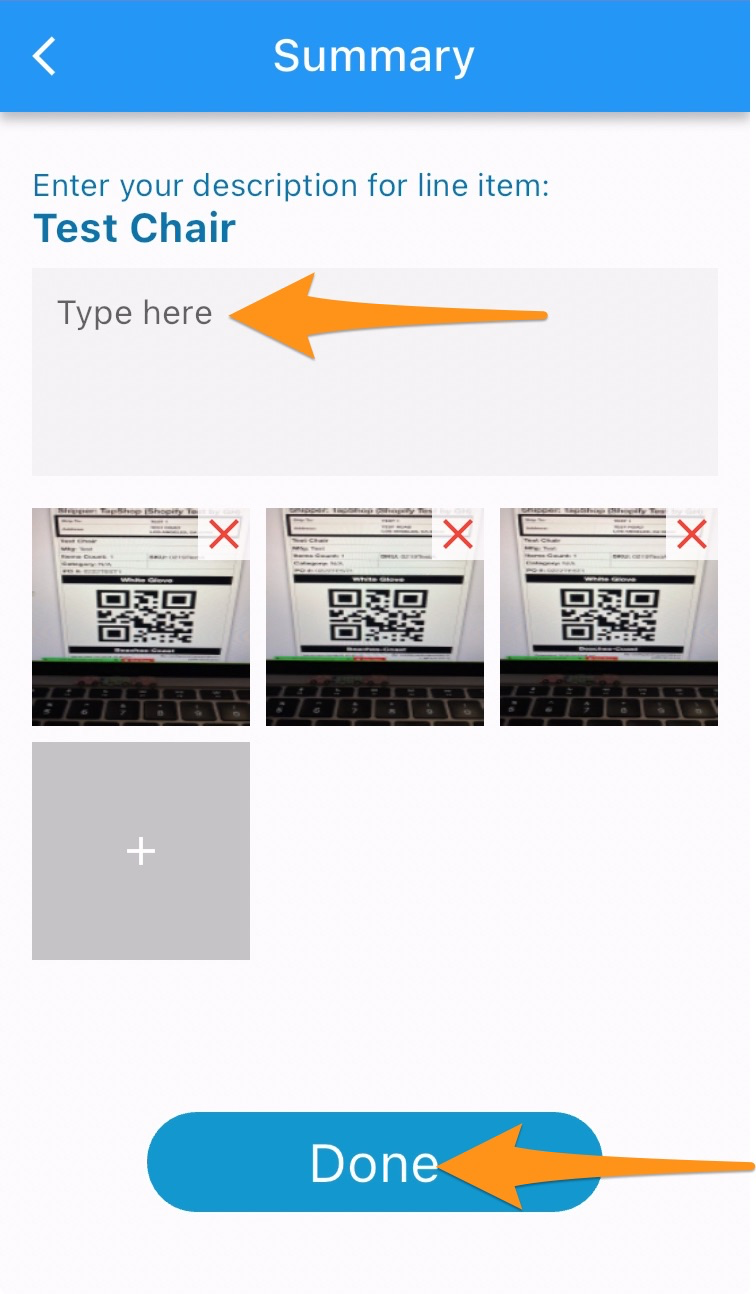
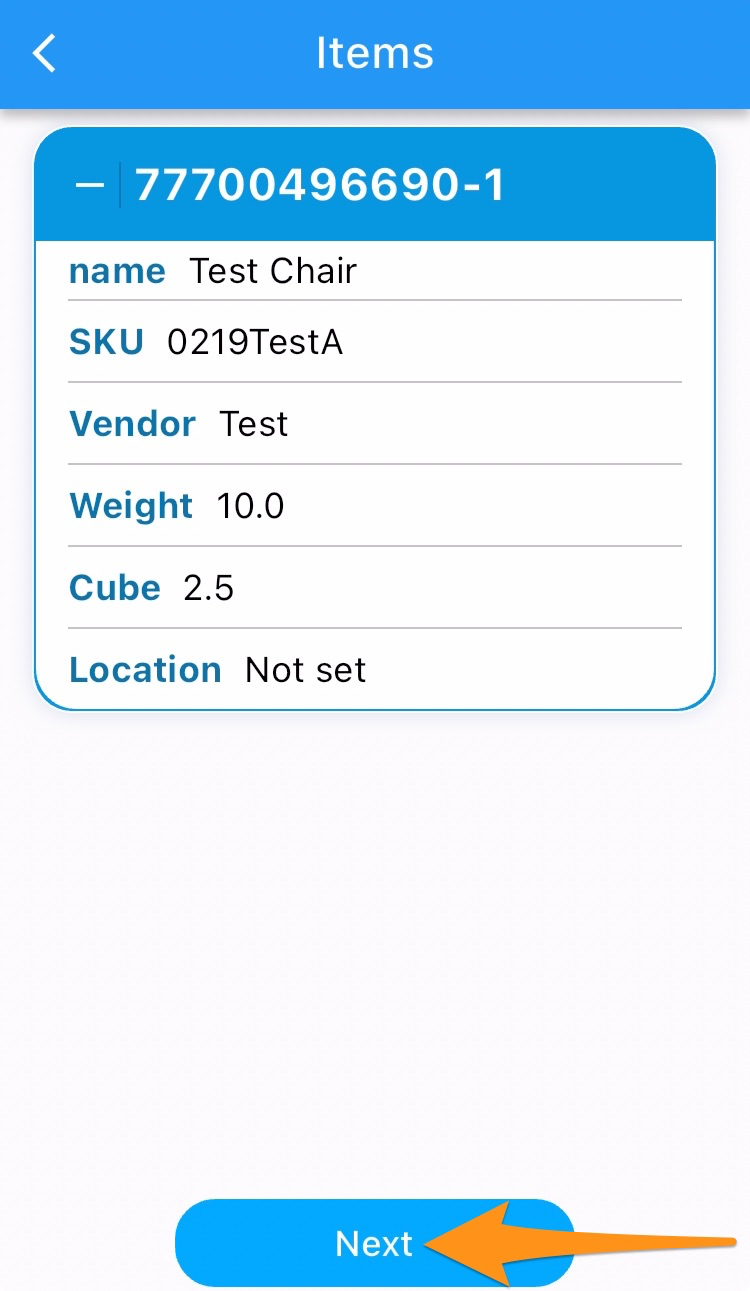
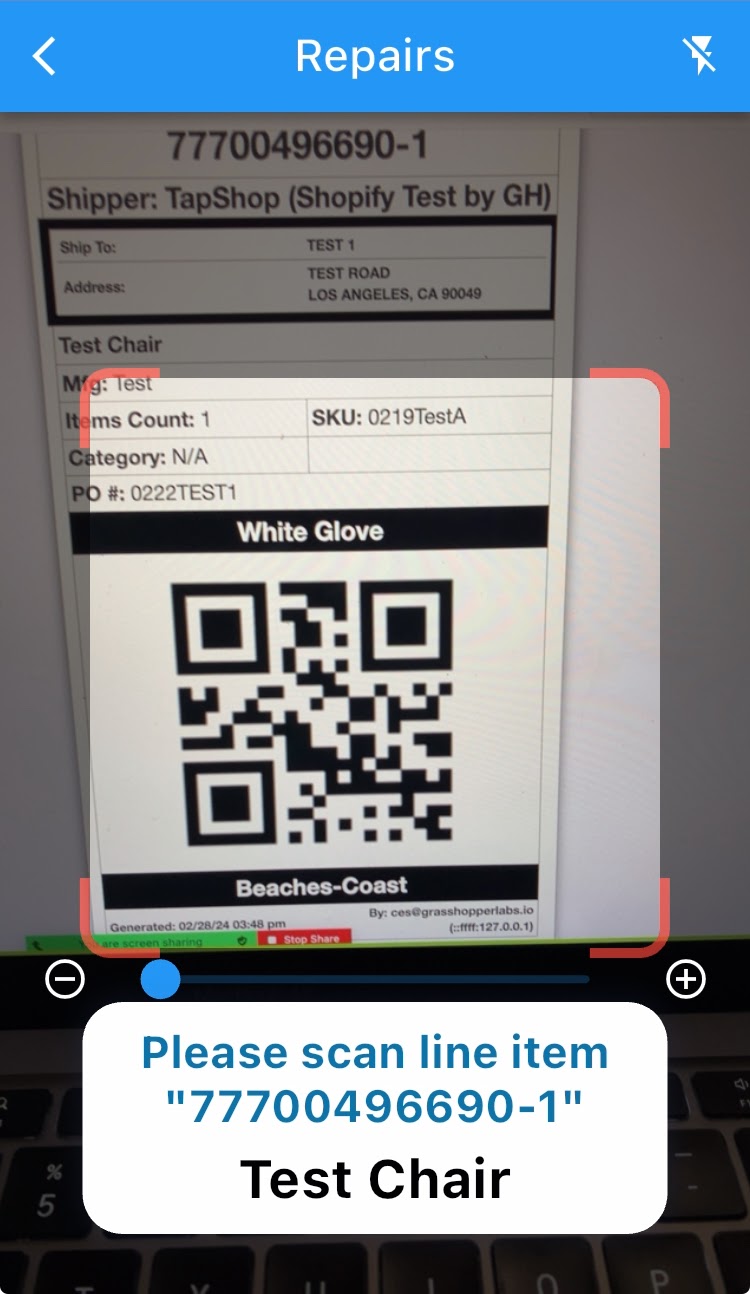
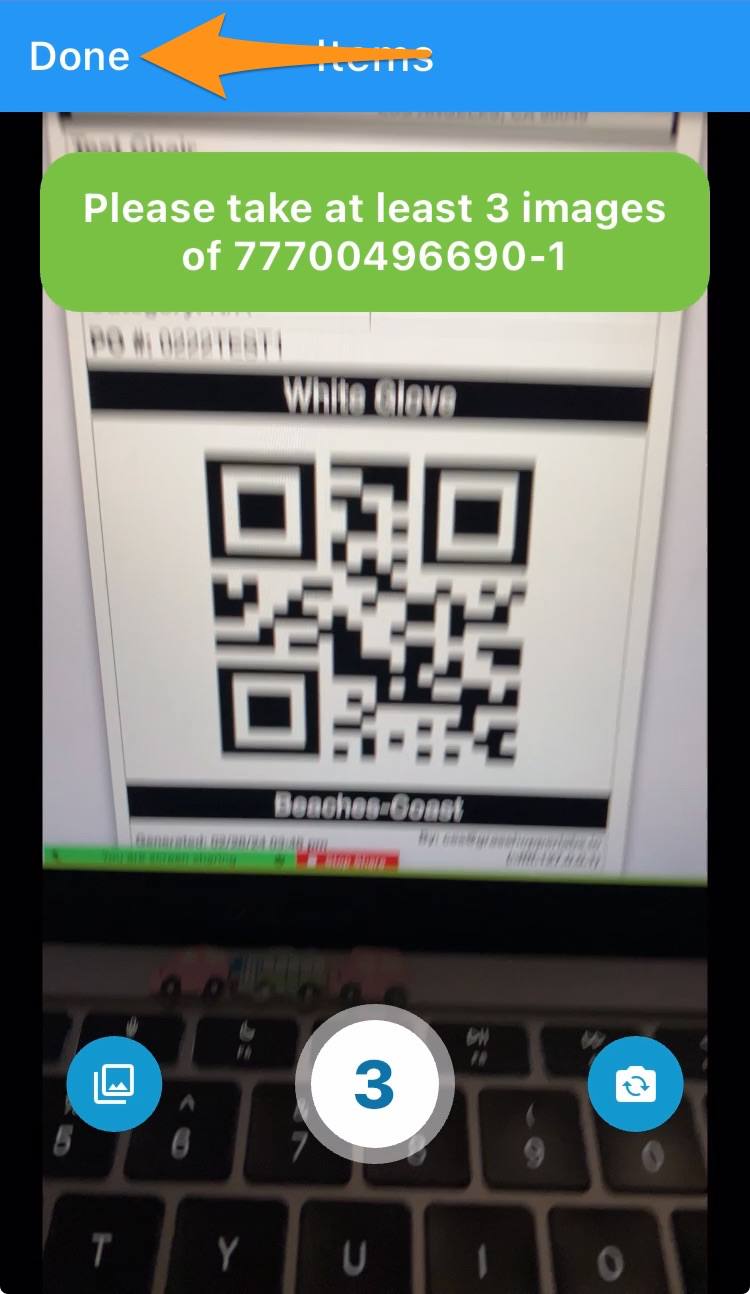
Tap on Next and scan the label. Take at least 3 images then select Done.
Step 5
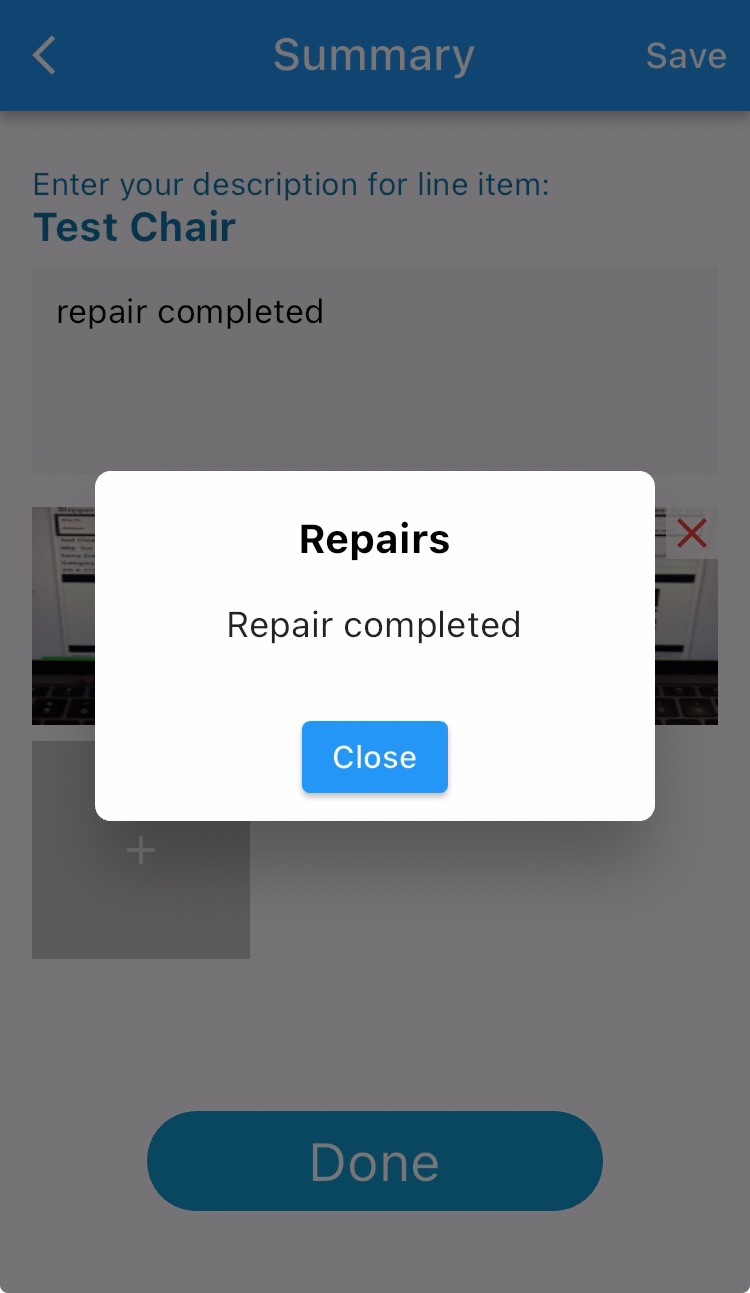
Enter your description for line item and tap on Done