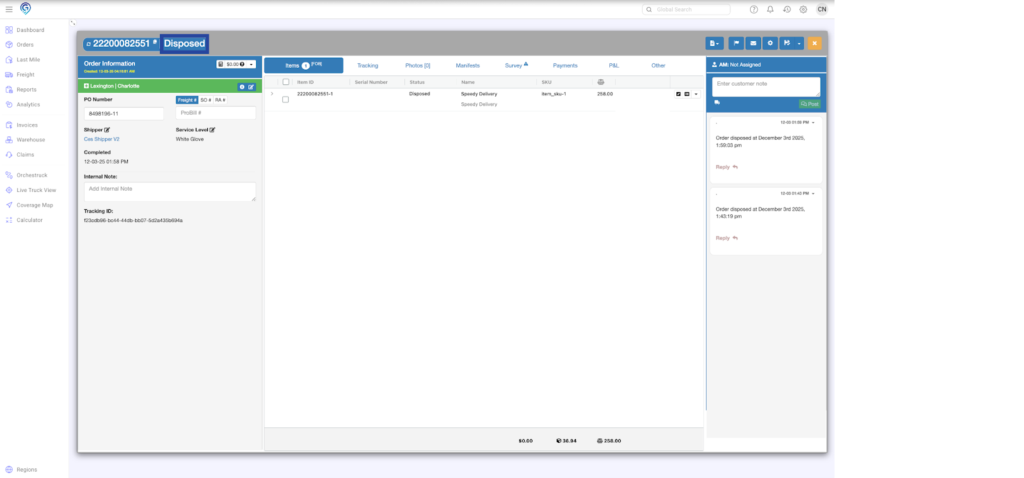
Step 1
Click Order Actions and select Mark for Donation/Disposition
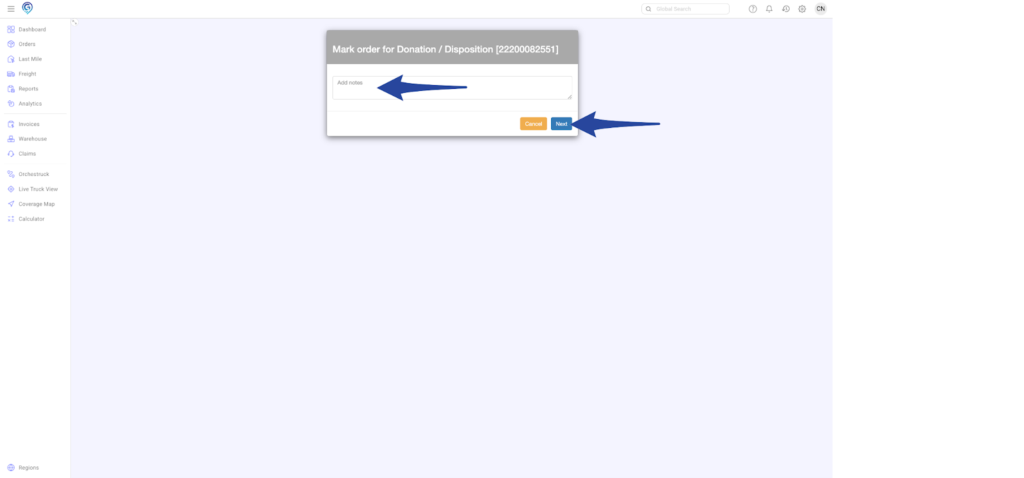
Step 2
Add notes and click Next to continue
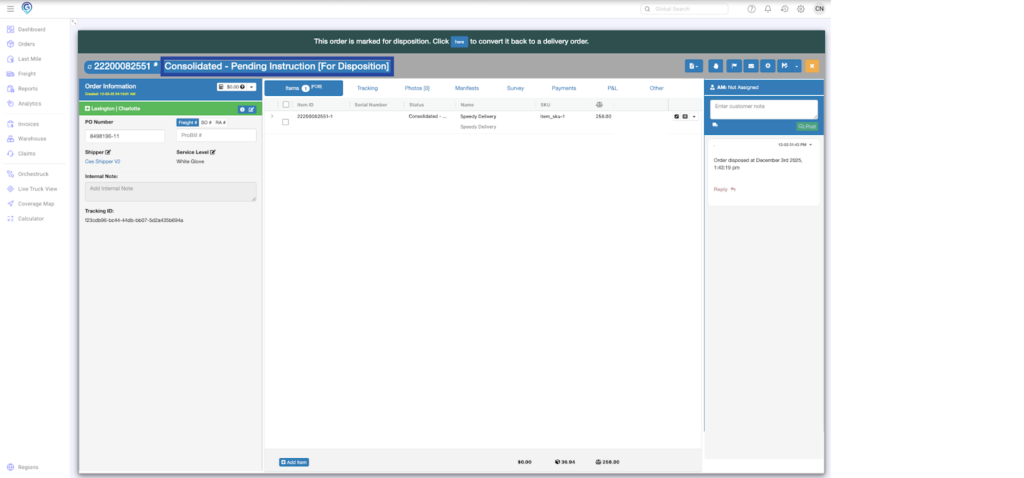
The order is now showing a Consolidated – Pending Instruction [For Disposition] status.
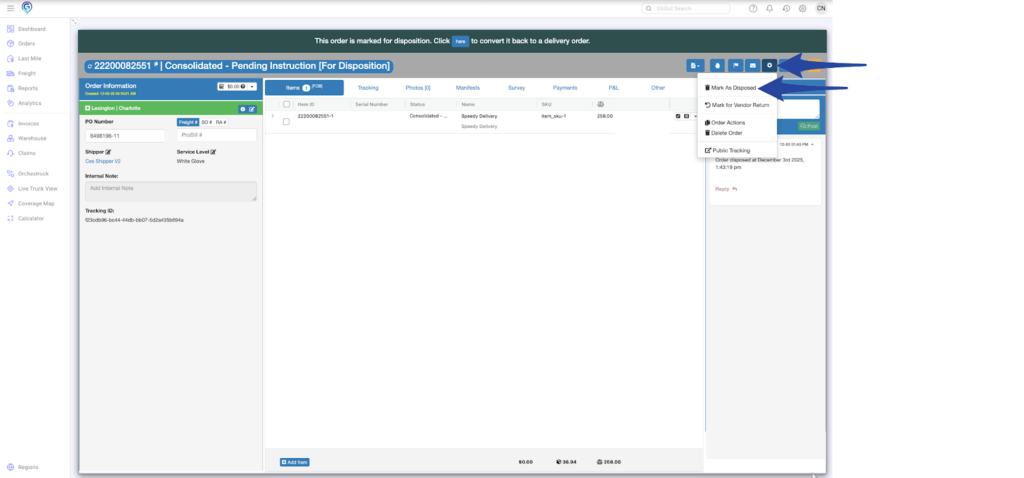
Step 3
Reopen the Order Actions menu and select Mark as Disposed
Step 4
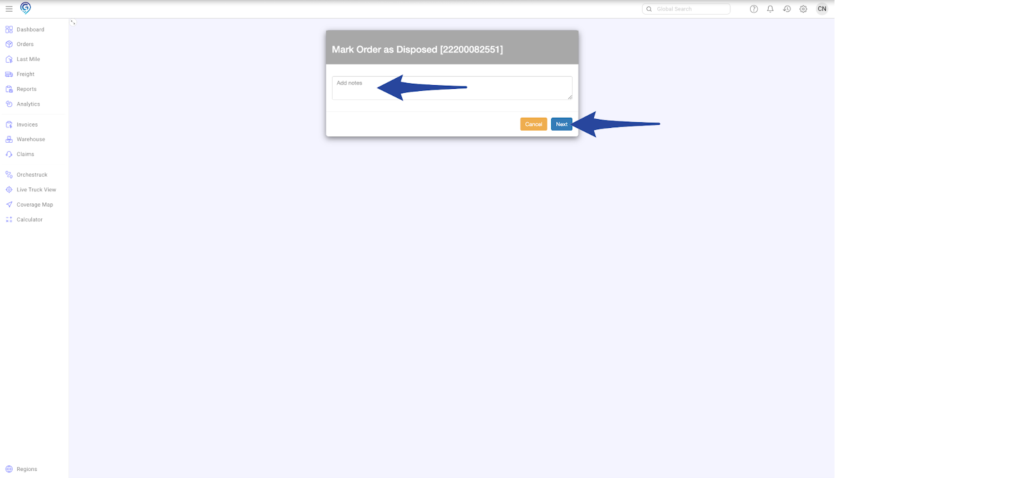
Add notes and click Next to continue
The order is now showing a Disposed status.