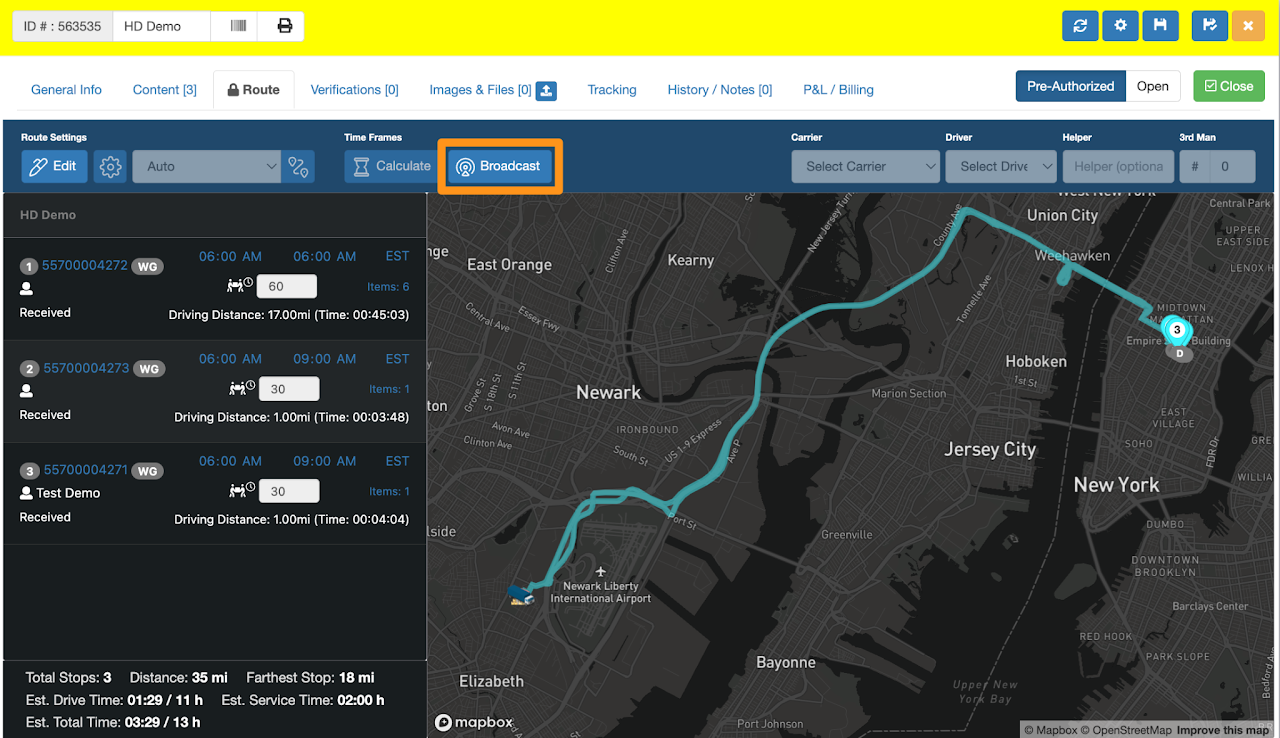
The Route Tab in the Last Mile Manifest now has an Edit button. By default, only Broadcasting of Timeframes is active while all other functions remain disabled (greyed out)
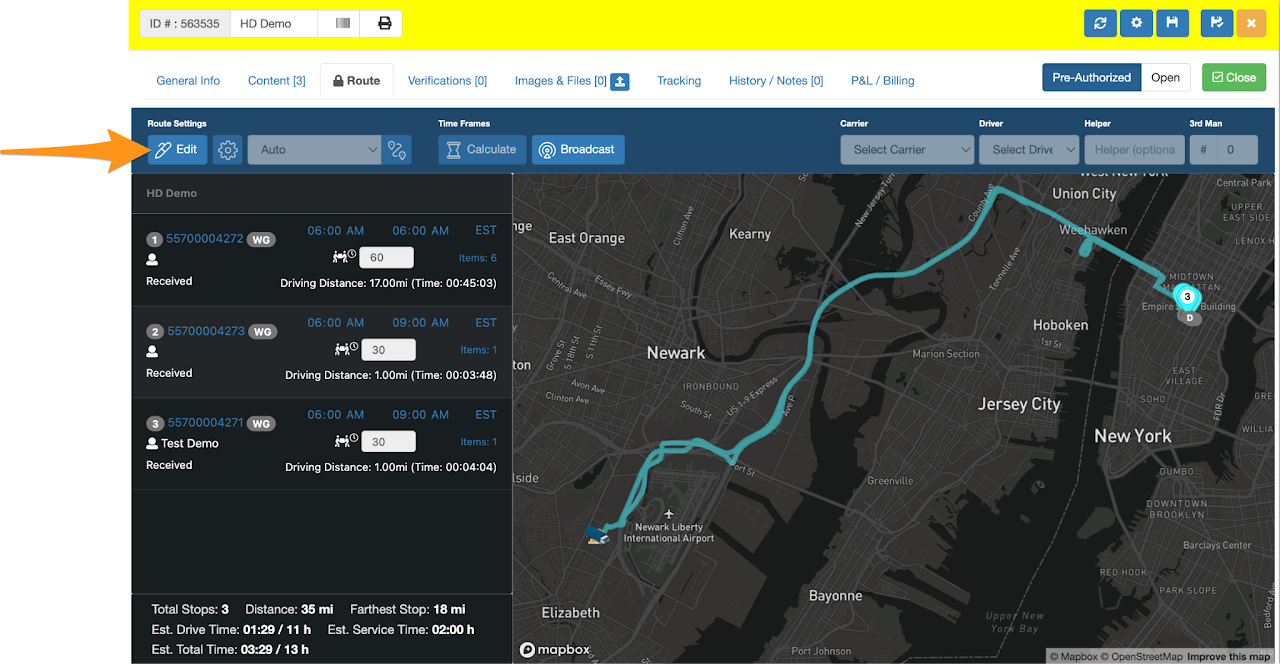
To access additional routing features, such as adjusting stops, calculating timeframes, assigning a carrier and driver and more, click the Edit button.
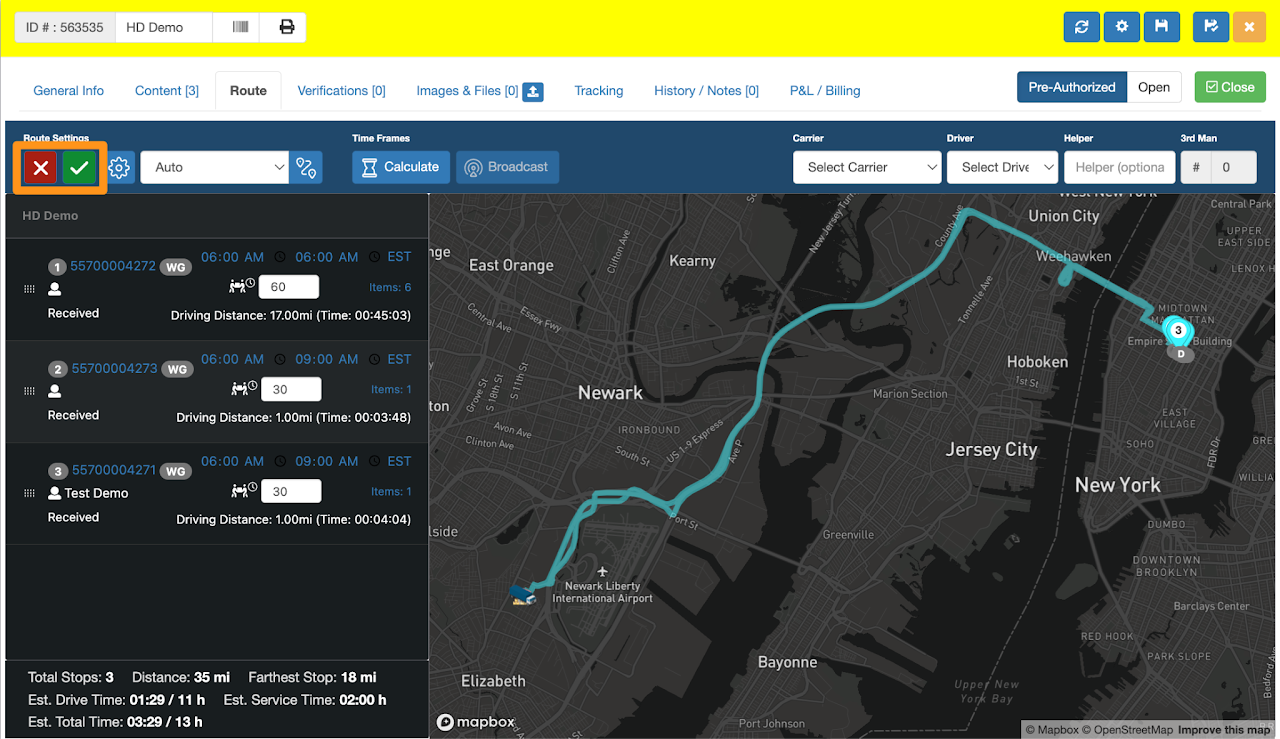
- Select the X icon to cancel or exit editing
- Select the ✔ icon to save any modifications to the route.