Help Center Menu
Claims - Grasshopper Labs Help Center
Home Delivery
Accept Home Delivery Manifest
Verify, accept, and start assigned home delivery routes.
Roles: Home Delivery

Step 1

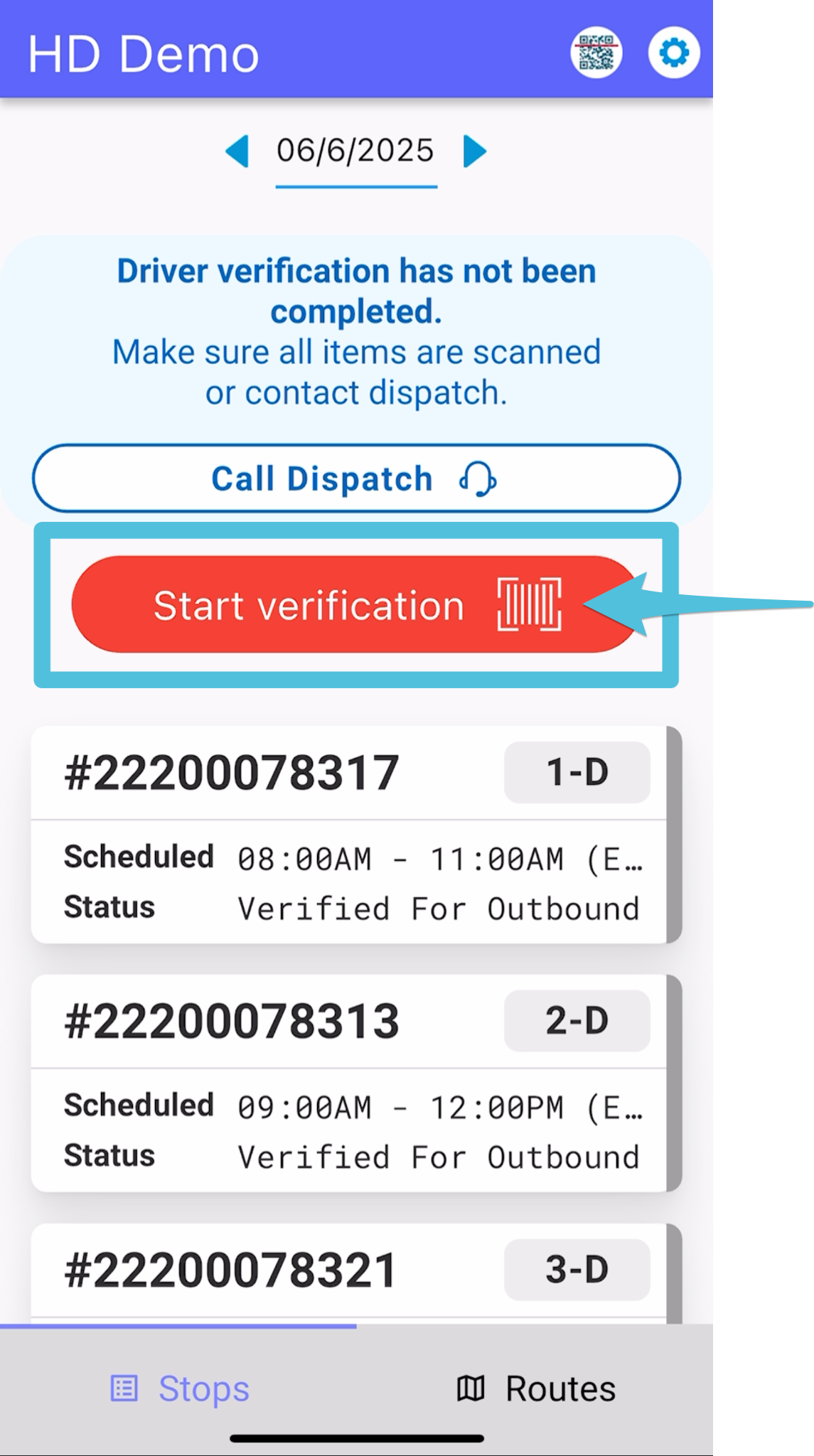
Tap Start Verification
Accept Home Delivery Manifest


Step 2

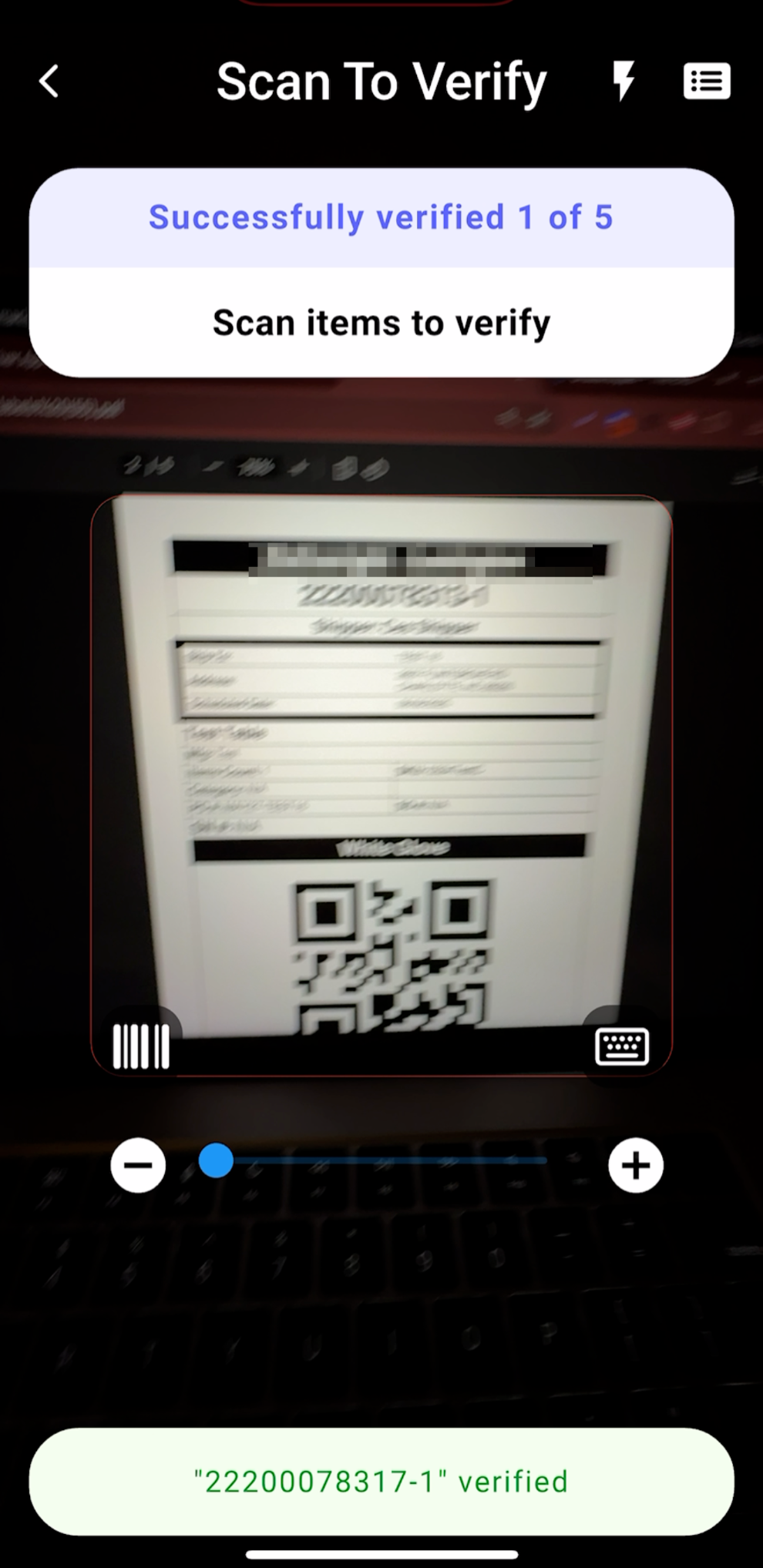
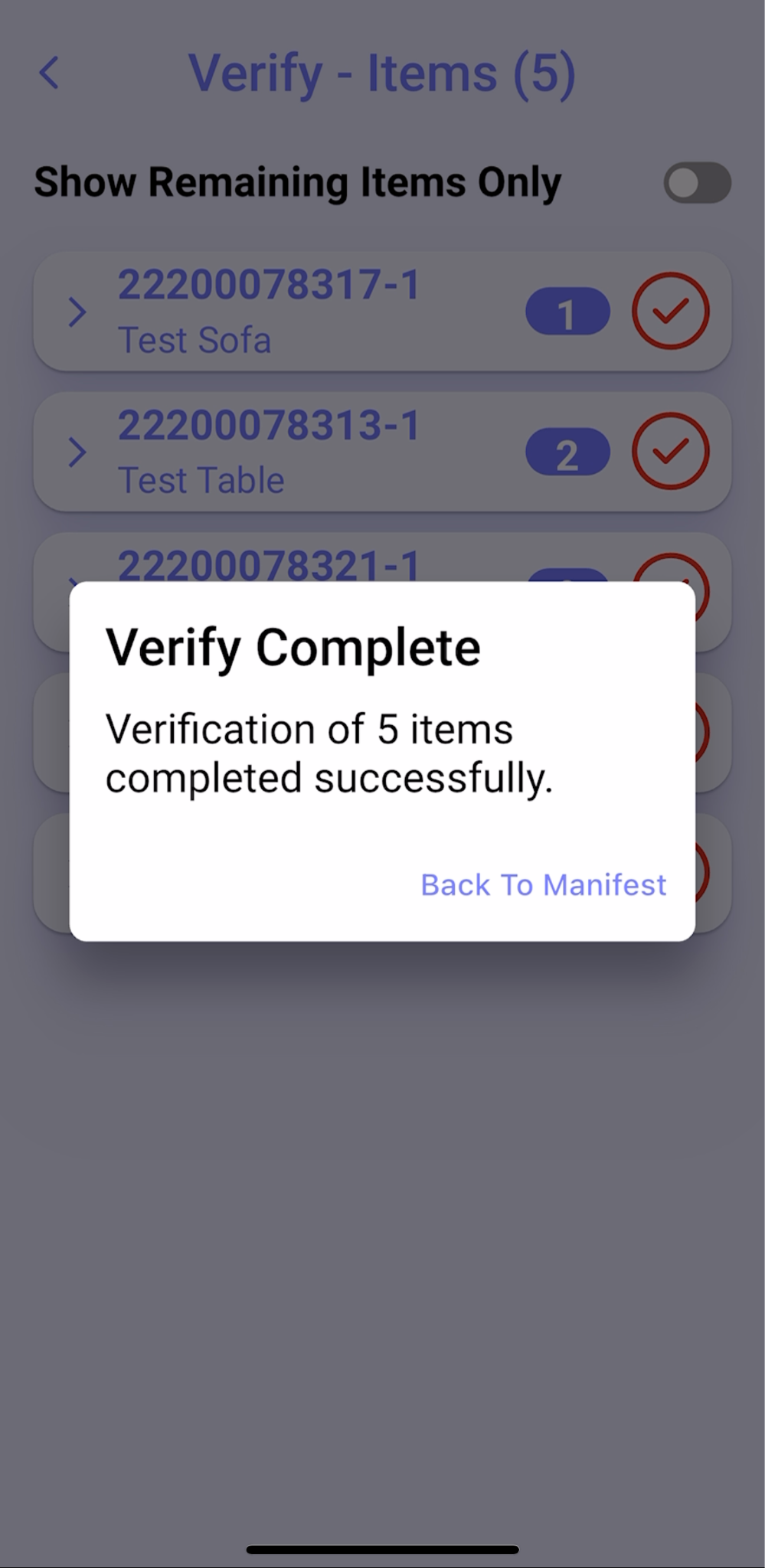
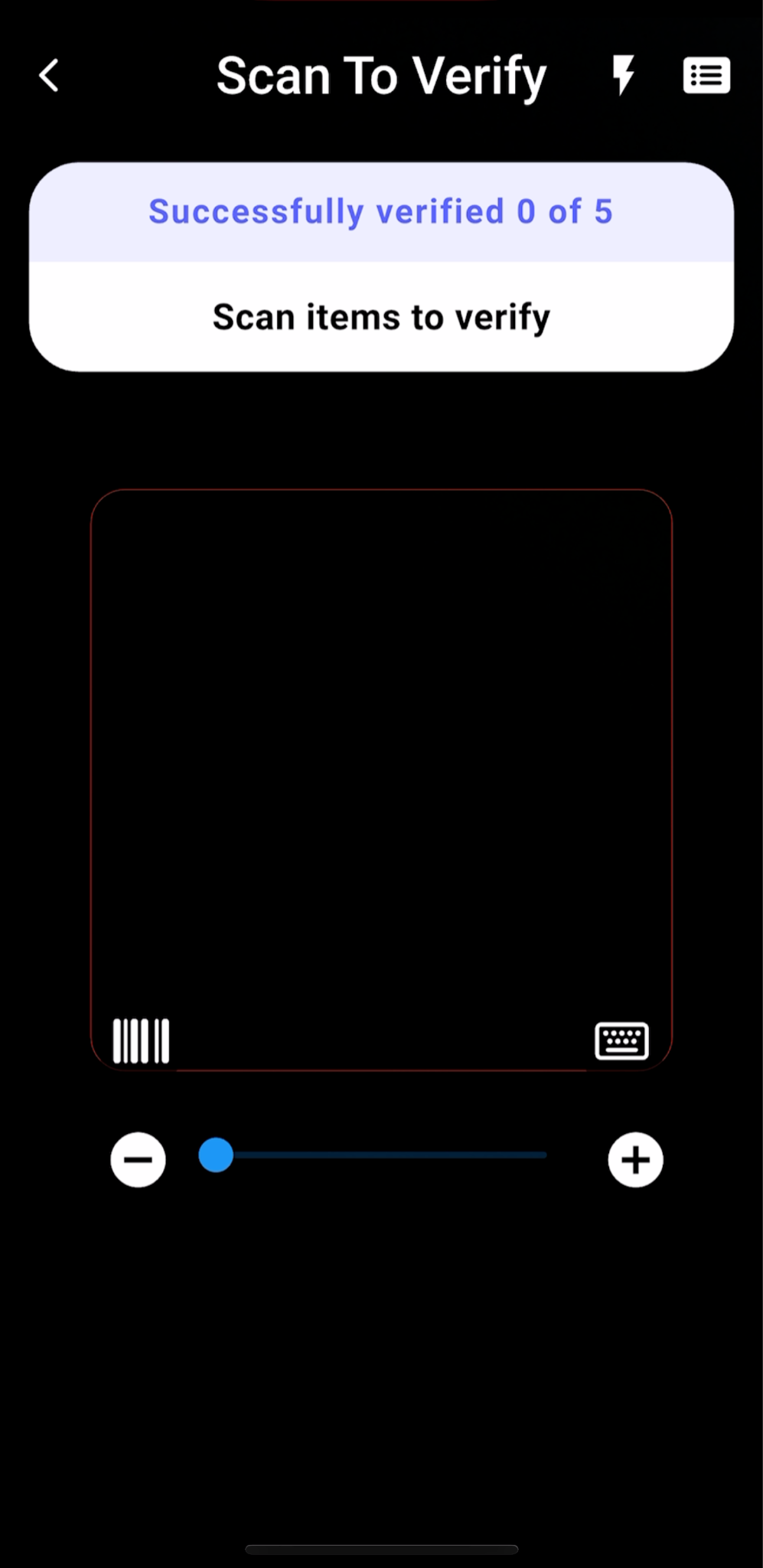
Scan labels until the app displays Verify Complete.
Accept Home Delivery Manifest


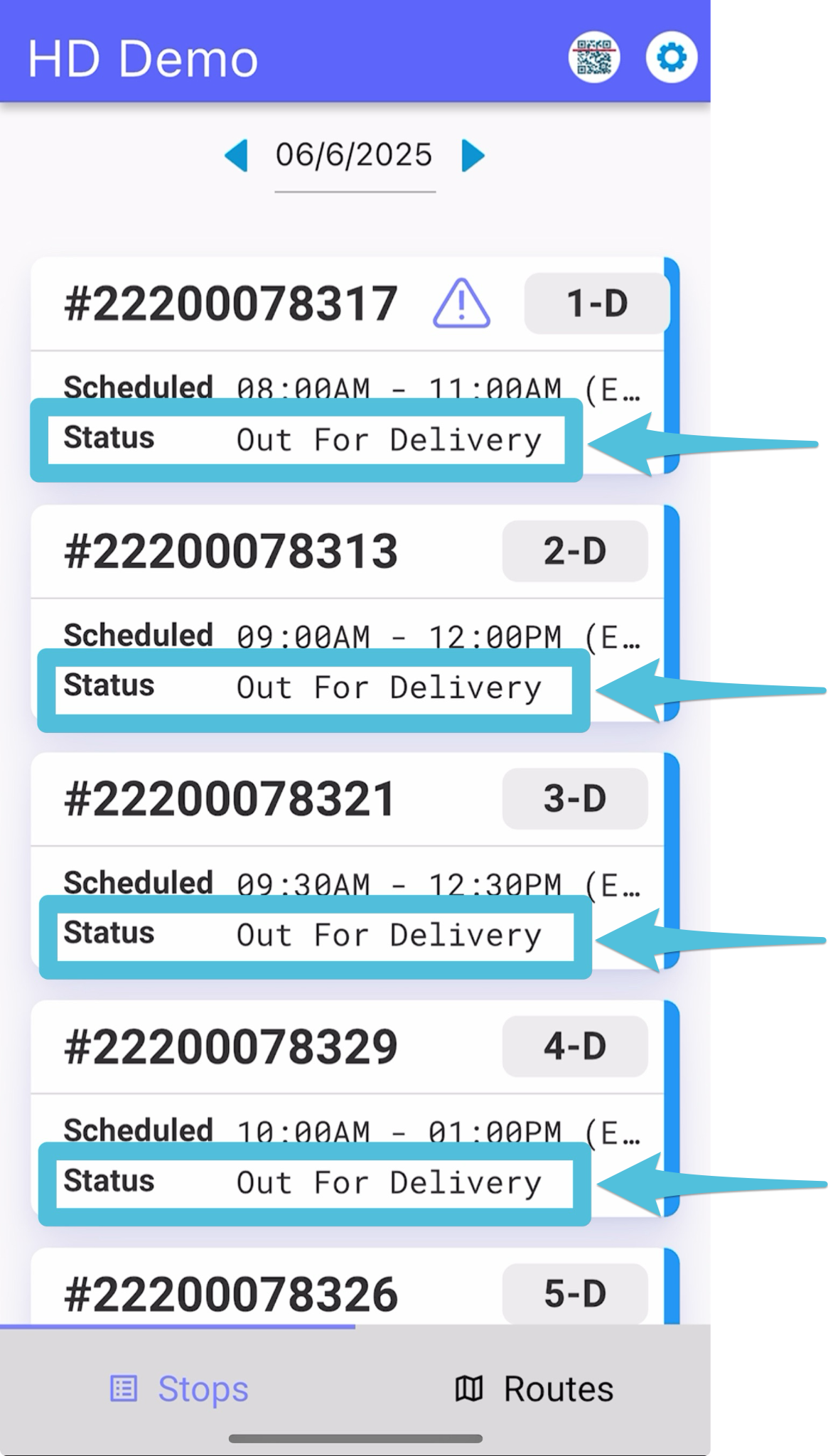
After the driver has accepted the route, the status for all stops will update to “Out for Delivery.”
Accept Home Delivery Manifest


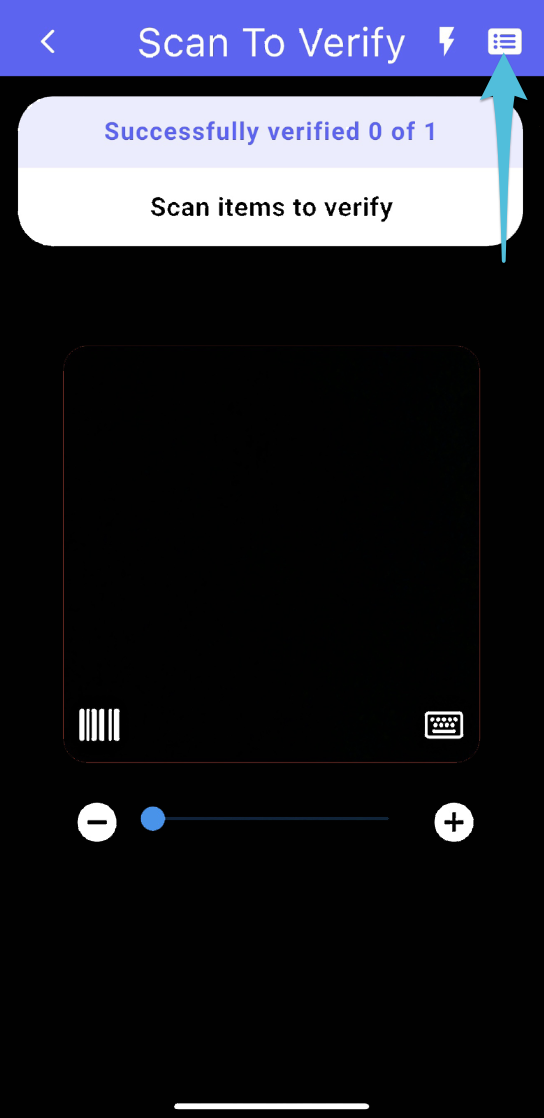
If an item has been missed or hasn’t been verified yet, click the items list box in the top right corner. This will display all items that still need to be verified.
Accept Home Delivery Manifest


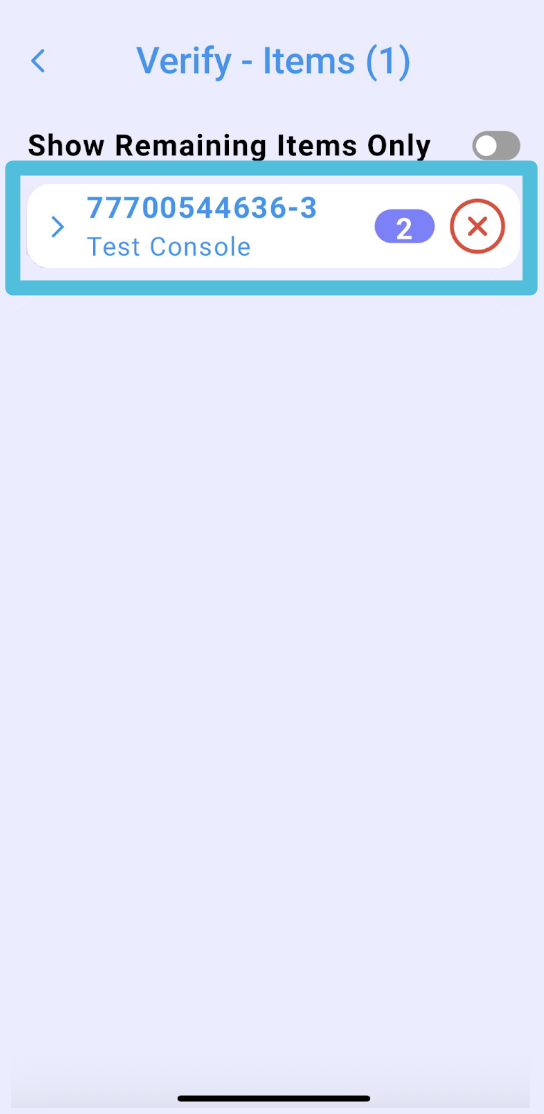
Here’s what the screen will look like when there are items that haven’t been verified. Items that haven’t been verified will have an “X” next to them.
Accept Home Delivery Manifest


Was this article helpful?

Still stuck? Submit a ticket. and someone on the team will get back to you.