Step 1
Click Freight and choose table or calendar (monthly) view
Step 2
- On a calendar view – go to date and select the manifest you wish to view
- On a table view – go to date and select the manifest you wish to view
Main page of the Inbound Manifest
Step 3
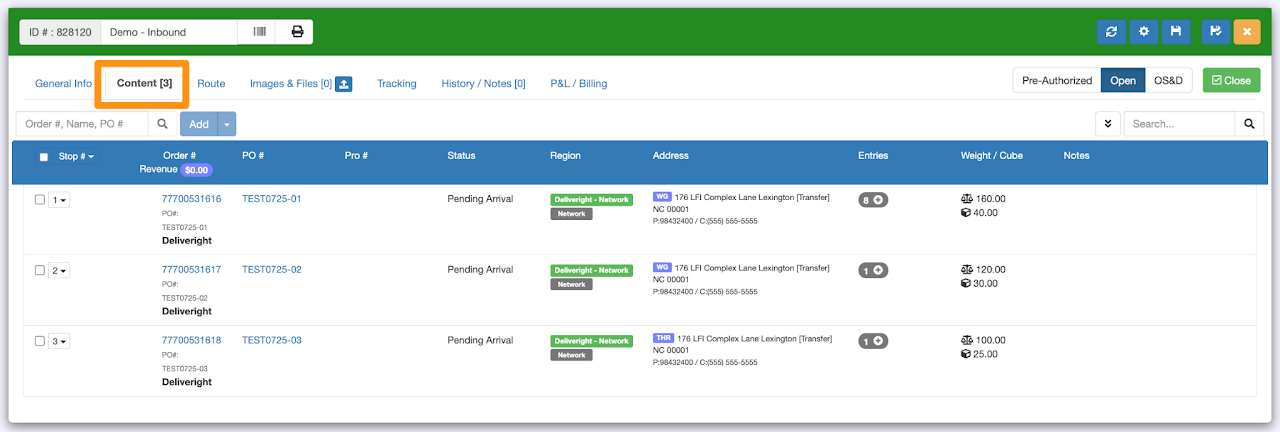
Click on the Content tab to view the order/s
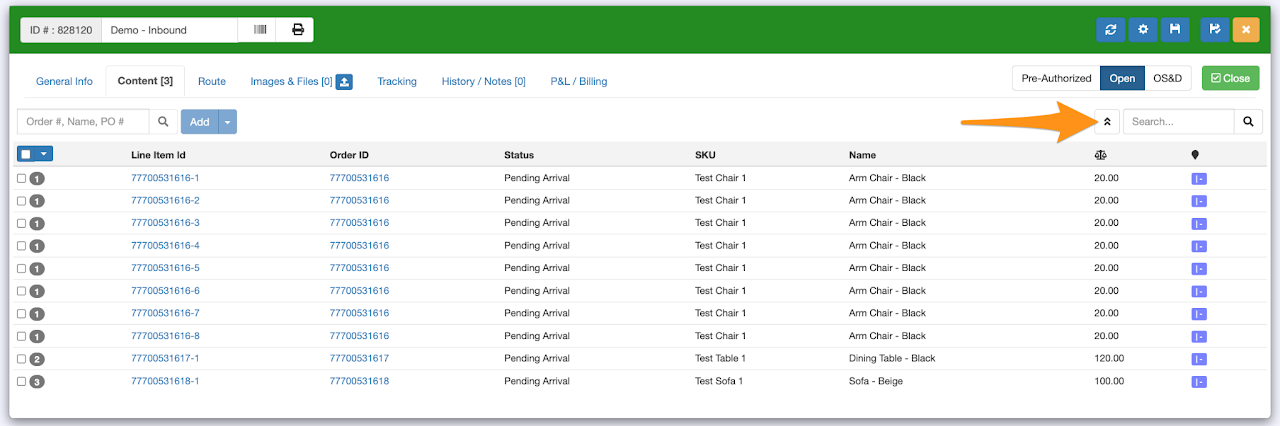
You may also Switch To Line Item View to show all line item/s in the manifest