Step 1
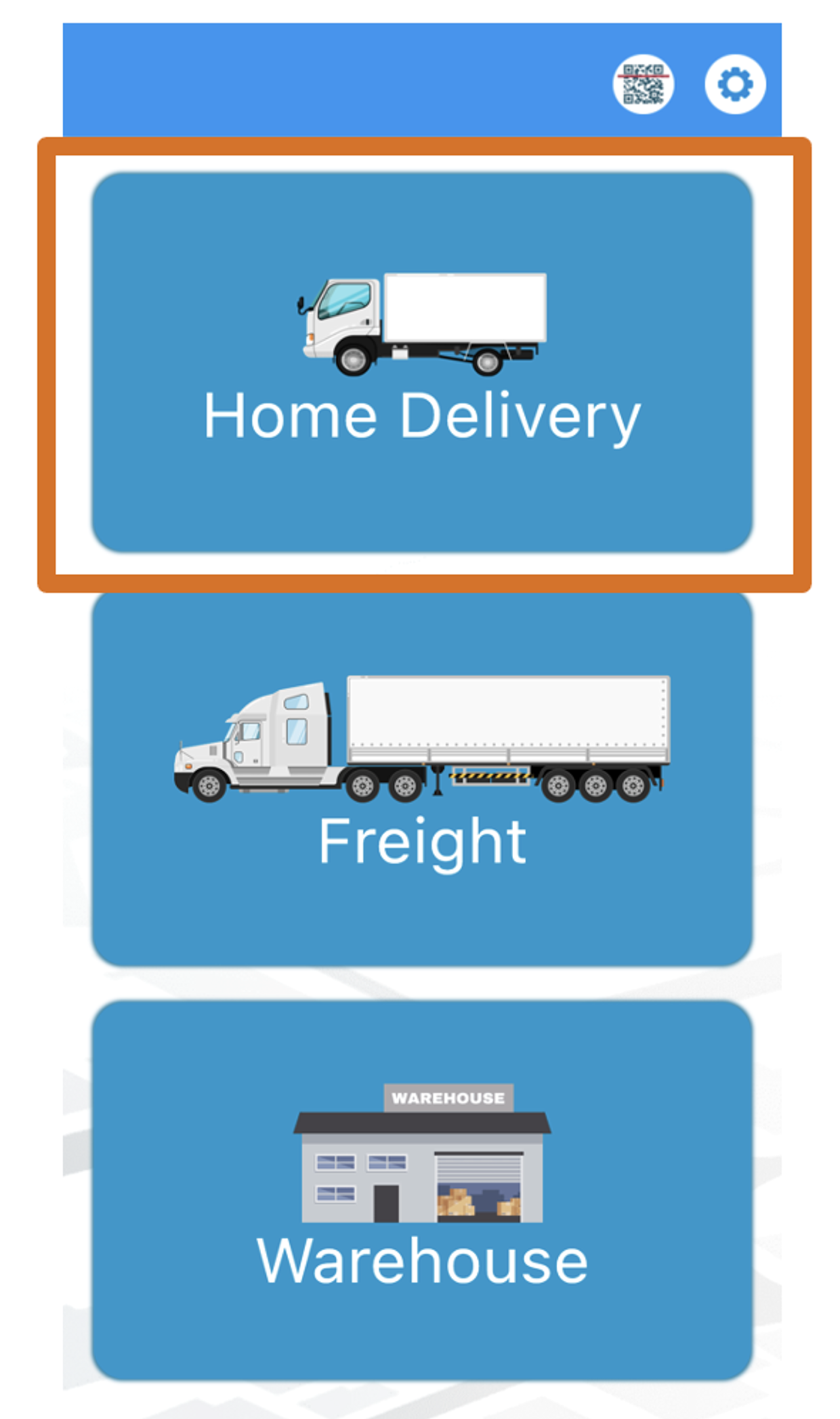
Choose Home Delivery
Step 2
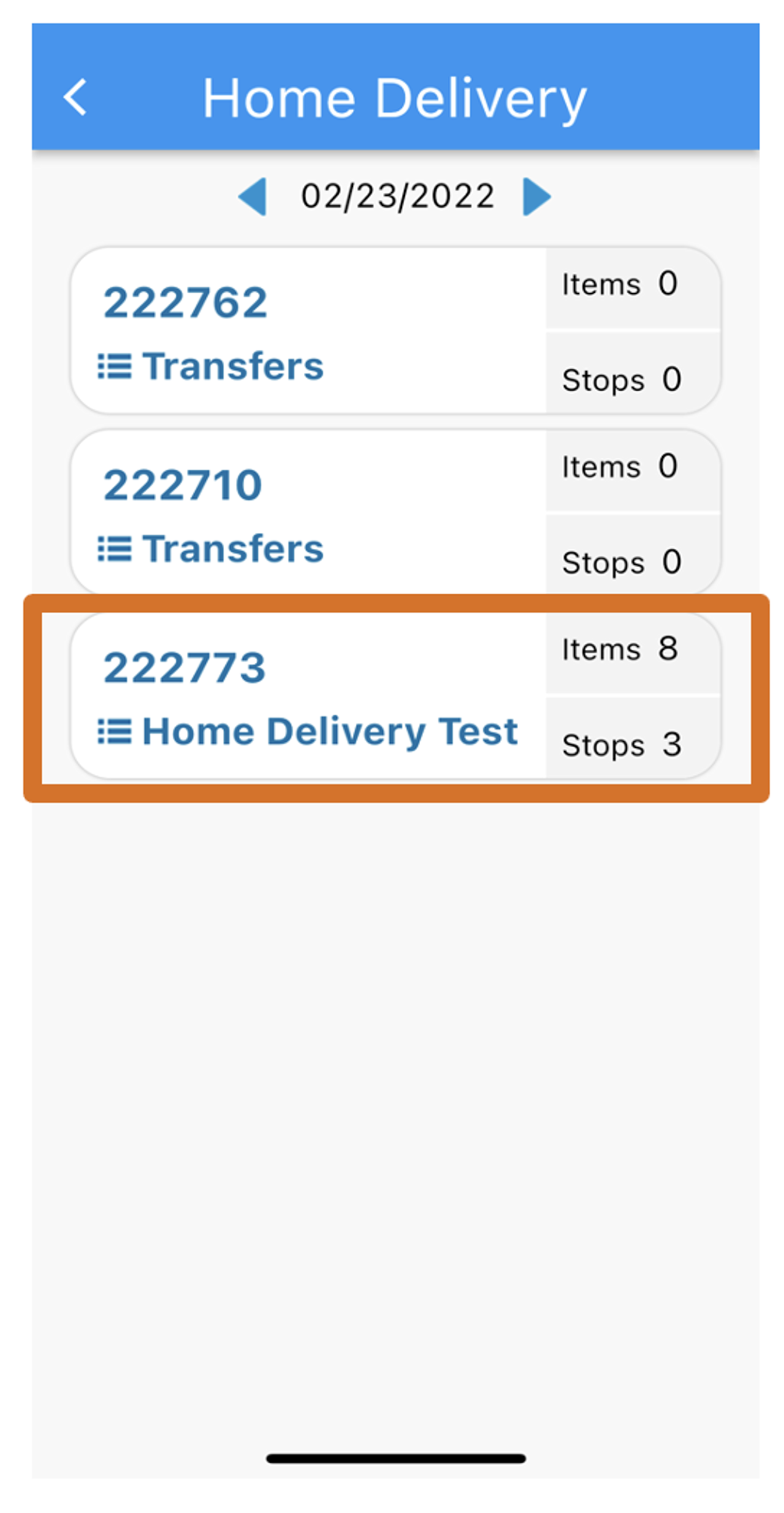
Select a Home Delivery Manifest
Step 3
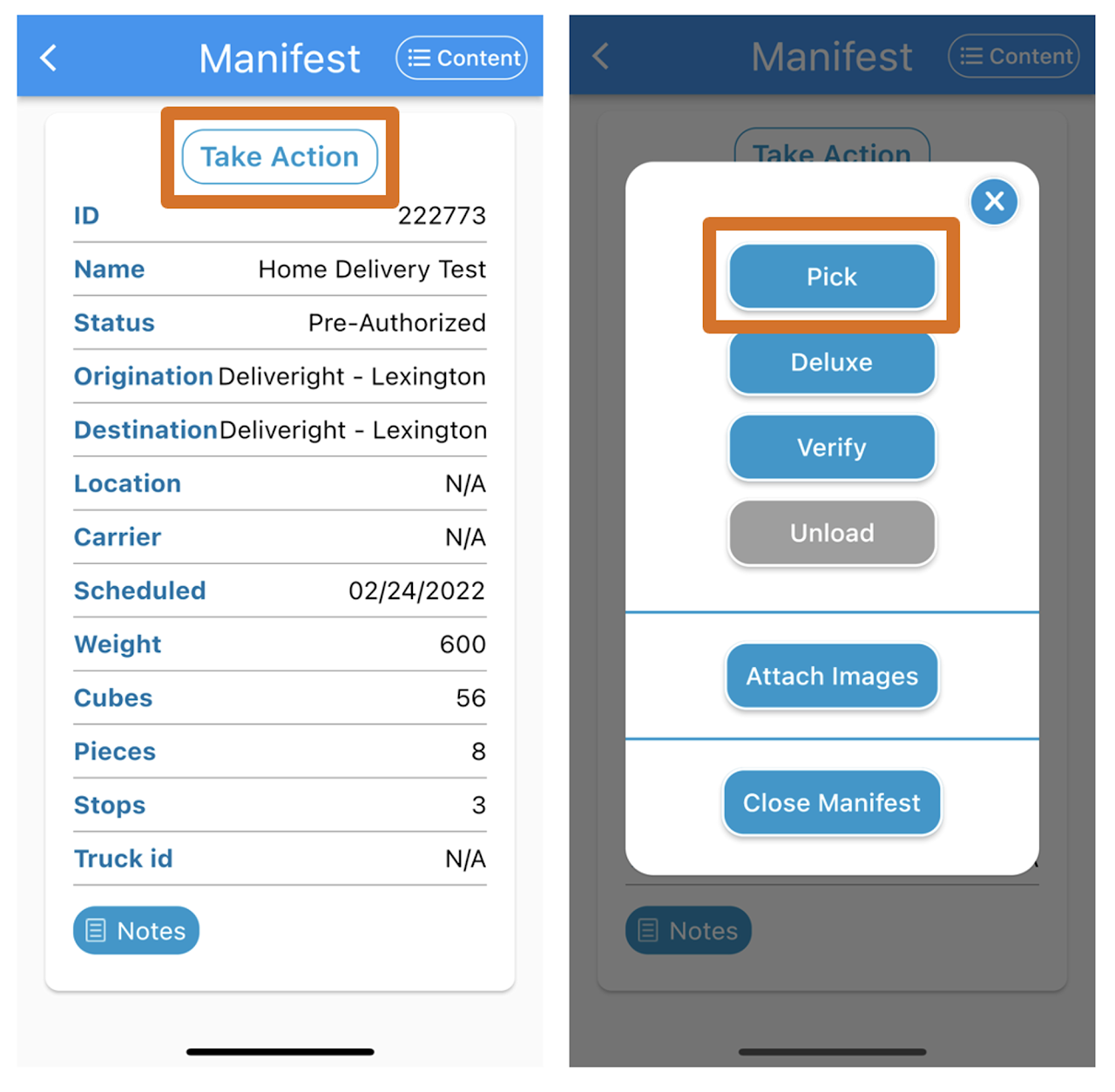
Click Take Action then choose Pick
Step 4
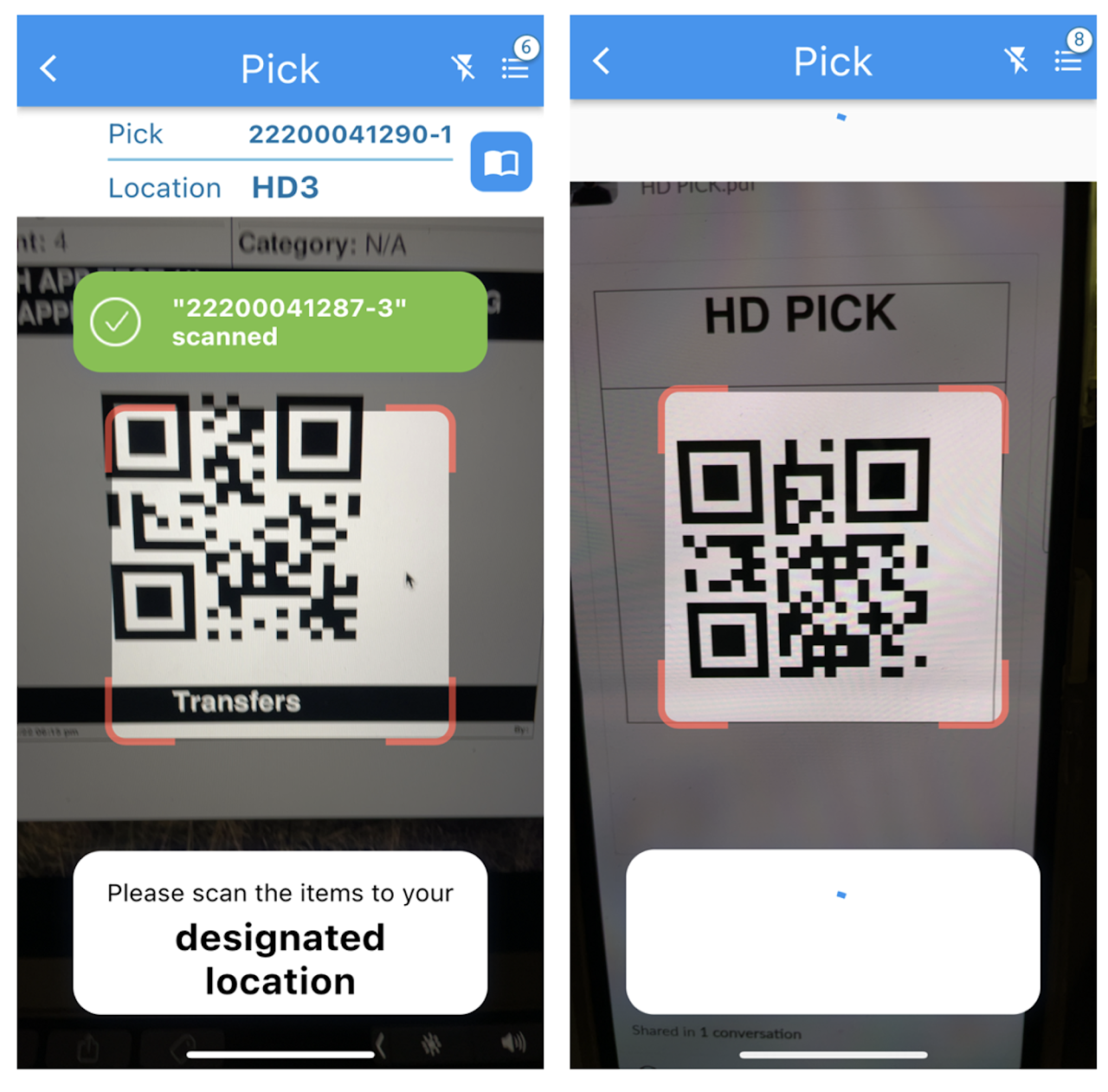
Scan the item followed by the location of where you are taking / staging the item
Step 5
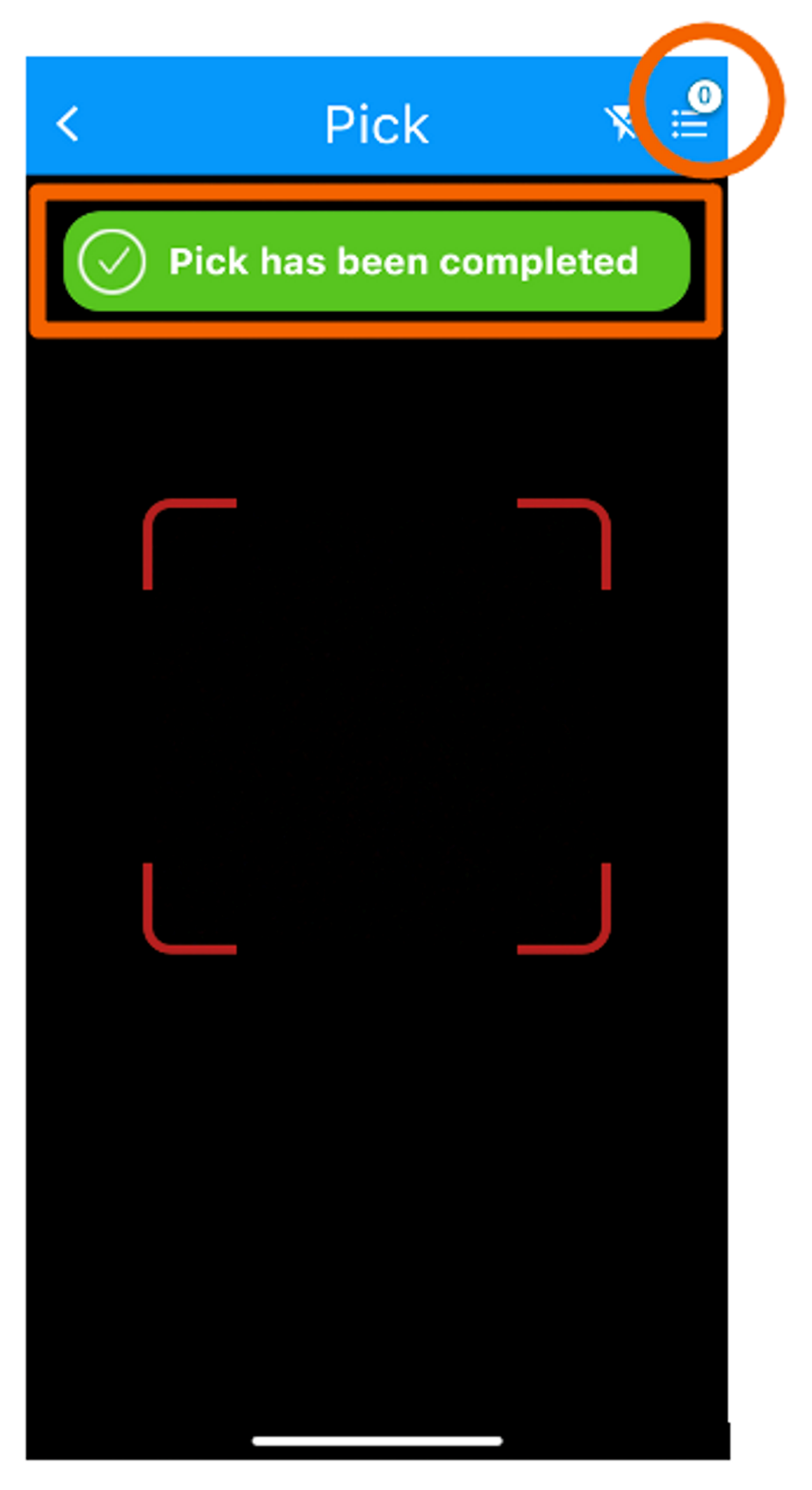
After all items are scanned to the designated location, the app will display Pick has been completed and the piece counter should show zero ‘0’