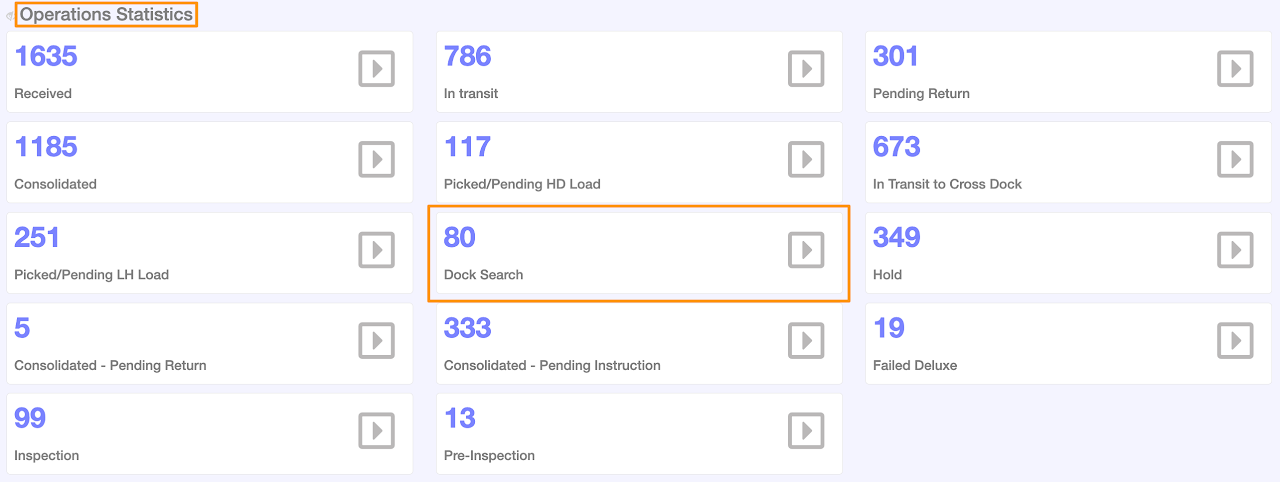
The new dock-search item marking allows you to flag items that are considered ‘lost’ and require a warehouse search. Once the item has been located, you can scan it as Received.
Step 1
Enter the Purchase Order Number or Grasshopper Order ID then click the order number

Step 2
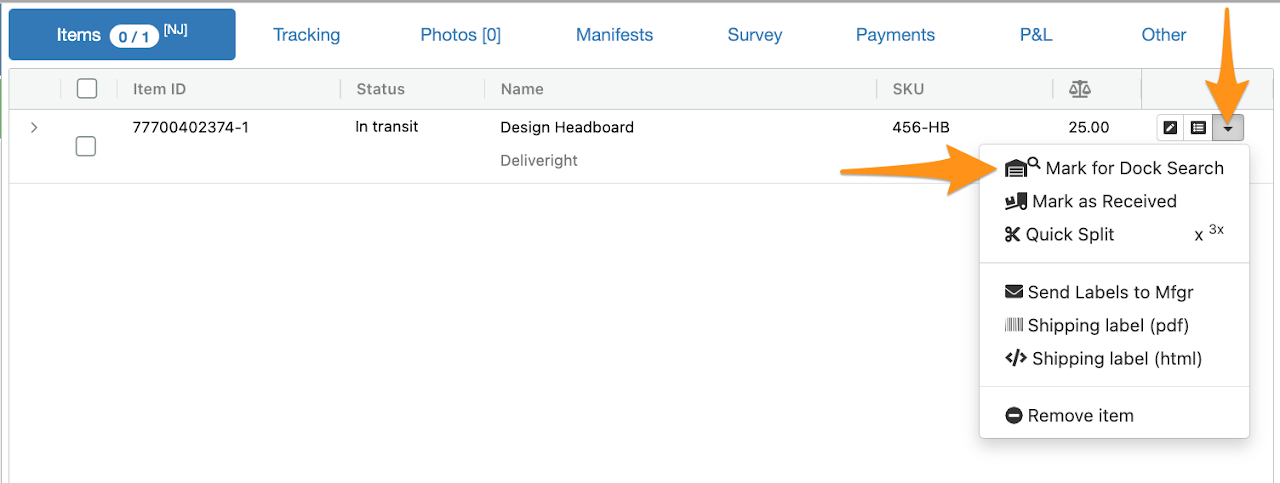
Click the drop down arrow then select Mark for Dock Search
Step 3
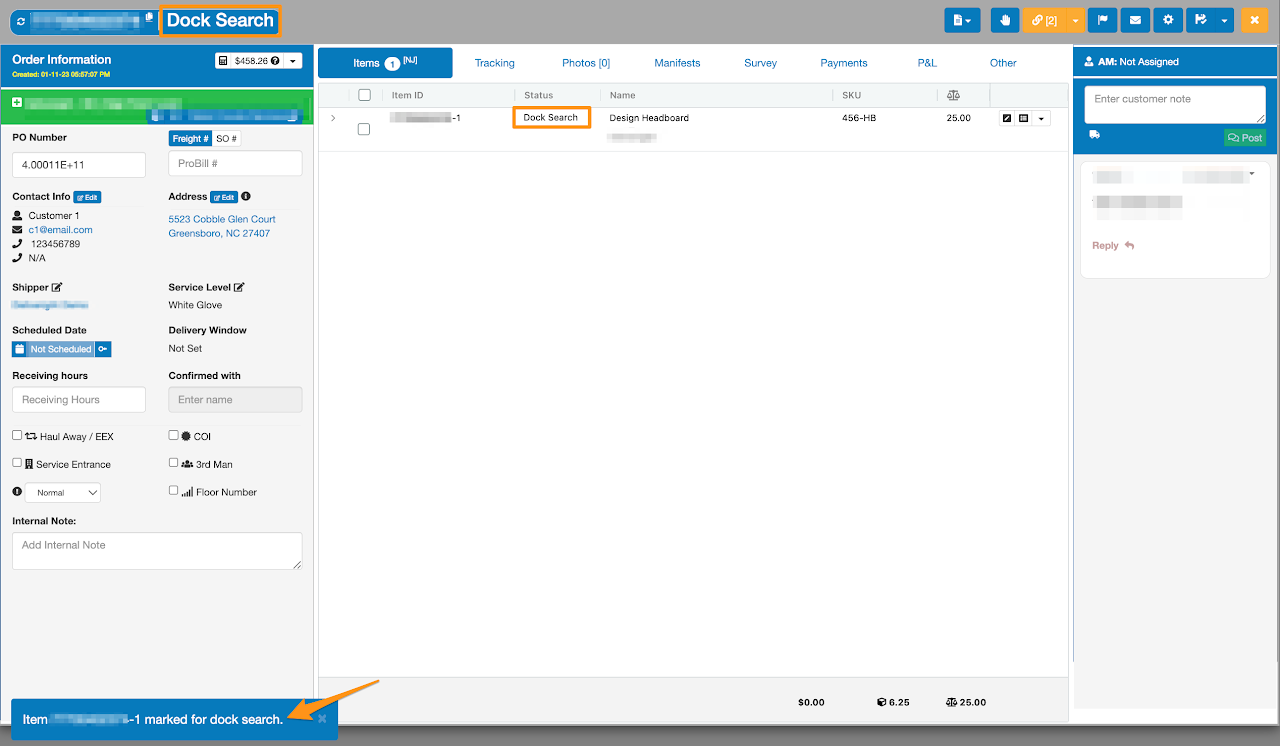
Once clicked, the item will be marked for dock search
Total Dock Searches count is also available on your Dashboard