Step 1
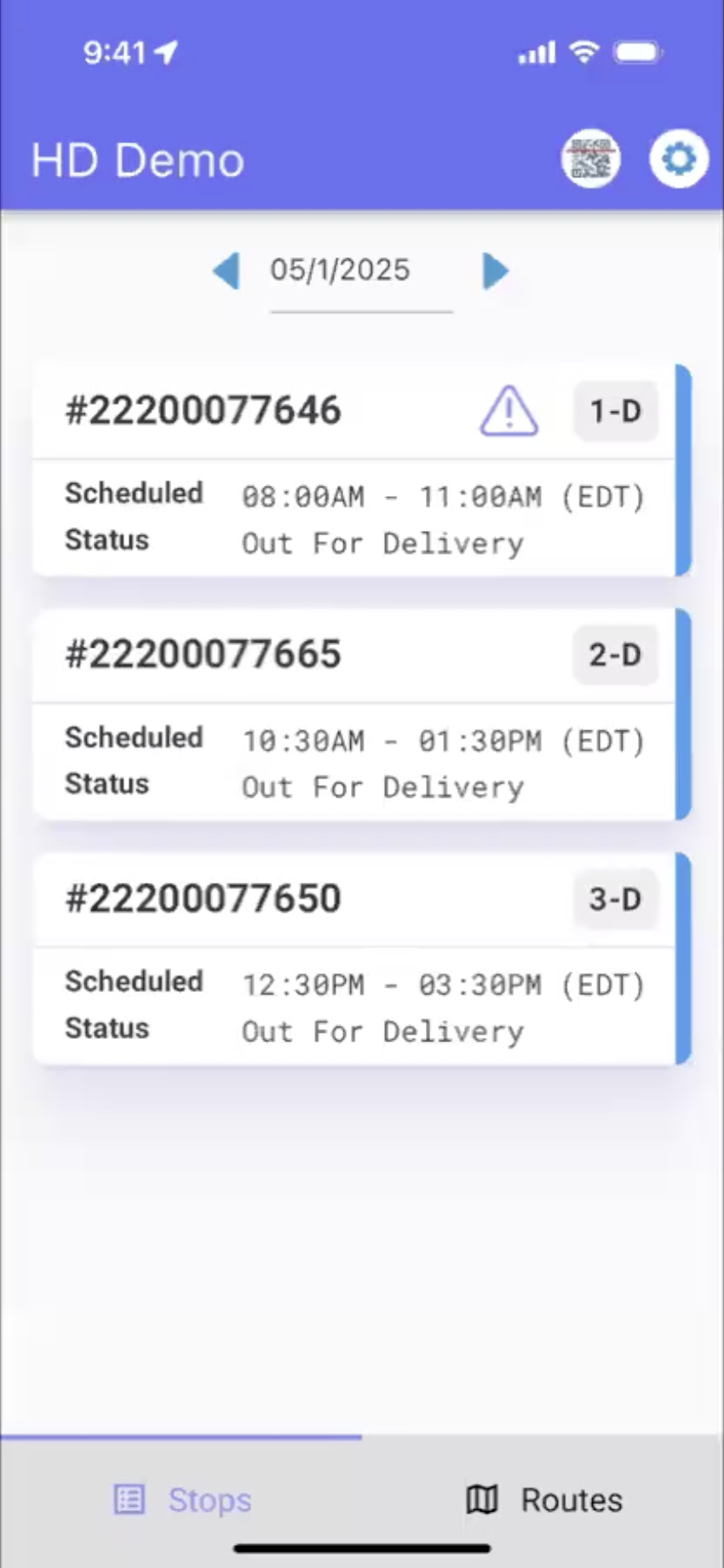
Click the stop. An ETA window will pop up with three options: Ignore, SMS, and Precall.
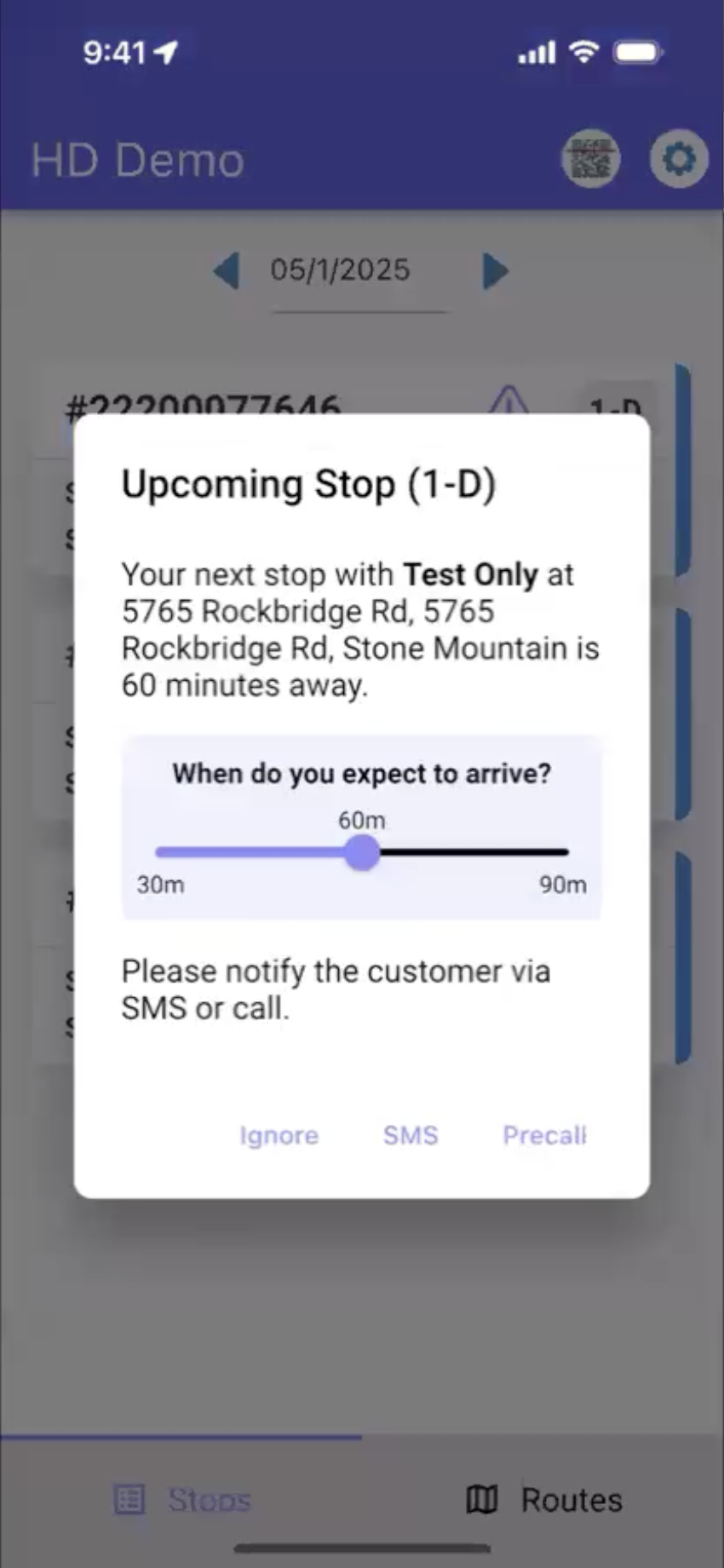
You can adjust the expected time of arrival by sliding the middle circle.
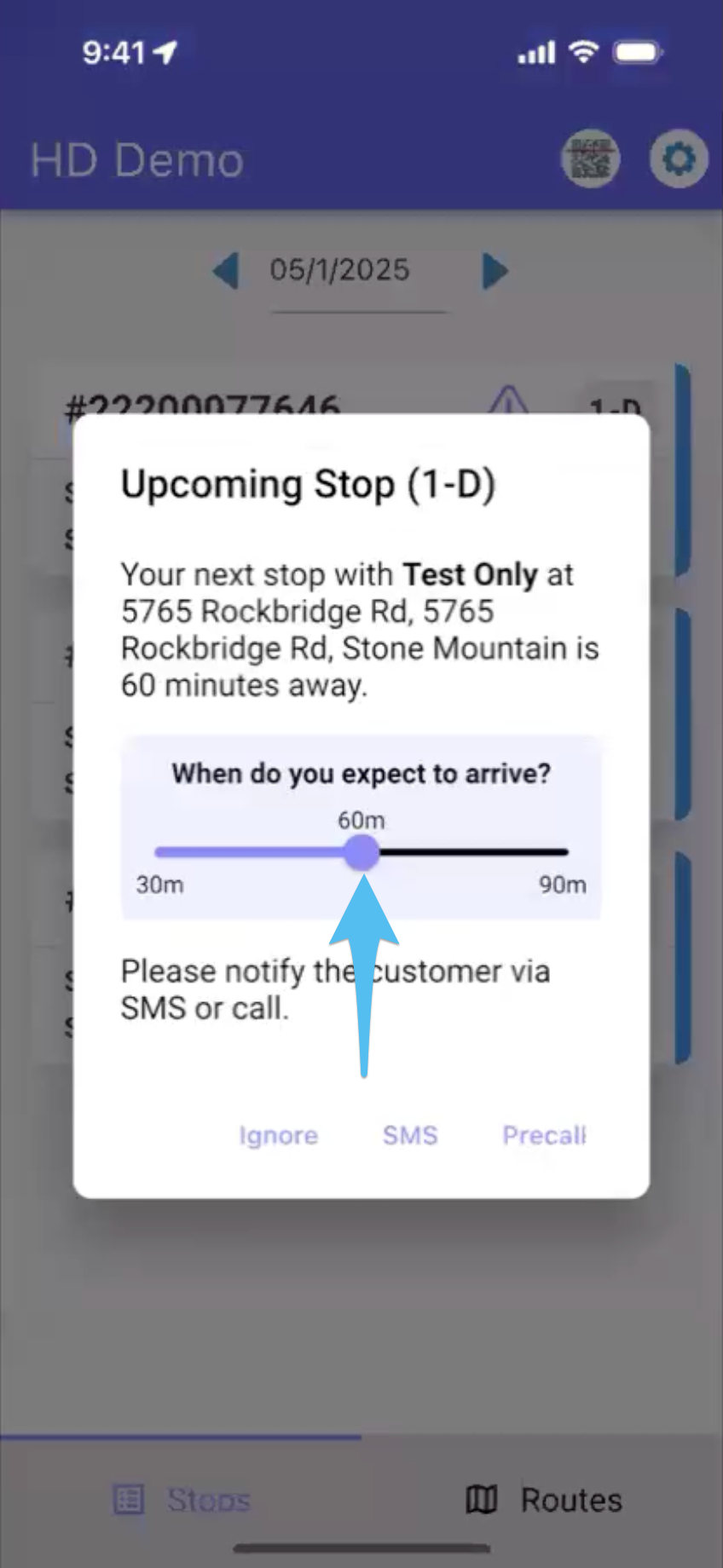
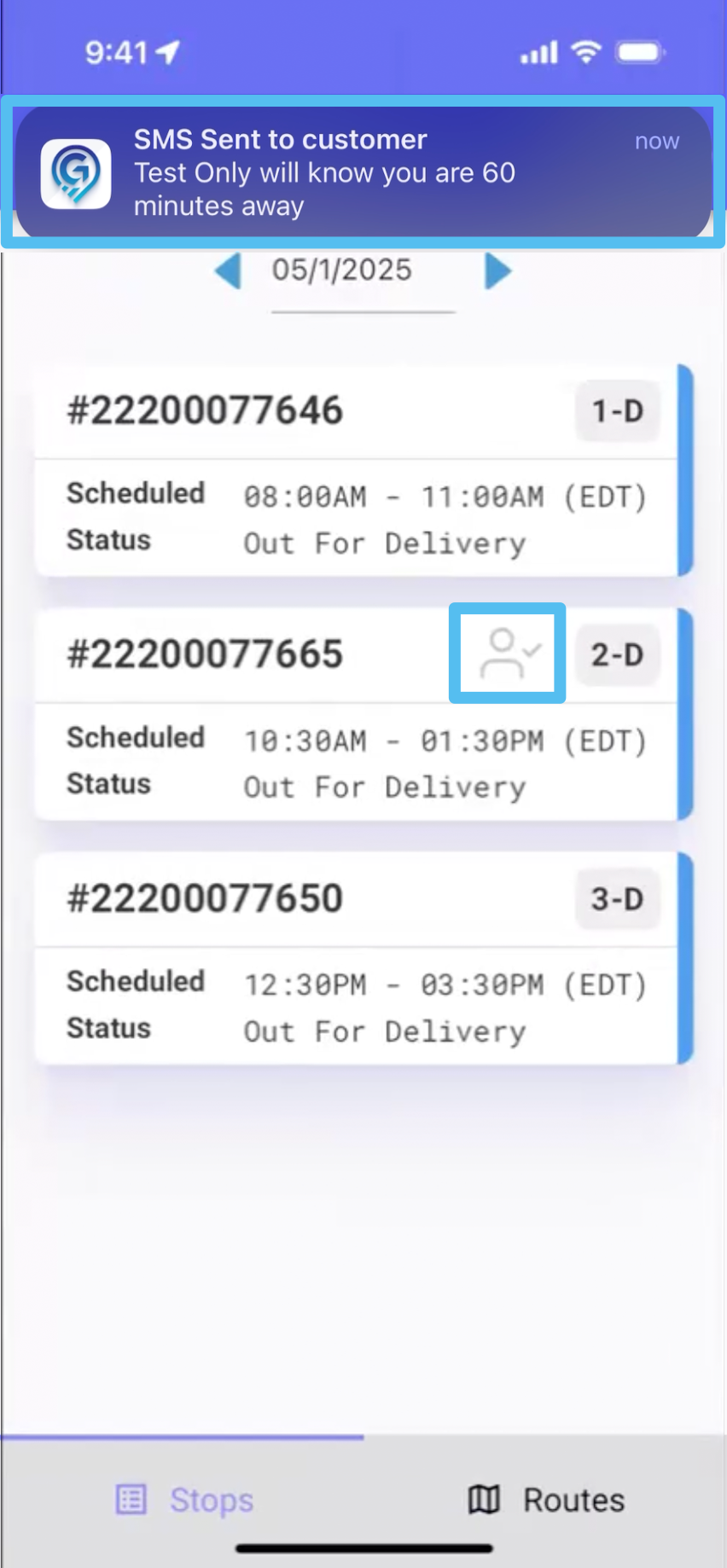
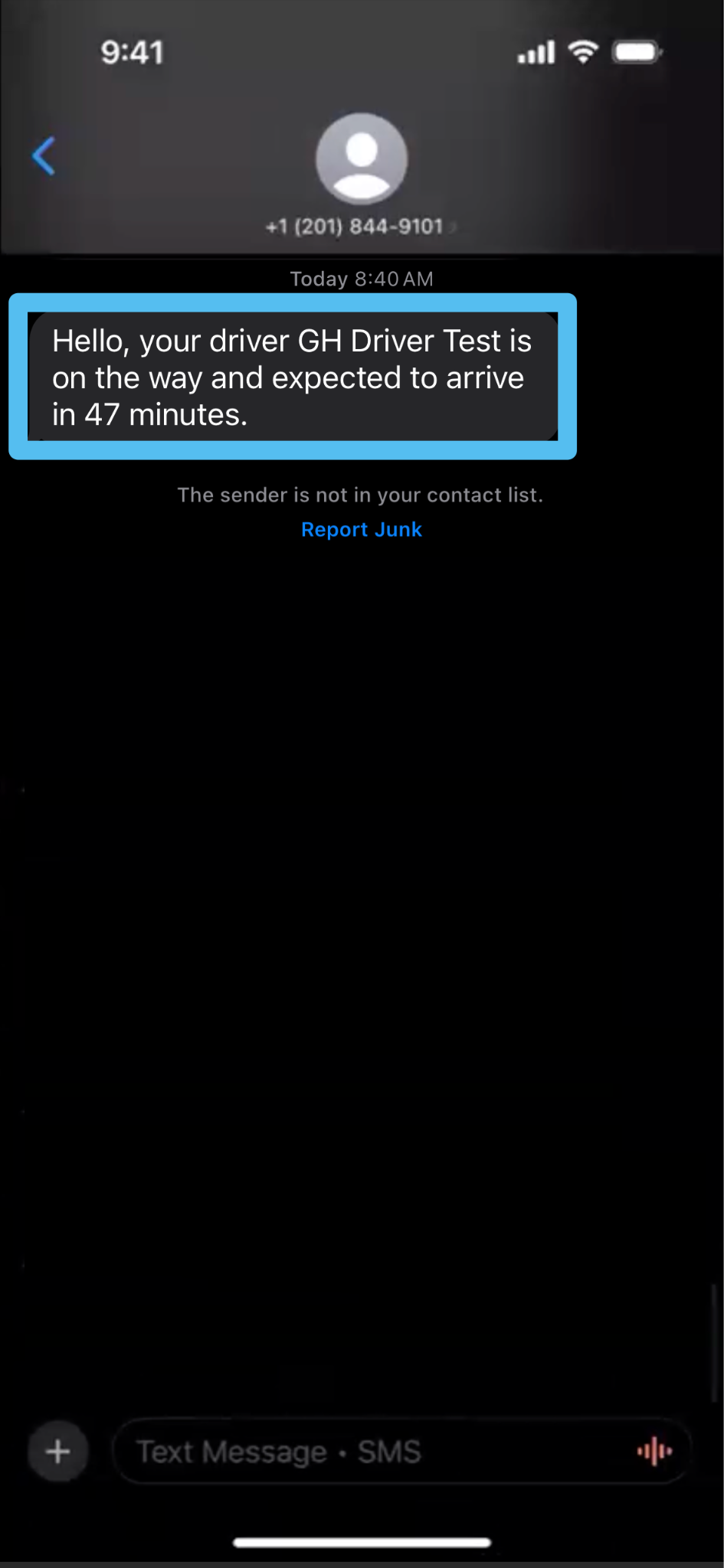
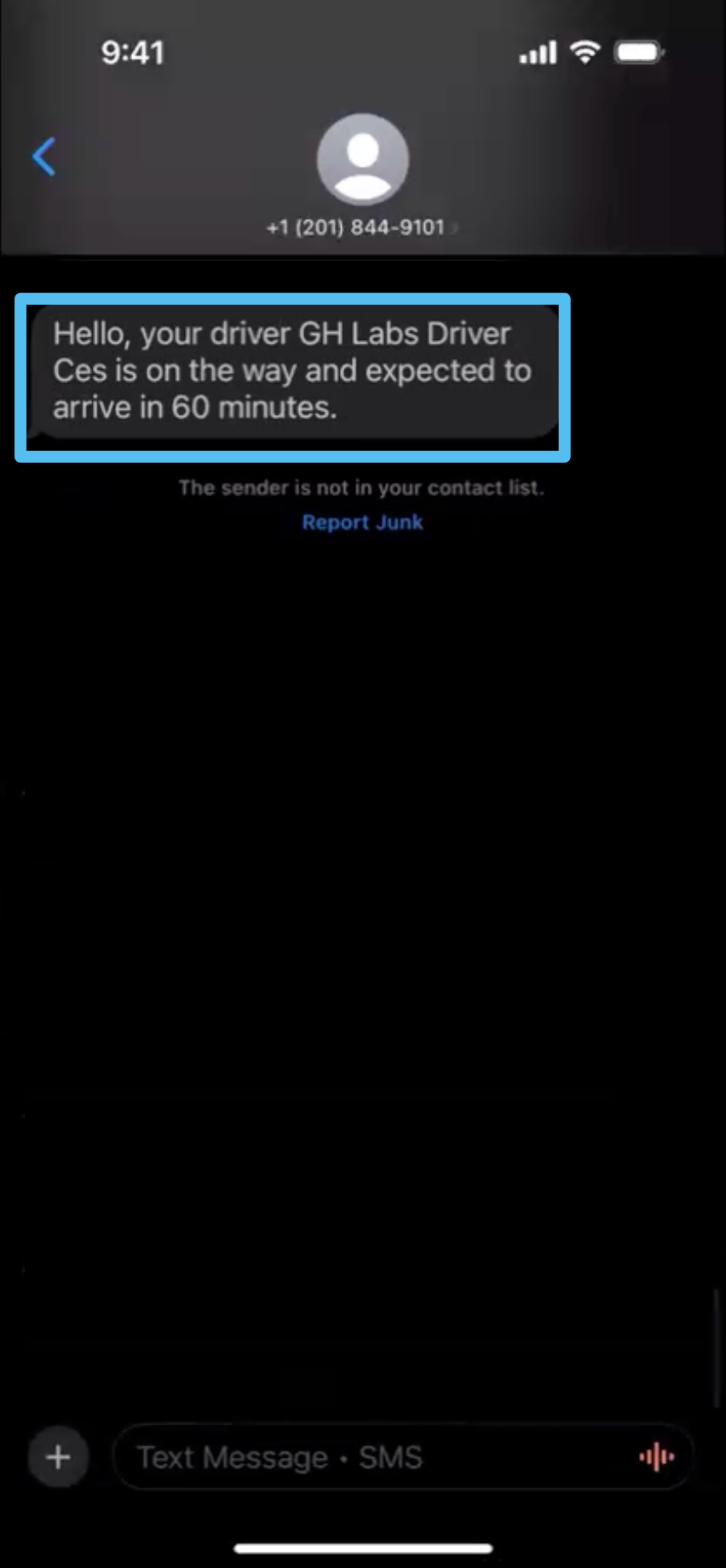
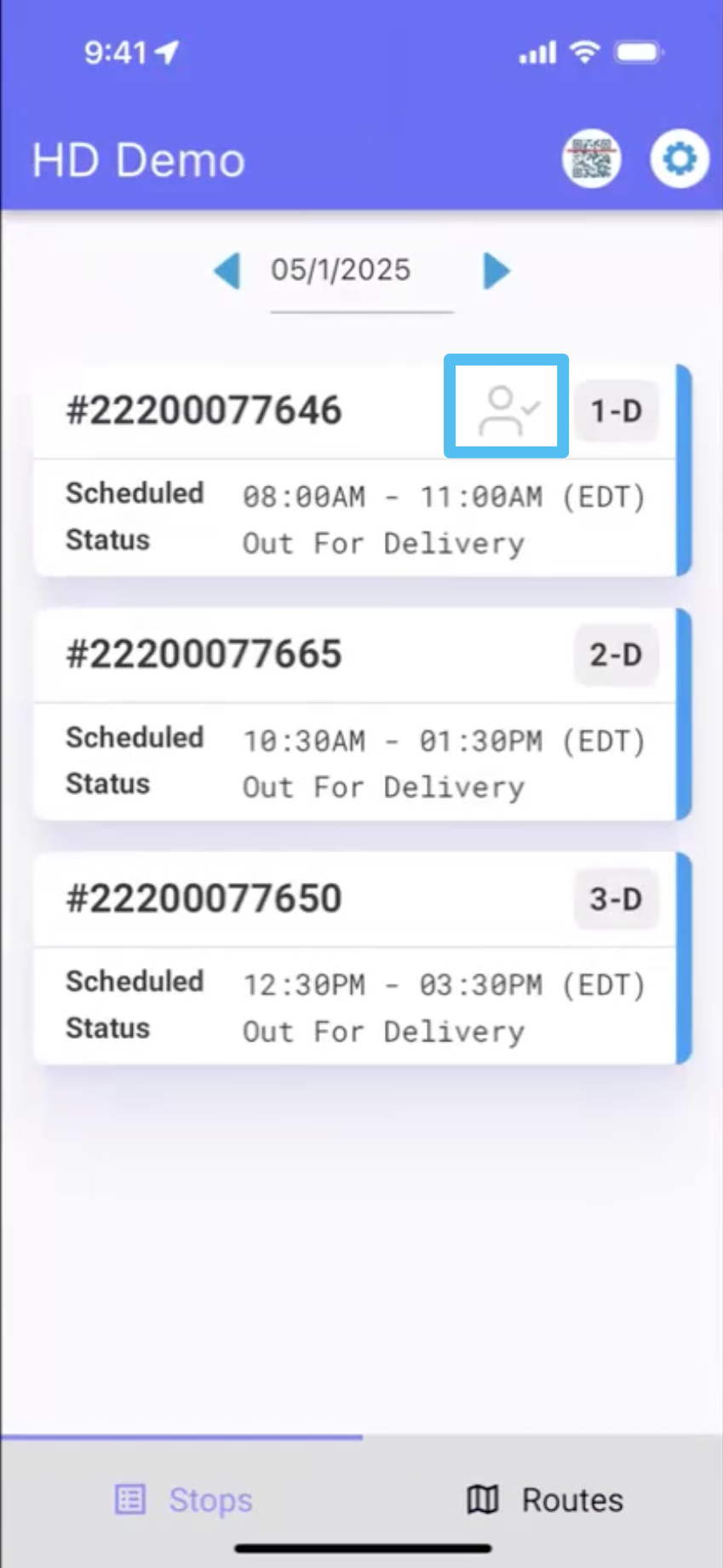
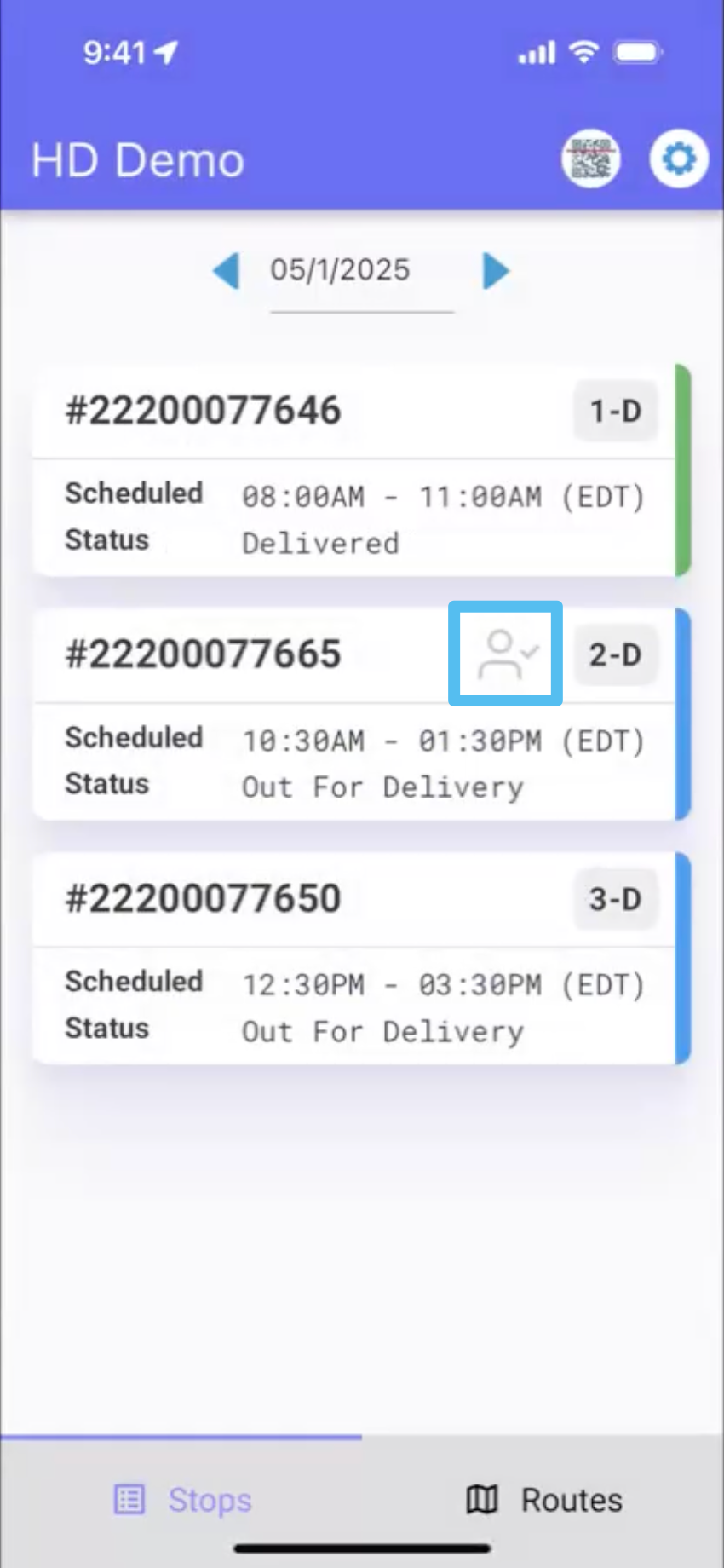
If you select SMS, a text message will be sent to the customer showing your ETA, and a profile icon with a check mark will appear beside the order number.
After completing the stop, the ETA window will automatically pop up for the next stop.
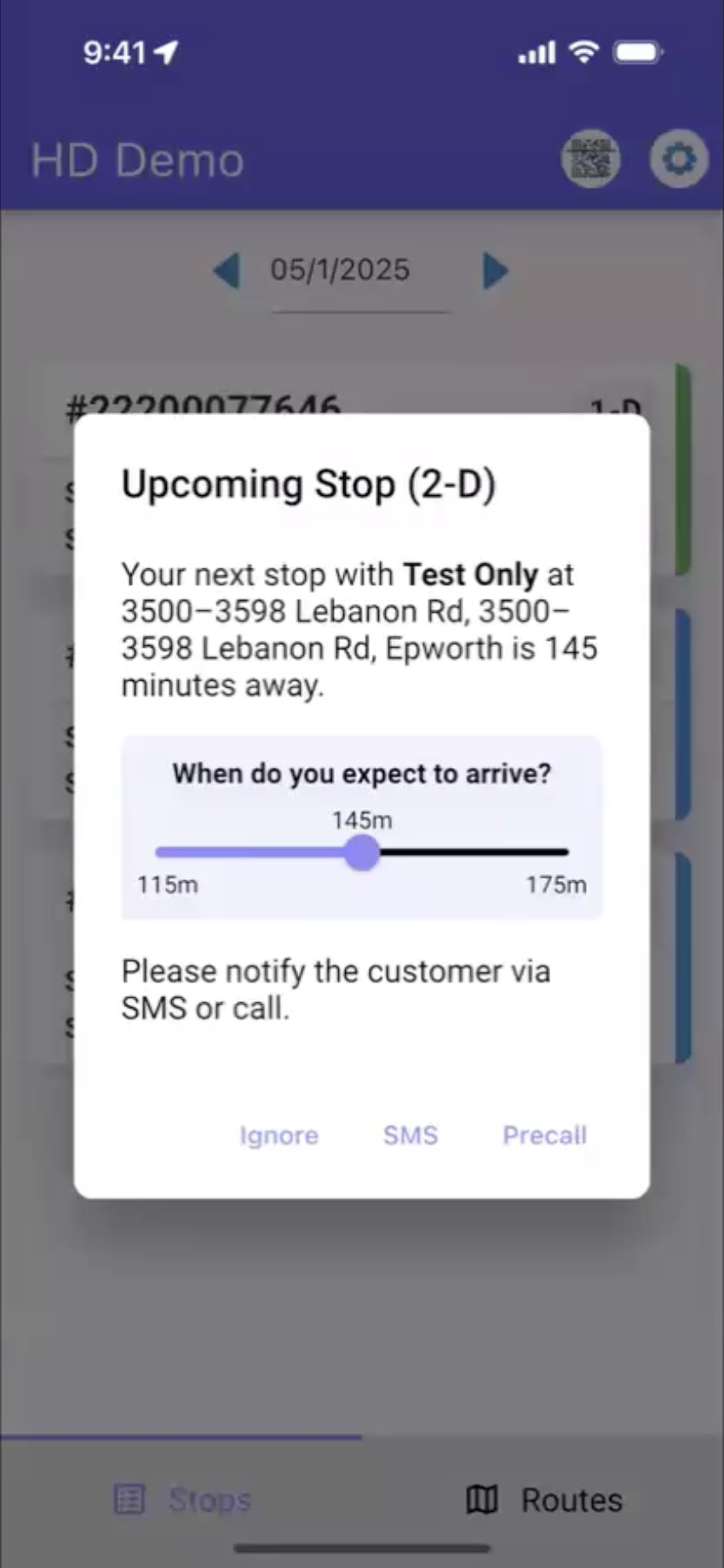
If you choose Precall, you will be directed to call the customer.
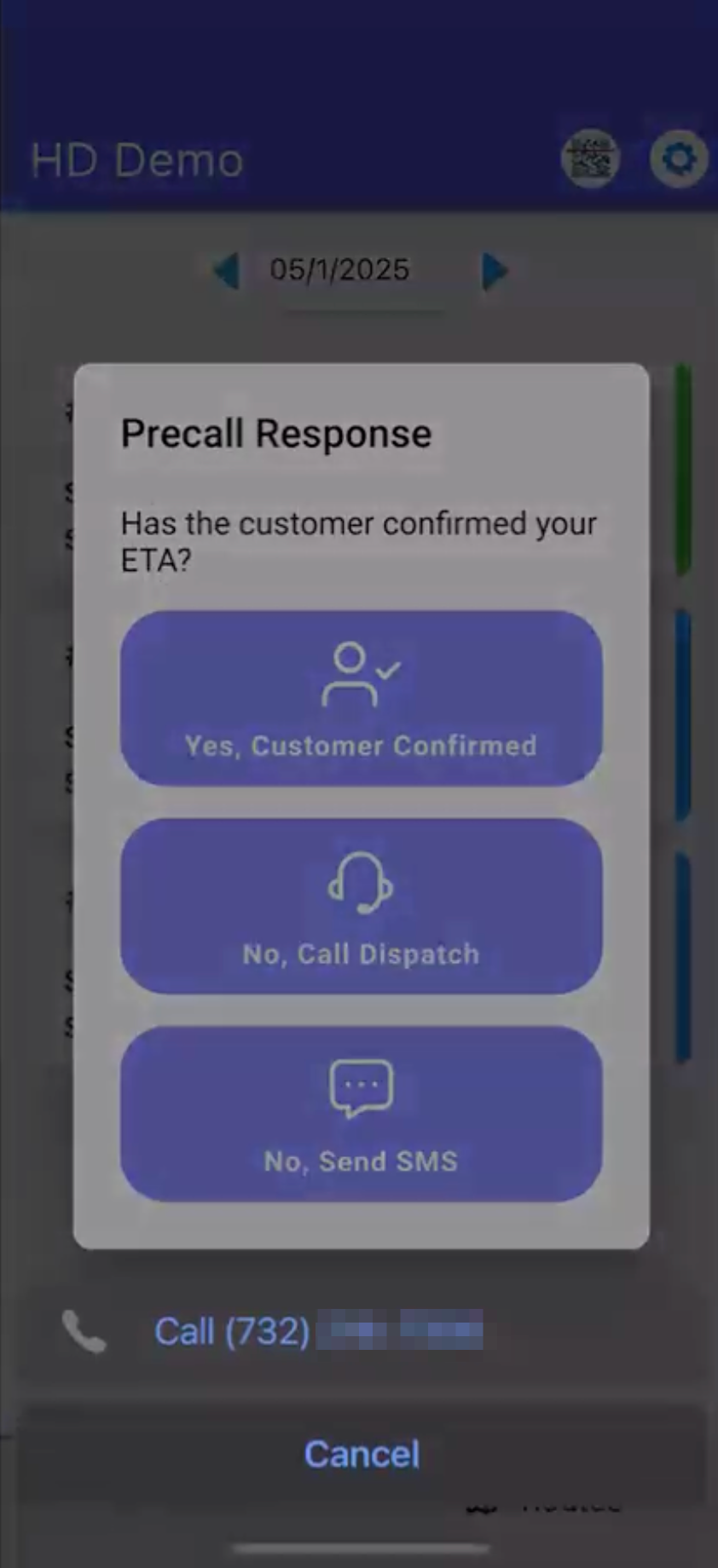
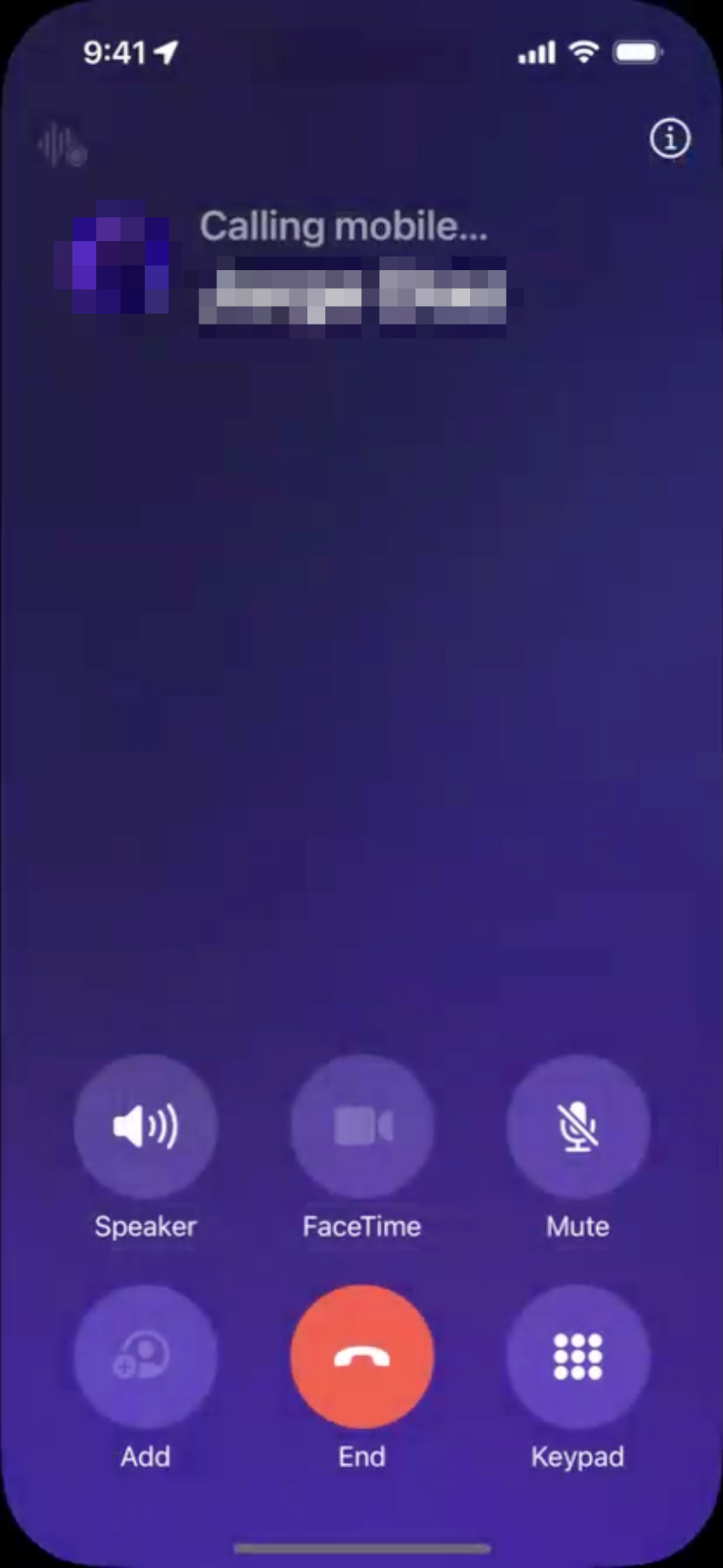
Upon completion of the call, a Precall Response window will be displayed. Please choose from the available options to indicate whether the customer has confirmed the ETA.
By selecting Yes, Customer Confirmed, a profile icon with a check mark will be displayed next to the order number.
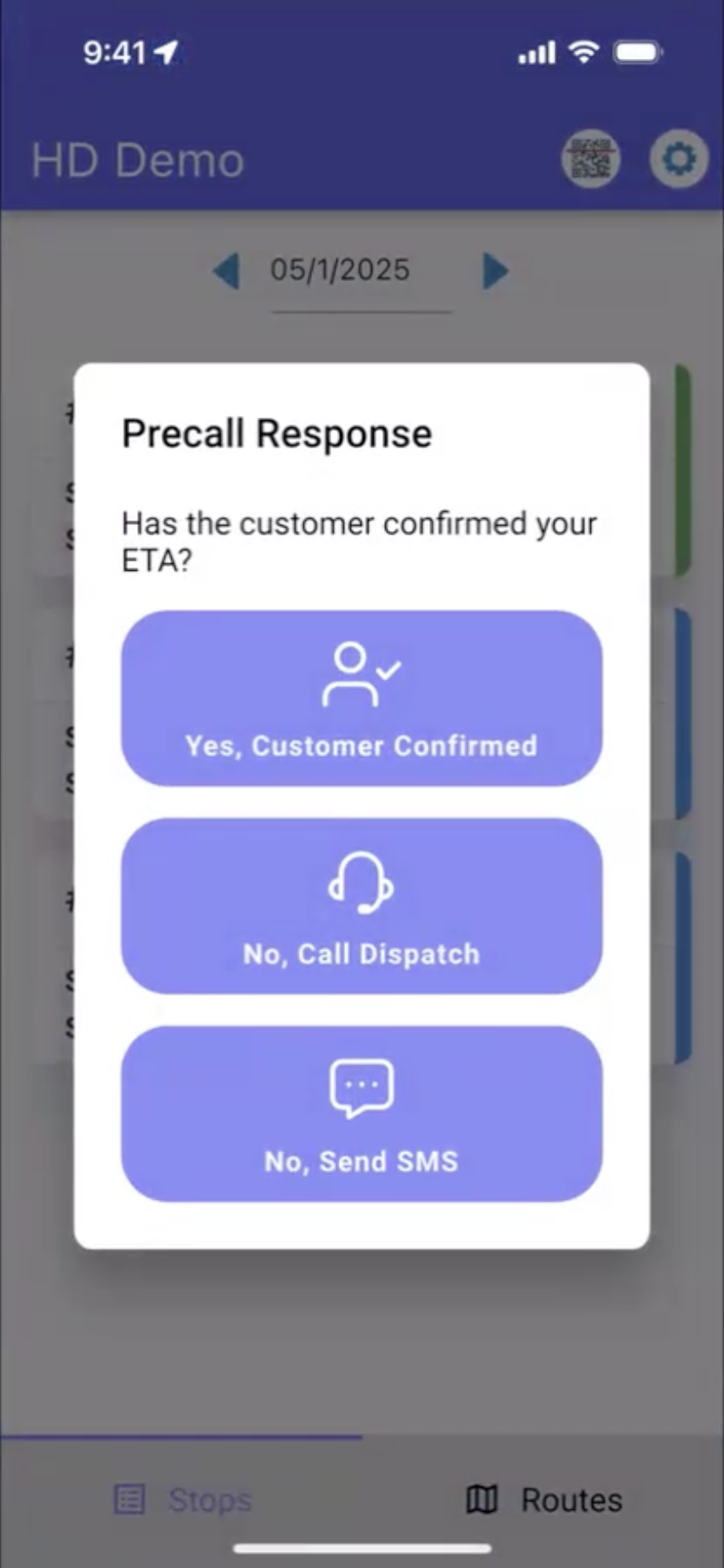
If you select “No, Send SMS,” you will receive a notification indicating that a message will be sent to the customer, who will then receive a text message informing them of the anticipated arrival time.