Step 1
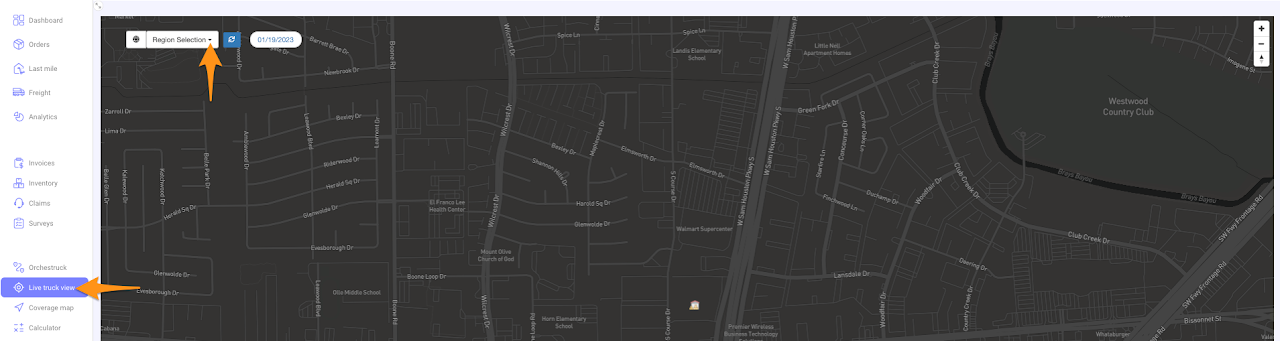
Click Live Truck View then select the Region from the drop down list
Step 2
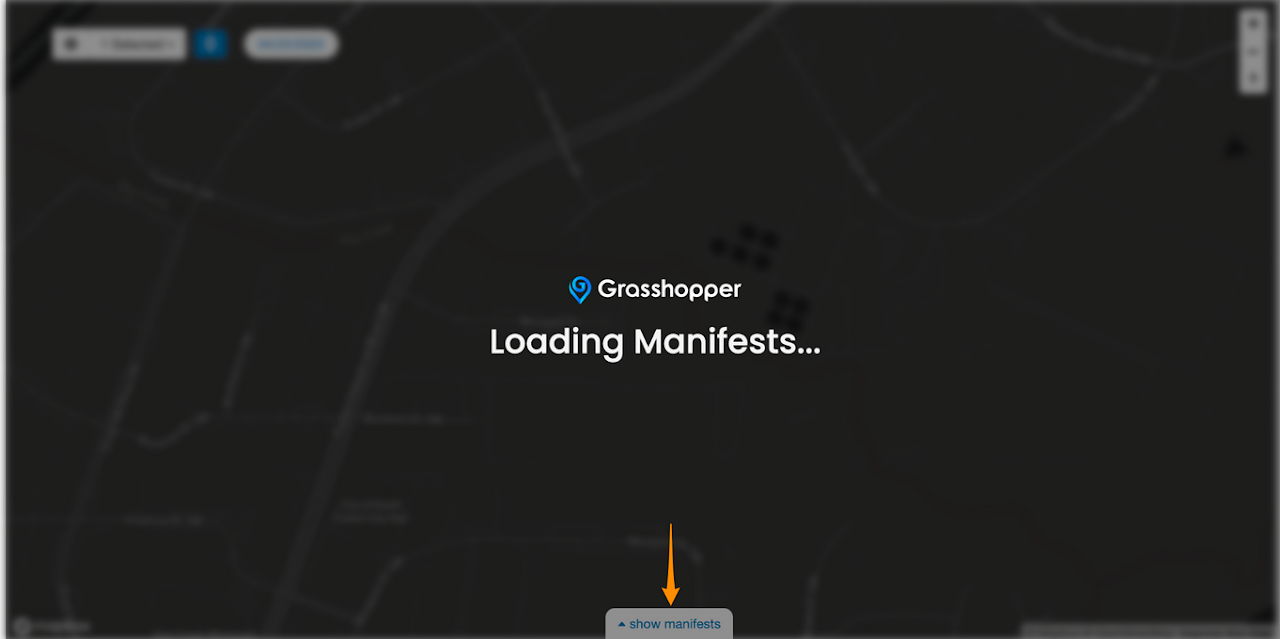
Click Show Manifests
Step 3
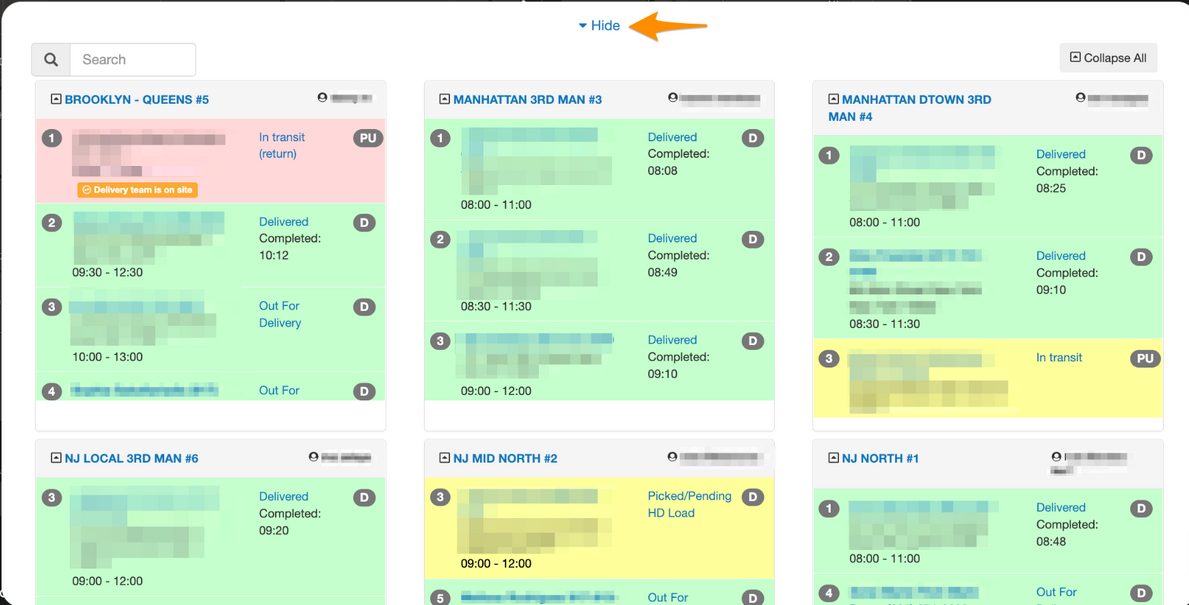
Current Day’s Manifests will display.
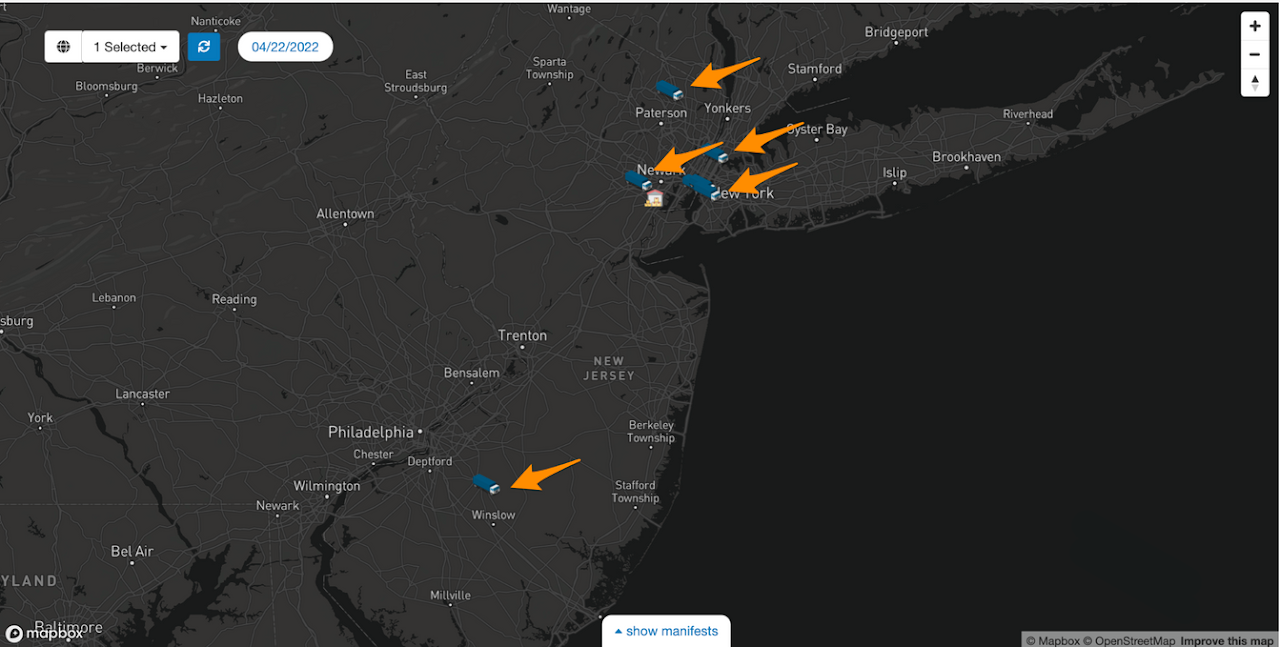
Click Hide and you are able to view the trucks that out for the day

Click Live Truck View then select the Region from the drop down list
Click Show Manifests
Current Day’s Manifests will display.
Click Hide and you are able to view the trucks that out for the day