
Step 1
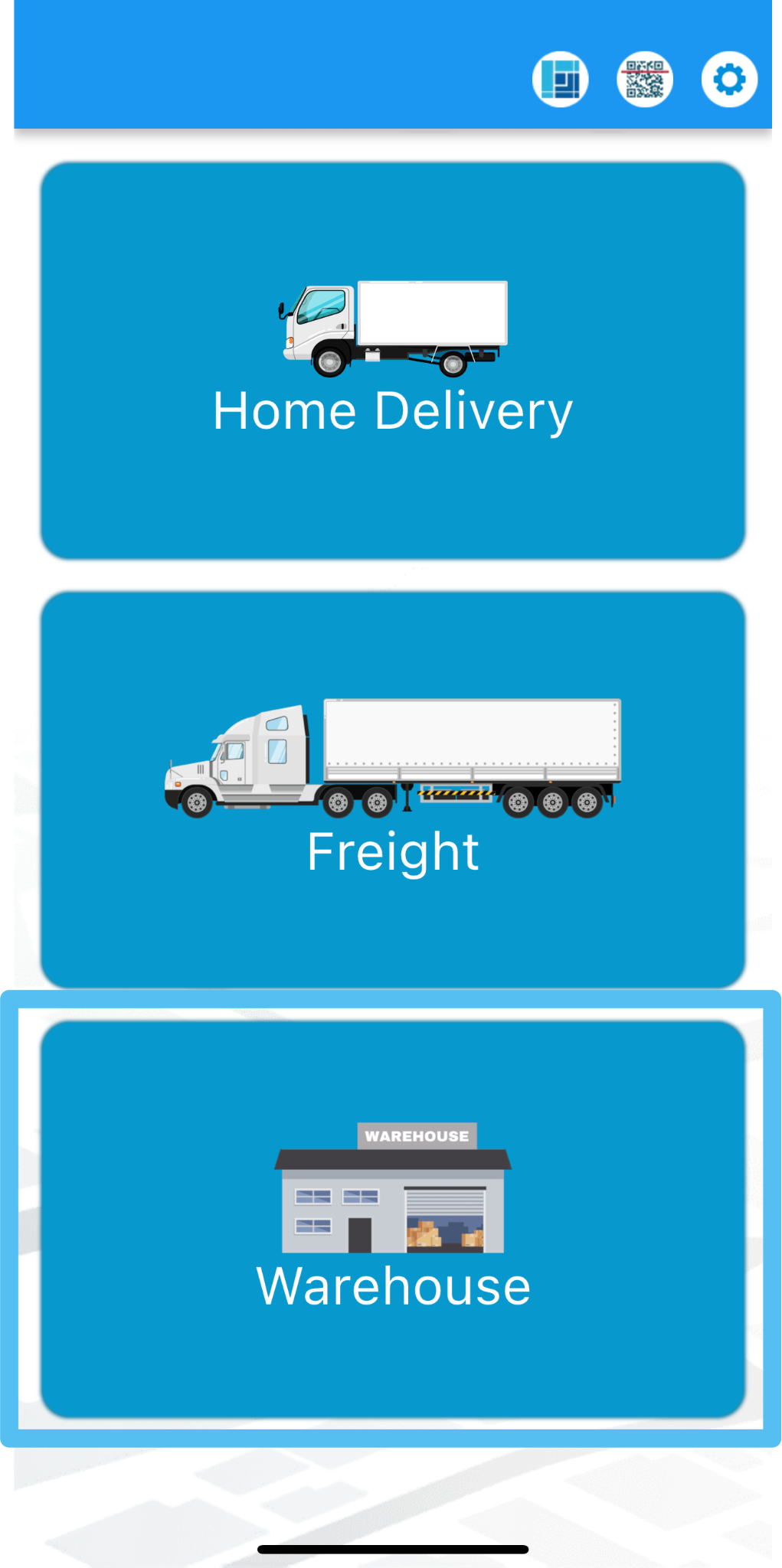
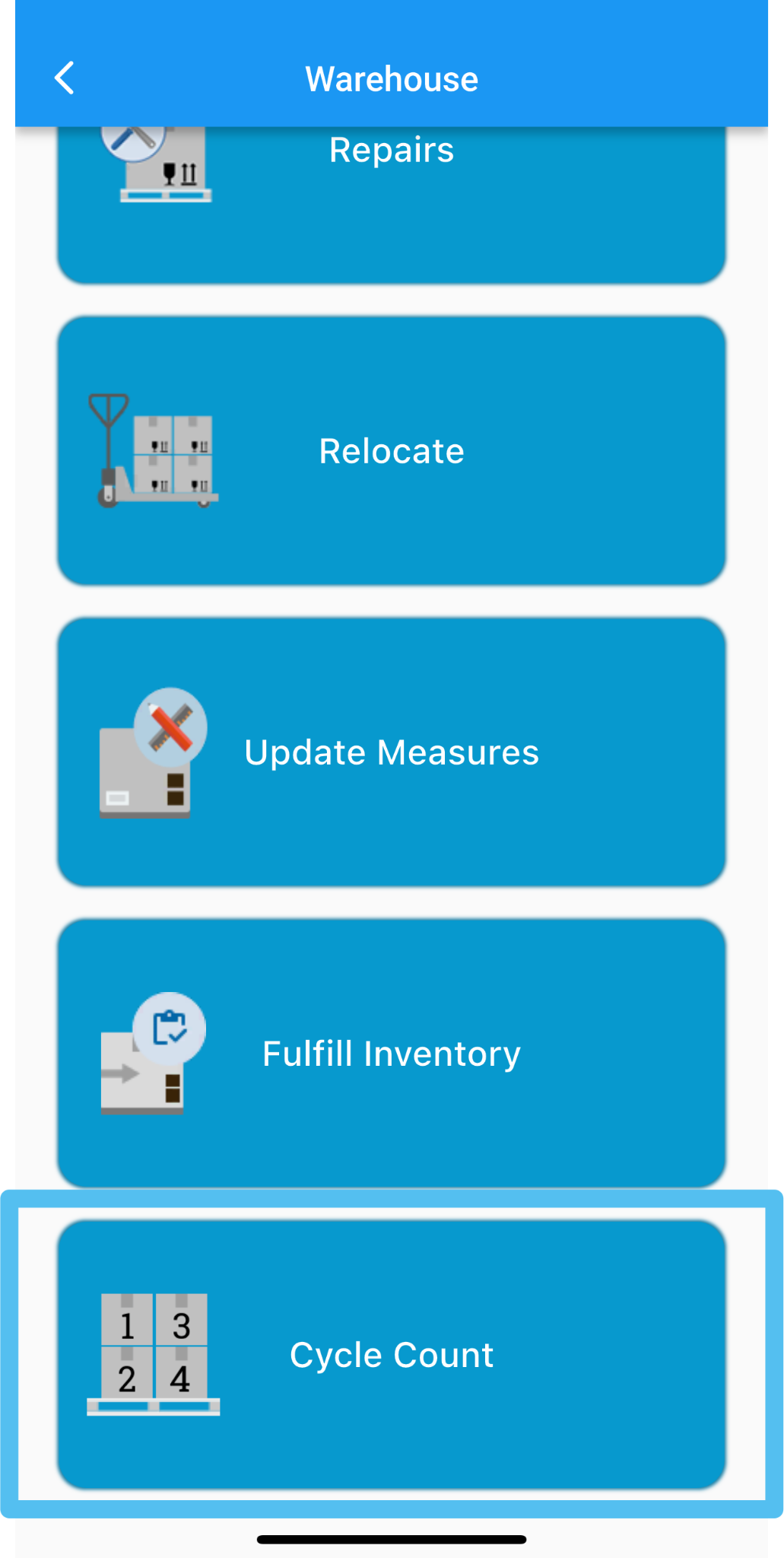
Tap Warehouse and select Cycle Count
Step 2
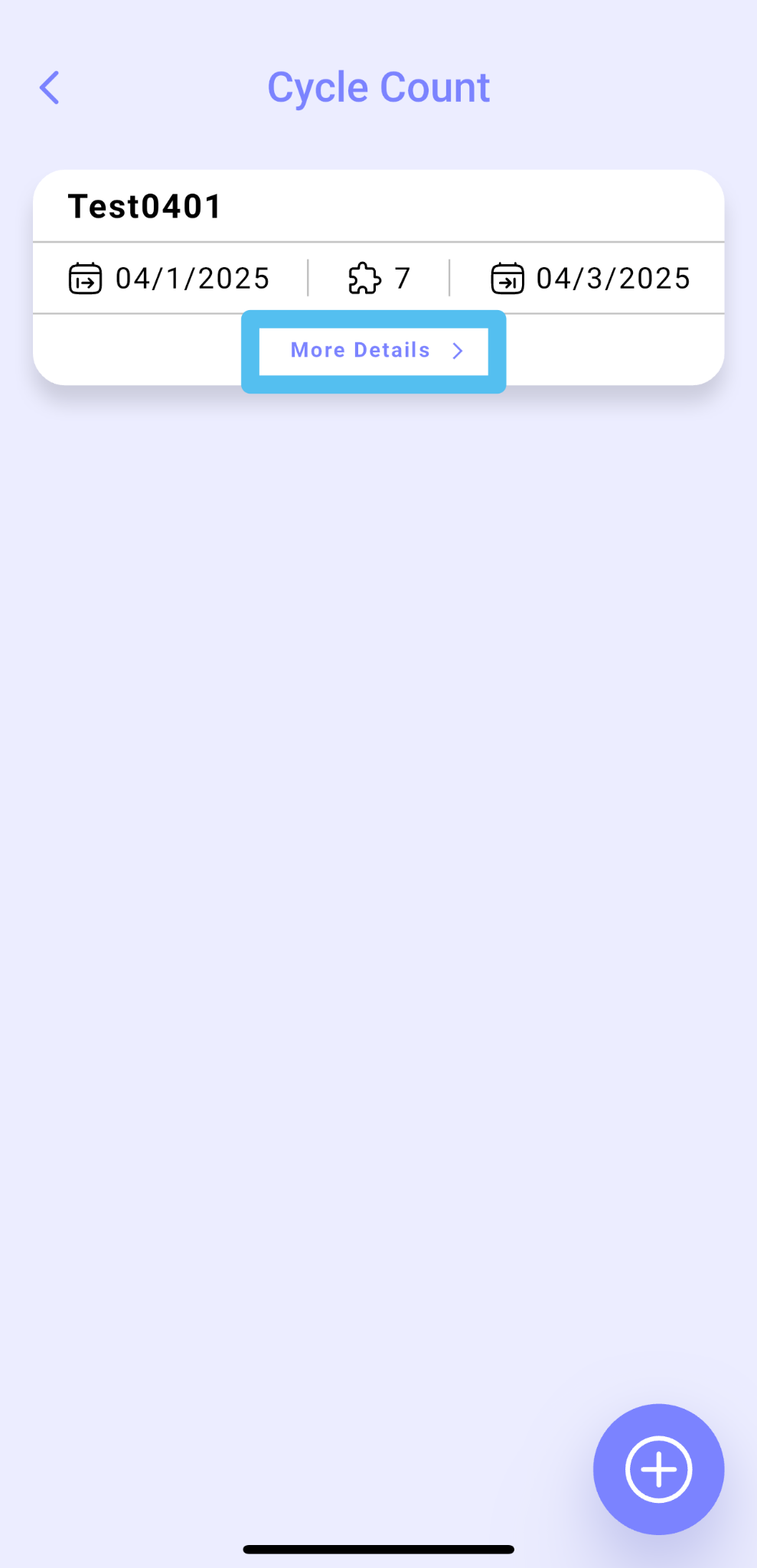
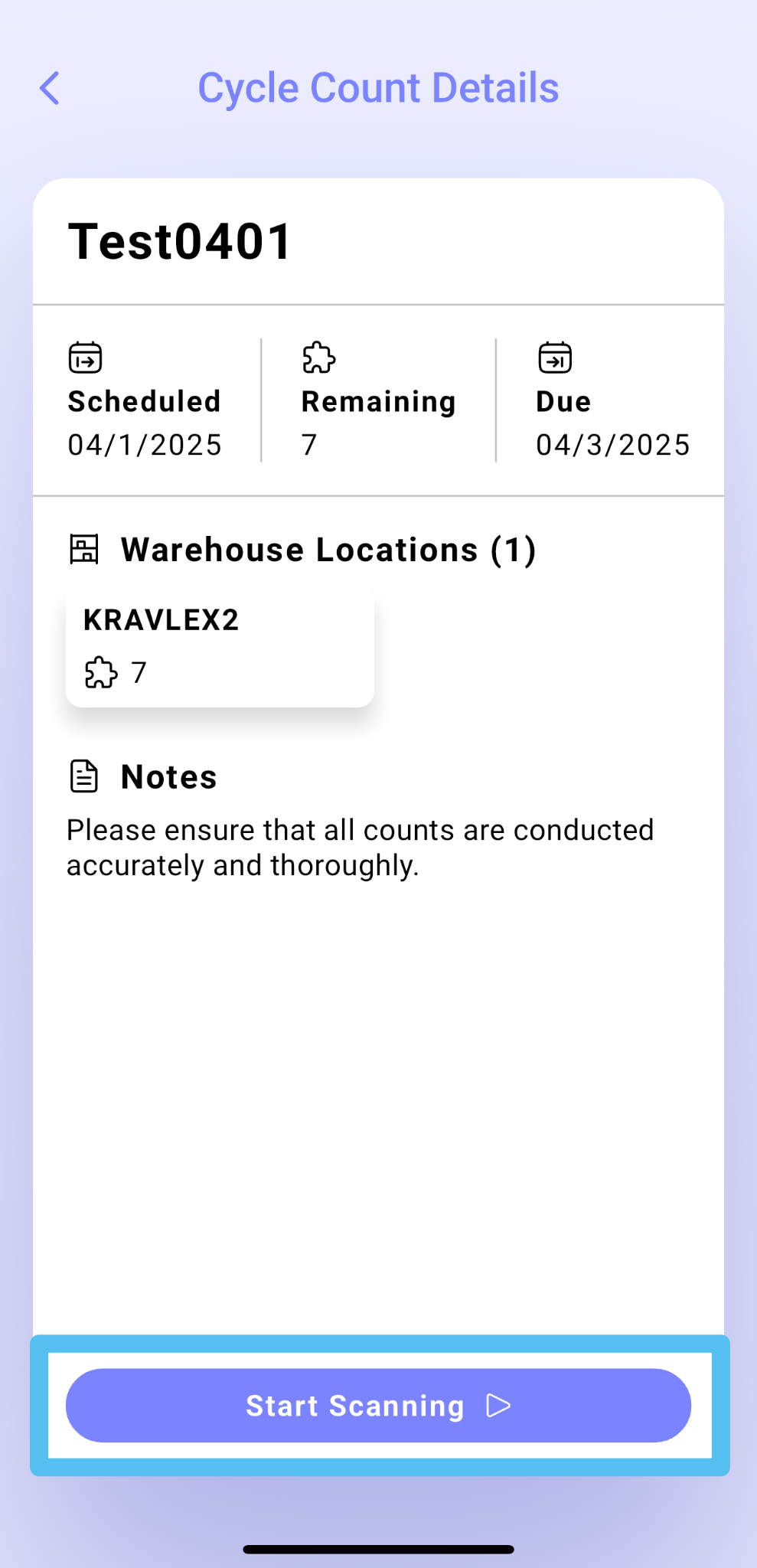
Select More Details to access the Cycle Count details. This will display the remaining items that need to be scanned for each location.
Tap Start Scanning to proceed.
Step 3
Scan each location assigned to the task.
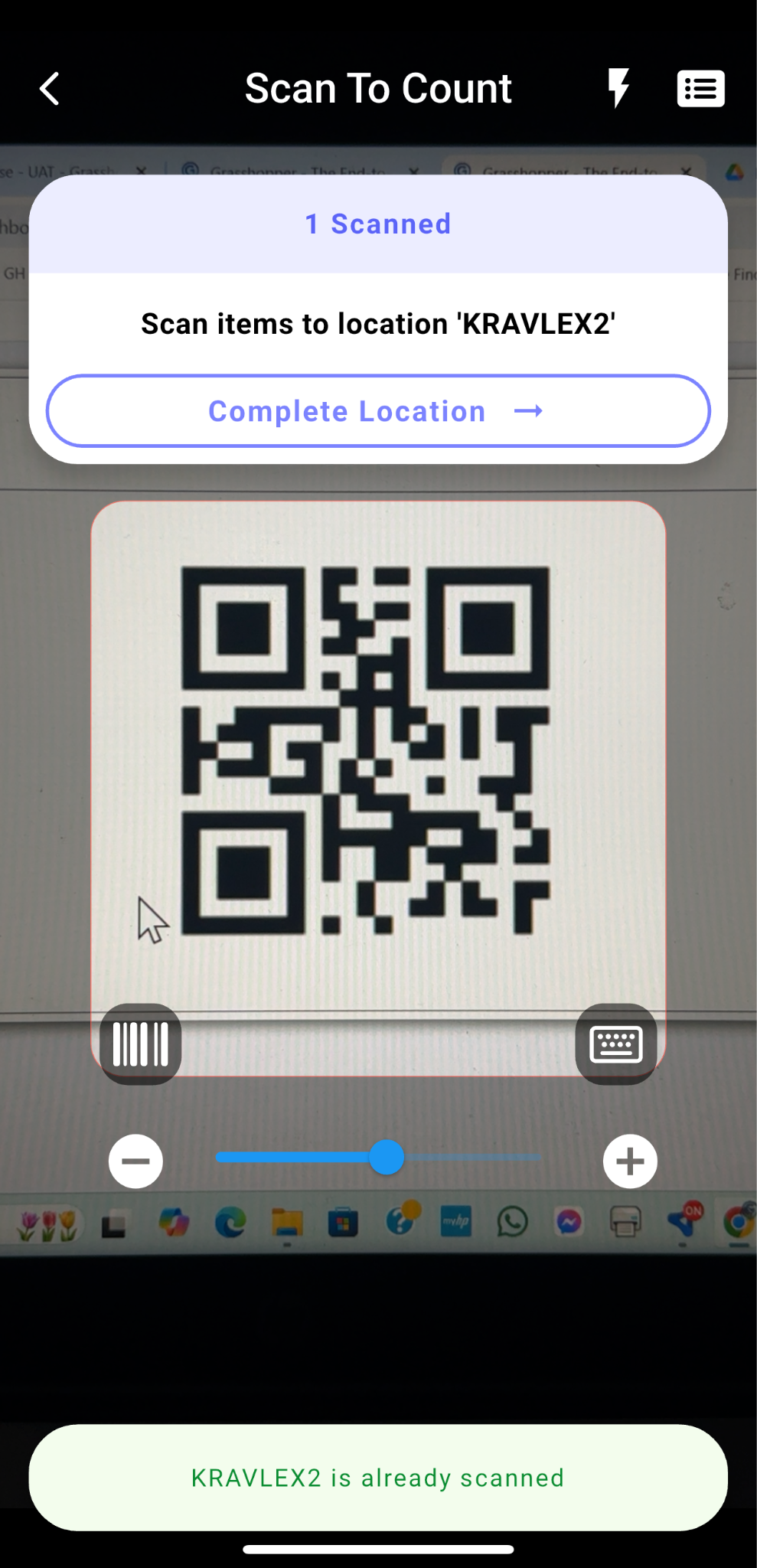
Step 4
Followed by scanning the labels of all items found within that location.
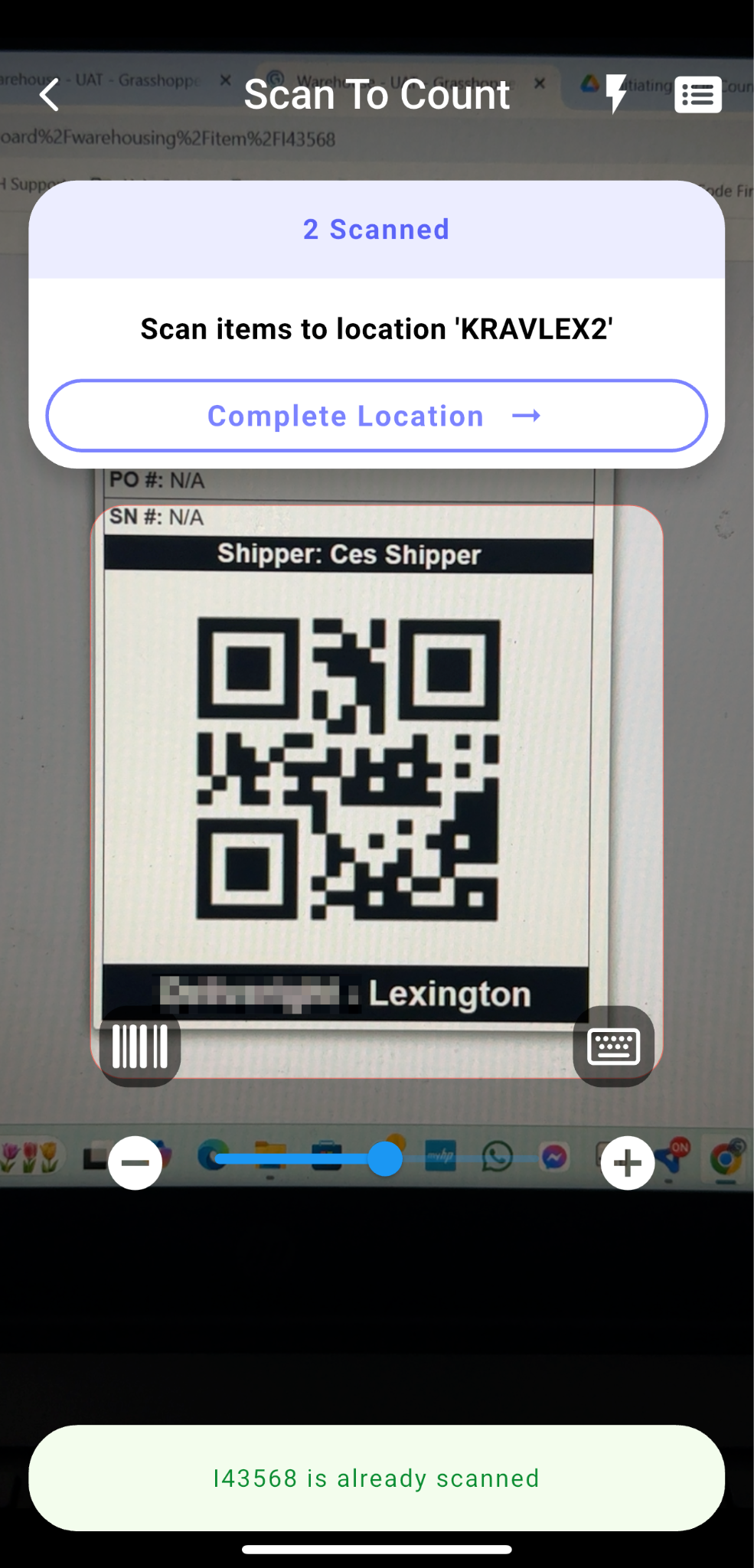
You can view the remaining items to be scanned by clicking on the Items List card
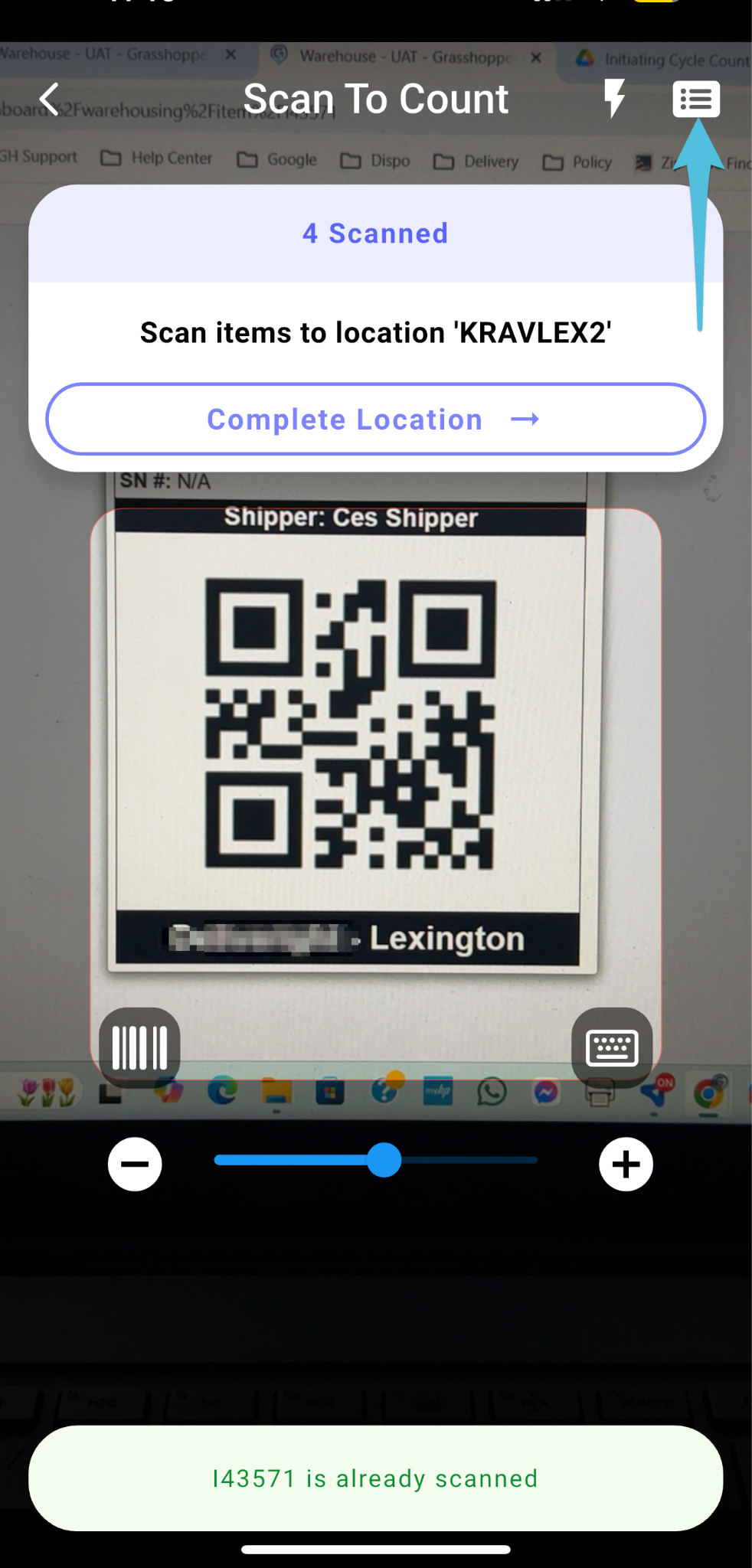
If the app indicates that some items are still missing, it means they have yet to be scanned.
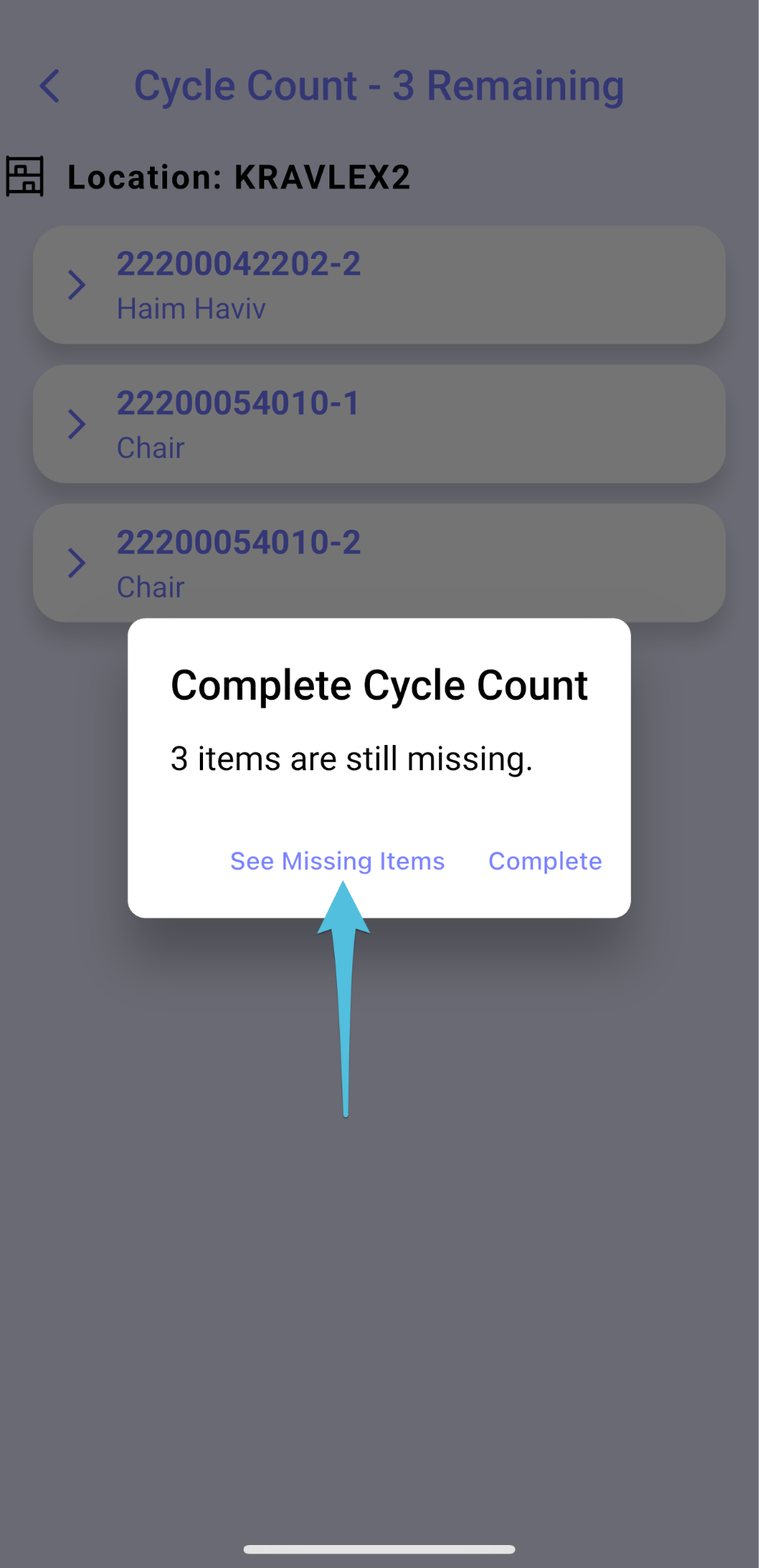
Step 5
Repeat Steps 3 and 4 for any additional locations included in the same task.
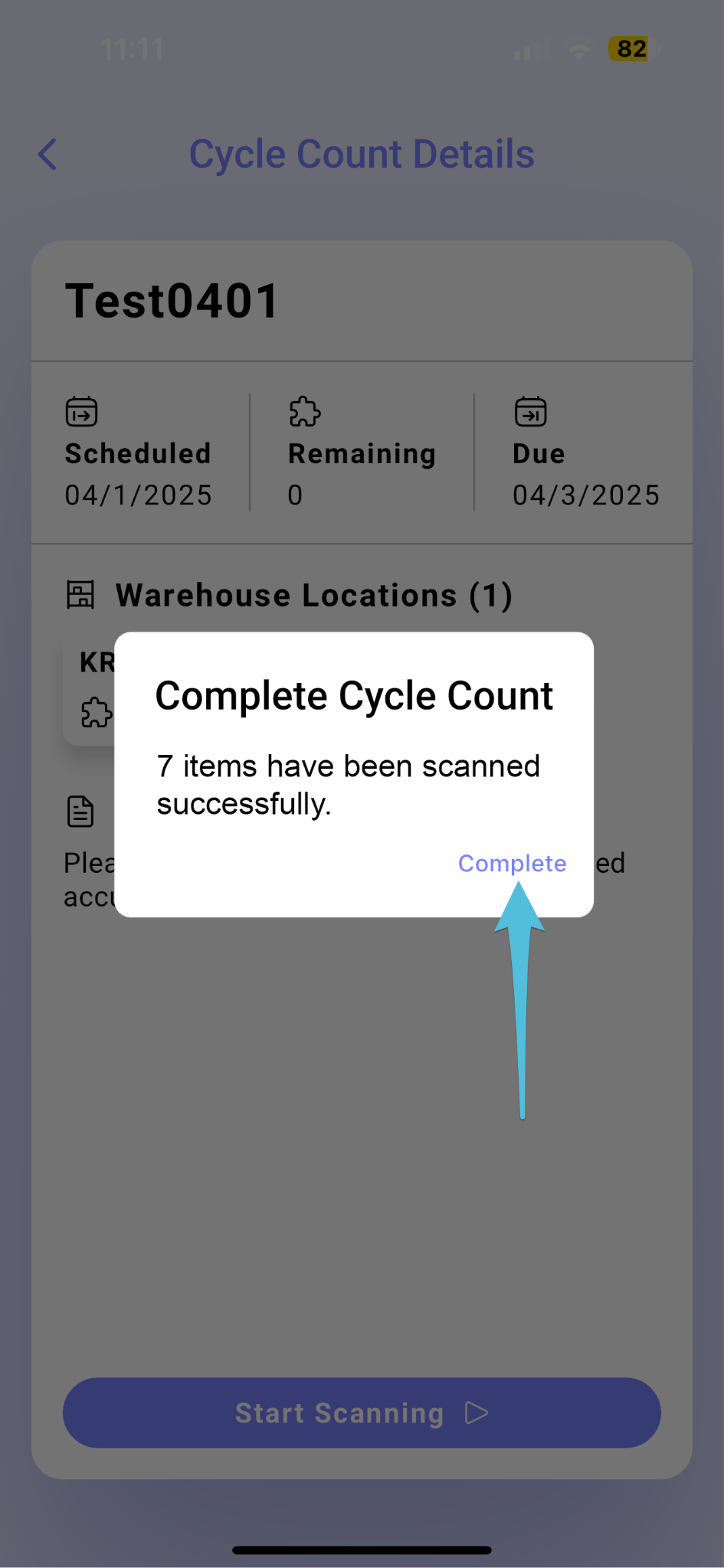
Step 6
Go back to Grasshopper Web and mark the task Complete. Click here for the process.