
Step 1
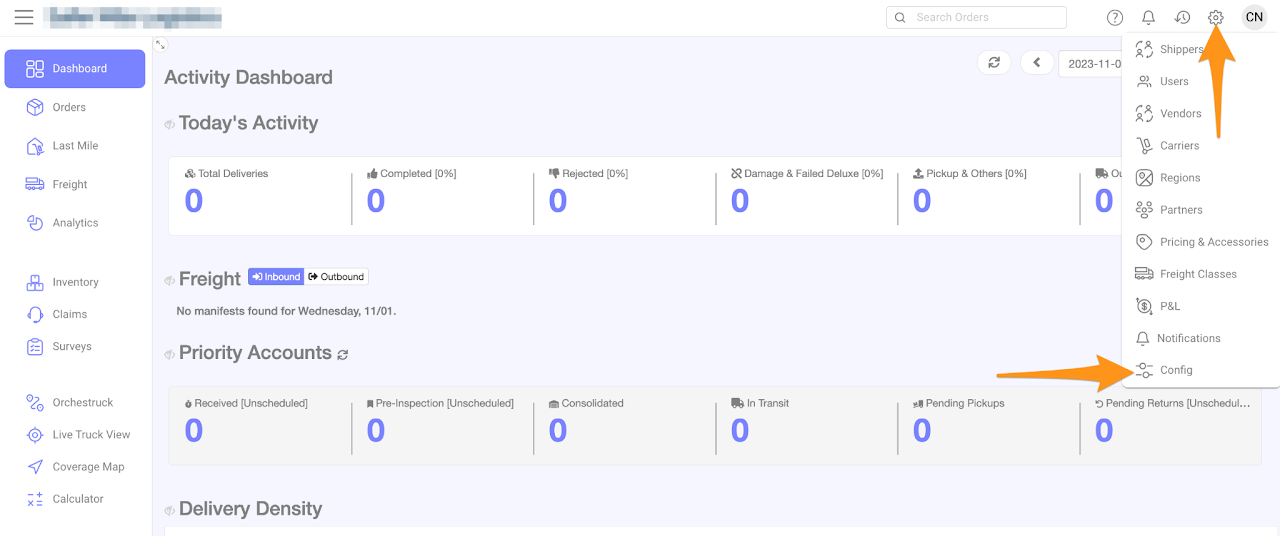
Click on the gear icon and select Config
Step 2
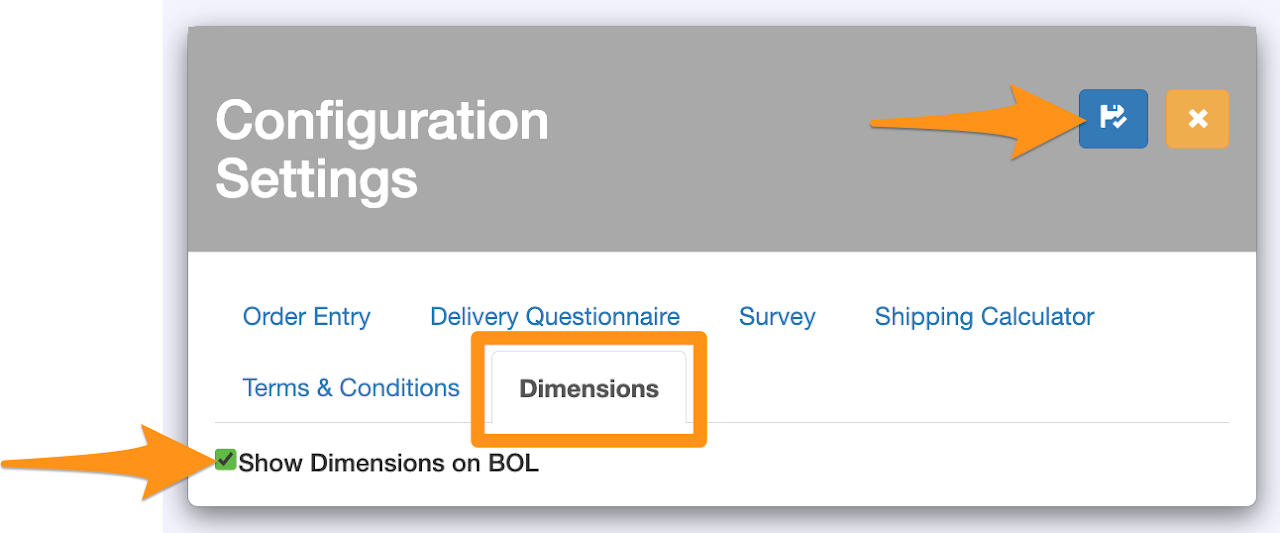
Go to Dimensions tab and check Show Dimensions on BOL then click Save and Close to activate
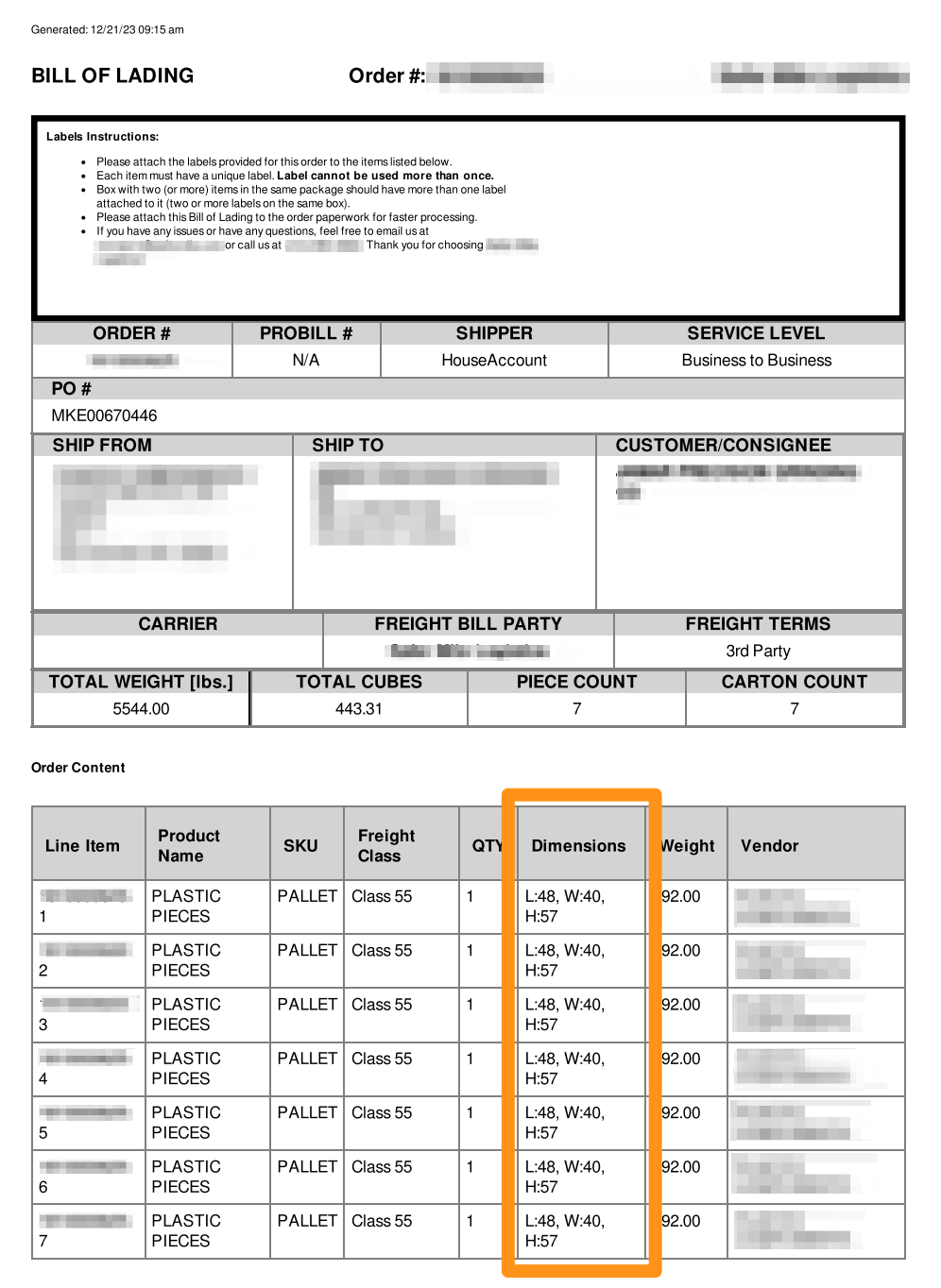
Sample BOL (Bill of Lading) showing the dimensions of each item
If you prefer not to display the dimensions on the BOL, you can return to Step 2, unselect the feature and subsequently click on Save and Close