Step 1
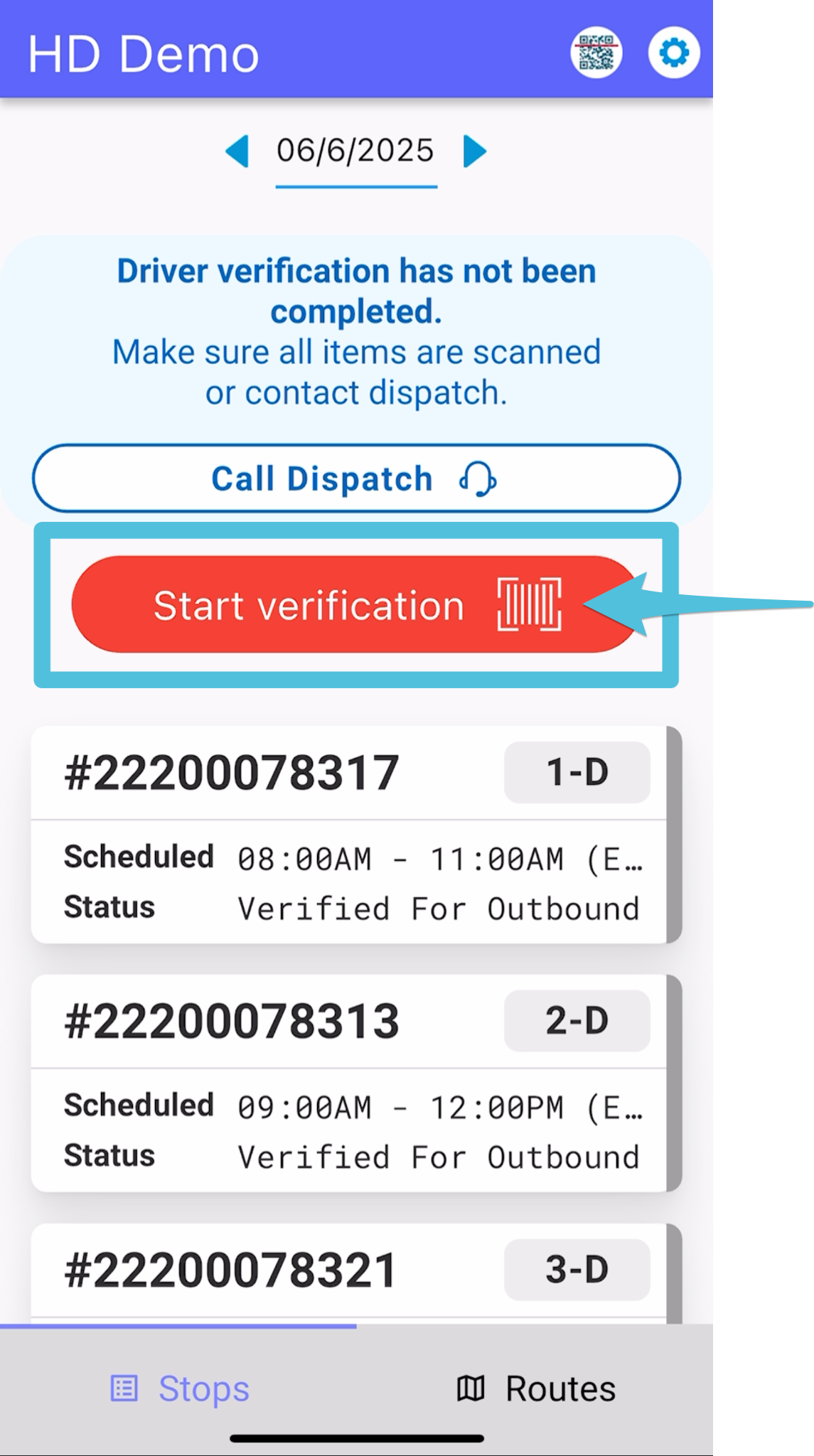
Tap Start Verification
Step 2
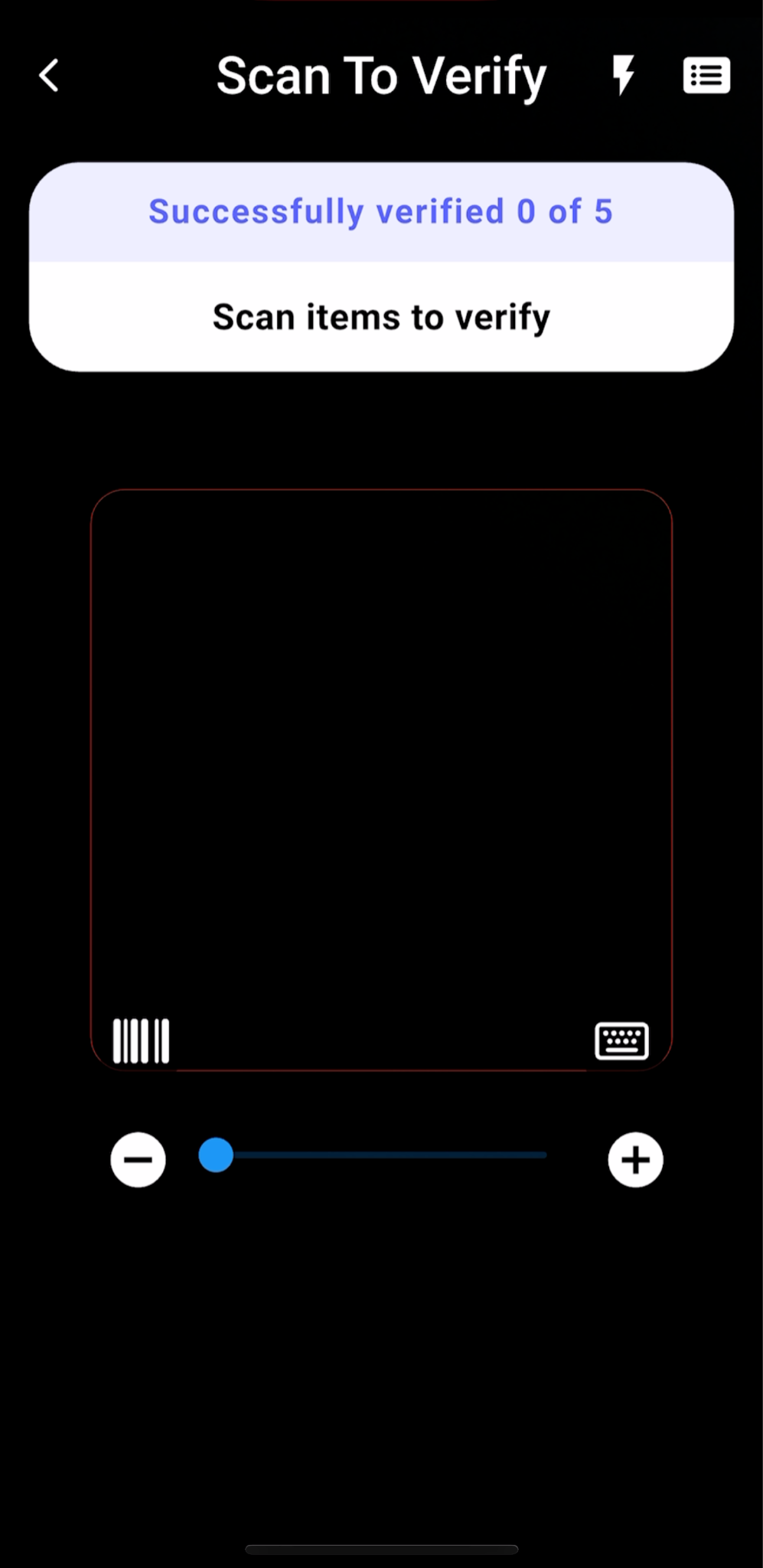
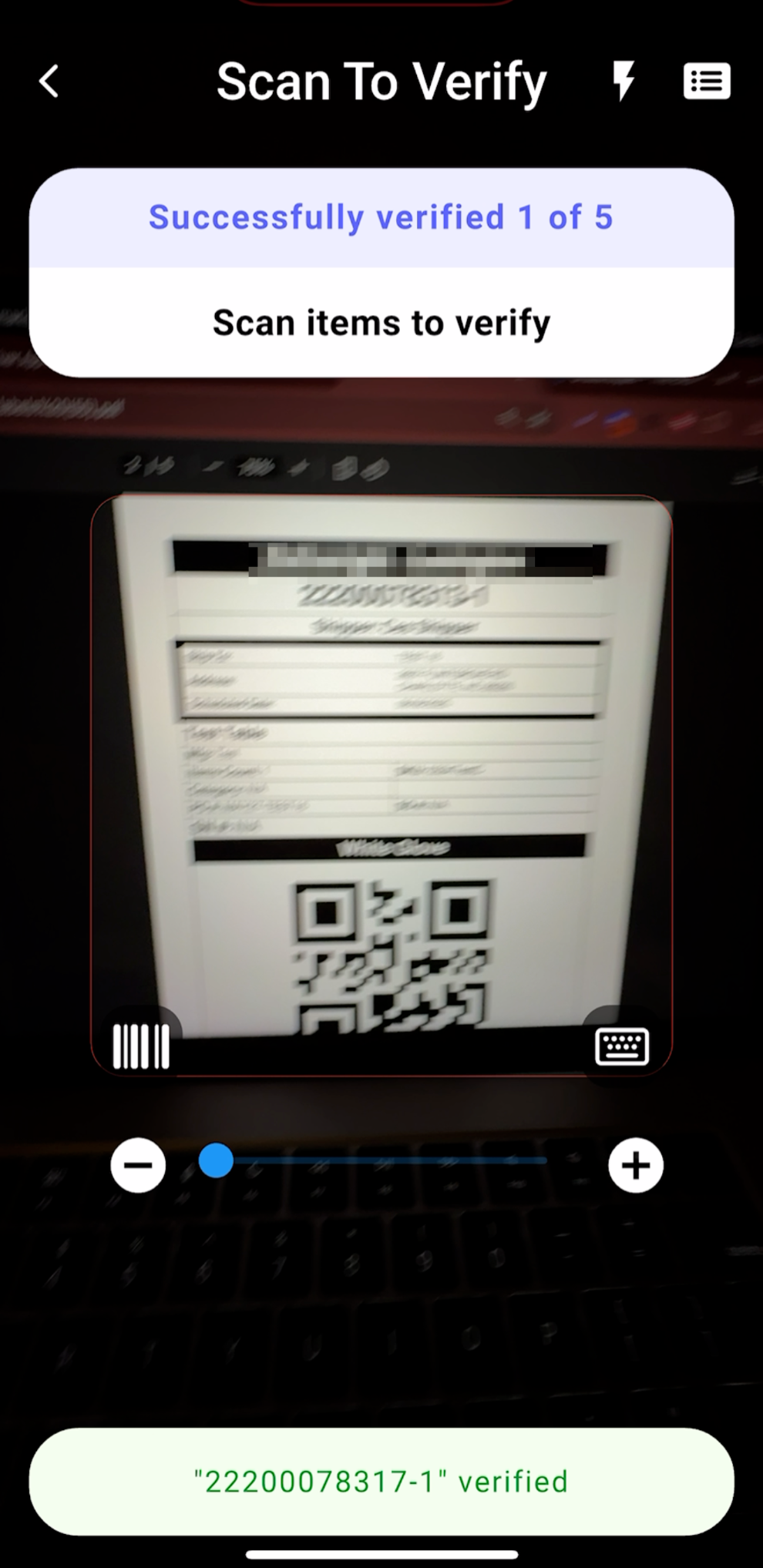
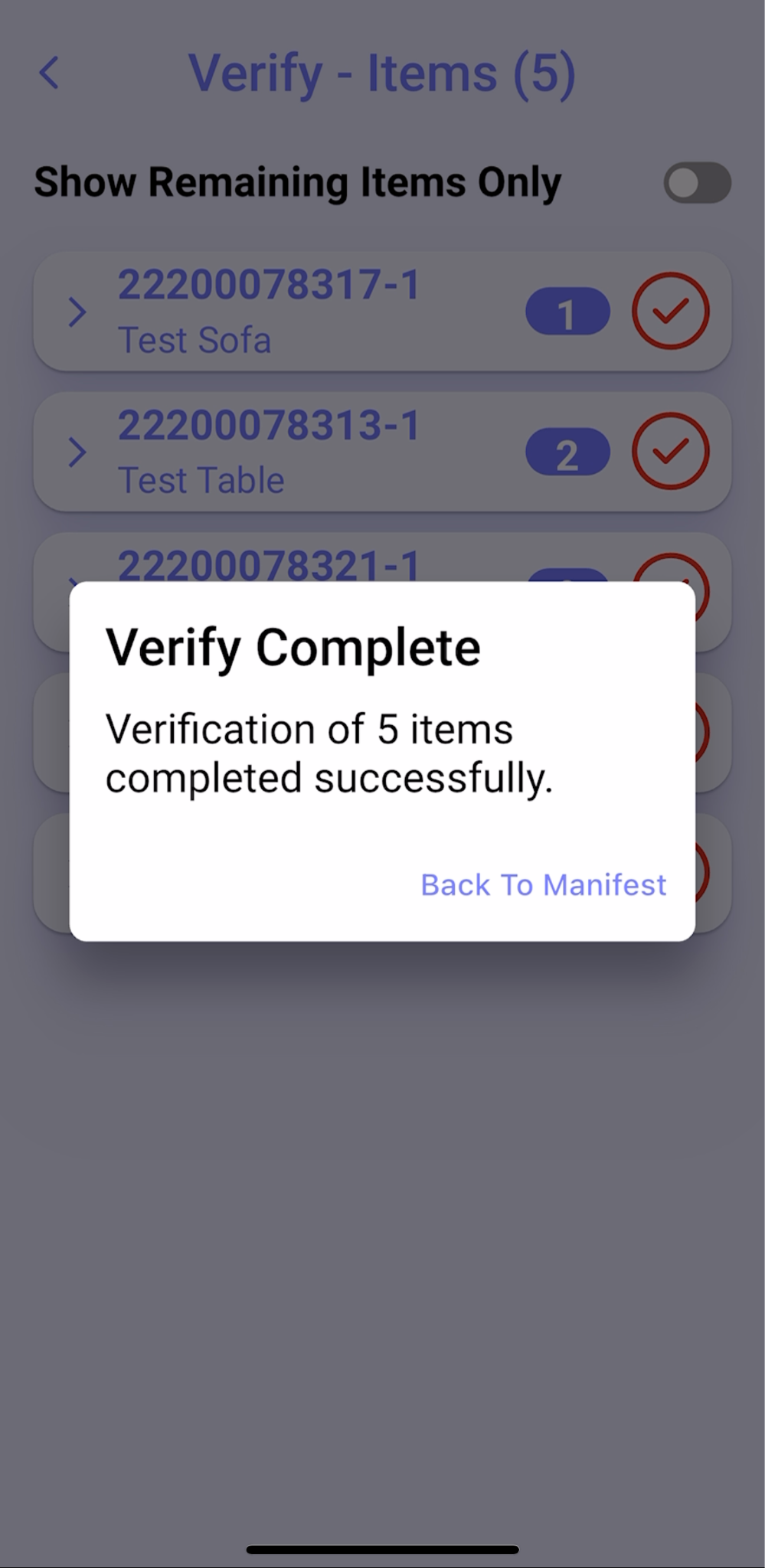
Scan labels until the app displays Verify Complete.
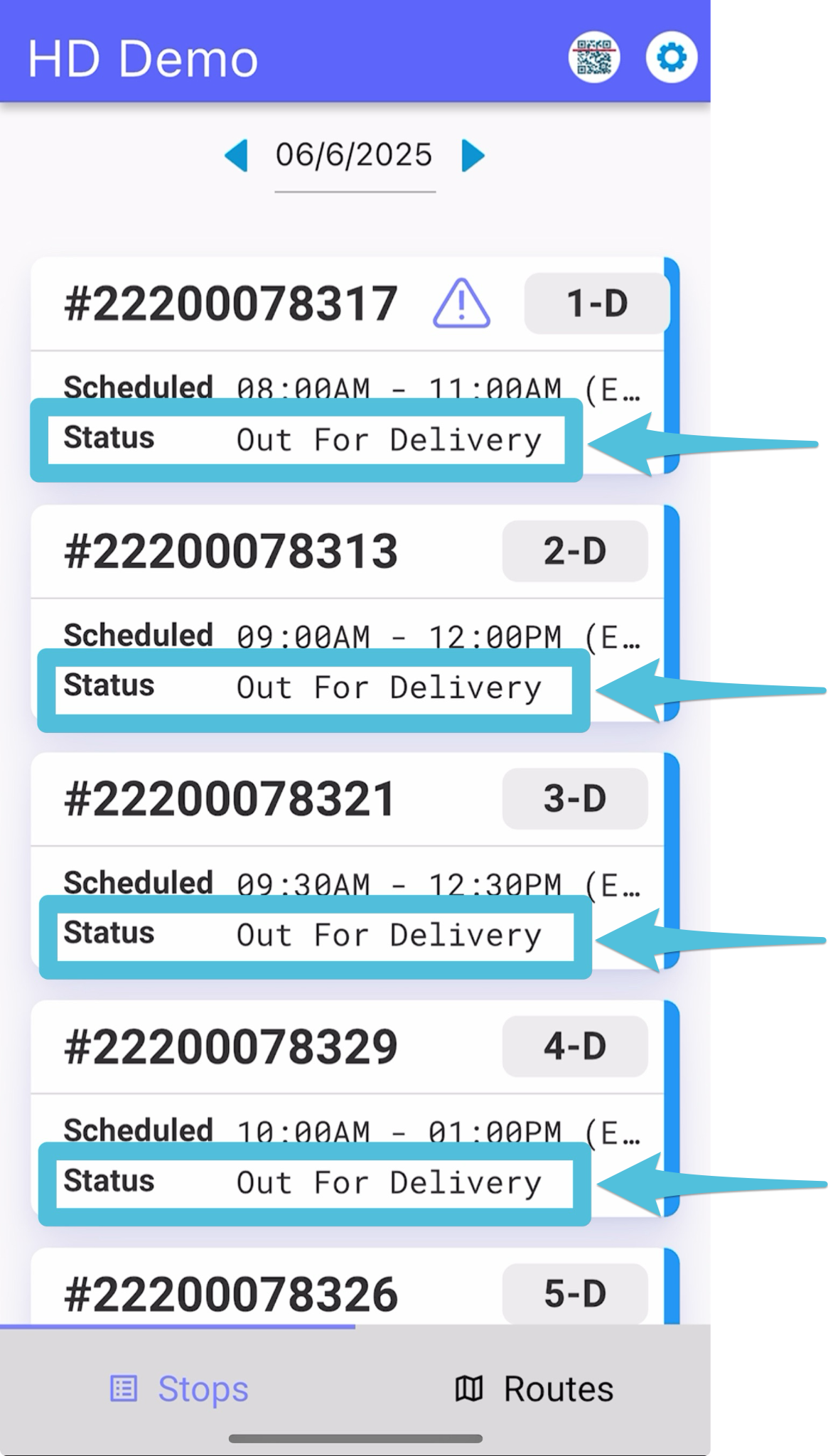
After the driver has accepted the route, the status for all stops will update to “Out for Delivery.”
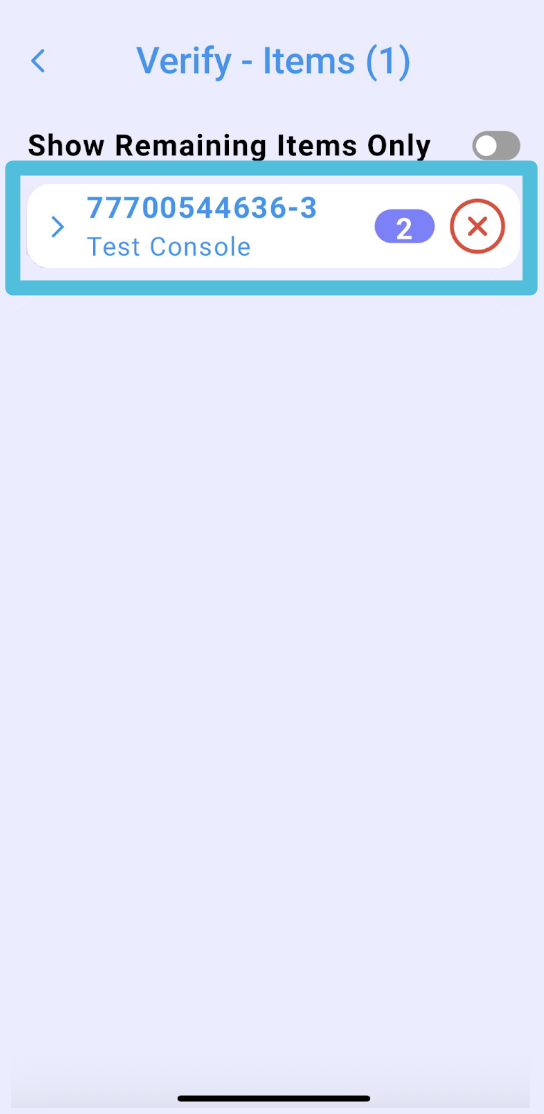
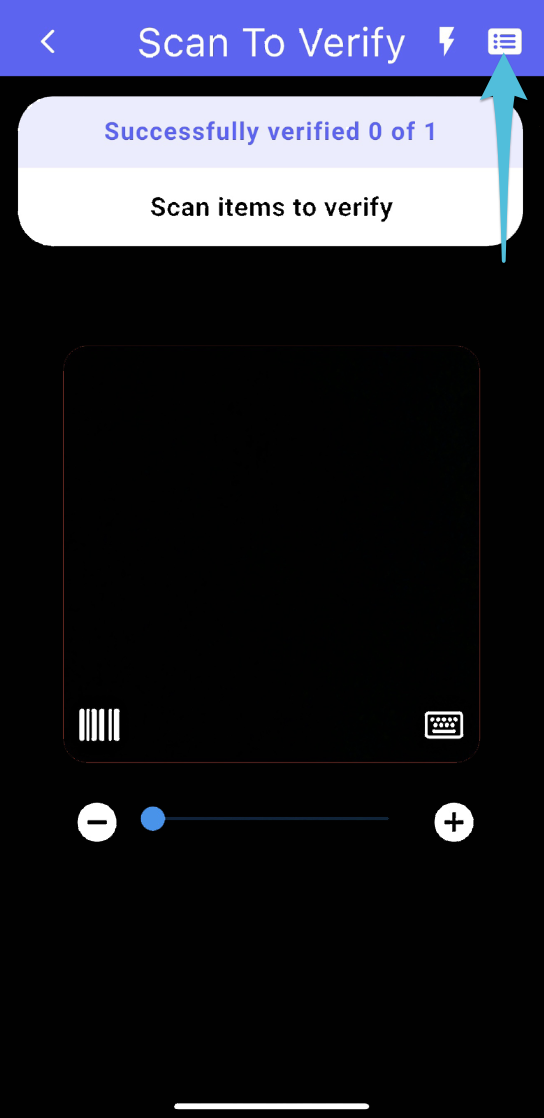
If an item has been missed or hasn’t been verified yet, click the items list box in the top right corner. This will display all items that still need to be verified.
Here’s what the screen will look like when there are items that haven’t been verified. Items that haven’t been verified will have an “X” next to them.